
DELL
DELL Latitude 7400 14.0 laptop i7-8665U 16GB 512GB SSD
- Windows 11 Pro
- Intel Core i7
394,99 USD
0.00494362BTC
DisponibileAccettiamo criptovalute — così le crypto che Lei possiede possono comprare hardware reale.Paghi in crypto, la spenda in hardware reale. Spedizione assicurata gratuita in tutto il mondo oltre i 399 $. Cartoni neutri, senza marchio, spediti dalla Germania.Spedizione assicurata gratuita oltre i 399 $. Il Suo tasso resta bloccato per 30 minuti dall’apertura del checkout.Tasso bloccato 30 minuti. Ogni articolo è sigillato, il numero di serie è verificato, ed è coperto da una garanzia di 24 mesi.Sigillato, garantito 24 mesi.

DELL
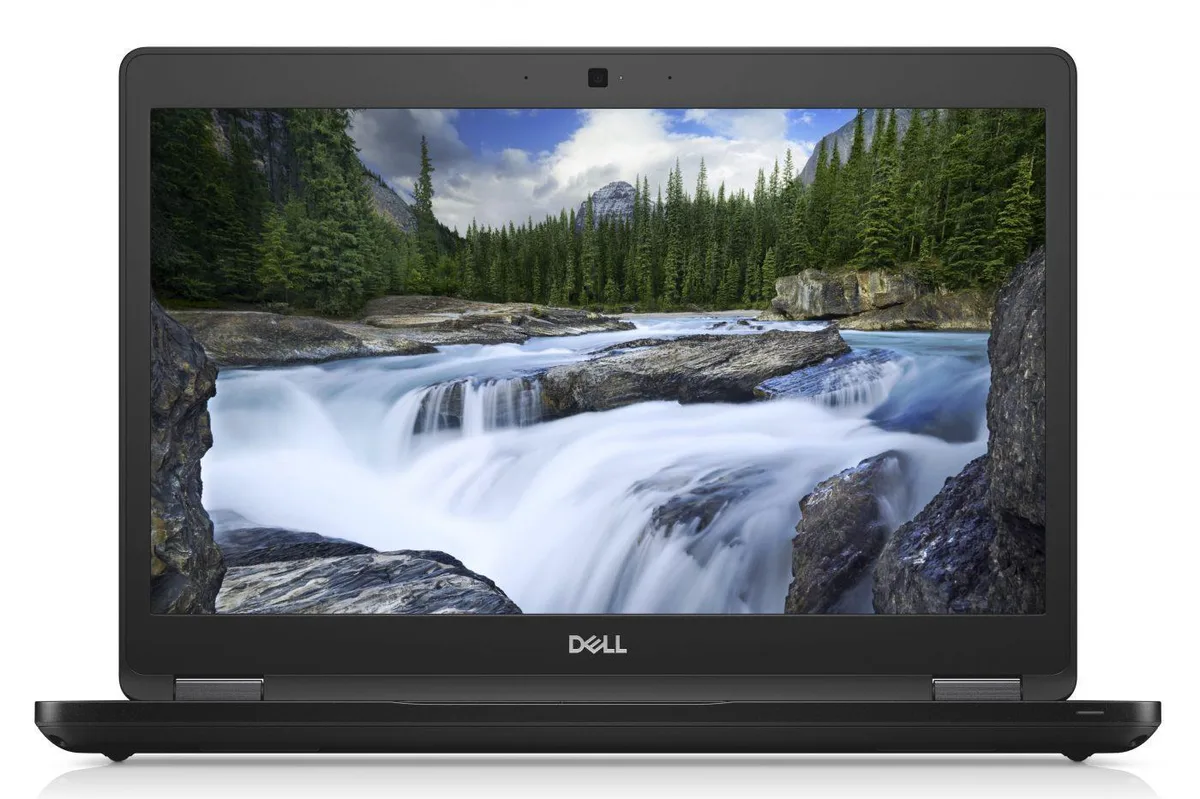
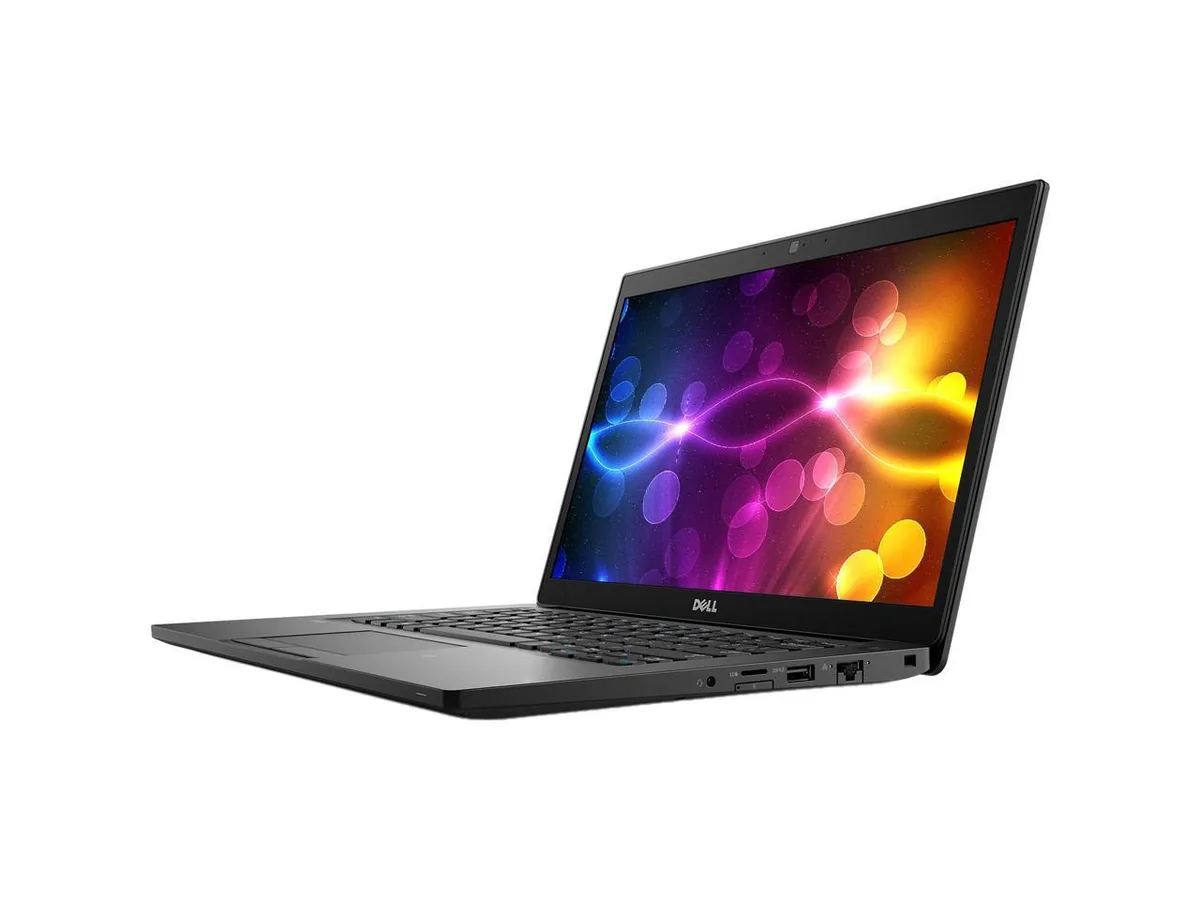
A 14 inch touchscreen laptop with an Intel Core i7 8th Gen processor, 16 GB DDR4 memory and a 512 GB SSD running Windows 11 Pro
This laptop combines a 14.0 inch Full HD touchscreen with an Intel Core i7 8th Gen processor running at 1.90 GHz. It ships with 16 GB DDR4 memory and a 512 GB SSD, and comes pre-installed with Windows 11 Pro 64Bit. Integrated Intel UHD Graphics 620 handles display output.
The touchscreen and anti-glare panel support direct interaction for presentations or field work. Buyers who need discrete graphics performance for rendering or gaming should look elsewhere. Users requiring more than 32 GB DDR4 maximum memory or a dedicated GPU will not find those capabilities here.
Windows 11 Pro is already installed and licensed, so the system is ready to join a domain or configure policies immediately. The 16 GB DDR4 fills one of two slots, leaving room for a later upgrade to 32 GB. Missing product manual and potential driver downloads for WWAN or specific peripherals are the usual post-unbox tasks.
| Brand | DELL |
|---|---|
| Series | Latitude |
| Model | 7490 |
| Color | Black |
| Other Features | 14" Touchscreen |
| Software Included | A fresh Windows 10 is installed and no additional software is included |
| Package Content | DELL Latitude 7490, Pre installed Windows 10 Pro 64Bit, and Power Adapter |
| Operating System | Windows 11 Pro |
| CPU Type | Intel Core i7 8th Gen |
| Processor Name | 1.90GHz |
| Screen Size | 14.0" |
| Touchscreen | Touch Screen |
| Resolution | 1920 x 1080 |
| Video Memory | Shared system memory |
| Graphic Type | Integrated |
| SSD | 512GB |
| HDD | No |
| Memory | 16GB |
| Memory Slot (Total) | 2 |
| Max Memory Supported | 32 GB |
| Optical Drive Type | No |
| Bluetooth | Bluetooth 4.1 |
| HDMI | 1 |
| Backlit Keyboard | Full Size |
| Webcam | Yes |
| Style | Standard |
| Type | Mainstream |
| Usage | Business |
| AC Adapter/Charger | Yes |
| Battery | Lithium Ion |
| Dimensions (W x D x H) | Height 0.690 x Length 8.700 x Width 13.030 |
| Weight | 3.1100 |
| Consumer Alert | Grade A Refurbished |
Altre versioni di questo modello
Stessa famiglia, con memoria, dissipatore o frequenza diversi — confronti prima di decidere.
The package includes the required power adapter with a DC-in connector, so no separate purchase is necessary.
Yes, the three USB 3.1 Gen 1 ports and the HDMI 1.4 output are backward compatible with USB 2.0 devices and existing HDMI 1.4 displays.
Open Settings > Bluetooth & devices > Touch to test touch input, and launch the Camera app to confirm the 1280 x 720 webcam shows video.
Anche in questo reparto
Stesso reparto, stessa cassa — otto monete e un cambio bloccato per 30 minuti.
Cosa invia per pagare, e in quale valuta legge i prezzi.
Inviato dal Suo portafoglio alla cassa
Solo a titolo indicativo — il catalogo è espresso in dollari
Nessuna valuta corrisponde.
Scelga la lingua in cui il sito Le parla.
Prima visita?
Ne ha già uno?
Non esiste un ripristino automatico: questo negozio non invia e-mail, quindi non esiste alcun link monouso da richiedere. Lasci l’indirizzo sull’account: verrà gestito manualmente.
Richiesta registrata
Non arriverà nulla nella Sua casella di posta — questo negozio non invia e-mail. Qualcuno se ne occupa manualmente.
L’ha ritrovata?


