
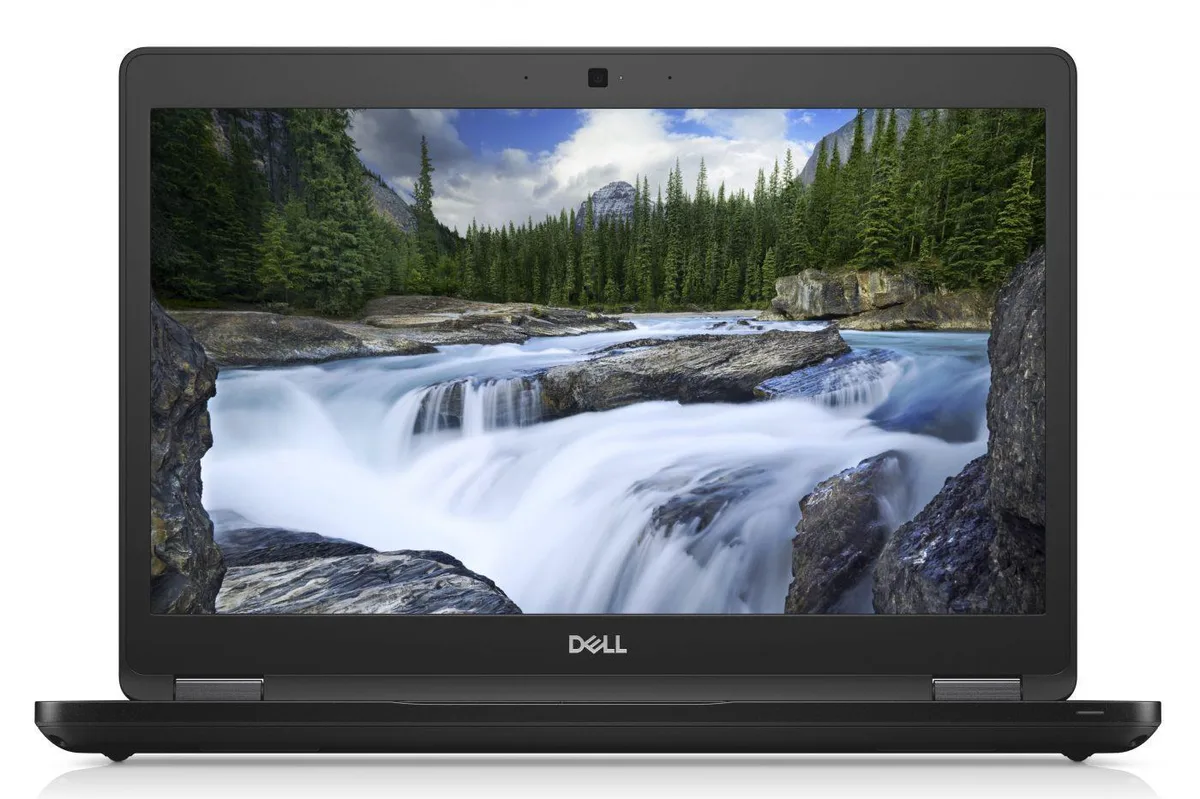
DELL
DELL Latitude 7400 14.0 laptop i7-8665U 16GB 512GB SSD
- Windows 11 Pro
- Intel Core i7
394,99 US$
0.00490817BTC
En stockAceptamos criptomonedas — así, las criptos que usted tiene pueden comprar hardware real.Pague en cripto y gástela en hardware real. Envío asegurado gratis a nivel mundial a partir de $399. Cajas neutras, sin marca, enviadas desde Alemania.Envío asegurado gratis a partir de $399. Su cotización queda bloqueada 30 minutos en cuanto se abre el pago.Cotización bloqueada 30 minutos. Todos los artículos vienen sellados, con el número de serie verificado y cubiertos por una garantía de 24 meses.Sellado, con 24 meses de garantía.
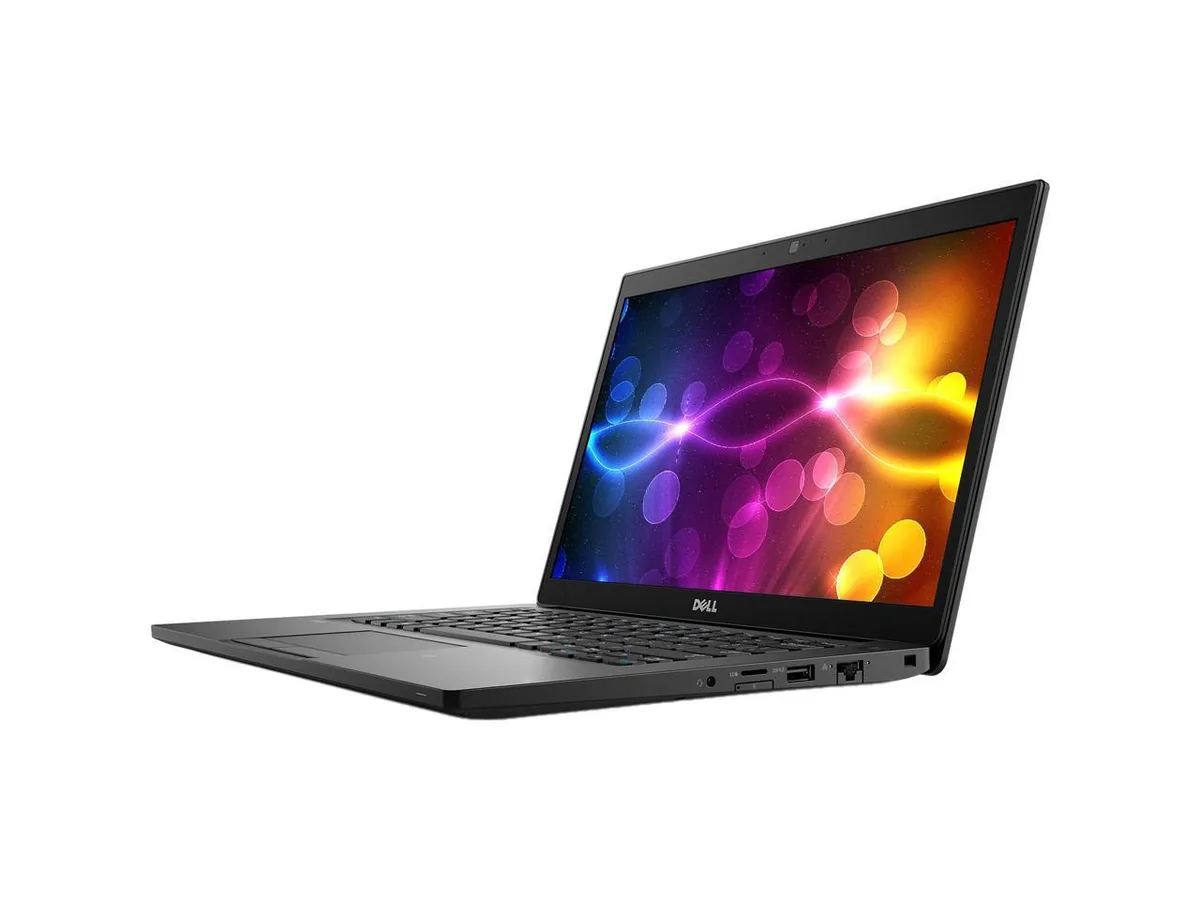

DELL
A 14 inch touchscreen laptop with an Intel Core i7 8th Gen processor, 16 GB DDR4 memory and a 512 GB SSD running Windows 11 Pro
This laptop combines a 14.0 inch Full HD touchscreen with an Intel Core i7 8th Gen processor running at 1.90 GHz. It ships with 16 GB DDR4 memory and a 512 GB SSD, and comes pre-installed with Windows 11 Pro 64Bit. Integrated Intel UHD Graphics 620 handles display output.
The touchscreen and anti-glare panel support direct interaction for presentations or field work. Buyers who need discrete graphics performance for rendering or gaming should look elsewhere. Users requiring more than 32 GB DDR4 maximum memory or a dedicated GPU will not find those capabilities here.
Windows 11 Pro is already installed and licensed, so the system is ready to join a domain or configure policies immediately. The 16 GB DDR4 fills one of two slots, leaving room for a later upgrade to 32 GB. Missing product manual and potential driver downloads for WWAN or specific peripherals are the usual post-unbox tasks.
| Brand | DELL |
|---|---|
| Series | Latitude |
| Model | 7490 |
| Color | Black |
| Other Features | 14" Touchscreen |
| Software Included | A fresh Windows 10 is installed and no additional software is included |
| Package Content | DELL Latitude 7490, Pre installed Windows 10 Pro 64Bit, and Power Adapter |
| Operating System | Windows 11 Pro |
| CPU Type | Intel Core i7 8th Gen |
| Processor Name | 1.90GHz |
| Screen Size | 14.0" |
| Touchscreen | Touch Screen |
| Resolution | 1920 x 1080 |
| Video Memory | Shared system memory |
| Graphic Type | Integrated |
| SSD | 512GB |
| HDD | No |
| Memory | 16GB |
| Memory Slot (Total) | 2 |
| Max Memory Supported | 32 GB |
| Optical Drive Type | No |
| Bluetooth | Bluetooth 4.1 |
| HDMI | 1 |
| Backlit Keyboard | Full Size |
| Webcam | Yes |
| Style | Standard |
| Type | Mainstream |
| Usage | Business |
| AC Adapter/Charger | Yes |
| Battery | Lithium Ion |
| Dimensions (W x D x H) | Height 0.690 x Length 8.700 x Width 13.030 |
| Weight | 3.1100 |
| Consumer Alert | Grade A Refurbished |
Otras versiones de este modelo
Misma familia, con memoria, disipador o frecuencia diferentes — compare antes de decidirse.
The package includes the required power adapter with a DC-in connector, so no separate purchase is necessary.
Yes, the three USB 3.1 Gen 1 ports and the HDMI 1.4 output are backward compatible with USB 2.0 devices and existing HDMI 1.4 displays.
Open Settings > Bluetooth & devices > Touch to test touch input, and launch the Camera app to confirm the 1280 x 720 webcam shows video.
También en este pasillo
Mismo estante, mismo pago — ocho criptomonedas y un tipo de cambio bloqueado 30 minutos.
Lo que usted paga, y la moneda en la que lee los precios.
Se envía desde su billetera al finalizar la compra
Solo informativo — el catálogo está en dólares
Ninguna moneda coincide.
Elija el idioma en el que el sitio le habla.
¿Es nuevo aquí?
¿Ya tiene una?
No existe ningún restablecimiento automático: esta tienda no envía correos electrónicos, así que no hay ningún enlace de un solo uso que solicitar. Deje la dirección asociada a la cuenta y se atenderá de forma manual.
Solicitud registrada
No hay nada de camino a su bandeja de entrada: esta tienda no envía correos en absoluto. Alguien se encarga de esto manualmente.
¿La recordó?


