

SanDisk
SanDisk Cruzer Blade 8 GB USB 2.0 USB flash drive Black SDCZ50-008G-B35
391,99 USD
0.00501811BTC
În stocAcceptăm criptomonede — astfel, criptomonedele pe care le dețineți pot cumpăra echipamente reale.Plătiți în cripto, cheltuiți-o pe echipamente reale. Livrare asigurată gratuită oriunde în lume peste 399 $. Cartoane neutre, fără marcă, expediate din Germania.Livrare asigurată gratuită peste 399 $. Cursul dumneavoastră este blocat timp de 30 de minute de la deschiderea paginii de plată.Curs blocat 30 de minute. Fiecare articol este sigilat, numărul de serie este verificat, iar produsul este acoperit de o garanție de 24 de luni.Sigilat, garantat 24 de luni.


LORDWORLD
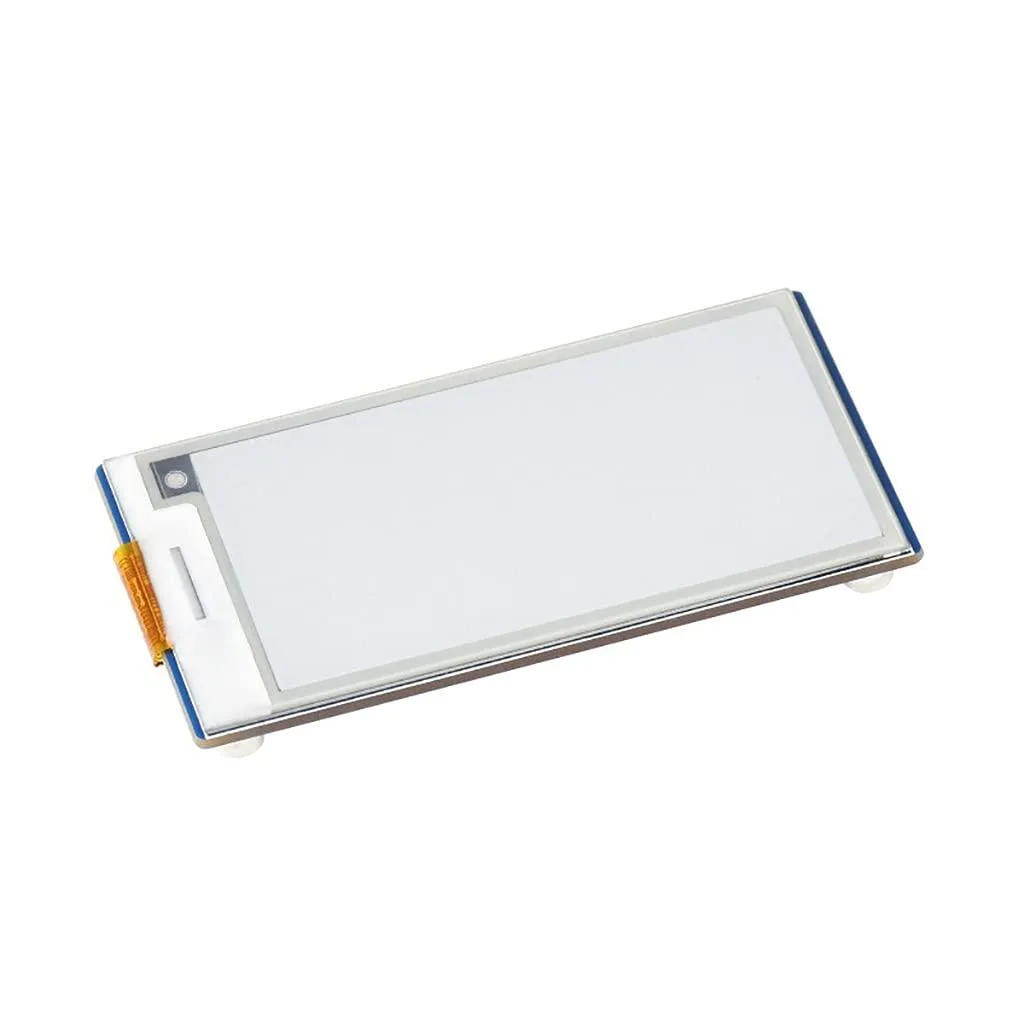
2.66 inch e-paper display with 296×152 resolution, SPI interface and partial refresh for Raspberry Pi Pico projects
This 2.66-inch e-paper display module targets makers building low-power projects with a Raspberry Pi Pico. It shows black and white content at 296×152 pixels and retains the last image without any backlight when power is removed. The board connects through a standard SPI interface that uses only a few GPIO pins. Example code in C/C++ and MicroPython is included to speed up development.
Because the panel is bi-stable, it draws current only during a refresh and consumes virtually nothing while holding a static image. No backlight means no continuous illumination load and no fan or active cooling is required. The board therefore runs silently and stays cool even during frequent partial updates. This behaviour suits battery-powered or solar-charged nodes that must operate for weeks between charges.
The compact PCB exposes the SPI pins and power rails on a standard header that plugs directly into a Pico or a compatible breadboard layout. Mounting holes are not described in the data, so mechanical fixing relies on the pin friction or an external carrier. The supplied documentation covers wiring, driver initialisation and partial-refresh timing for both supported languages. Projects needing colour, greyscale or a larger active area will require a different module.
| Brand | LORDWORLD |
|---|
Connect the module's SPI pins to the matching Pico GPIO header using the provided wiring diagram; the common error is swapping the CS and DC lines, which prevents the display from initialising.
The e-paper film itself retains images without power, so no scheduled replacement is required; only the connector or flex cable may wear if repeatedly disconnected.
Partial refresh is supported, but full-screen updates take several hundred milliseconds, so the refresh interval is the first limit hit in rapid-redraw applications.
Tot din acest raion
Același raion, aceeași finalizare a comenzii — opt monede și un curs blocat 30 de minute.
În ce monedă plătiți și în ce monedă citiți prețurile.
Trimis din portofelul dumneavoastră la finalizarea comenzii
Doar pentru afișare — catalogul este exprimat în dolari
Nicio monedă nu corespunde.
Alegeți limba în care vă vorbește site-ul.
Nicio limbă nu corespunde.
Prima vizită?
Aveți deja un cont?
Nu există o resetare automată: acest magazin nu trimite niciun e-mail, deci nu există niciun link de unică folosință de solicitat. Lăsați adresa în cont. Va fi tratată manual.
Cerere înregistrată
Nu veți primi nimic în căsuța de e-mail — acest magazin nu trimite niciun e-mail. Cineva se ocupă de asta manual.
V-ați amintit-o?



