EVESKY
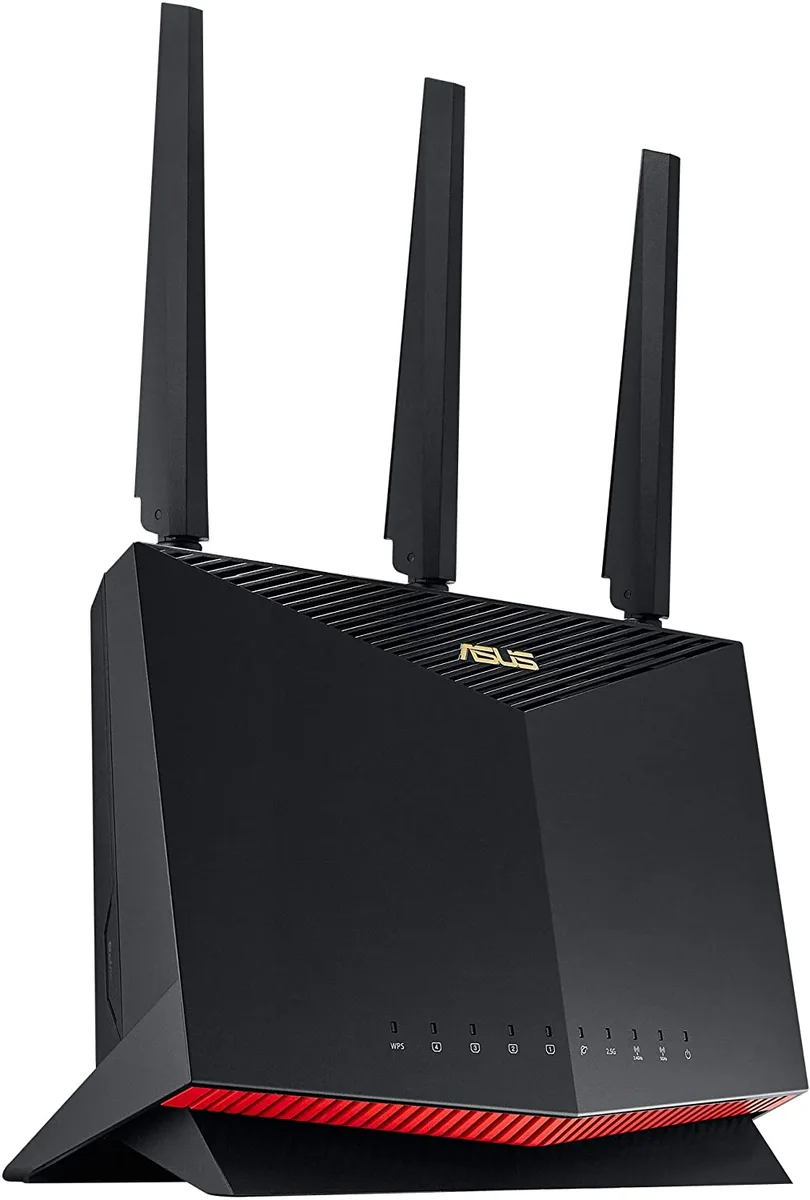
EVESKY Ruckus R320 901-R320-WW02 Wireless Router
- International Versi…
673,99 USD
0.00865732BTC
În stocAcceptăm criptomonede — astfel, criptomonedele pe care le dețineți pot cumpăra echipamente reale.Plătiți în cripto, cheltuiți-o pe echipamente reale. Livrare asigurată gratuită oriunde în lume peste 399 $. Cartoane neutre, fără marcă, expediate din Germania.Livrare asigurată gratuită peste 399 $. Cursul dumneavoastră este blocat timp de 30 de minute de la deschiderea paginii de plată.Curs blocat 30 de minute. Fiecare articol este sigilat, numărul de serie este verificat, iar produsul este acoperit de o garanție de 24 de luni.Sigilat, garantat 24 de luni.



XEROX
Adds wireless connectivity to compatible AltaLink multifunction printers
The Xerox 497K24370 Wireless Kit adds Wi-Fi capability to compatible AltaLink multifunction printers. It is designed for offices that want to place devices away from wired network points. Installation upgrades the MFP so users can print and scan from mobile devices or laptops without a physical cable. The kit supports the B8145, B8155, B8170, C8130, C8135, C8145, C8155 and C8170 series.
The upgrade kit fits into an internal slot on the target AltaLink models, so no external dongles or cabling are required. Once fitted, the MFP broadcasts its own wireless network for direct connections or joins an existing infrastructure. The internal mounting keeps the antenna protected and the workspace tidy. Buyers who need a USB or Ethernet wireless adapter instead will not be served by this internal module.
The module draws power from the MFP's own supply, adding no measurable load to the office circuit. It has no moving parts, so acoustic output remains unchanged from the printer's normal operation. Heat generation is negligible and requires no extra cooling consideration. Environments that demand a separate wireless access point with dedicated power and antennas are outside this kit's scope.
Nicio specificație publicată pentru acest articol deocamdată.
The kit enables Wi-Fi connectivity for the listed AltaLink printers, allowing them to join a wireless network for printing and scanning without a wired Ethernet link.
The upgrade kit installs into the dedicated wireless adapter bay on the formatter board of the compatible AltaLink models.
Power off the printer, open the formatter cover, insert the wireless module into the adapter bay until it clicks, close the cover, power on, then configure the wireless settings from the control panel.
Tot din acest raion
Același raion, aceeași finalizare a comenzii — opt monede și un curs blocat 30 de minute.
În ce monedă plătiți și în ce monedă citiți prețurile.
Trimis din portofelul dumneavoastră la finalizarea comenzii
Doar pentru afișare — catalogul este exprimat în dolari
Nicio monedă nu corespunde.
Alegeți limba în care vă vorbește site-ul.
No language matches that.
Prima vizită?
Aveți deja un cont?
Nu există o resetare automată: acest magazin nu trimite niciun e-mail, deci nu există niciun link de unică folosință de solicitat. Lăsați adresa în cont. Va fi tratată manual.
Cerere înregistrată
Nu veți primi nimic în căsuța de e-mail — acest magazin nu trimite niciun e-mail. Cineva se ocupă de asta manual.
V-ați amintit-o?