EVESKY
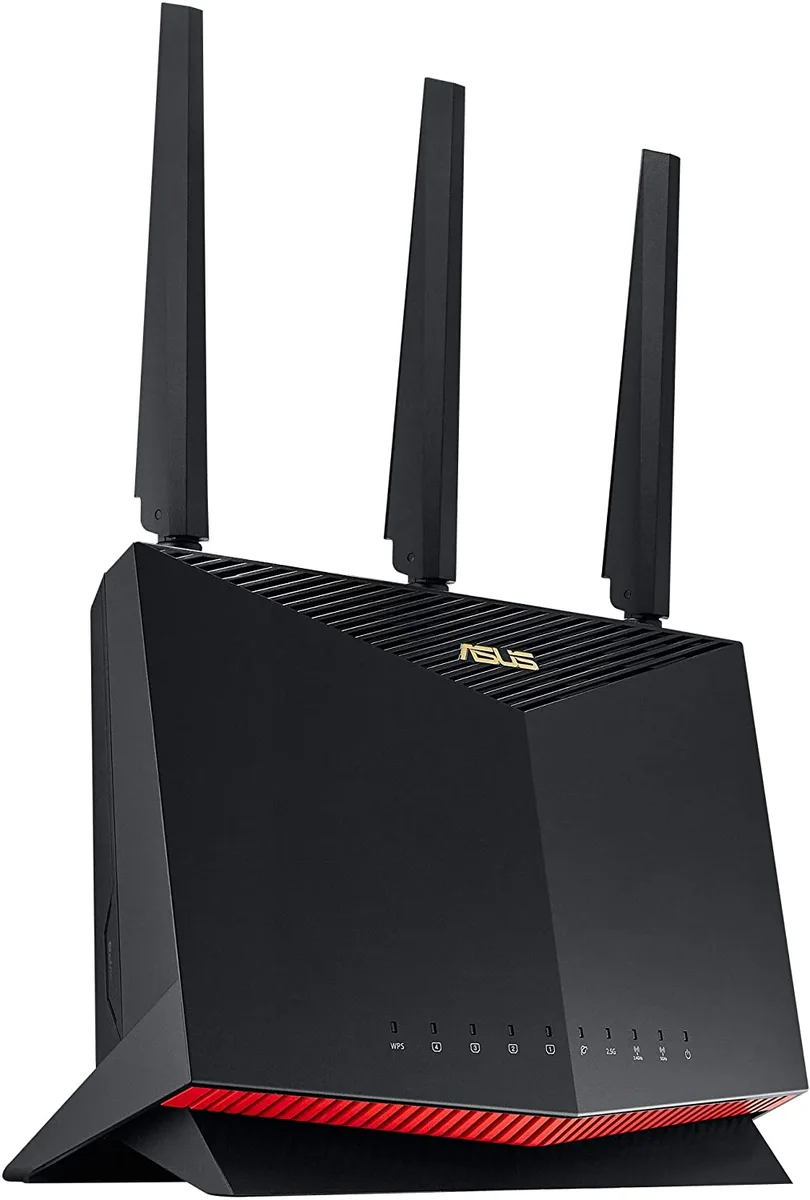
EVESKY Ruckus R320 901-R320-WW02 Wireless Router
- International Versi…
673.99 US$
0.00865732BTC
متوفرنقبل الدفع بالعملة المشفرة — لذلك يمكن للعملات الرقمية التي تملكها أن تشتري أجهزة حقيقية.ادفع بالعملة المشفرة، وأنفقها على أجهزة حقيقية. شحن مؤمن مجانا إلى كل أنحاء العالم لما يتجاوز 399 US$. صناديق شحن بسيطة بلا علامة تجارية، ترسل من ألمانيا.شحن مؤمن مجانا لما يتجاوز 399 US$. يُقفل سعرك لمدة 30 دقيقة بمجرد فتح صفحة الدفع.السعر مقفل لمدة 30 دقيقة. كل قطعة مختومة، ورقمها التسلسلي متحقق منه، ومشمولة بضمان 24 شهرا.مختوم، وبضمان 24 شهرا.



XEROX
Adds wireless connectivity to compatible AltaLink multifunction printers
The Xerox 497K24370 Wireless Kit adds Wi-Fi capability to compatible AltaLink multifunction printers. It is designed for offices that want to place devices away from wired network points. Installation upgrades the MFP so users can print and scan from mobile devices or laptops without a physical cable. The kit supports the B8145, B8155, B8170, C8130, C8135, C8145, C8155 and C8170 series.
The upgrade kit fits into an internal slot on the target AltaLink models, so no external dongles or cabling are required. Once fitted, the MFP broadcasts its own wireless network for direct connections or joins an existing infrastructure. The internal mounting keeps the antenna protected and the workspace tidy. Buyers who need a USB or Ethernet wireless adapter instead will not be served by this internal module.
The module draws power from the MFP's own supply, adding no measurable load to the office circuit. It has no moving parts, so acoustic output remains unchanged from the printer's normal operation. Heat generation is negligible and requires no extra cooling consideration. Environments that demand a separate wireless access point with dedicated power and antennas are outside this kit's scope.
لا توجد مواصفات منشورة لهذا المنتج بعد.
The kit enables Wi-Fi connectivity for the listed AltaLink printers, allowing them to join a wireless network for printing and scanning without a wired Ethernet link.
The upgrade kit installs into the dedicated wireless adapter bay on the formatter board of the compatible AltaLink models.
Power off the printer, open the formatter cover, insert the wireless module into the adapter bay until it clicks, close the cover, power on, then configure the wireless settings from the control panel.
أيضًا في هذا القسم
نفس القسم، ونفس صفحة الدفع — ثماني عملات رقمية وقفل سعر لمدة 30 دقيقة.
ما تدفعه، وما تُعرض به الأسعار.
يُرسَل من محفظتك عند إتمام الطلب
للعرض فقط — أسعار الكتالوج بالدولار الأمريكي
لا توجد عملة مطابقة.
اختر اللغة التي يخاطبك بها الموقع.
No language matches that.
هل أنت جديد هنا؟
لديك حساب بالفعل؟
لا توجد إعادة تعيين تلقائية: هذا المتجر لا يُرسل أي بريد، فلا يوجد رابط لمرة واحدة يمكن طلبه. اترك العنوان في الحساب، وسيُعالَج الأمر يدويًا.
تم تسجيل الطلب
لا شيء في طريقه إلى بريدك الوارد — هذا المتجر لا يُرسل أي بريد إطلاقًا. يتولّى أحدهم معالجة هذه الطلبات يدويًا.
تذكّرتها؟