ASUS
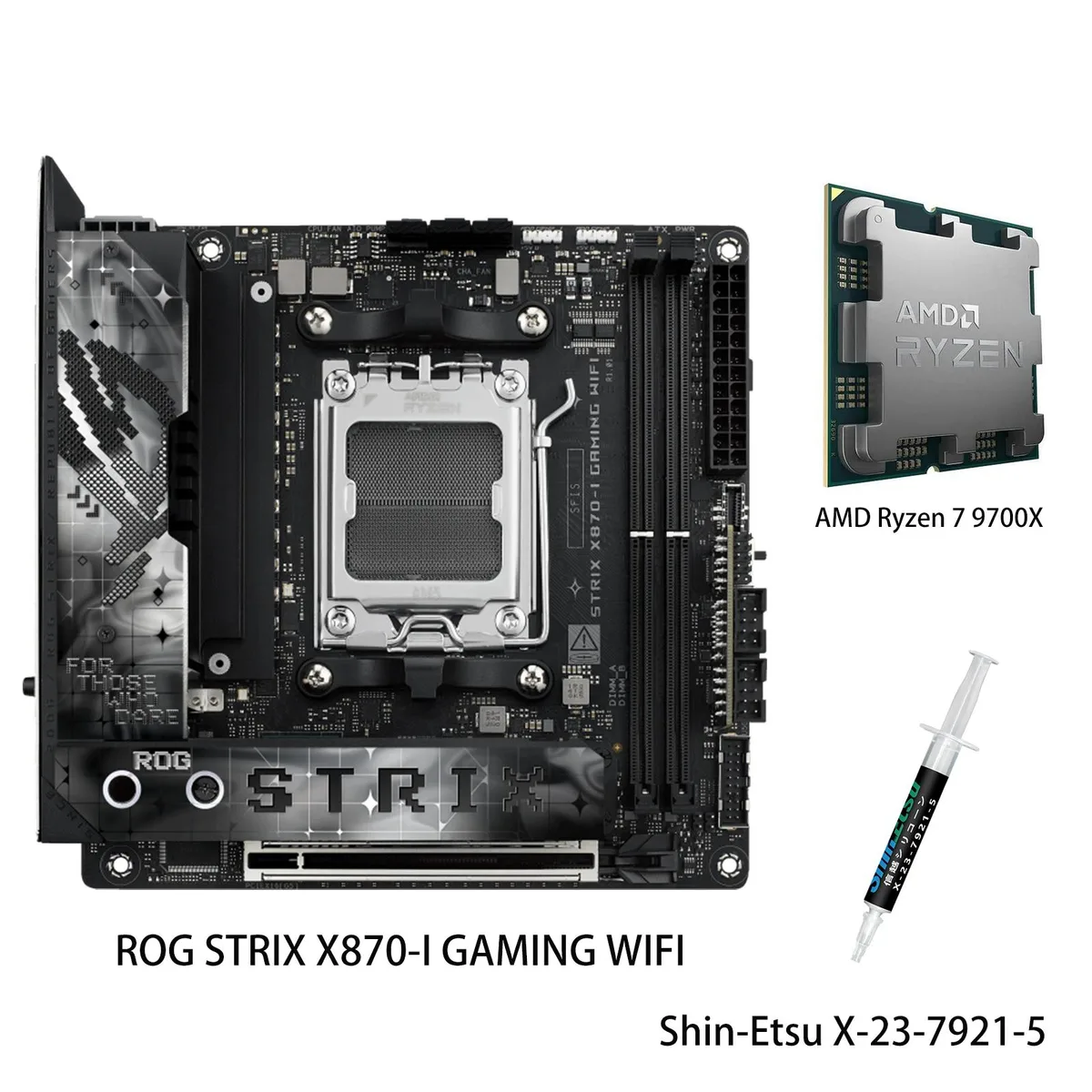
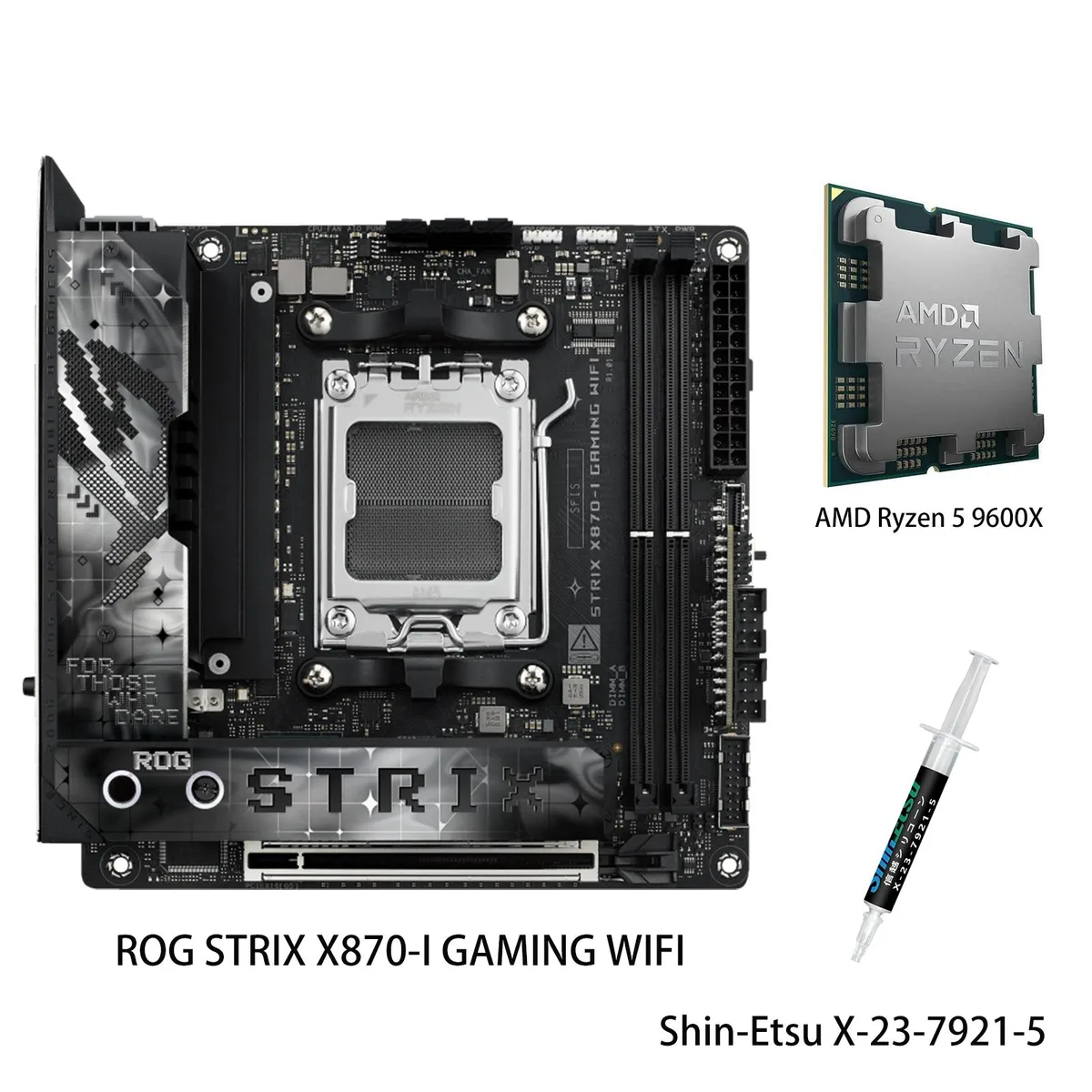
ASUS FF4D516G6000HC38ADC01 ROG STRIX X870-I GAMING WIFI AMD motherboard & Ryzen 5 9600X combo
- AMD X870
- 4x288pin (DDR5)
US$870.99
0.01121644BTC
มีสินค้าเรารับชำระด้วยคริปโต — เหรียญที่คุณถืออยู่จึงนำมาซื้อฮาร์ดแวร์ของจริงได้จ่ายด้วยคริปโต แล้วนำไปซื้อฮาร์ดแวร์ของจริง จัดส่งฟรีพร้อมประกันภัยทั่วโลก เมื่อสั่งซื้อเกิน US$399 กล่องพัสดุเรียบไม่มีตราสินค้า จัดส่งจากประเทศเยอรมนีจัดส่งฟรีพร้อมประกันภัย เมื่อสั่งซื้อเกิน US$399 อัตราแลกเปลี่ยนของคุณจะถูกล็อกไว้ 30 นาที ทันทีที่เปิดหน้าชำระเงินล็อกอัตราแลกเปลี่ยน 30 นาที สินค้าทุกชิ้นปิดผนึกจากโรงงาน ตรวจสอบหมายเลขซีเรียล และรับประกัน 24 เดือนปิดผนึกจากโรงงาน รับประกัน 24 เดือน


ASUS
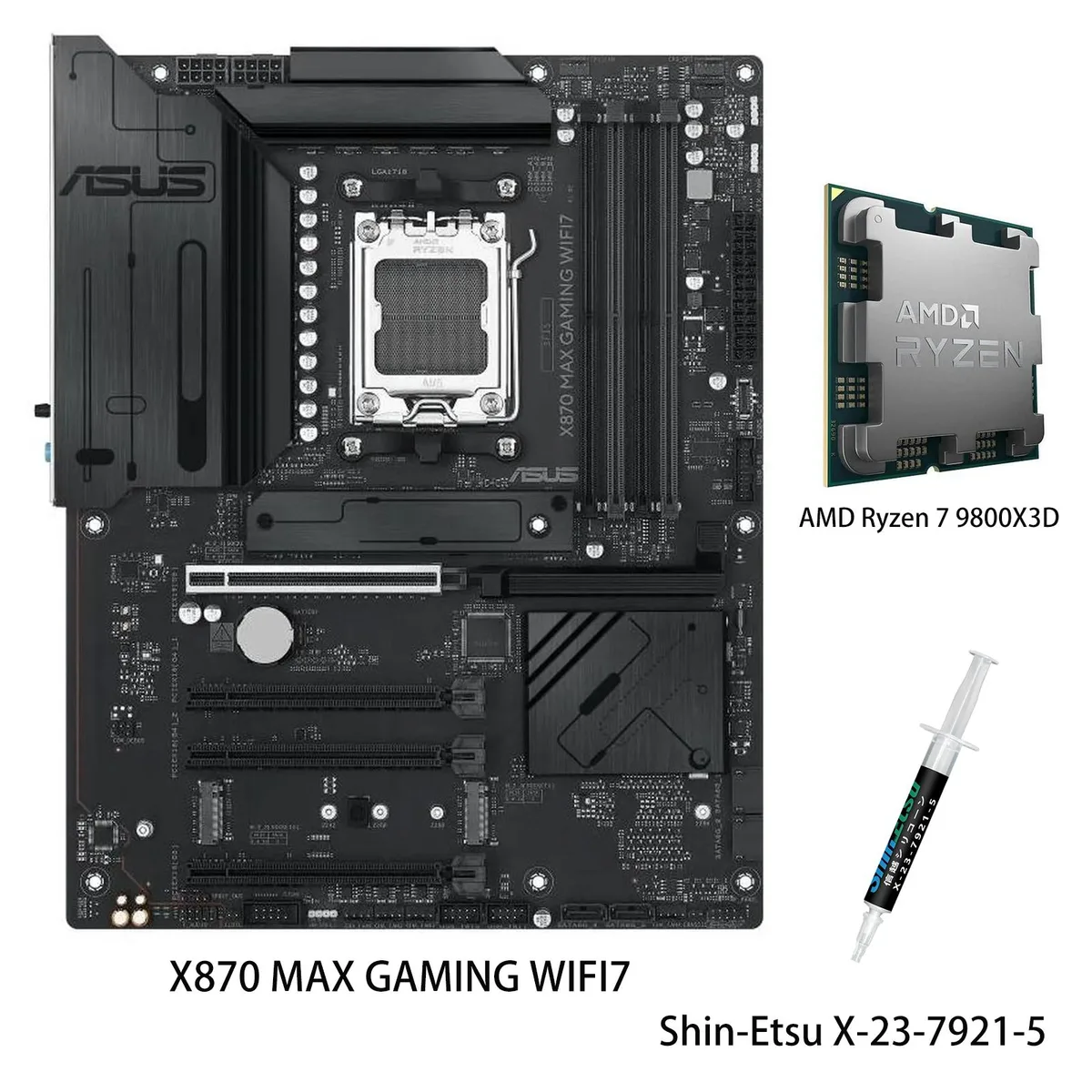
AM5 motherboard paired with a Ryzen 7 9800X3D CPU, featuring Wi-Fi 7, USB4 40Gbps ports, three M.2 slots and 12+2+1 80A DrMOS power stages
model X870 MAX GAMING WIFI7
+CPU + Ryzen 7 9800X3D
This bundle pairs the ASUS X870 MAX GAMING WIFI7 motherboard with the AMD Ryzen 7 9800X3D processor on the AM5 platform. It targets enthusiasts building a high-performance gaming or AI-ready desktop. The board delivers DDR5 memory support and an 80A DrMOS power design across 12+2+1 phases.
The combination suits PC builders who want Wi-Fi 7, USB4 at 40Gbps, a front USB 20Gbps Type-C connector and three M.2 slots including one PCIe 5.0. Users staying on AM4 or needing a smaller form factor should choose a different board and CPU.
DIY-friendly features include a pre-mounted I/O shield, PCIe Slot Q-Release, BIOSFlashBack, Q-Antenna, flexible M.2 heatsink, Q-Dashboard and Q-LED Core for straightforward assembly. Builders must ensure DDR5 modules are used and that the case accommodates a full-size ATX board with large VRM heatsinks.
| Brand | ASUS |
|---|---|
| Model | X870 MAX GAMING WIFI7+R7 9800X3D |
| CPU Socket Type | AM5 |
รุ่นอื่นในตระกูลเดียวกัน
ตระกูลเดียวกัน แต่หน่วยความจำ คูลเลอร์ หรือสัญญาณนาฬิกาต่างกัน — เปรียบเทียบก่อนตัดสินใจ
Install a DDR5 DIMM kit into the board's memory slots; the CPU memory controller handles the training at first boot.
Yes, the PCIe 5.0 x16 slot is backward compatible and will run a PCIe 4.0 GPU at its native 4.0 speeds.
Open Windows Settings, go to Network & Internet, and check that the adapter lists Wi-Fi 7 as the connection type.
อื่น ๆ ในหมวดนี้
หมวดเดียวกัน การชำระเงินแบบเดียวกัน — แปดสกุลเงินคริปโตและอัตราแลกเปลี่ยนที่ล็อกไว้ 30 นาที
สิ่งที่คุณใช้ชำระ และสิ่งที่คุณใช้อ่านราคา
ส่งจากกระเป๋าเงินของคุณเมื่อชำระเงิน
แสดงผลเท่านั้น — แคตตาล็อกสินค้าตั้งราคาเป็นดอลลาร์สหรัฐ
ไม่พบสกุลเงินที่ตรงกัน
เลือกภาษาที่ต้องการให้เว็บไซต์แสดงผล
ไม่พบภาษาที่ตรงกัน
ยังไม่เคยใช้งานใช่ไหม
มีบัญชีอยู่แล้วใช่ไหม
ไม่มีการรีเซ็ตแบบอัตโนมัติ ร้านนี้ไม่ส่งอีเมลใด ๆ จึงไม่มีลิงก์ใช้ครั้งเดียวให้ขอ ปล่อยที่อยู่อีเมลนี้ไว้ในบัญชี แล้วเจ้าหน้าที่จะดำเนินการให้ด้วยตนเอง
รับคำขอแล้ว
ไม่มีอะไรถูกส่งไปยังกล่องจดหมายของคุณ — ร้านนี้ไม่ส่งอีเมลใด ๆ เลย มีคนดำเนินการเรื่องนี้ให้ด้วยมือ
นึกออกแล้วใช่ไหม