


ASUS
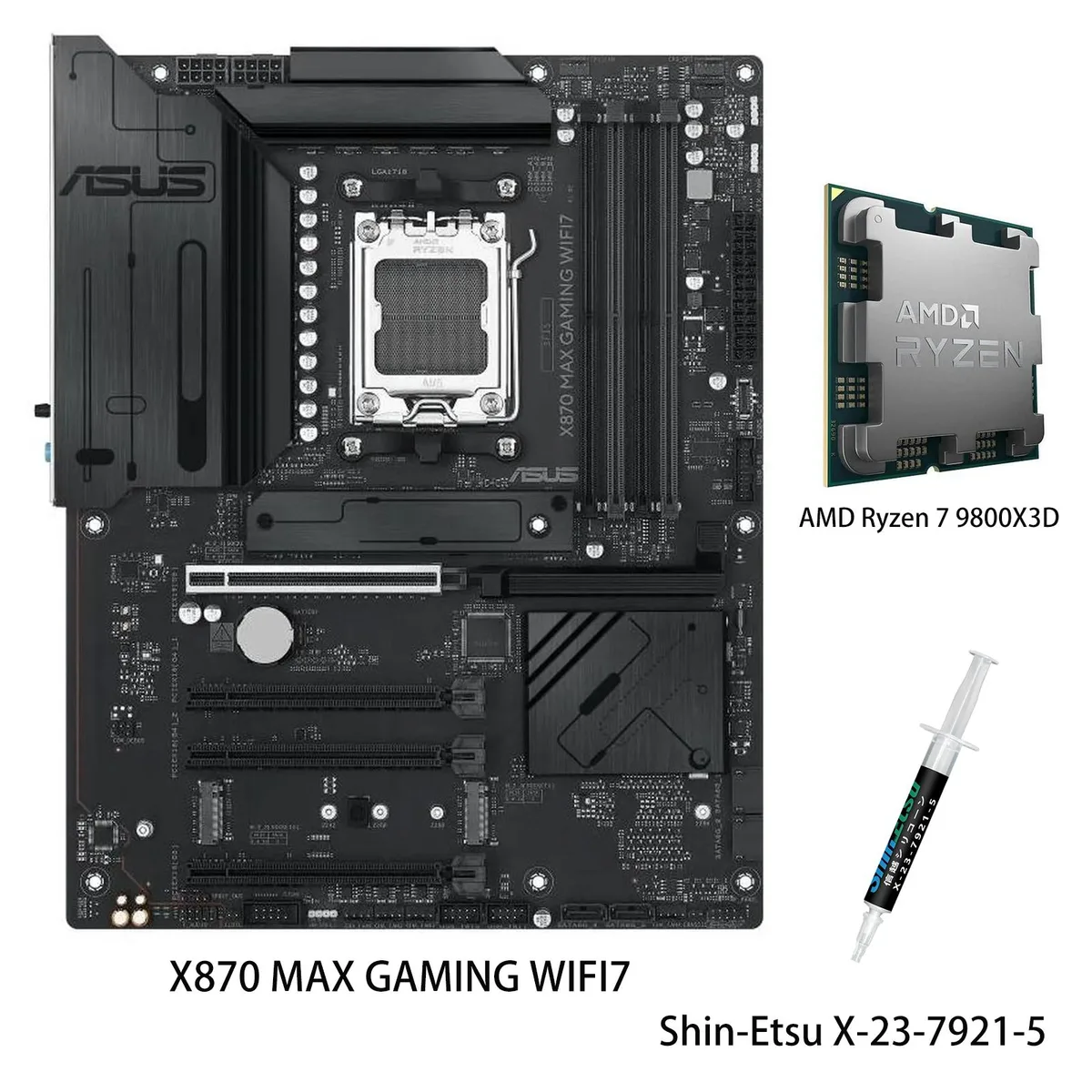
ASUS X870 MAX GAMING WIFI7 AMD motherboard with Ryzen 7 9800X3D CPU
AM5 motherboard paired with a Ryzen 7 9800X3D CPU, featuring Wi-Fi 7, USB4 40Gbps ports, three M.2 slots and 12+2+1 80A DrMOS power stages
- CPU Socket TypeAM5
model X870 MAX GAMING WIFI7
- PROART X870E-CREATOR WIFI
- PRIME X870-P
- PRIME X870-P WIFI
- X870 MAX GAMING WIFI7
- X870 AYW GAMING WIFI W
- TUF GAMING X870-PRO WIFI7 W NEO
- TUF GAMING X870-PLUS WIFI
- TUF GAMING X870E-PLUS WIFI7
- ROG STRIX X870-I GAMING WIFI
- ROG STRIX X870-H GAMING WIFI7 S
- ROG STRIX X870E-H S MIKU
- ROG STRIX X870E-H GAMING WIFI7
+CPU + Ryzen 7 9800X3D
- Ready for advanced AI workloads with high-speed connectivity
- Stable power delivery via 12+2+1 80A DrMOS stages and 8-layer PCB
- Ultrafast networking with Wi-Fi 7 and Realtek 2.5Gb Ethernet
- Comprehensive cooling with large VRM heatsinks and AI Cooling II
- DIY-friendly build featuring Q-Release, BIOS FlashBack and Q-Dashboard
ASUS X870 MAX GAMING WIFI7 Combo
This bundle pairs the ASUS X870 MAX GAMING WIFI7 motherboard with the AMD Ryzen 7 9800X3D processor on the AM5 platform. It targets enthusiasts building a high-performance gaming or AI-ready desktop. The board delivers DDR5 memory support and an 80A DrMOS power design across 12+2+1 phases.
Who this suits and who should look elsewhere
The combination suits PC builders who want Wi-Fi 7, USB4 at 40Gbps, a front USB 20Gbps Type-C connector and three M.2 slots including one PCIe 5.0. Users staying on AM4 or needing a smaller form factor should choose a different board and CPU.
Installation ease and common pitfalls
DIY-friendly features include a pre-mounted I/O shield, PCIe Slot Q-Release, BIOSFlashBack, Q-Antenna, flexible M.2 heatsink, Q-Dashboard and Q-LED Core for straightforward assembly. Builders must ensure DDR5 modules are used and that the case accommodates a full-size ATX board with large VRM heatsinks.
Points forts
- Ready for advanced AI workloads with high-speed connectivity
- Stable power delivery via 12+2+1 80A DrMOS stages and 8-layer PCB
- Ultrafast networking with Wi-Fi 7 and Realtek 2.5Gb Ethernet
- Comprehensive cooling with large VRM heatsinks and AI Cooling II
- DIY-friendly build featuring Q-Release, BIOS FlashBack and Q-Dashboard
Caractéristiques
| Brand | ASUS |
|---|---|
| Model | X870 MAX GAMING WIFI7+R7 9800X3D |
| CPU Socket Type | AM5 |
Autres versions de ce modèle
5 de plus dans cette gamme
Même famille, mémoire, ventirad ou fréquence différents — comparez avant de vous décider.


ASUS
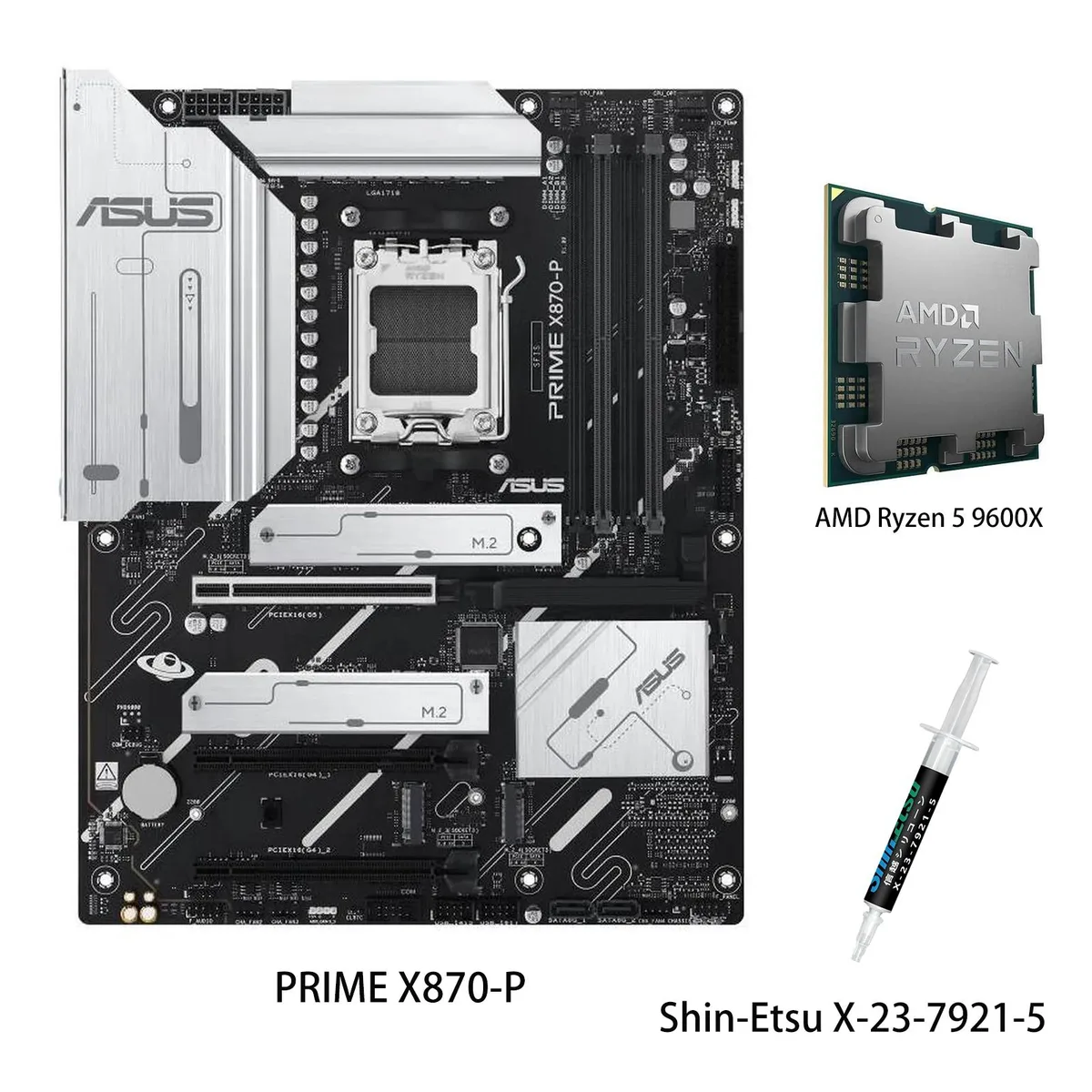
ASUS PRIME X870-P WIFI + Ryzen 5 9600X AMD motherboard CPU combo
- AMD X870
- 4x288pin (DDR5)
$769.99
0.00994999BTC
En stock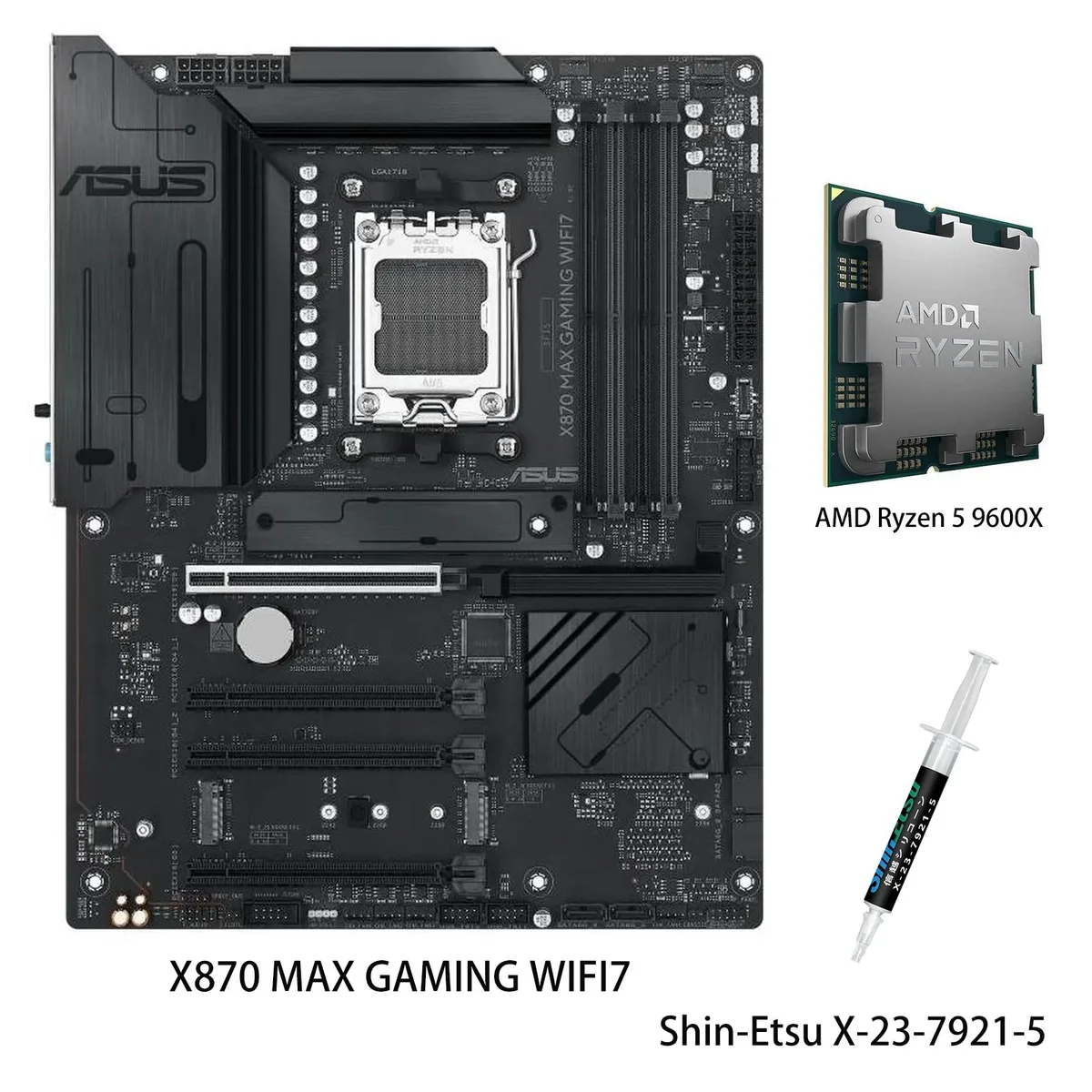
ASUS
ASUS X870 MAX GAMING WIFI7 AMD motherboard & Ryzen 5 9600X CPU combo
- AM5
$799.99
0.01033766BTC
En stock

ASUS
ASUS PRIME X870-P WIFI & Ryzen 7 9700X combo AMD motherboard
- AMD X870
- 4x288pin (DDR5)
$849.99
0.01098377BTC
En stockQuestions sur cet article
What DDR5 memory kit do I need to run the Ryzen 7 9800X3D on this X870 motherboard?
Install a DDR5 DIMM kit into the board's memory slots; the CPU memory controller handles the training at first boot.
Will my PCIe 4.0 graphics card work in the PCIe 5.0 x16 slot on this board?
Yes, the PCIe 5.0 x16 slot is backward compatible and will run a PCIe 4.0 GPU at its native 4.0 speeds.
How do I confirm the Wi-Fi 7 radio is active after building the system?
Open Windows Settings, go to Network & Internet, and check that the adapter lists Wi-Fi 7 as the connection type.
Également dans ce rayon
Les clients ont aussi comparé
Même rayon, même caisse — huit monnaies et un taux bloqué 30 minutes.

Micron Technology, Inc.
Micron Technology, Inc. MT4JTF12864AZ-1G4D1 1GB DDR3 1333 Desktop RAM
- 1GB
- DDR3 1333 (PC3 1060…
$28.99
0.00037462BTC
En stock
Kingston Technology Corp.
Kingston Technology Corp. KTD-DM8400A/512 512MB DDR2 desktop RAM
- 512MB
- CL4
$12.99
0.00016786BTC
En stock
