

NEMIX RAM
NEMIX RAM DDR5-5600 2TB (16x128GB) ECC RDIMM CL46 1.1V Supermicro H14SST-G memory upgrade
- 2TB (16 x 128GB)
- 288-Pin DDR5 RDIMM
$62.908,99
0.81081869BTC
StoktaKripto para kabul ediyoruz — böylece elinizdeki koinlerle gerçek donanım alabilirsiniz.Kripto parayla ödeyin, onu gerçek donanıma harcayın. $399 üzeri siparişlerde dünya genelinde sigortalı kargo ücretsizdir. Sade, markasız koliler Almanya’dan gönderilir.$399 üzeri siparişlerde sigortalı kargo ücretsizdir. Ödeme sayfası açıldığında kurunuz 30 dakika kilitli kalır.Kur 30 dakika kilitli. Her ürün mühürlüdür, seri numarası kontrol edilir ve 24 ay garanti kapsamındadır.Mühürlü, 24 ay garantili.
HP
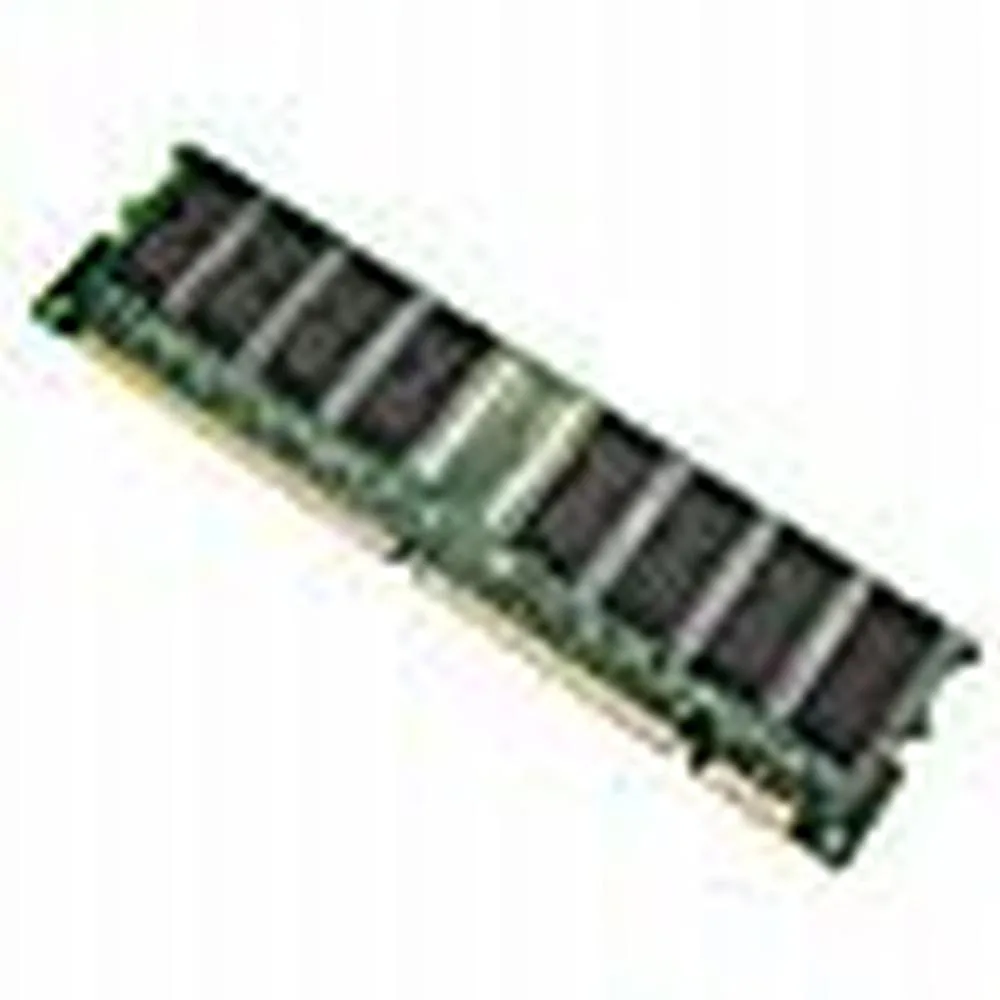
128 MB desktop module running at 133 MHz with CL3 latency on a 168-pin DIMM
This is a 128 MB desktop memory module built to the PC133 standard and running at 133 MHz. It uses a 168-pin DIMM form factor with non-ECC unbuffered chips and a CL3 latency rating.
It replaces older SDRAM sticks that run at slower bus speeds or have lower density. The jump is worth it when a legacy motherboard explicitly supports PC133 and needs a single 128 MB module to reach its maximum memory limit.
Bu ürün için henüz yayınlanmış teknik özellik yok.
This module uses the standard 168-pin DIMM form factor used by desktop motherboards that accept PC133 SDRAM; align the notches with the slot keys before pressing down until the retention clips click.
Power off the PC and unplug it, open the case, line up the 168-pin module with the slot, press firmly until both side clips snap shut, then power on and verify the BIOS reports the full 128MB at 133MHz.
Bu reyondan diğerleri
Aynı raf, aynı sipariş tamamlama — sekiz koin ve 30 dakikalık kur kilidi.
Ödediğiniz koin ve fiyatları gördüğünüz para birimi.
Ödeme sırasında cüzdanınızdan gönderilir.
Yalnızca görüntüleme içindir — katalog USD cinsinden fiyatlandırılır.
Eşleşen para birimi yok.
Sitenin size hangi dilde hitap edeceğini seçin.
İlk kez mi geliyorsunuz?
Zaten hesabınız var mı?
Otomatik bir sıfırlama yoktur: bu mağaza hiç e-posta göndermez, dolayısıyla talep edilecek tek kullanımlık bir bağlantı da yoktur. Adresi hesapta bırakın, elle işleme alınır.
Talep alındı
Gelen kutunuza doğru giden hiçbir şey yok — bu mağaza hiç e-posta göndermez. Bunları biri elle işleme alır.
Hatırladınız mı?


