


HP
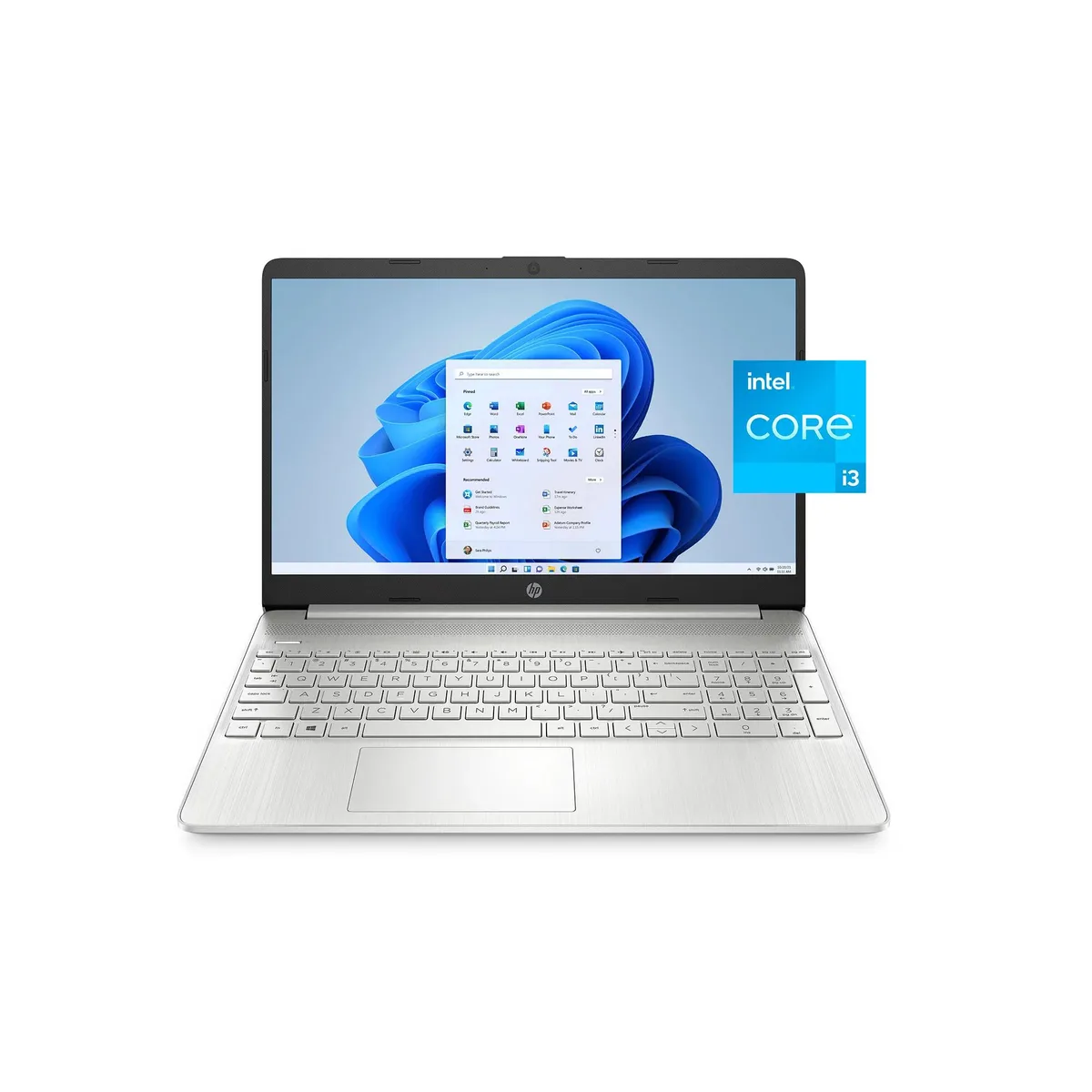
HP 15-dy2791wm laptop Intel Core i3-1115G4 8GB 256GB 15.6" Natural Silver
A 15.6 inch everyday laptop with an Intel Core i3 processor, 8 GB memory and a 256 GB solid-state drive for quick boot-up and 11 hour battery life
- Screen Size15.6"
- TypeEveryday Value
- 11-hour battery keeps you working unplugged
- 6" micro-edge display gives more screen in a compact frame
- Intel Core i3-1115G4 with 8 GB RAM handles everyday tasks smoothly
- 256 GB SSD provides fast boot and responsive feel
HP 15-dy2791wm 15.6" laptop for everyday use
This HP 15 laptop ships new with a 15.6 inch screen, an Intel Core i3-1115G4 processor, 8 GB of RAM and a 256 GB SSD. It runs Windows 11 Home in S mode and offers up to 11 hours of battery life. The micro-edge bezel design keeps the chassis thin and portable for daily mobility.
Best for light tasks; not for heavy workloads
The specification suits students and home users who need a portable device for web browsing, document editing and video calls. Buyers who require more memory or a larger solid-state drive for demanding applications should consider a different configuration.
أبرز المميزات
- 11-hour battery keeps you working unplugged
- 6" micro-edge display gives more screen in a compact frame
- Intel Core i3-1115G4 with 8 GB RAM handles everyday tasks smoothly
- 256 GB SSD provides fast boot and responsive feel
المواصفات
| Screen Size | 15.6" |
|---|---|
| Type | Everyday Value |
أسئلة حول هذا المنتج
What are the screen size and bezel design of the HP 15-dy2791wm?
The laptop has a 15.6-inch display with a micro-edge bezel for a larger viewing area in a compact chassis.
How do I switch out of Windows 11 Home in S mode on this laptop?
Open Settings, go to Activation, select Switch to Windows 11 Home, and follow the prompts in the Microsoft Store; a restart completes the change.
أيضًا في هذا القسم
عملاء قارنوا هذه المنتجات
نفس القسم، ونفس صفحة الدفع — ثماني عملات رقمية وقفل سعر لمدة 30 دقيقة.


Microsoft
Microsoft Surface 3 1657 128GB CRB 2-in-1 laptop
- Silver
- Windows 10 Pro
244.99 US$
0.00317752BTC
متوفر
Microsoft
Microsoft Surface Pro FGG-2D-00001-RFB 2-in-1 laptop 16 GB 512 GB 12.0" touchscreen 2736 x 1824 refurbished
- 12.0"
- Touch Screen
687.99 US$
0.00892323BTC
متوفر
Lenovo
Lenovo Chromebook 500e Gen 5 M89 83TA0004US 12.2" MediaTek 8GB 64GB
- 12.2"
392.99 US$420.99 US$−7%
0.00509708BTC
متوفر