DELL
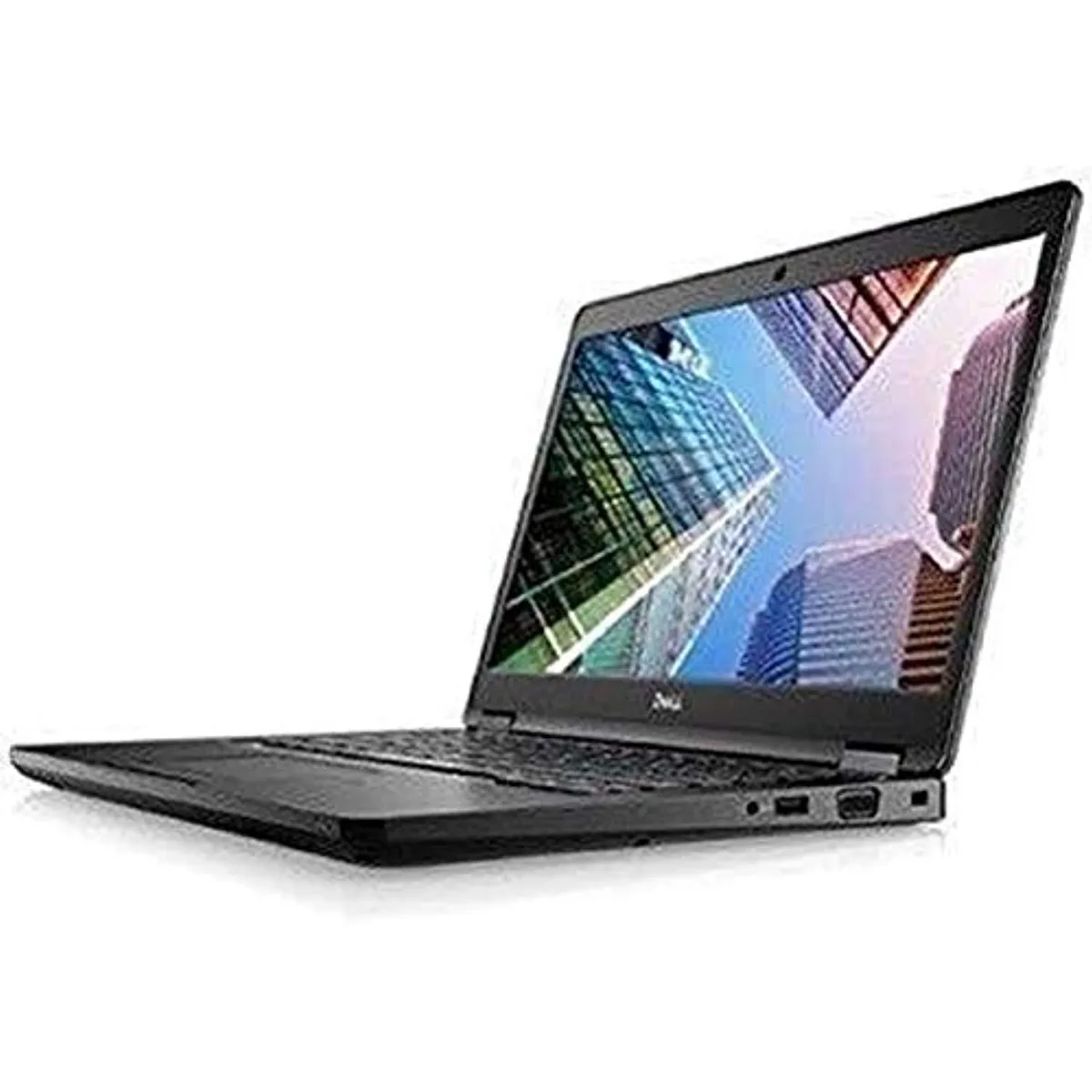
DELL Latitude 7490 -9718 laptop 14" i5-8250U 8GB 256GB
- 14.0"
- Home / Personal
$195.99
0.00249618BTC
In stockWe take cryptocurrency — so the coins you hold can buy real hardware.Pay in crypto, spend it on real hardware. Free insured shipping worldwide over $399. Plain, unbranded boxes, sent from Germany.Free insured shipping over $399. Your rate is locked for 30 minutes once checkout opens.Rate locked 30 minutes. Every item sealed, serial-checked and covered by a 24-month warranty.Sealed, 24-month warranty.


HP
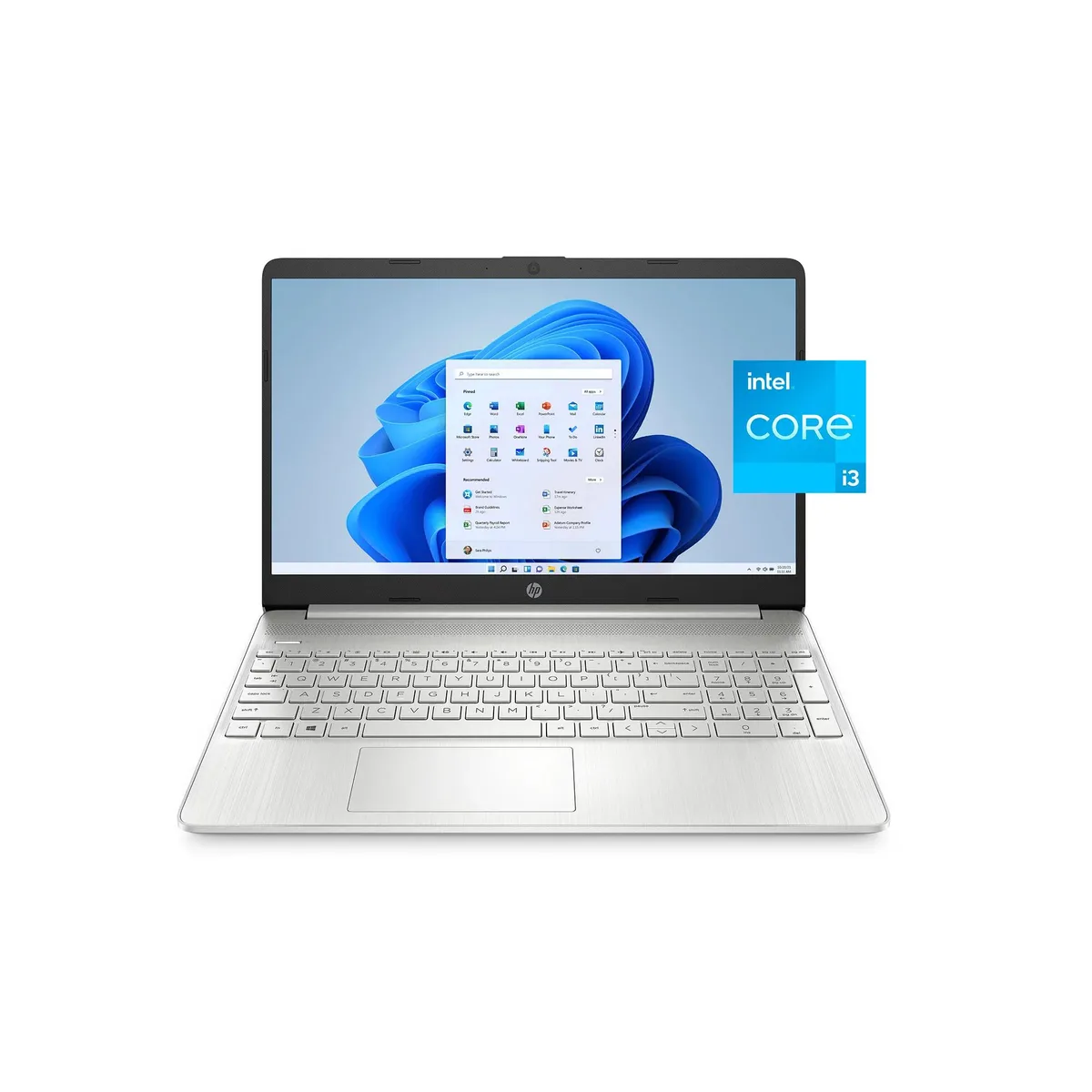
A 15.6 inch everyday laptop with an Intel Core i3 processor, 8 GB memory and a 256 GB solid-state drive for quick boot-up and 11 hour battery life
This HP 15 laptop ships new with a 15.6 inch screen, an Intel Core i3-1115G4 processor, 8 GB of RAM and a 256 GB SSD. It runs Windows 11 Home in S mode and offers up to 11 hours of battery life. The micro-edge bezel design keeps the chassis thin and portable for daily mobility.
The specification suits students and home users who need a portable device for web browsing, document editing and video calls. Buyers who require more memory or a larger solid-state drive for demanding applications should consider a different configuration.
| Screen Size | 15.6" |
|---|---|
| Type | Everyday Value |
The laptop has a 15.6-inch display with a micro-edge bezel for a larger viewing area in a compact chassis.
Open Settings, go to Activation, select Switch to Windows 11 Home, and follow the prompts in the Microsoft Store; a restart completes the change.
Also in this aisle
Same shelf, same checkout — eight coins and a 30-minute rate lock.
What you pay in, and what you read prices in.
Sent from your wallet at checkout
Display only — the catalogue is priced in USD
No currency matches that.
Pick the language the site speaks to you in.
New here?
Already have one?
There is no automatic reset: this shop sends no mail, so there is no one-time link to ask for. Leave the address on the account and it gets picked up by hand.
Request noted
Nothing is on its way to your inbox — this shop sends no mail at all. Someone picks these up by hand.
Remembered it?