Lenovo
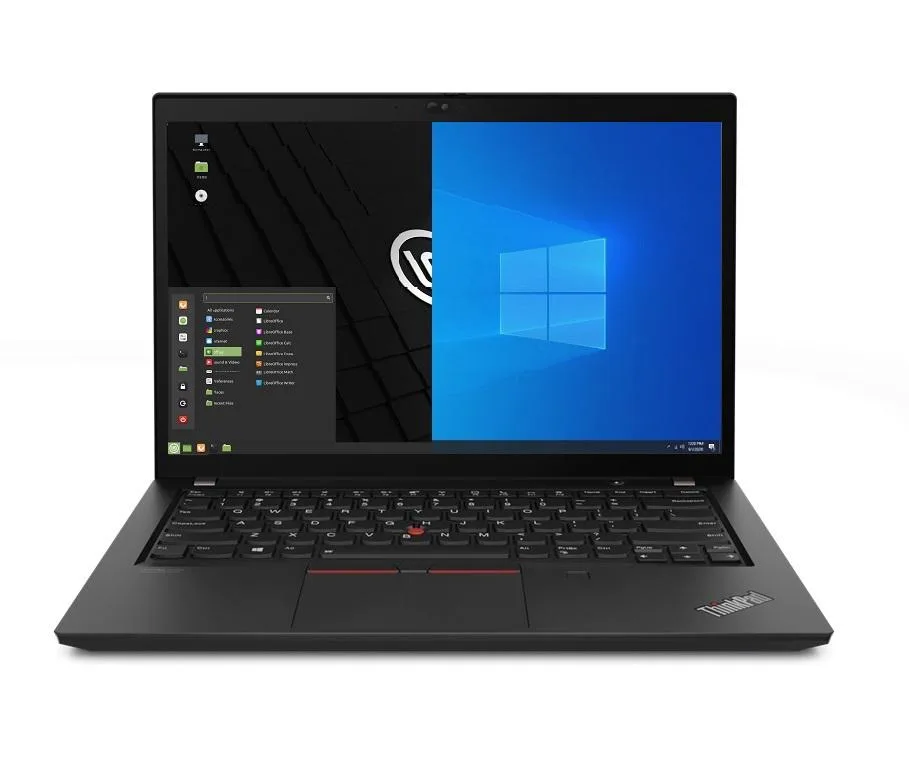
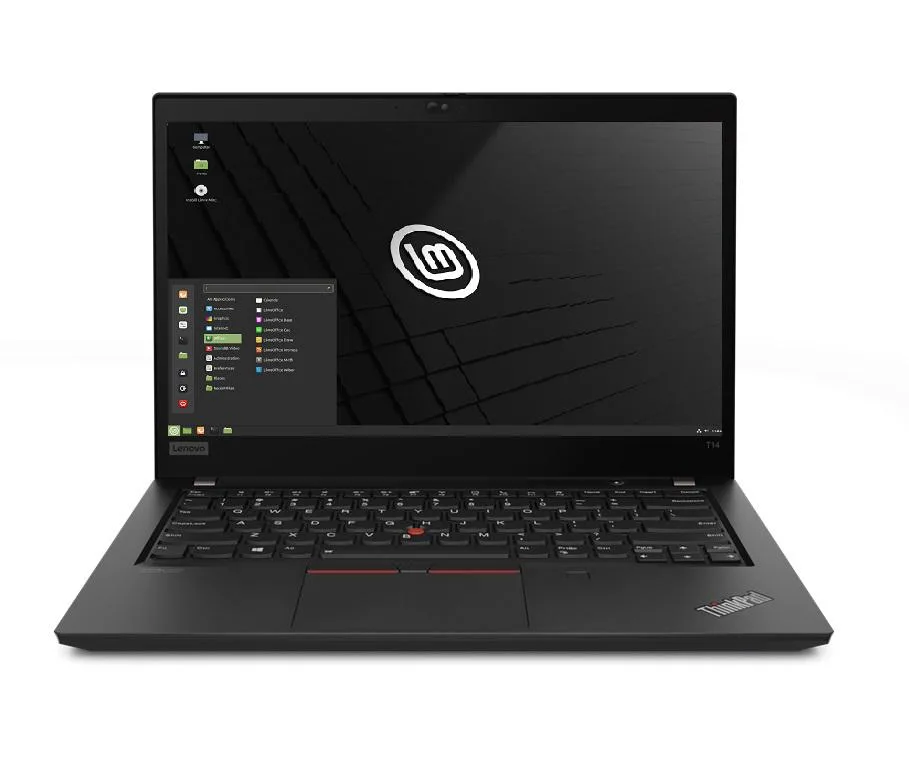
Lenovo Thinkpad T14 Gen 2 laptop i5-1135G7 16GB 256GB 14.0" FHD Windows 10 Pro
- 16GB
- DDR4
753,99 US$
0.00976216BTC
SklademPřijímáme kryptoměny — takže to, co držíte, můžete utratit za skutečný hardware.Plaťte kryptem, utrácejte ho za skutečný hardware. Pojištěná doprava zdarma po celém světě nad 399 $. Neutrální přepravní krabice bez loga, odesílané z Německa.Pojištěná doprava zdarma nad 399 $. Jakmile se otevře pokladna, je váš kurz zablokovaný na 30 minut.Kurz zablokovaný na 30 minut. Každý výrobek je zapečetěný, jeho sériové číslo je zkontrolované a vztahuje se na něj 24měsíční záruka.Zapečetěno, záruka 24 měsíců.


Lenovo
Business laptop with 11th Gen Intel Core i5-1135G7, 8GB DDR4, 1TB PCIe SSD, 14.0" FHD IPS display, Wi-Fi 6 and Thunderbolt 4
Options 8GB/1TB
The Lenovo ThinkPad T14 Gen 2 is a 14.0 inch business laptop built around an 11th Gen Intel Core i5-1135G7 processor with four cores and a maximum turbo frequency of 4.2 GHz. It ships with 8GB of DDR4 memory, a 1TB PCIe SSD, and Windows 10 Pro. Integrated Intel Iris Xe graphics drive the 1920 x 1080 IPS display.
This configuration suits professionals who require a physical Ethernet jack, full-size HDMI, and Thunderbolt 4 connectivity in a 3.23 lb chassis. Buyers who need more than 8GB of soldered memory for heavy multitasking or virtualisation should consider a model with higher capacity. The 720p webcam covers basic video calls but is not intended for high-quality streaming.
The 1TB PCIe SSD offers ample space for operating system, applications, and large project files without relying on external drives. Thunderbolt 4 ports allow fast external storage or dock expansion when internal capacity is reached. The 50WHr battery and 65W supply support typical office workloads, though sustained heavy compute will reduce runtime.
| Memory | 8GB |
|---|---|
| Memory Speed | DDR4 |
| Type | Work / Business |
| Resolution | 1920 x 1080 |
| Screen Size | 14.0" |
| Display Type | Full HD |
| Touchscreen | No |
| SSD | 1 TB |
| HDD | No |
| Storage Spec | 1TB PCIe SSD |
| Brand | Lenovo |
| Series | Thinkpad T14 Gen 2 |
| Part Number | T14 |
| Model | Thinkpad |
| Color | Black |
| GPU/VPU | Intel Iris Xe Graphics |
| Operating System | Windows 10 Pro |
| WiFi Generation | Wi-Fi 6 |
| LAN | 10/100/1000Mbps |
| WLAN | Wi-Fi 6 |
| Bluetooth | Bluetooth 5.2 |
| CPU Type | Intel Core i5 11th Gen |
| Optical Drive Type | No |
| Webcam | Yes |
| Touchpad | ThinkPad UltraNav |
| Keyboard | Standard |
| Card Reader | Micro SD |
| Battery | Lithium Polymer |
| USB | 2 x USB 3.2 Gen 1 |
| Thunderbolt | 2 x Thunderbolt 4 |
| Video Port | 1 x HDMI |
| Ethernet | 1 x RJ-45 |
| Audio Ports | 1 x Headphone/Microphone Combo Jack |
| Audio | Integrated Sound card |
| Speaker | Integrated Stereo Speakers |
Další verze tohoto modelu
Stejná řada, jiná paměť, chladič nebo takt — porovnejte, než se rozhodnete.
You need a DDR4 SO-DIMM stick that matches the existing 8 GB module; the laptop has one free slot for a second stick.
Yes, the USB-A 3.2 Gen1 ports are backward compatible, so USB 3.0 and USB 2.0 devices will connect and operate normally.
Open Windows Device Manager and confirm the Thunderbolt controller appears without errors; the dock’s displays and Ethernet should then be detected.
Také v této kategorii
Stejná kategorie, stejná pokladna — osm měn a kurz zamčený na 30 minut.
Měna, ve které platíte, a měna, ve které se zobrazují ceny.
Odesláno z vaší peněženky u pokladny
Pouze pro zobrazení — katalog je veden v dolarech
Žádná měna neodpovídá.
Vyberte jazyk, ve kterém s vámi bude web komunikovat.
Žádný jazyk neodpovídá.
Poprvé tady?
Už účet máte?
Neexistuje žádná automatická obnova hesla: tento obchod neposílá žádné e-maily, takže neexistuje jednorázový odkaz, o který by bylo možné požádat. Nechte adresu uvedenou u účtu, vyřídíme ji ručně.
Žádost zaznamenána
Do vaší schránky nic nedorazí — tento obchod neposílá žádné e-maily. Někdo se o to postará ručně.
Vzpomněli jste si?