Lenovo
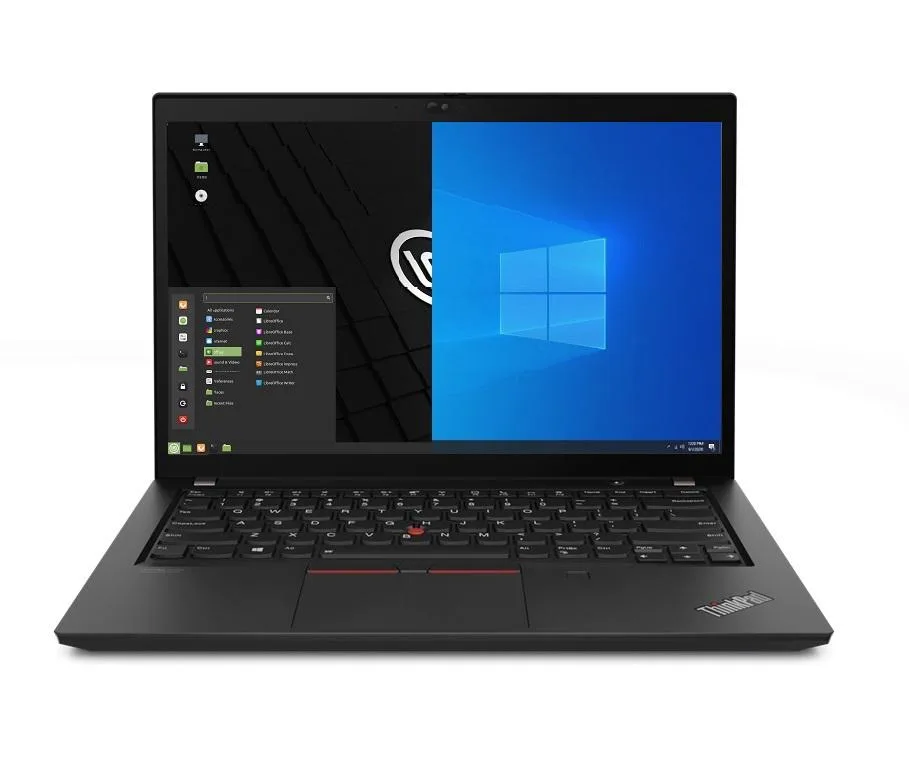
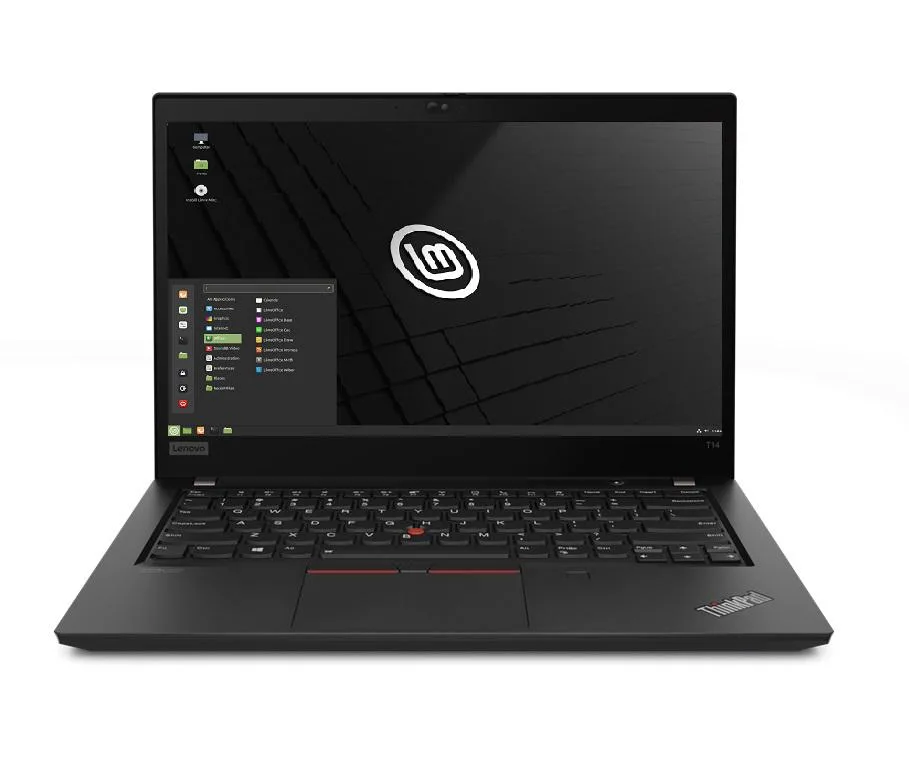
Lenovo Thinkpad T14 Gen 2 laptop i5-1135G7 16GB 256GB 14.0" FHD Windows 10 Pro
- 16GB
- DDR4
753,99 $
0.0097571BTC
Auf LagerWir akzeptieren Kryptowährungen — so können die Coins, die Sie besitzen, echte Hardware kaufen.Zahlen Sie mit Krypto, geben Sie sie für echte Hardware aus. Weltweit kostenloser versicherter Versand ab 399 $. Neutrale Kartons ohne Markenaufdruck, versendet aus Deutschland.Kostenloser versicherter Versand ab 399 $. Ihr Kurs wird 30 Minuten lang gesperrt, sobald die Kasse geöffnet wird.Kurs 30 Minuten gesperrt. Jeder Artikel ist versiegelt, die Seriennummer wird geprüft, und es gilt eine Garantie von 24 Monaten.Versiegelt, 24 Monate Garantie.


Lenovo
Business laptop with 11th Gen Intel Core i5-1135G7, 8GB DDR4, 1TB PCIe SSD, 14.0" FHD IPS display, Wi-Fi 6 and Thunderbolt 4
Options 8GB/1TB
The Lenovo ThinkPad T14 Gen 2 is a 14.0 inch business laptop built around an 11th Gen Intel Core i5-1135G7 processor with four cores and a maximum turbo frequency of 4.2 GHz. It ships with 8GB of DDR4 memory, a 1TB PCIe SSD, and Windows 10 Pro. Integrated Intel Iris Xe graphics drive the 1920 x 1080 IPS display.
This configuration suits professionals who require a physical Ethernet jack, full-size HDMI, and Thunderbolt 4 connectivity in a 3.23 lb chassis. Buyers who need more than 8GB of soldered memory for heavy multitasking or virtualisation should consider a model with higher capacity. The 720p webcam covers basic video calls but is not intended for high-quality streaming.
The 1TB PCIe SSD offers ample space for operating system, applications, and large project files without relying on external drives. Thunderbolt 4 ports allow fast external storage or dock expansion when internal capacity is reached. The 50WHr battery and 65W supply support typical office workloads, though sustained heavy compute will reduce runtime.
| Memory | 8GB |
|---|---|
| Memory Speed | DDR4 |
| Type | Work / Business |
| Resolution | 1920 x 1080 |
| Screen Size | 14.0" |
| Display Type | Full HD |
| Touchscreen | No |
| SSD | 1 TB |
| HDD | No |
| Storage Spec | 1TB PCIe SSD |
| Brand | Lenovo |
| Series | Thinkpad T14 Gen 2 |
| Part Number | T14 |
| Model | Thinkpad |
| Color | Black |
| GPU/VPU | Intel Iris Xe Graphics |
| Operating System | Windows 10 Pro |
| WiFi Generation | Wi-Fi 6 |
| LAN | 10/100/1000Mbps |
| WLAN | Wi-Fi 6 |
| Bluetooth | Bluetooth 5.2 |
| CPU Type | Intel Core i5 11th Gen |
| Optical Drive Type | No |
| Webcam | Yes |
| Touchpad | ThinkPad UltraNav |
| Keyboard | Standard |
| Card Reader | Micro SD |
| Battery | Lithium Polymer |
| USB | 2 x USB 3.2 Gen 1 |
| Thunderbolt | 2 x Thunderbolt 4 |
| Video Port | 1 x HDMI |
| Ethernet | 1 x RJ-45 |
| Audio Ports | 1 x Headphone/Microphone Combo Jack |
| Audio | Integrated Sound card |
| Speaker | Integrated Stereo Speakers |
Andere Versionen dieses Modells
Gleiche Familie, unterschiedlicher Speicher, Kühler oder Takt — vergleichen Sie, bevor Sie sich entscheiden.
You need a DDR4 SO-DIMM stick that matches the existing 8 GB module; the laptop has one free slot for a second stick.
Yes, the USB-A 3.2 Gen1 ports are backward compatible, so USB 3.0 and USB 2.0 devices will connect and operate normally.
Open Windows Device Manager and confirm the Thunderbolt controller appears without errors; the dock’s displays and Ethernet should then be detected.
Ebenfalls in dieser Kategorie
Gleiche Abteilung, gleiche Kasse — acht Kryptowährungen und ein für 30 Minuten fixierter Kurs.
Womit Sie bezahlen und in welcher Währung Sie die Preise sehen.
Wird von Ihrem Wallet an der Kasse gesendet
Nur zur Anzeige — der Katalog ist in US-Dollar ausgezeichnet
Keine passende Währung gefunden.
Wählen Sie die Sprache, in der die Seite mit Ihnen spricht.
Keine passende Sprache gefunden.
Neu hier?
Haben Sie bereits eins?
Es gibt keine automatische Zurücksetzung: Dieser Shop versendet keine E-Mails, daher gibt es auch keinen Einmal-Link, den Sie anfordern könnten. Lassen Sie die im Konto hinterlegte Adresse stehen, sie wird von Hand bearbeitet.
Anfrage vermerkt
Es ist nichts auf dem Weg in Ihr Postfach — dieser Shop versendet grundsätzlich keine E-Mails. Jemand bearbeitet diese Anfragen von Hand.
Wieder eingefallen?