Seagate
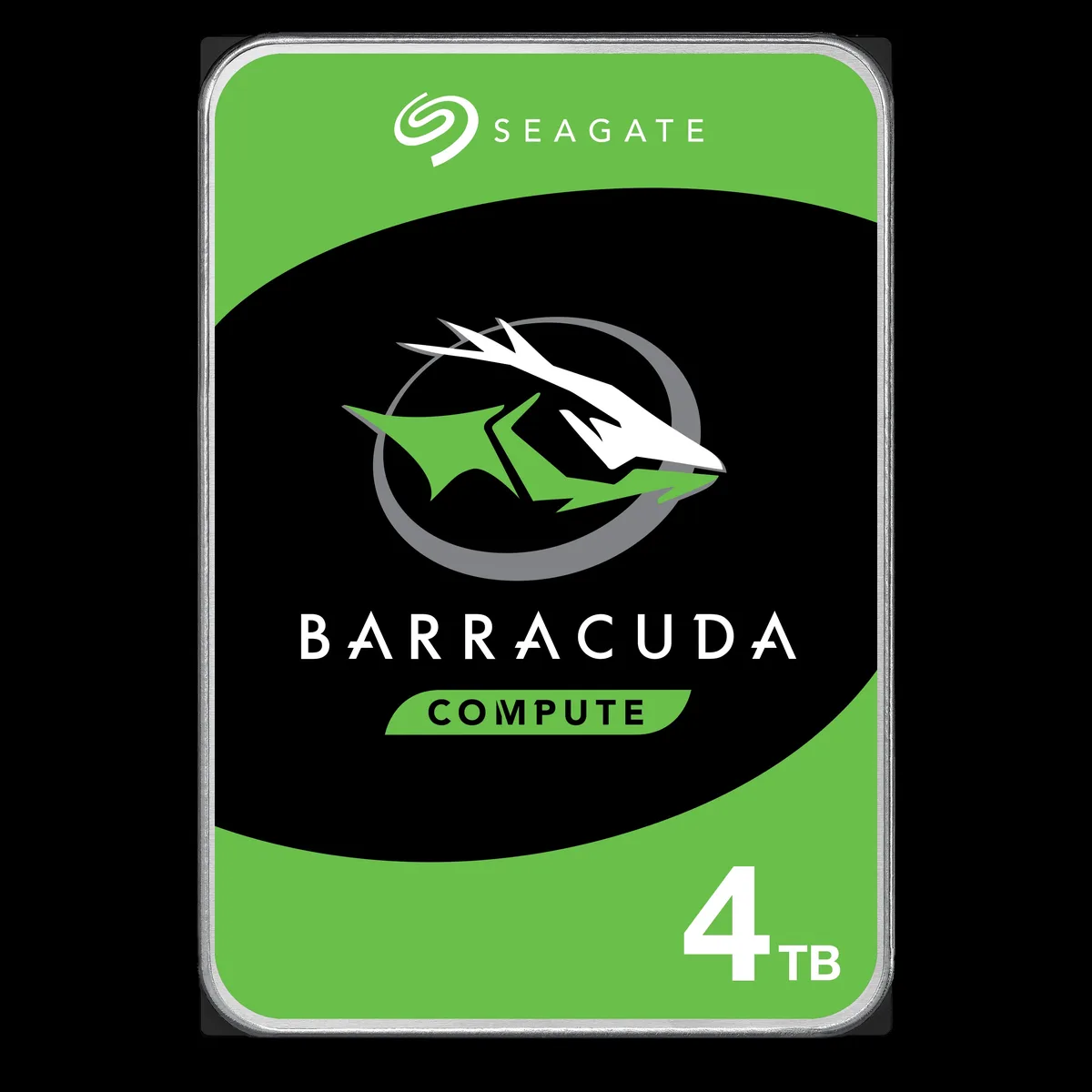
Seagate BarraCuda ST3000DM008 3TB 7200 RPM 64MB SATA 6.0Gb/s 3.5" internal hard drive
- Bare Drive
- SATA 6.0Gb/s
56,99 $
0.00071707BTC
Auf LagerWir akzeptieren Kryptowährungen — so können die Coins, die Sie besitzen, echte Hardware kaufen.Zahlen Sie mit Krypto, geben Sie sie für echte Hardware aus. Weltweit kostenloser versicherter Versand ab 399 $. Neutrale Kartons ohne Markenaufdruck, versendet aus Deutschland.Kostenloser versicherter Versand ab 399 $. Ihr Kurs wird 30 Minuten lang gesperrt, sobald die Kasse geöffnet wird.Kurs 30 Minuten gesperrt. Jeder Artikel ist versiegelt, die Seriennummer wird geprüft, und es gilt eine Garantie von 24 Monaten.Versiegelt, 24 Monate Garantie.


Seagate
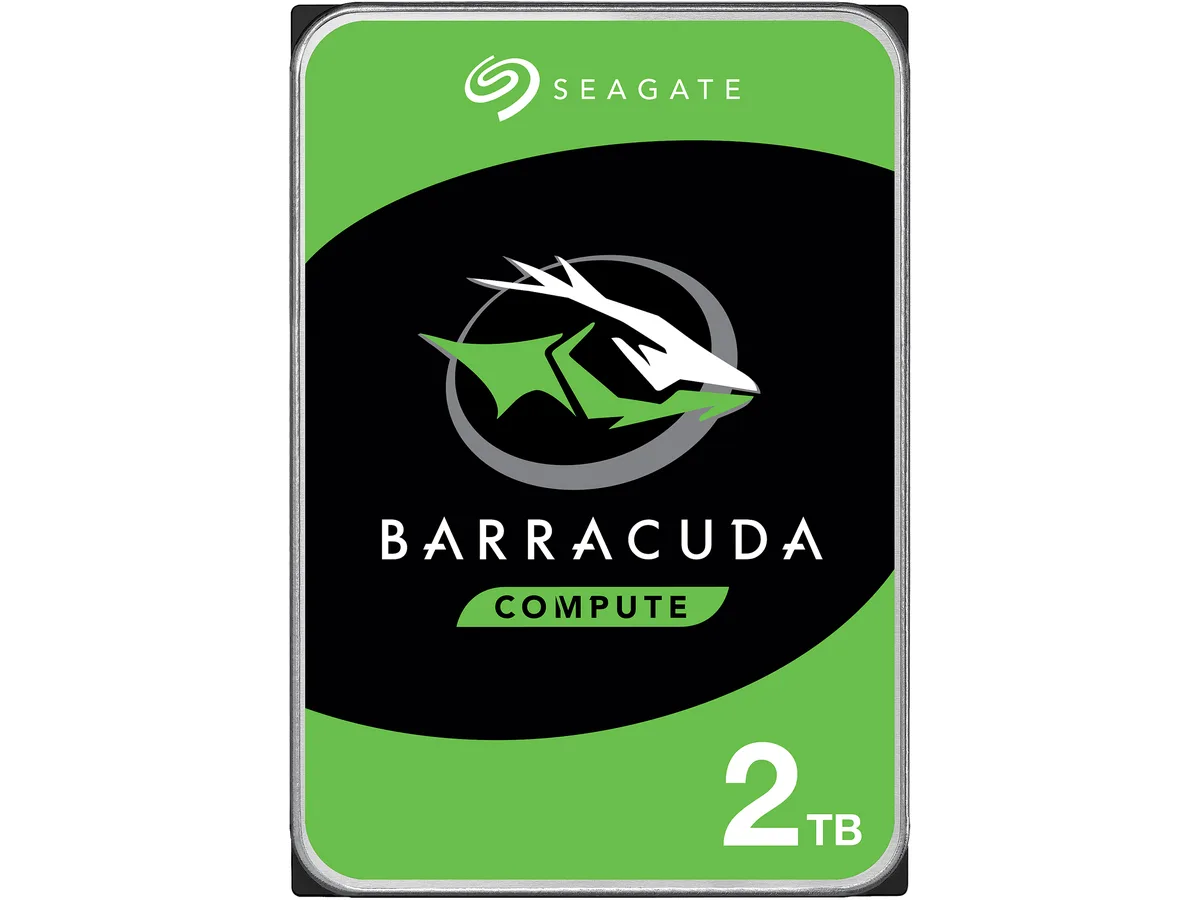
A 2 TB 3.5-inch desktop hard drive spinning at 7200 RPM with 256 MB cache and a SATA 6.0 Gb/s interface for everyday computing
Options 2TB 7200RPM
The Seagate BarraCuda ST2000DM008 is a 2 TB 3.5 inch desktop hard drive that spins at 7200 RPM and connects through a SATA 6.0 Gb/s interface. It carries a 256 MB cache and measures 146.99 mm long, 101.85 mm wide and 20.20 mm high. The drive is supplied new and is built for everyday computing tasks.
This drive fits users who need affordable high-capacity storage for documents, media libraries or backup on a standard desktop PC. Buyers who require the low latency or high sustained throughput of solid-state storage should consider a different technology. Systems limited to the older SATA 3.0 Gb/s standard will not reach the interface burst speed this model offers.
The single specification that determines whether this is the correct part is the SATA 6.0 Gb/s interface. Your motherboard or controller must provide a matching SATA port to install the drive and achieve its rated burst performance. Without that port the drive will not function as intended.
| Brand | Seagate |
|---|---|
| Series | BarraCuda |
| Model | ST2000DM008 |
| Interface | SATA 6.0Gb/s |
| Capacity | 2TB |
| RPM | 7200 RPM |
| Cache | 256MB |
| Features | Versatile HDDs for all your PC needs bring you industry-leading excellence in personal computing. For over 20 years the BarraCuda family has delivered super-reliable storage for the hard drive industry. Capacities up to 8TB for desktops, BarraCuda leads the market with the widest range of storage options available. Advanced Power modes help save energy without sacrificing performance. SATA 6Gb/s interface optimizes burst performance. |
| Usage | For Daily Computing |
| Form Factor | 3.5" |
| Height (maximum) | 20.20mm |
| Width (maximum) | 101.85mm |
| Length (maximum) | 146.99mm |
| Versandgewicht | 0.40 kg |
| Paketgröße | 152 × 104 × 25 mm |
Andere Versionen dieses Modells
Gleiche Familie, unterschiedlicher Speicher, Kühler oder Takt — vergleichen Sie, bevor Sie sich entscheiden.
The SATA 6.0Gb/s interface supports up to 6.0Gb/s burst speeds, while sustained transfer rates are limited by the 7200 RPM platters and 256MB cache.
Yes, the drive measures 146.99mm long, 101.85mm wide and 20.20mm high, matching the standard 3.5" form factor used in desktop cases and drive cages.
Mount the drive using four 3.5" screws, connect a SATA data cable to the motherboard and a SATA power cable from the PSU, then initialise and format the 2TB volume in the OS — the formatting step is frequently overlooked.
Ebenfalls in dieser Kategorie
Gleiche Abteilung, gleiche Kasse — acht Kryptowährungen und ein für 30 Minuten fixierter Kurs.
Womit Sie bezahlen und in welcher Währung Sie die Preise sehen.
Wird von Ihrem Wallet an der Kasse gesendet
Nur zur Anzeige — der Katalog ist in US-Dollar ausgezeichnet
Keine passende Währung gefunden.
Wählen Sie die Sprache, in der die Seite mit Ihnen spricht.
Neu hier?
Haben Sie bereits eins?
Es gibt keine automatische Zurücksetzung: Dieser Shop versendet keine E-Mails, daher gibt es auch keinen Einmal-Link, den Sie anfordern könnten. Lassen Sie die im Konto hinterlegte Adresse stehen, sie wird von Hand bearbeitet.
Anfrage vermerkt
Es ist nichts auf dem Weg in Ihr Postfach — dieser Shop versendet grundsätzlich keine E-Mails. Jemand bearbeitet diese Anfragen von Hand.
Wieder eingefallen?