Vszerda
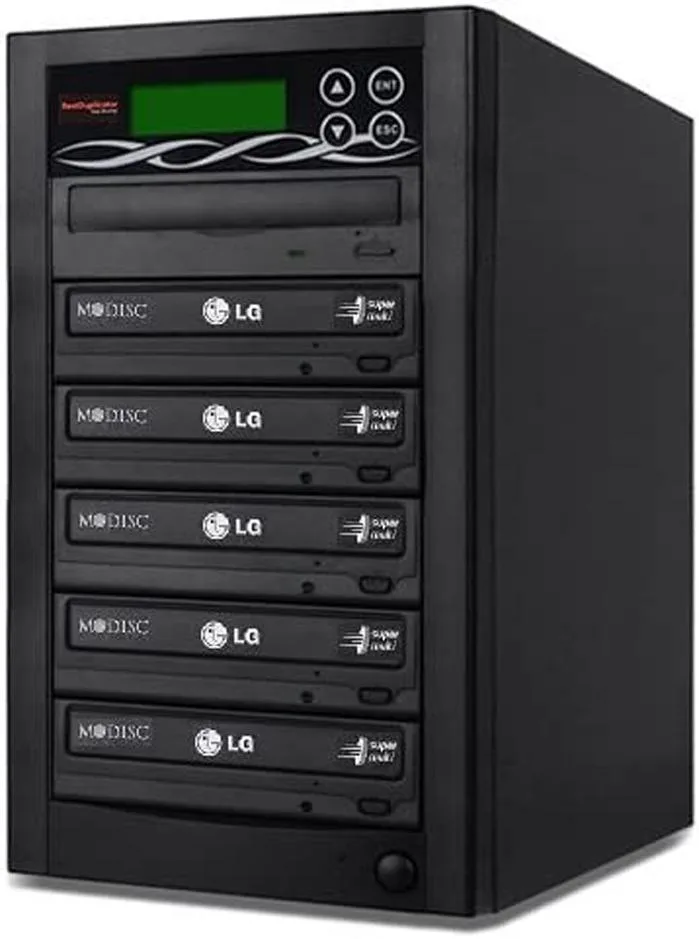
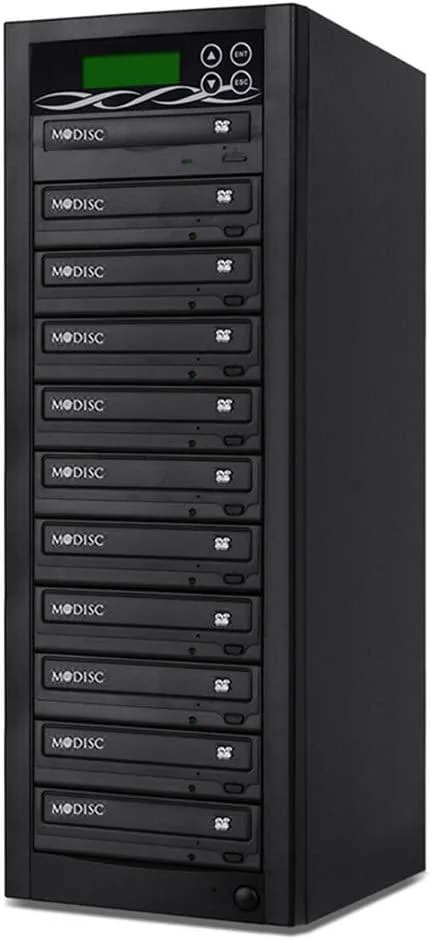
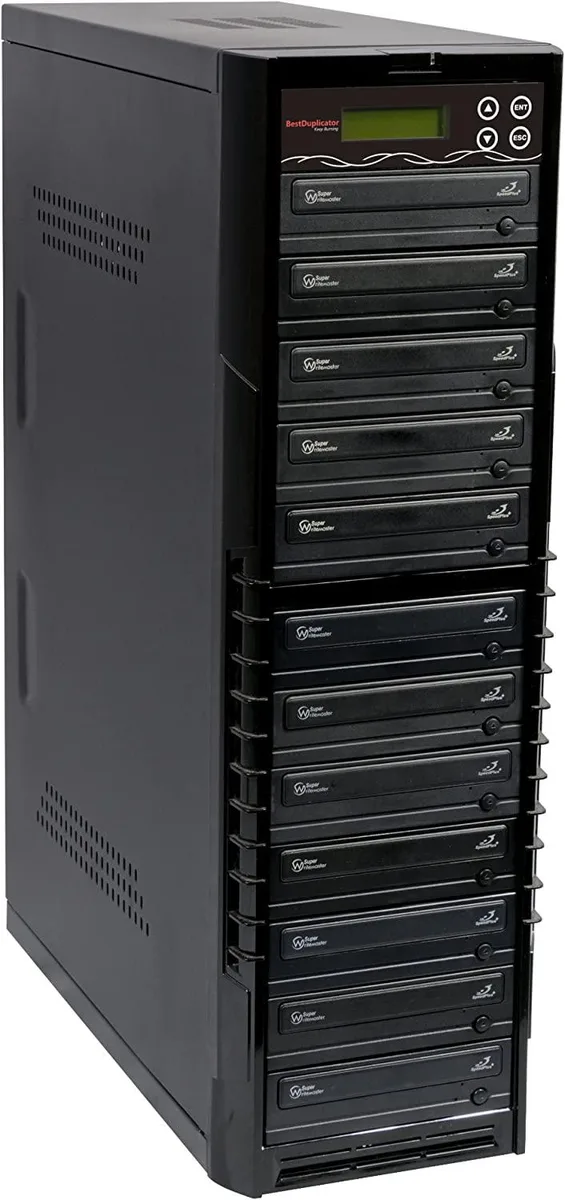
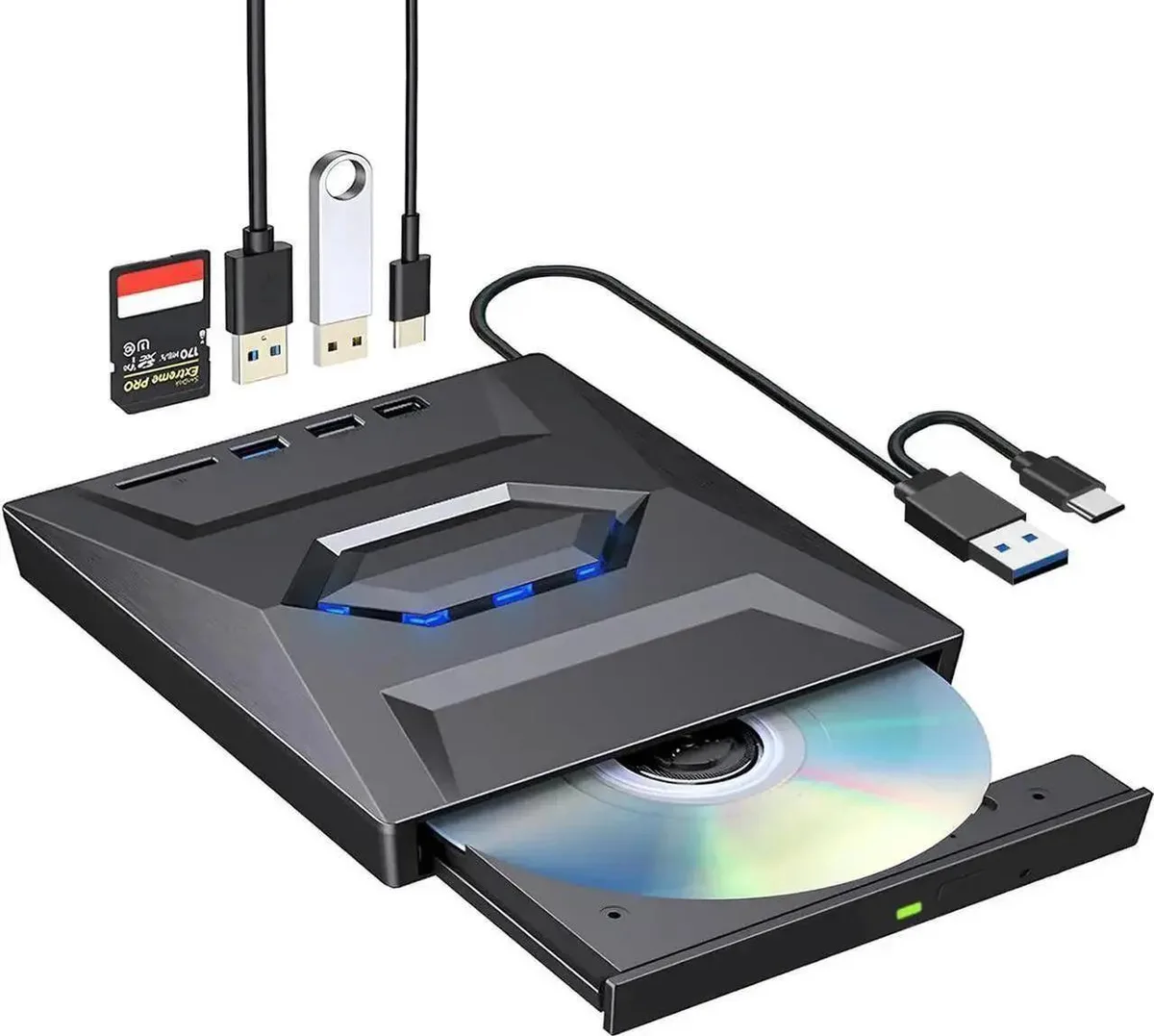
Vszerda External CD DVD Drive USB 3.0 USB-C Duplicator with Hub Card Reader
54,99 $
0.00067503BTC
ΔιαθέσιμοΔεχόμαστε κρυπτονομίσματα — έτσι ώστε αυτά που κατέχετε να μπορούν να αγοράσουν πραγματικό εξοπλισμό.Πληρώστε σε κρυπτονομίσματα, ξοδέψτε τα σε πραγματικό εξοπλισμό. Δωρεάν ασφαλισμένη αποστολή παγκοσμίως άνω των 399 $. Ουδέτερες κούτες αποστολής, χωρίς σήμανση, από τη Γερμανία.Δωρεάν ασφαλισμένη αποστολή άνω των 399 $. Η ισοτιμία σας κλειδώνει για 30 λεπτά μόλις ανοίξει το ταμείο.Κλείδωμα ισοτιμίας 30 λεπτών. Κάθε προϊόν είναι σφραγισμένο, ελεγμένο ως προς τον σειριακό αριθμό του, και καλύπτεται από εγγύηση 24 μηνών.Σφραγισμένο, με εγγύηση 24 μηνών.


Lenovo
An internal M.2 SSD tray providing one expansion bay for compatible Lenovo ThinkPad P Series systems
This internal expansion bay tray fits Lenovo ThinkPad P Series systems. It provides a single slot for adding an M.2 solid-state drive. The tray is designed for direct installation inside compatible mobile workstations. Buyers who need a 2.5-inch drive caddy or an external enclosure cannot use this part.
The tray itself draws no power and has no moving parts. Thermals and noise depend entirely on the M.2 drive you install and the host system's cooling design. No fan, heatsink or power connector is included with the tray.
| Brand | Lenovo |
|---|---|
| Model | 4XB0K59917 |
| Capacity | N/A |
| Βάρος αποστολής | 0.50 kg |
| Διαστάσεις συσκευασίας | 178 × 147 × 51 mm |
Power off the laptop, remove the bottom cover, locate the single internal expansion bay, insert the tray into the M.2 slot at the correct angle, secure it with the retention screw, then reassemble the cover.
The tray itself has no moving parts and needs no routine maintenance; only the M.2 SSD seated inside it may eventually require replacement if the drive fails or capacity needs increase.
Επίσης σε αυτό το ράφι
Ίδιο ράφι, ίδιο ταμείο — οκτώ νομίσματα και κλείδωμα ισοτιμίας 30 λεπτών.
Το νόμισμα στο οποίο πληρώνετε, και αυτό στο οποίο βλέπετε τις τιμές.
Αποστέλλεται από το πορτοφόλι σας στο ταμείο
Μόνο για προβολή — ο κατάλογος αναγράφεται σε δολάρια
Κανένα νόμισμα δεν αντιστοιχεί.
Επιλέξτε τη γλώσσα στην οποία σας μιλάει ο ιστότοπος.
Καμία γλώσσα δεν ταιριάζει.
Πρώτη επίσκεψη;
Έχετε ήδη λογαριασμό;
Δεν υπάρχει αυτόματη επαναφορά κωδικού: αυτό το κατάστημα δεν στέλνει e-mail, άρα δεν υπάρχει σύνδεσμος μίας χρήσης να ζητήσετε. Αφήστε τη διεύθυνση στον λογαριασμό σας και κάποιος θα την επεξεργαστεί με το χέρι.
Το αίτημα καταχωρίστηκε
Δεν θα λάβετε τίποτα στα εισερχόμενά σας — το κατάστημα δεν στέλνει κανένα e-mail. Κάποιος το διαχειρίζεται με το χέρι.
Τον θυμηθήκατε;