VinPower
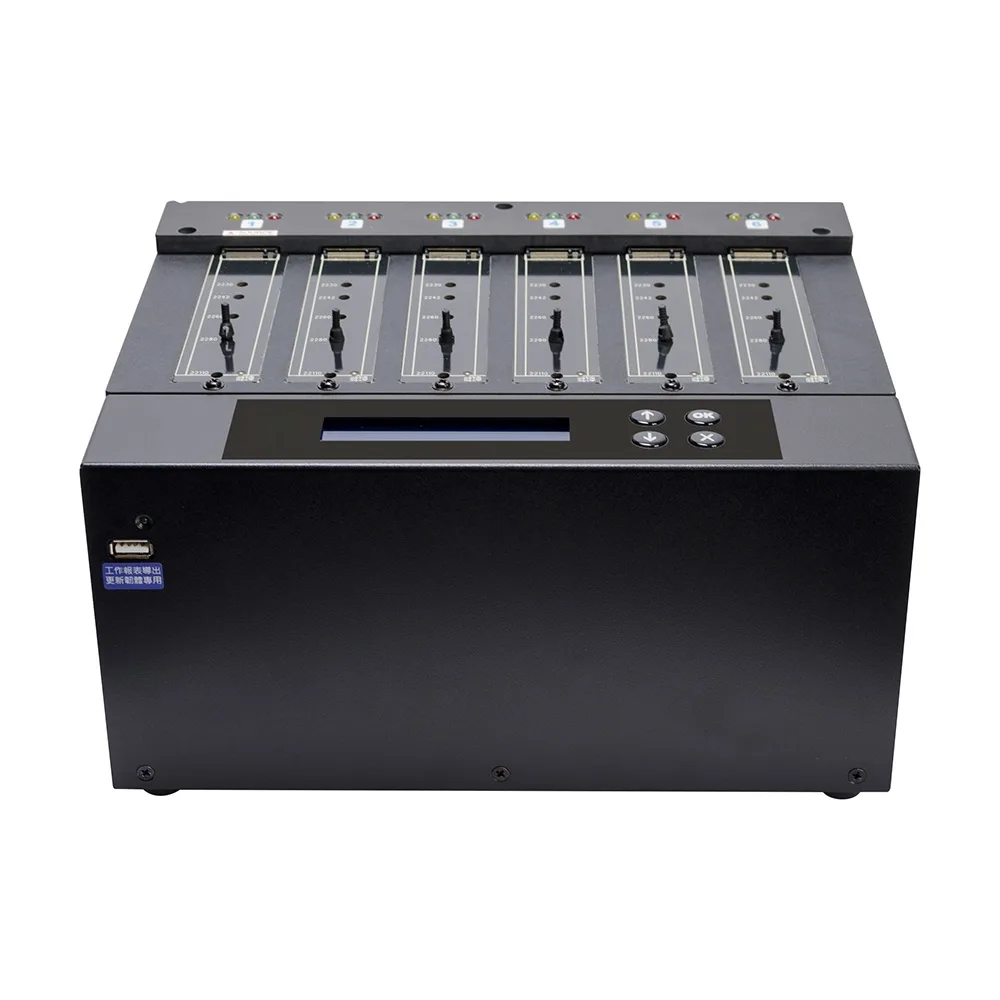
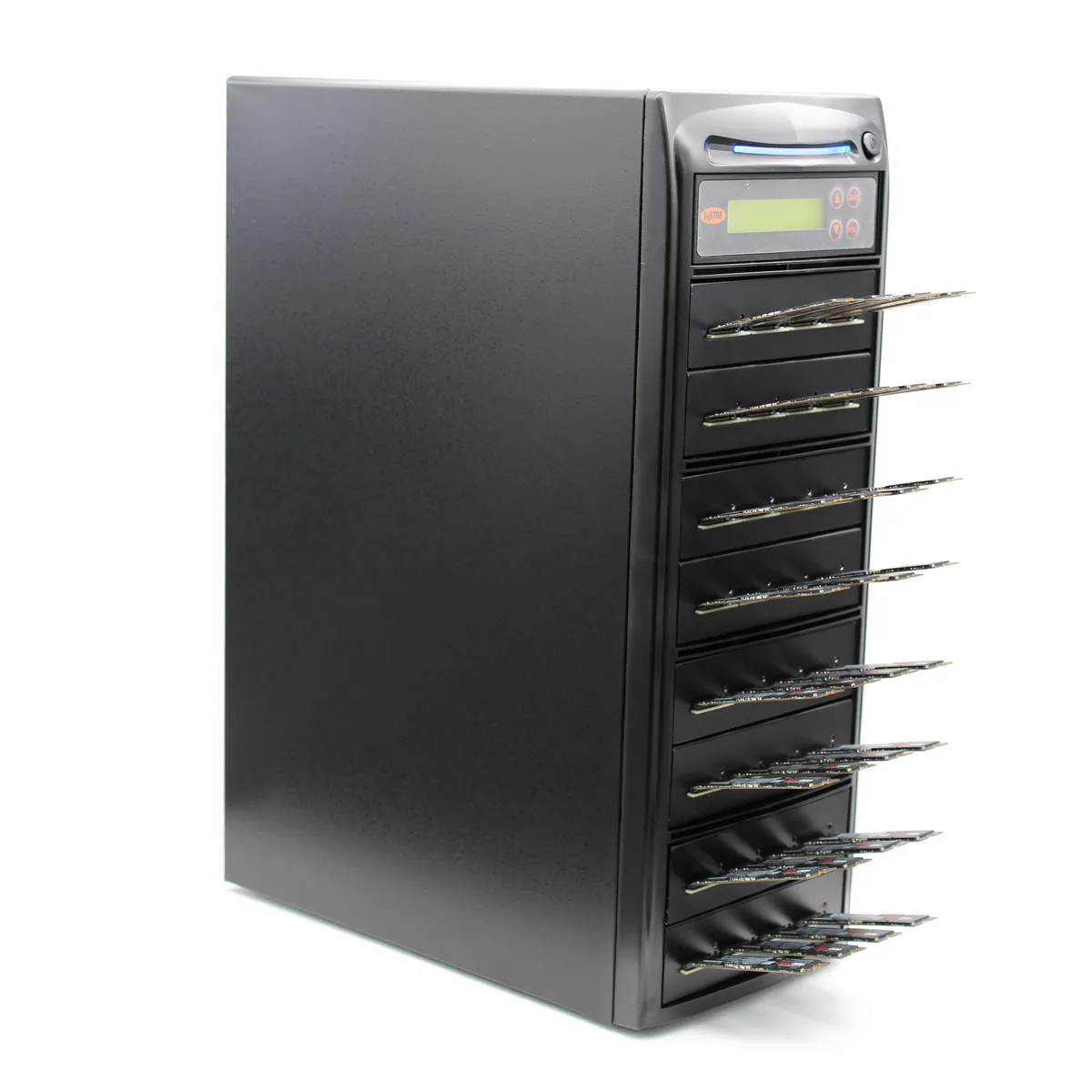
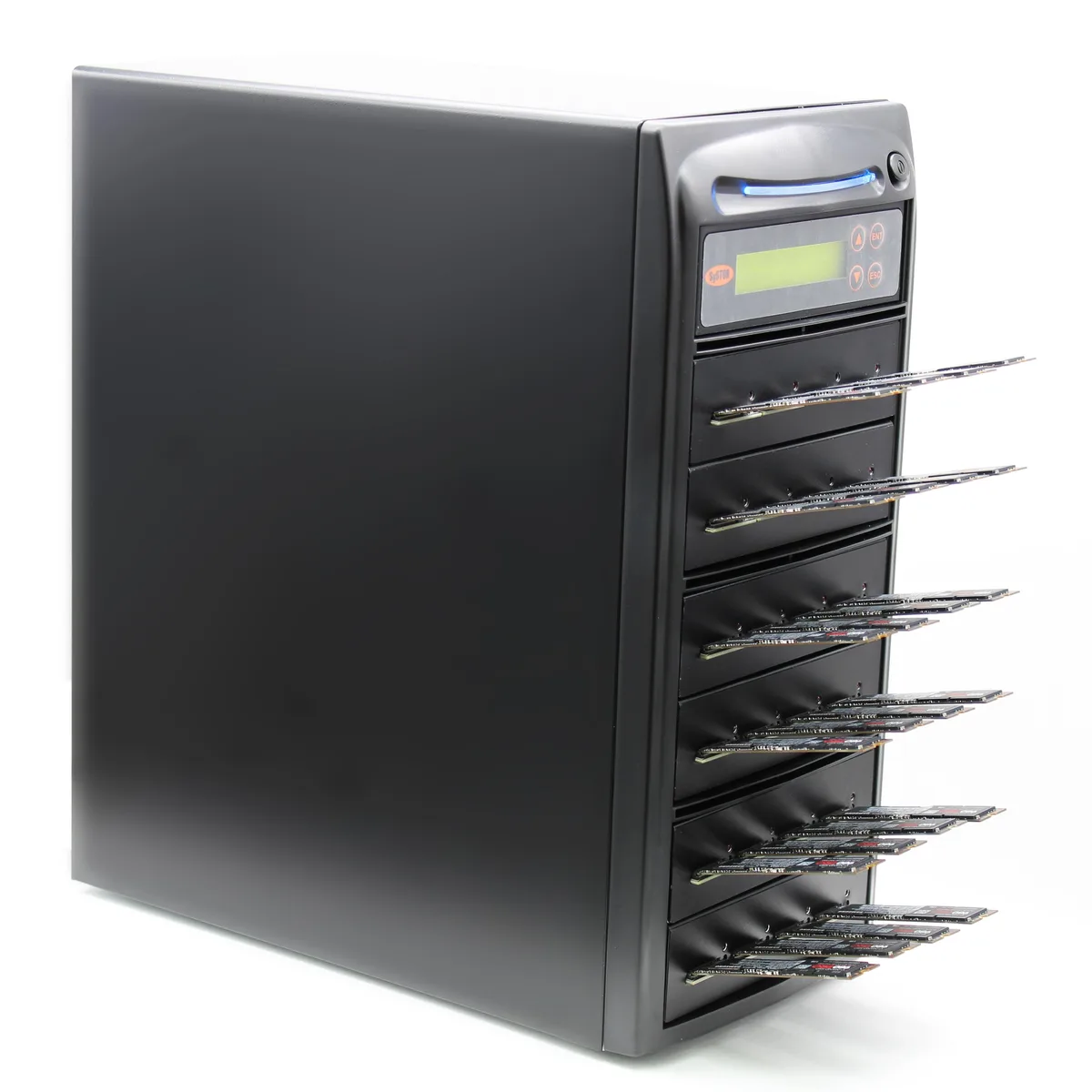
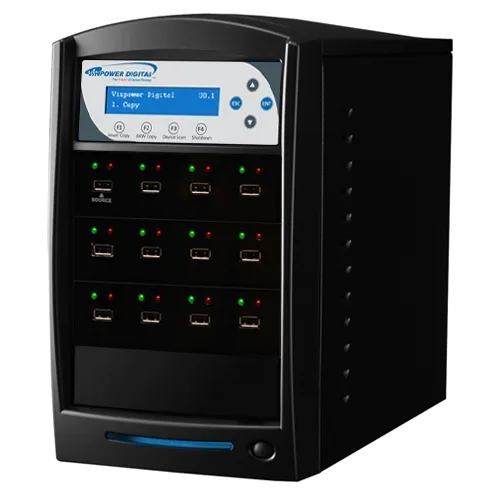
VinPower USBShark-11T-BK 1 to 11 USB 3.0 duplicator 128M buffer
- USB Flash Drive Dup…
- 1 to 11
774,99 $US
0.00951562BTC
En stockNous acceptons la cryptomonnaie — les cryptos que vous détenez peuvent ainsi acheter du matériel réel.Payez en crypto, dépensez-la en matériel réel. Livraison assurée offerte partout dans le monde au-delà de 399 $. Cartons neutres, sans marque, expédiés depuis l’Allemagne.Livraison assurée offerte au-delà de 399 $. Votre taux est bloqué pendant 30 minutes dès l’ouverture de la caisse.Taux bloqué 30 minutes. Chaque article est scellé, son numéro de série est vérifié, et il est couvert par une garantie de 24 mois.Scellé, garanti 24 mois.


Lenovo
An internal M.2 SSD tray providing one expansion bay for compatible Lenovo ThinkPad P Series systems
This internal expansion bay tray fits Lenovo ThinkPad P Series systems. It provides a single slot for adding an M.2 solid-state drive. The tray is designed for direct installation inside compatible mobile workstations. Buyers who need a 2.5-inch drive caddy or an external enclosure cannot use this part.
The tray itself draws no power and has no moving parts. Thermals and noise depend entirely on the M.2 drive you install and the host system's cooling design. No fan, heatsink or power connector is included with the tray.
| Brand | Lenovo |
|---|---|
| Model | 4XB0K59917 |
| Capacity | N/A |
| Poids d’expédition | 0.50 kg |
| Dimensions du colis | 178 × 147 × 51 mm |
Power off the laptop, remove the bottom cover, locate the single internal expansion bay, insert the tray into the M.2 slot at the correct angle, secure it with the retention screw, then reassemble the cover.
The tray itself has no moving parts and needs no routine maintenance; only the M.2 SSD seated inside it may eventually require replacement if the drive fails or capacity needs increase.
Également dans ce rayon
Même rayon, même caisse — huit monnaies et un taux bloqué 30 minutes.
Ce que vous envoyez, et ce dans quoi vous lisez les prix.
Envoyé depuis votre portefeuille à la caisse
Affichage seul — le catalogue est libellé en dollars
Aucune monnaie ne correspond.
Choisissez la langue dans laquelle le site vous parle.
Aucune langue ne correspond.
Première visite ?
Vous avez déjà un compte ?
Il n’y a pas de réinitialisation automatique : cette boutique n’envoie aucun e-mail, il n’existe donc aucun lien à usage unique à demander. Laissez l’adresse sur le compte, elle sera traitée à la main.
Demande enregistrée
Rien n’arrivera dans votre boîte de réception — cette boutique n’envoie aucun e-mail. Quelqu’un s’en occupe à la main.
Vous l’avez retrouvé ?