Vszerda
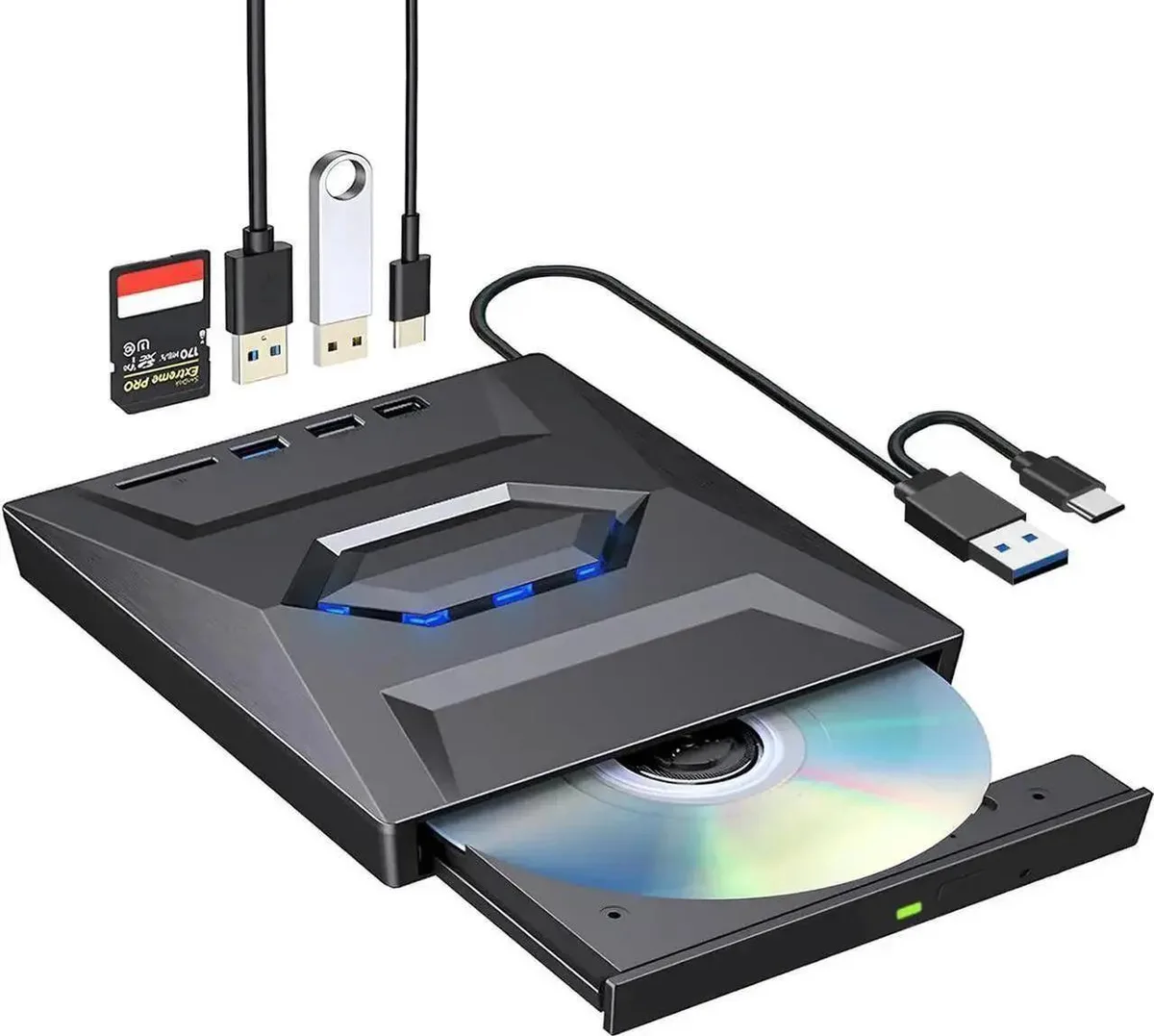
Vszerda External CD DVD Drive USB 3.0 USB-C Duplicator with Hub Card Reader
54,99 US$
0.00067503BTC
SklademPřijímáme kryptoměny — takže to, co držíte, můžete utratit za skutečný hardware.Plaťte kryptem, utrácejte ho za skutečný hardware. Pojištěná doprava zdarma po celém světě nad 399 $. Neutrální přepravní krabice bez loga, odesílané z Německa.Pojištěná doprava zdarma nad 399 $. Jakmile se otevře pokladna, je váš kurz zablokovaný na 30 minut.Kurz zablokovaný na 30 minut. Každý výrobek je zapečetěný, jeho sériové číslo je zkontrolované a vztahuje se na něj 24měsíční záruka.Zapečetěno, záruka 24 měsíců.


Lenovo
An internal M.2 SSD tray providing one expansion bay for compatible Lenovo ThinkPad P Series systems
This internal expansion bay tray fits Lenovo ThinkPad P Series systems. It provides a single slot for adding an M.2 solid-state drive. The tray is designed for direct installation inside compatible mobile workstations. Buyers who need a 2.5-inch drive caddy or an external enclosure cannot use this part.
The tray itself draws no power and has no moving parts. Thermals and noise depend entirely on the M.2 drive you install and the host system's cooling design. No fan, heatsink or power connector is included with the tray.
| Brand | Lenovo |
|---|---|
| Model | 4XB0K59917 |
| Capacity | N/A |
| Přepravní hmotnost | 0.50 kg |
| Rozměry balení | 178 × 147 × 51 mm |
Power off the laptop, remove the bottom cover, locate the single internal expansion bay, insert the tray into the M.2 slot at the correct angle, secure it with the retention screw, then reassemble the cover.
The tray itself has no moving parts and needs no routine maintenance; only the M.2 SSD seated inside it may eventually require replacement if the drive fails or capacity needs increase.
Také v této kategorii
Stejná kategorie, stejná pokladna — osm měn a kurz zamčený na 30 minut.
Měna, ve které platíte, a měna, ve které se zobrazují ceny.
Odesláno z vaší peněženky u pokladny
Pouze pro zobrazení — katalog je veden v dolarech
Žádná měna neodpovídá.
Vyberte jazyk, ve kterém s vámi bude web komunikovat.
Žádný jazyk neodpovídá.
Poprvé tady?
Už účet máte?
Neexistuje žádná automatická obnova hesla: tento obchod neposílá žádné e-maily, takže neexistuje jednorázový odkaz, o který by bylo možné požádat. Nechte adresu uvedenou u účtu, vyřídíme ji ručně.
Žádost zaznamenána
Do vaší schránky nic nedorazí — tento obchod neposílá žádné e-maily. Někdo se o to postará ručně.
Vzpomněli jste si?