Vszerda
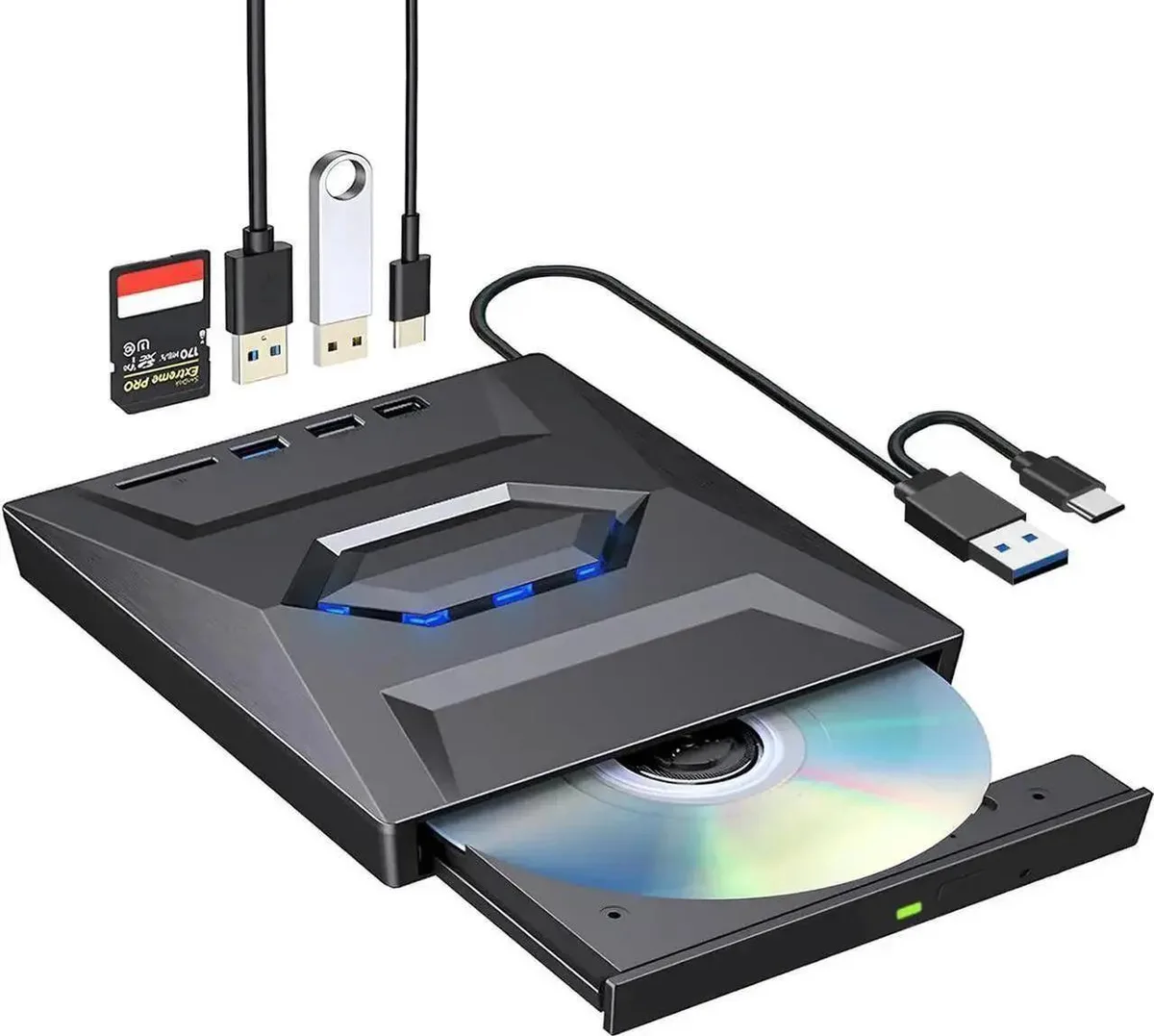
Vszerda External CD DVD Drive USB 3.0 USB-C Duplicator with Hub Card Reader
$54,99
0.00067503BTC
StoktaKripto para kabul ediyoruz — böylece elinizdeki koinlerle gerçek donanım alabilirsiniz.Kripto parayla ödeyin, onu gerçek donanıma harcayın. $399 üzeri siparişlerde dünya genelinde sigortalı kargo ücretsizdir. Sade, markasız koliler Almanya’dan gönderilir.$399 üzeri siparişlerde sigortalı kargo ücretsizdir. Ödeme sayfası açıldığında kurunuz 30 dakika kilitli kalır.Kur 30 dakika kilitli. Her ürün mühürlüdür, seri numarası kontrol edilir ve 24 ay garanti kapsamındadır.Mühürlü, 24 ay garantili.


Lenovo
An internal M.2 SSD tray providing one expansion bay for compatible Lenovo ThinkPad P Series systems
This internal expansion bay tray fits Lenovo ThinkPad P Series systems. It provides a single slot for adding an M.2 solid-state drive. The tray is designed for direct installation inside compatible mobile workstations. Buyers who need a 2.5-inch drive caddy or an external enclosure cannot use this part.
The tray itself draws no power and has no moving parts. Thermals and noise depend entirely on the M.2 drive you install and the host system's cooling design. No fan, heatsink or power connector is included with the tray.
| Brand | Lenovo |
|---|---|
| Model | 4XB0K59917 |
| Capacity | N/A |
| Kargo ağırlığı | 0.50 kg |
| Koli boyutu | 178 × 147 × 51 mm |
Power off the laptop, remove the bottom cover, locate the single internal expansion bay, insert the tray into the M.2 slot at the correct angle, secure it with the retention screw, then reassemble the cover.
The tray itself has no moving parts and needs no routine maintenance; only the M.2 SSD seated inside it may eventually require replacement if the drive fails or capacity needs increase.
Bu reyondan diğerleri
Aynı raf, aynı sipariş tamamlama — sekiz koin ve 30 dakikalık kur kilidi.
Ödediğiniz koin ve fiyatları gördüğünüz para birimi.
Ödeme sırasında cüzdanınızdan gönderilir.
Yalnızca görüntüleme içindir — katalog USD cinsinden fiyatlandırılır.
Eşleşen para birimi yok.
Sitenin size hangi dilde hitap edeceğini seçin.
Eşleşen dil yok.
İlk kez mi geliyorsunuz?
Zaten hesabınız var mı?
Otomatik bir sıfırlama yoktur: bu mağaza hiç e-posta göndermez, dolayısıyla talep edilecek tek kullanımlık bir bağlantı da yoktur. Adresi hesapta bırakın, elle işleme alınır.
Talep alındı
Gelen kutunuza doğru giden hiçbir şey yok — bu mağaza hiç e-posta göndermez. Bunları biri elle işleme alır.
Hatırladınız mı?