ASUS
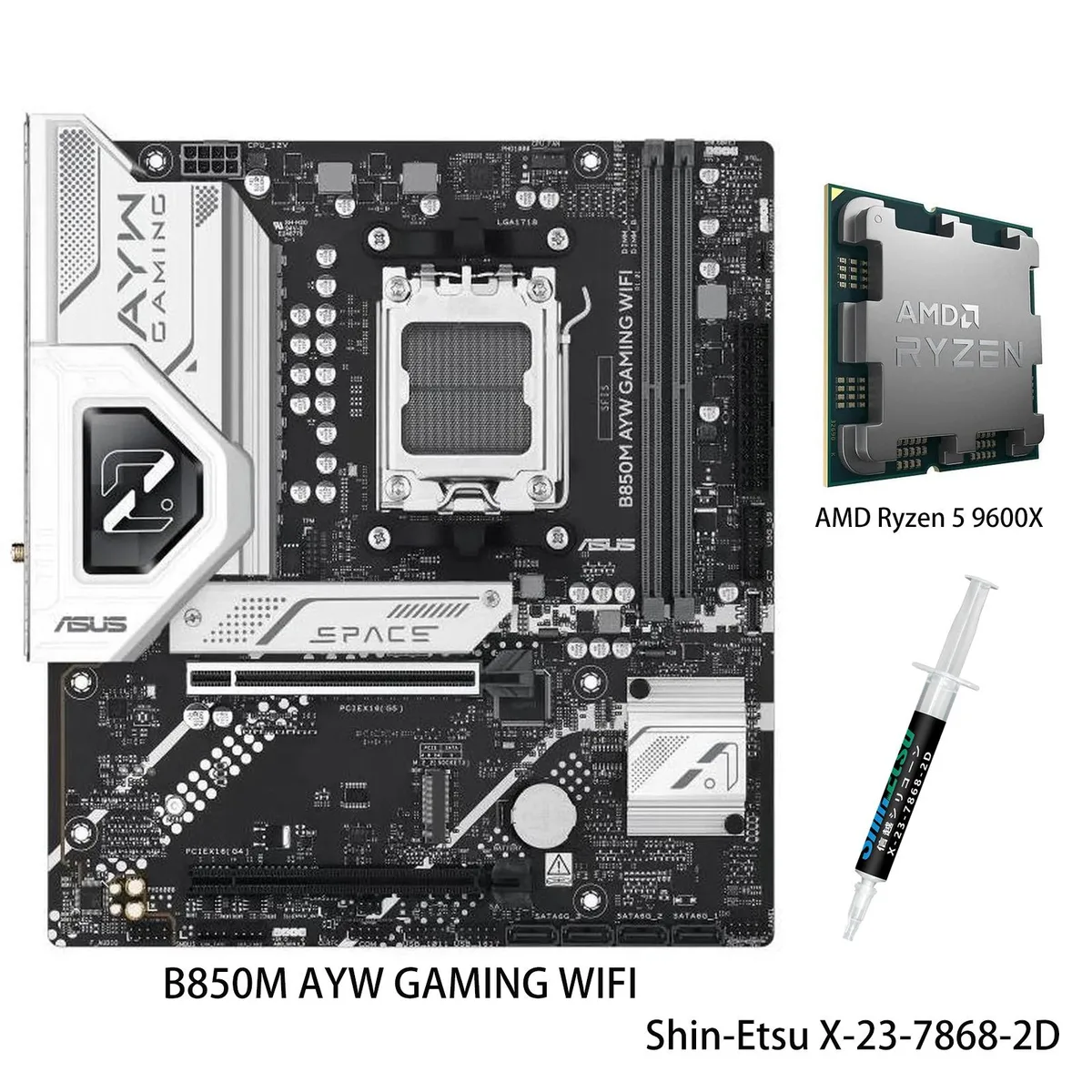
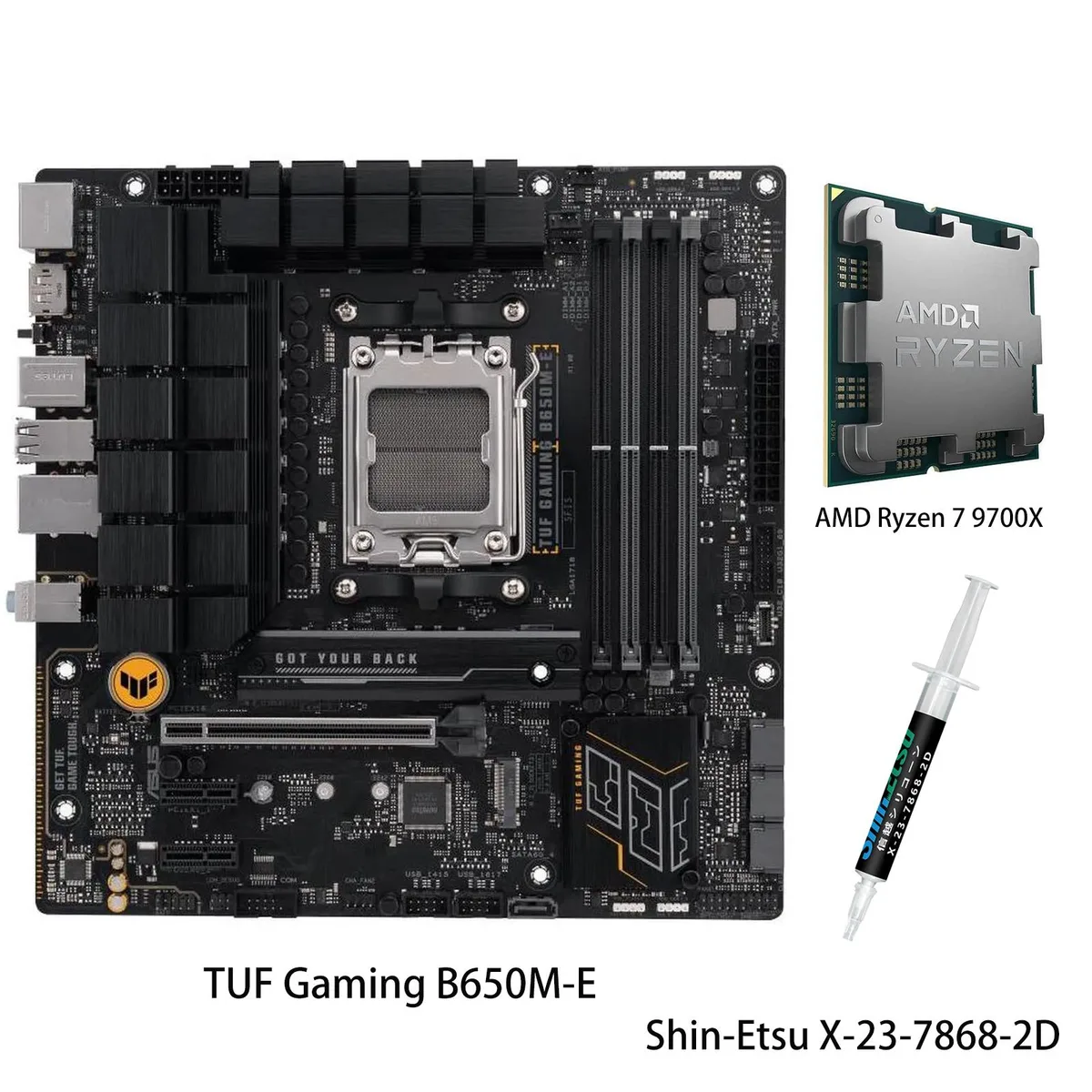
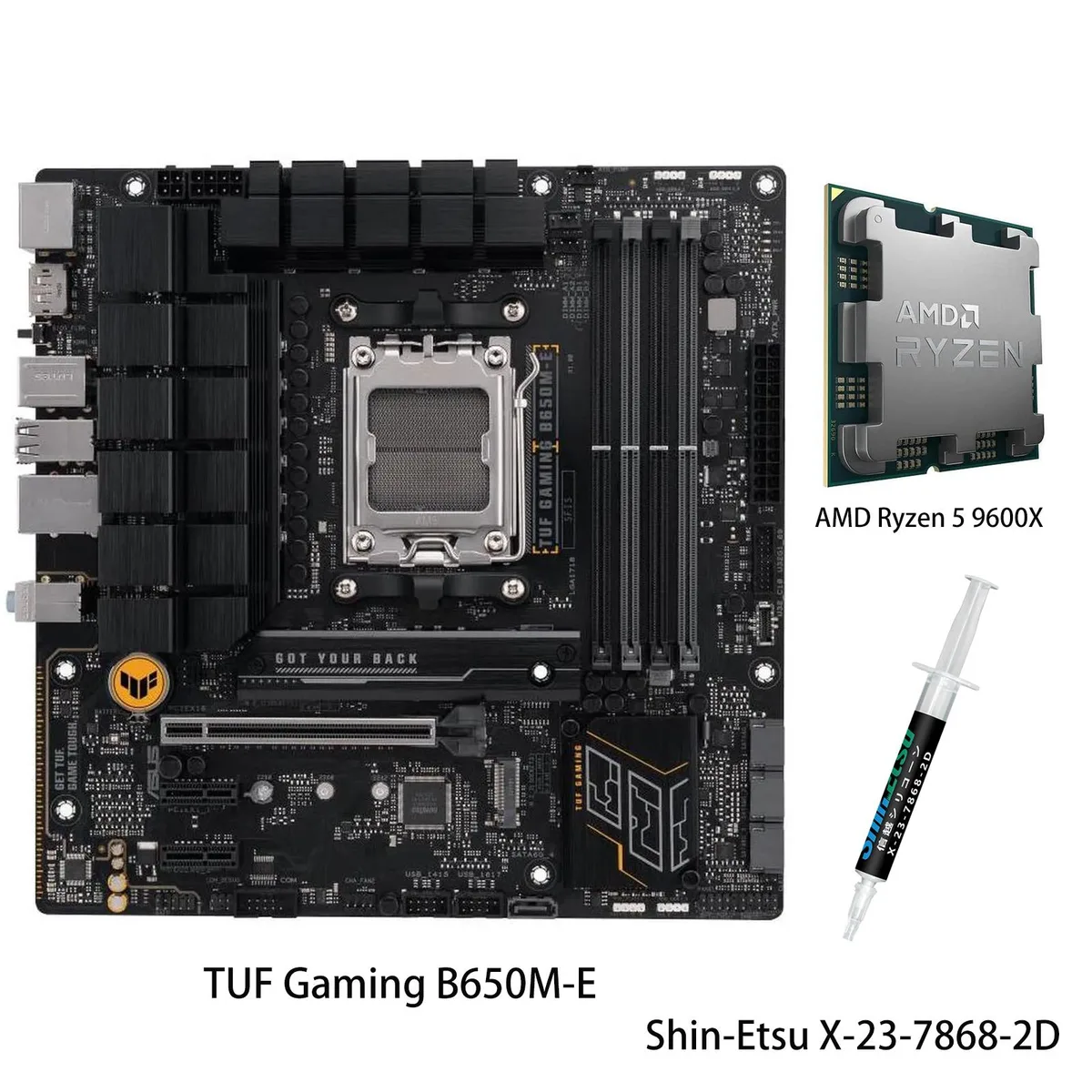
ASUS TUF Gaming B650M-E + Ryzen 5 9600X AMD motherboard & CPU combo
- AM5
329,99 $US
0.00423613BTC
En stockNous acceptons la cryptomonnaie — les cryptos que vous détenez peuvent ainsi acheter du matériel réel.Payez en crypto, dépensez-la en matériel réel. Livraison assurée offerte partout dans le monde au-delà de 399 $. Cartons neutres, sans marque, expédiés depuis l’Allemagne.Livraison assurée offerte au-delà de 399 $. Votre taux est bloqué pendant 30 minutes dès l’ouverture de la caisse.Taux bloqué 30 minutes. Chaque article est scellé, son numéro de série est vérifié, et il est couvert par une garantie de 24 mois.Scellé, garanti 24 mois.


ASUS
AM5 motherboard with Ryzen 5 9600X CPU, DDR5 memory support, dual USB4 ports, 10 Gb and 2.5 Gb Ethernet, WiFi 7, and four M.2 slots
Motherboard ProArt X870E-CREATOR WIFI
CPU + R5 9600X
The ASUS ProArt X870E-CREATOR WIFI motherboard paired with the AMD Ryzen 5 9600X processor targets creative professionals and advanced AI workloads. The AM5 platform supports Ryzen 7000, 8000 and 9000 series CPUs with DDR5 memory up to 256GB. Dual USB4 ports, 10 Gb and 2.5 Gb Ethernet plus WiFi 7 deliver high-throughput connectivity for content pipelines.
Moving to this X870E chipset adds PCIe 5.0 x16 graphics support, two PCIe 5.0 M.2 slots and dual USB4 for modern peripherals and storage. The 16+2+2 teamed power stages and ProCool II connectors sustain the 9600X and higher-core Ryzen 9000 chips under sustained loads. The jump is worth it when workflows demand faster render queues, larger memory capacity or next-gen GPU bandwidth.
PCIe Slot Q-Release Slim, M.2 Q-Release, Q-Slide and Q-Latch let you seat graphics cards and drives without tools. Q-Antenna snaps onto the WiFi 7 module and Q-Connector simplifies front-panel wiring. BIOS FlashBack updates firmware without a CPU installed. The main caution is the shared bandwidth between the second PCIe 5.0 x16 slot and M.2_2, so plan slot population accordingly.
| Brand | ASUS |
|---|---|
| Model | PROART X870E-CREATOR WIFI +(R5 9600X) |
| Part Number | PROART X870E-CREATOR WIFI +(R5 9600X) |
| CPU Socket Type | AM5 |
| Chipset | AMD X870 |
| Number of Memory Slots | 4x288pin (DDR5) |
| Memory Standard | DDR5 4400 |
| Maximum Memory Supported | 256GB |
| ECC Supported | Yes |
| Buffer Supported | Un-buffered |
| Memory Feature | Dual Channel Memory Architecture Supports AMD Extended Profiles for Overclocking (EXPO) OptiMem II * Non-ECC, Un-buffered DDR5 Memory supports On-Die ECC function. |
| PCI Express 5.0 x16 | AMD Ryzen 7000 & 8000 & 9000 Series Desktop Processors 2 x PCIe 5.0 x16 slots (support x16 or x8/x8 modes)** ** PCIEX16(G5)_2 shares bandwidth with M.2_2 slot. |
| PCI Express 4.0 x16 | AMD X870 Chipset 1 x PCIe 4.0 x16 slot (supports x4 mode) |
| Serial ATA (SATA) | 4 x SATA 6Gb/s |
| M.2 | AMD Ryzen 7000 & 8000 & 9000 Series Desktop Processors* M.2_1 slot (Key M), type 2242/2260/2280 (supports PCIe 5.0 x4 mode) M.2_2 slot (Key M), type 2242/2260/2280 (supports PCIe 5.0 x4 mode)** AMD X870 Chipset M.2_3 slot (Key M), type 2242/2260/2280 (supports PCIe 4.0 x4 mode) M.2_4 slot (Key M), type 2242/2260/2280/22110 (supports PCIe 4.0 x4 mode) ** PCIEX16(G5)_2 slot shares bandwidth with M.2_2. |
| SATA RAID | *AMD RAIDXpert2 Technology supports both NVMe RAID 0/1/10 and SATA RAID 0/1/10. |
| Audio Chipset | Realtek S1220A 7.1 Surround Sound High Definition Audio CODEC* - Impedance sense for front and rear headphone outputs - Internal audio Amplifier to enhance the highest quality sound for headphone and speakers - Supports: Jack-detection, Multi-streaming, Front Panel Jack-retasking - High quality 120 dB SNR stereo playback output and 113 dB SNR recording input (Line-in) - Supports up to 32-Bit/192 kHz playback* Audio Features - Audio Shielding - Premium audio capacitors - Dedicated audio PCB layers - Unique de-pop circuit * Due to limitations in HDA bandwidth, 32-Bit/192 kHz is not sup |
| Audio Channels | 7.1 Channels |
| Max LAN Speed | 1 x Marvell AQtion 10Gb Ethernet 1 x Intel 2.5Gb Ethernet ASUS LANGuard |
| Wireless LAN | Bluetooth 5.4 |
| Bluetooth | Yes |
| Back I/O Ports | 2 x USB4 (40Gbps) with ASMedia ASM4242 USB4 controller ports (2 x USB Type-C) 1 x USB 20Gbps port(s) (1 x USB Type-C) 7 x USB 10Gbps port(s) (7 x Type-A) 1 x USB 2.0 port (1 x Type-A) 1 x DisplayPort (Input only) 1 x HDMI port 1 x Wi-Fi Module 1 x Marvell AQtion 10Gb Ethernet 1 x Intel 2.5Gb Ethernet 3 x Audio jacks 1 x BIOS FlashBack button 1 x Clear CMOS button |
| Onboard USB | 1 x USB 20Gbps connector (supports USB Type-C) 1 x USB 5Gbps header(s) support(s) 2 additional USB 3.2 Gen 1 ports 3 x USB 2.0 headers support 6 additional USB 2.0 ports |
| Other Connectors | Fan and Cooling related 1 x 4-pin CPU Fan header 1 x 4-pin CPU OPT Fan header 1 x 4-pin AIO Pump header 5 x 4-pin Chassis Fan headers Miscellaneous 3 x Addressable Gen 2 headers 1 x Chassis Intrusion header 1 x COM Port header 1 x CPU Over Voltage jumper 1 x Front Panel Audio header (F_AUDIO) 1 x 10⁻¹ pin System Panel header 1 x Thermal Sensor header |
| Form Factor | ATX |
| Dimensions (W x L) | 12.0" x 9.6" |
| Power Pin | 1 x 24-pin Main Power connector 2 x 8-pin +12V CPU Power connector |
| BIOS Feature | 256 Mb Flash ROM, UEFI AMI BIOS |
| Features | ASUS 5X PROTECTION III - DIGI+ VRM (- Digital power design) - Enhanced DRAM Overcurrent Protection - ESD Guards - LANGuard - Overvoltage Protection - Safeslot - Stainless-Steel Back I/O ASUS Q-Design - M.2 Q-Latch - M.2 Q-Release - M.2 Q-Slide - PCIe Slot Q-Release Slim (with PCIe SafeSlot) - Q-Antenna - Q-Connector - Q-DIMM - Q-LED (CPU [red], DRAM [yellow], VGA [white], Boot Device [yellow green]) - Q-Slot ASUS Thermal Solution - M.2 heatsink backplate - M.2 heatsinks - VRM heatsink design ASUS EZ DIY - BIOS FlashBack button - BIOS FlashBack LED - ProCool - Pre-mounted I/O shield - |
| Package Contents | 1 x AMD Ryzen 5 9600X CPU Cables 1 x DisplayPort cable 4 x SATA 6Gb/s cables Miscellaneous 1 x ASUS Wi-Fi moving antennas 1 x Q-connector 1 x M.2 Q-Latch package(s) 1 x M.2 Q-Latch Q-Slide package for M.2 backplate 2 x Rubber Packages for M.2 1 x ProArt ruler Documentation 1 x Quick start guide 1 x ACC Express Activation Key Card 1 x User guide |
Autres versions de ce modèle
Même famille, mémoire, ventirad ou fréquence différents — comparez avant de vous décider.
The board fits a standard ATX case and requires both ProCool II connectors — an 8-pin and a 4-pin — to feed the 16+2+2 teamed power stages.
Align the triangle on the CPU with the socket marker, lower the retention arm gently, then enable EXPO in BIOS before installing all four DDR5 modules; the step most people skip is setting EXPO first.
The second PCIe 5.0 x16 slot shares bandwidth with M.2_2, so populating both with x4 drives forces the slot to x8; plan SSD upgrades around that shared lane.
Également dans ce rayon
Même rayon, même caisse — huit monnaies et un taux bloqué 30 minutes.
Ce que vous envoyez, et ce dans quoi vous lisez les prix.
Envoyé depuis votre portefeuille à la caisse
Affichage seul — le catalogue est libellé en dollars
Aucune monnaie ne correspond.
Choisissez la langue dans laquelle le site vous parle.
Première visite ?
Vous avez déjà un compte ?
Il n’y a pas de réinitialisation automatique : cette boutique n’envoie aucun e-mail, il n’existe donc aucun lien à usage unique à demander. Laissez l’adresse sur le compte, elle sera traitée à la main.
Demande enregistrée
Rien n’arrivera dans votre boîte de réception — cette boutique n’envoie aucun e-mail. Quelqu’un s’en occupe à la main.
Vous l’avez retrouvé ?