ASUS
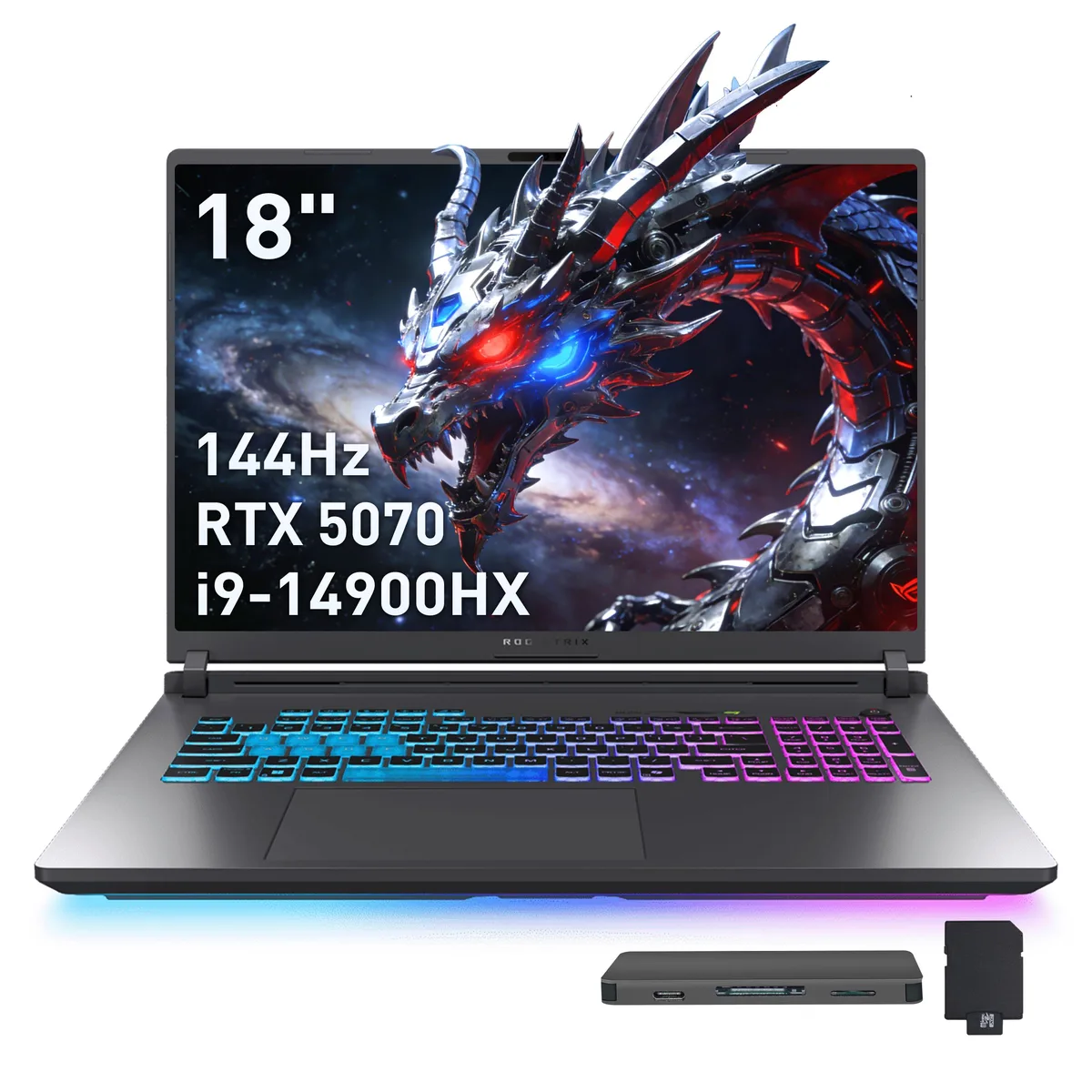
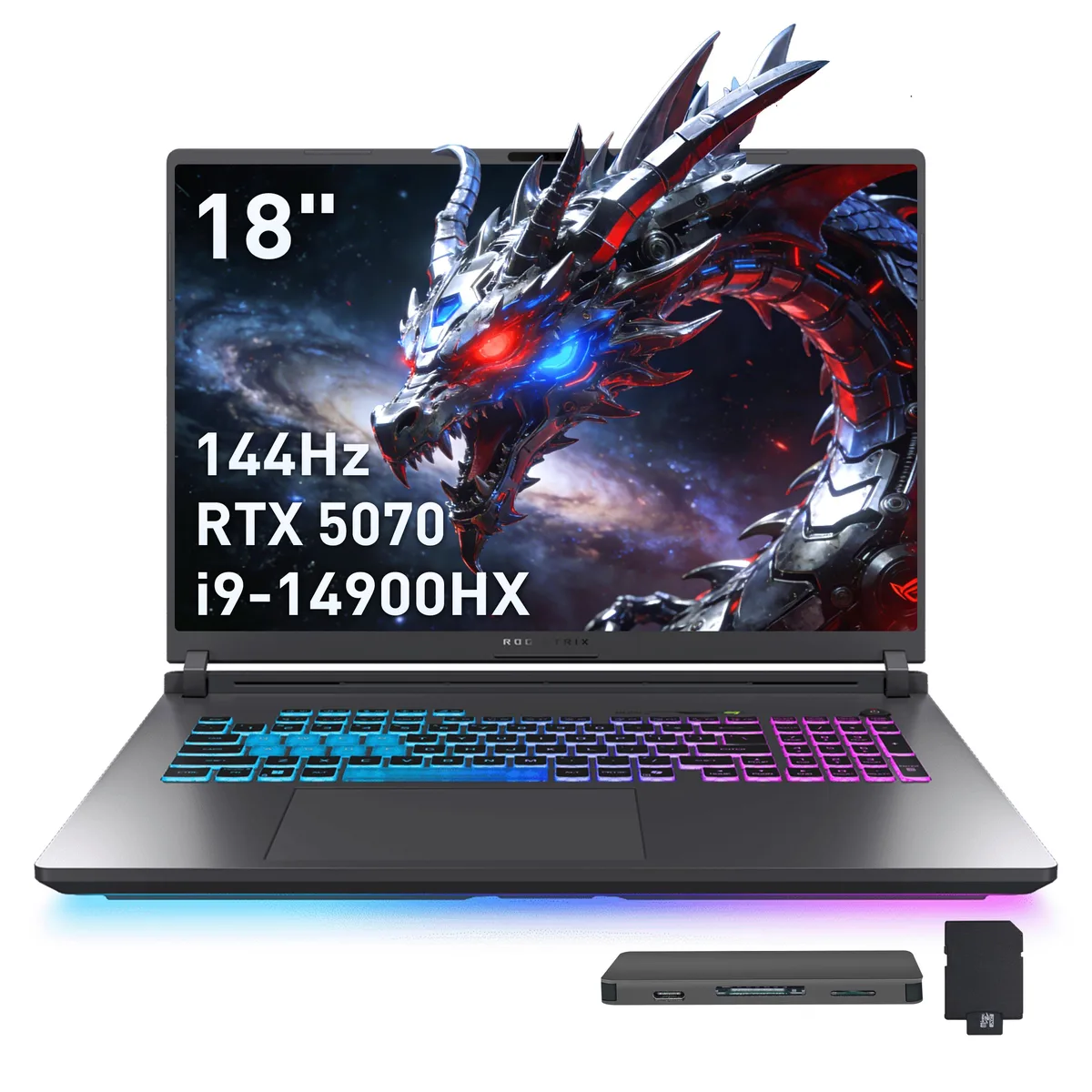
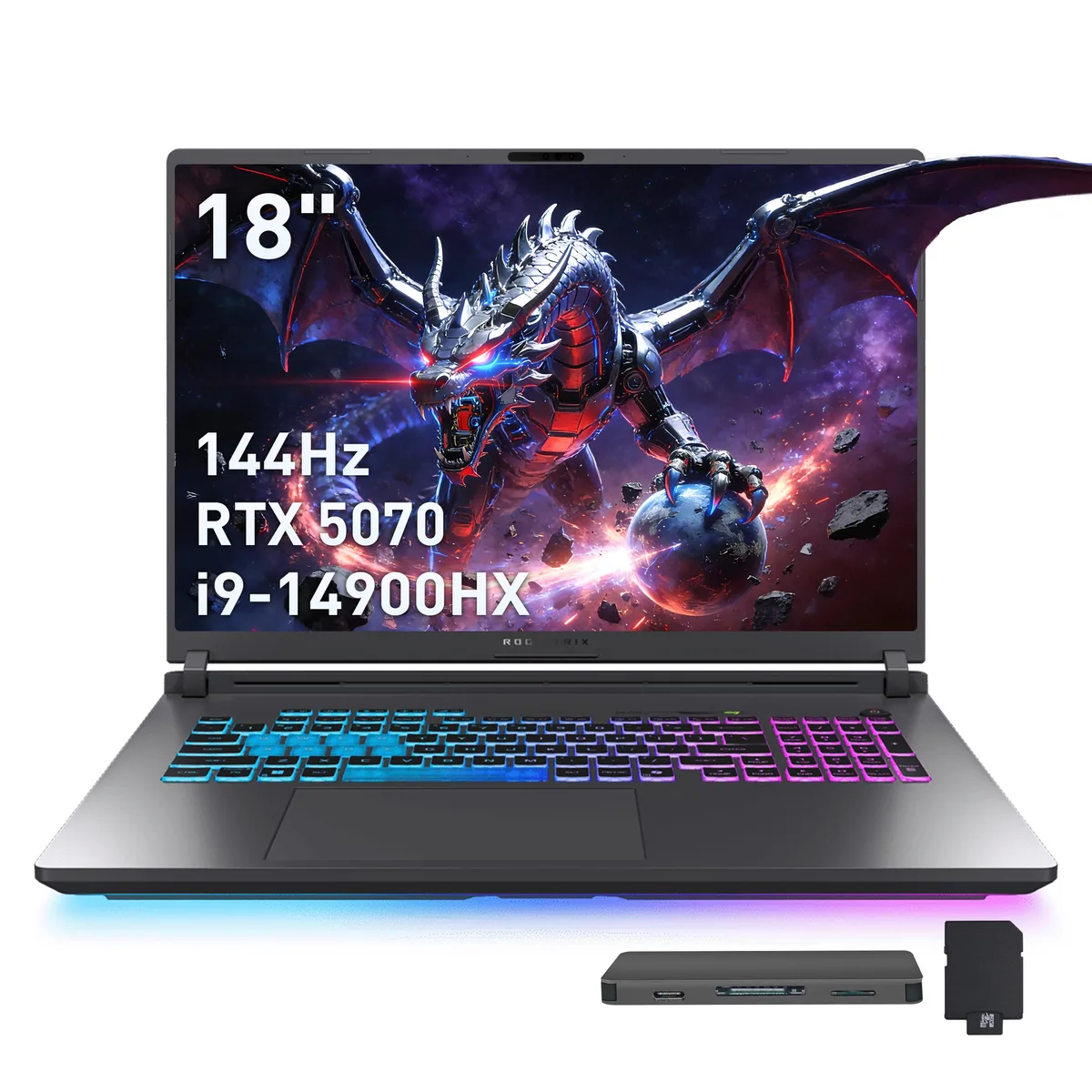
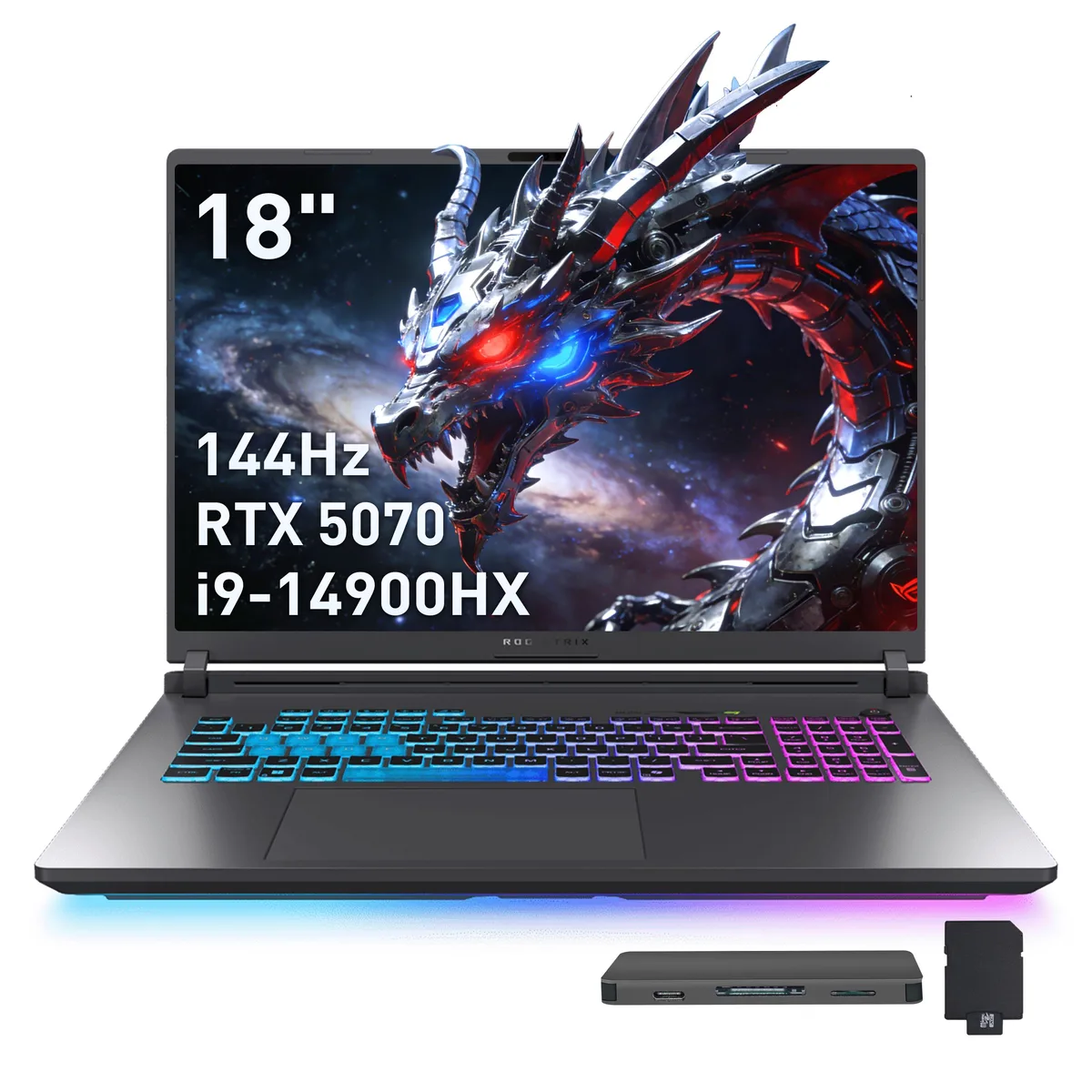
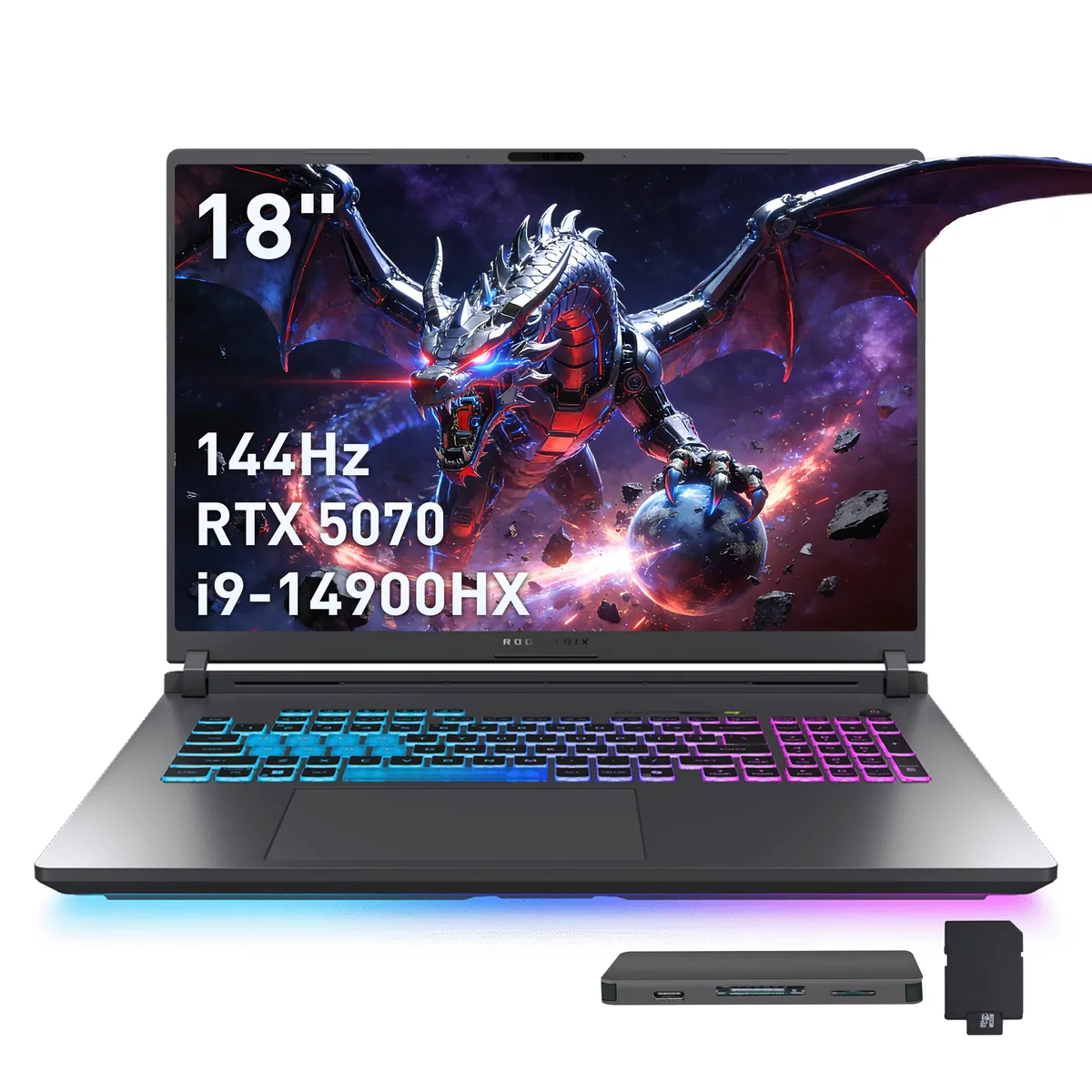
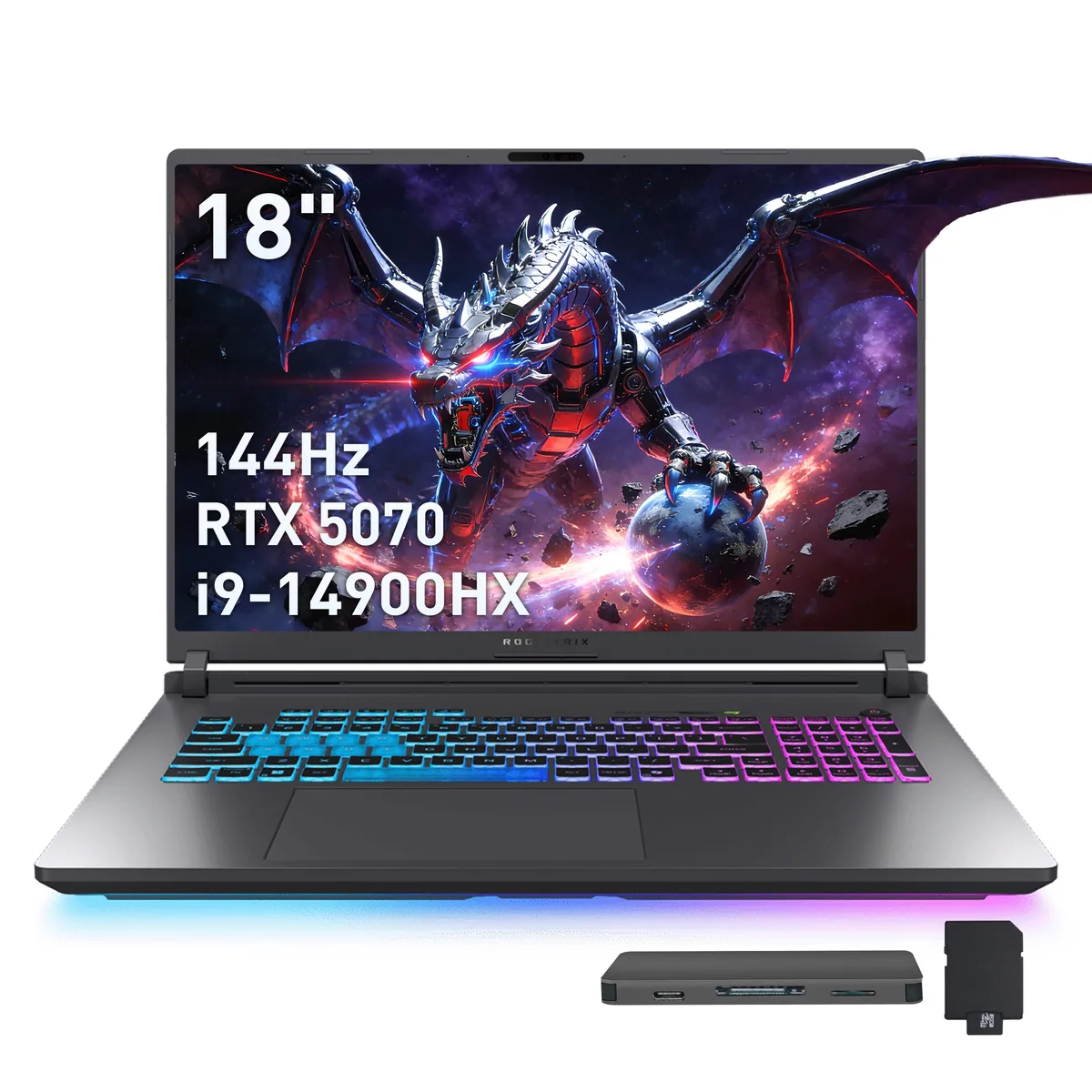
ASUS ROG Strix G18 18" WUXGA 144Hz i9-14900HX RTX 5070 16GB 1TB+1TB Dock Gray gaming laptop
- Gray
- Intel Core i9 14th…
2 299 $US
0.02958778BTC
En stockNous acceptons la cryptomonnaie — les cryptos que vous détenez peuvent ainsi acheter du matériel réel.Payez en crypto, dépensez-la en matériel réel. Livraison assurée offerte partout dans le monde au-delà de 399 $. Cartons neutres, sans marque, expédiés depuis l’Allemagne.Livraison assurée offerte au-delà de 399 $. Votre taux est bloqué pendant 30 minutes dès l’ouverture de la caisse.Taux bloqué 30 minutes. Chaque article est scellé, son numéro de série est vérifié, et il est couvert par une garantie de 24 mois.Scellé, garanti 24 mois.


ASUS
An 18 inch WUXGA 144 Hz laptop with a 24 core Intel Core i9-14900HX, RTX 5070 graphics, 32 GB DDR5 memory, 1 TB internal SSD plus a 1 TB docking station, Wi-Fi 7 and Bluetooth 5.4
Capacity 32GB DDR5 / 1TB SSD
The ASUS ROG Strix G18 is an 18-inch gaming laptop built around an Intel Core i9-14900HX processor with 24 cores. It pairs that CPU with a GeForce RTX 5070 laptop GPU and 32GB of DDR5 memory. A 1TB SSD provides primary storage, while a bundled docking station adds another terabyte and extra connectivity. Windows 11 Home comes pre-installed.
This machine targets enthusiasts who want a large, high-refresh display and desktop-class multi-core performance in a portable chassis. The 144Hz panel and numeric keypad help competitive players and content creators alike. Buyers needing a touchscreen, a smaller footprint or a lighter device for daily commuting should consider other form factors.
The 18.0-inch WUXGA panel running at 144 Hz is the defining specification; it dictates the physical size, the visual workspace and the motion clarity you will experience in every session.
| Brand | ASUS |
|---|---|
| Series | ASUS ROG Strix G18 |
| Color | Gray |
| CPU Type | Intel Core i9 14th Gen |
| Processor Name | Intel Core i9-14900HX |
| Number of Cores | 24-core Processor |
| Screen Size | 18.0" |
| Touchscreen | Non-Touch Screen |
| Display Type | WUXGA |
| Resolution | 1920 x 1200 |
| Refresh Rate | 144 Hz |
| Operating System | Windows 11 Home |
| GPU/VPU | GeForce RTX 5070 Laptop GPU |
| Graphic Type | Dedicated Card |
| SSD | 1TB |
| Storage Spec | 1TB |
| Memory | 32GB DDR5 |
| WLAN | 802.11be Wireless LAN |
| WiFi Generation | Wi-Fi 7 |
| Bluetooth | Bluetooth 5.4 |
| USB | 3x USB-A, 2X USB-C |
| HDMI | 1 x HDMI |
| Ethernet | 1 x RJ-45 |
| Audio Ports | 1 x Headphone/Microphone Combo Jack |
| Backlit Keyboard | Backlit |
| Webcam | Yes |
| Style | Standard |
| Type | Gaming |
| Usage | Gaming |
| Package Content | Laptop, Power Adapter, Documentation, 1TB Docking Station Set |
Autres versions de ce modèle
Même famille, mémoire, ventirad ou fréquence différents — comparez avant de vous décider.
A 7-in-1 docking station with a 1TB drive, a 32GB microSD card and adapter, a USB-C data cable, a 3-in-1 charging cable and a suede cleaning cloth are bundled in the box.
Yes, the chassis provides three USB-A ports and one HDMI port alongside two USB-C ports, an RJ45 jack and an audio combo jack.
Open Windows display settings and set the refresh rate to 144 Hz, then launch the NVIDIA control panel to verify the RTX 5070 is the selected GPU for 3D apps.
Également dans ce rayon
Même rayon, même caisse — huit monnaies et un taux bloqué 30 minutes.
Ce que vous envoyez, et ce dans quoi vous lisez les prix.
Envoyé depuis votre portefeuille à la caisse
Affichage seul — le catalogue est libellé en dollars
Aucune monnaie ne correspond.
Choisissez la langue dans laquelle le site vous parle.
Première visite ?
Vous avez déjà un compte ?
Il n’y a pas de réinitialisation automatique : cette boutique n’envoie aucun e-mail, il n’existe donc aucun lien à usage unique à demander. Laissez l’adresse sur le compte, elle sera traitée à la main.
Demande enregistrée
Rien n’arrivera dans votre boîte de réception — cette boutique n’envoie aucun e-mail. Quelqu’un s’en occupe à la main.
Vous l’avez retrouvé ?