ASUS
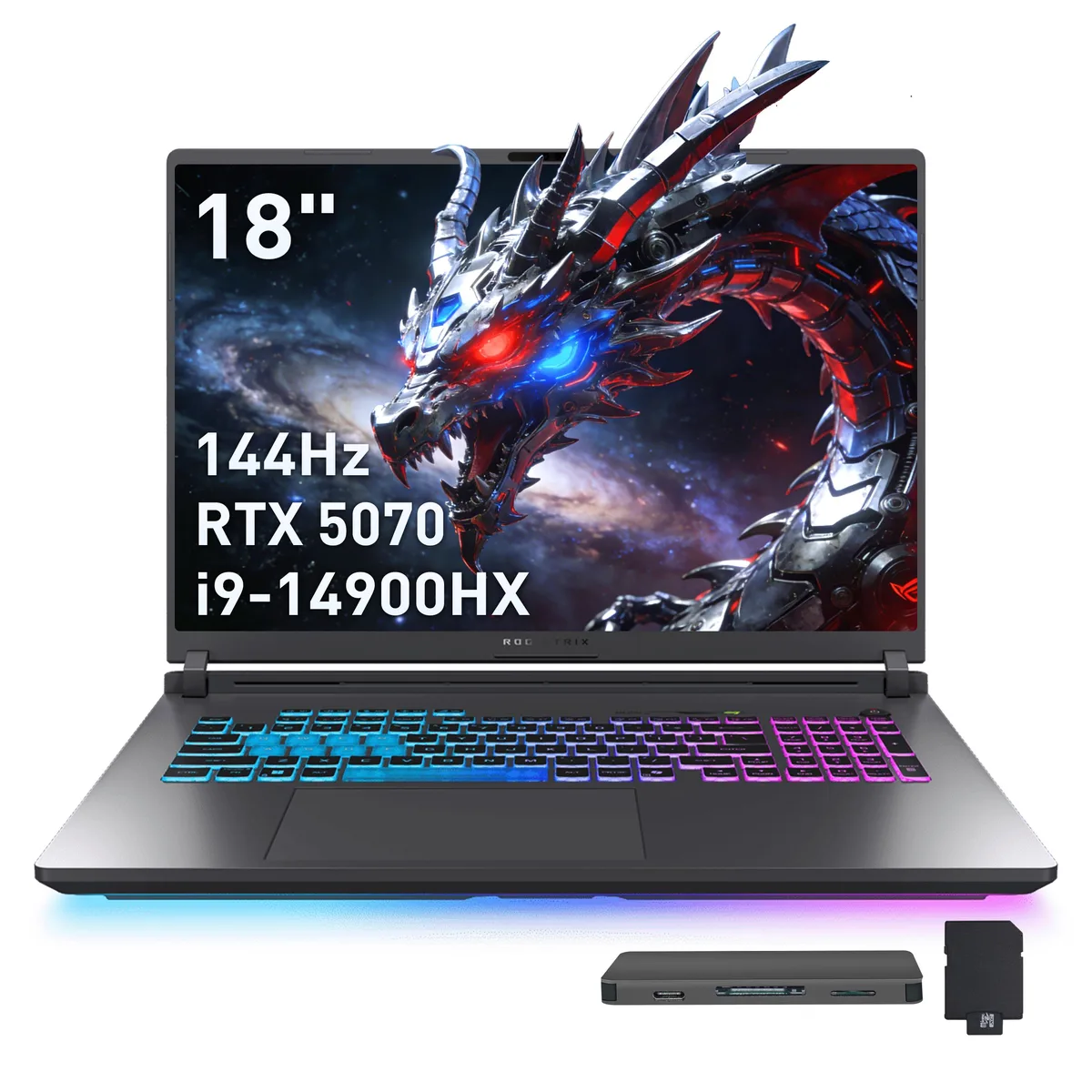
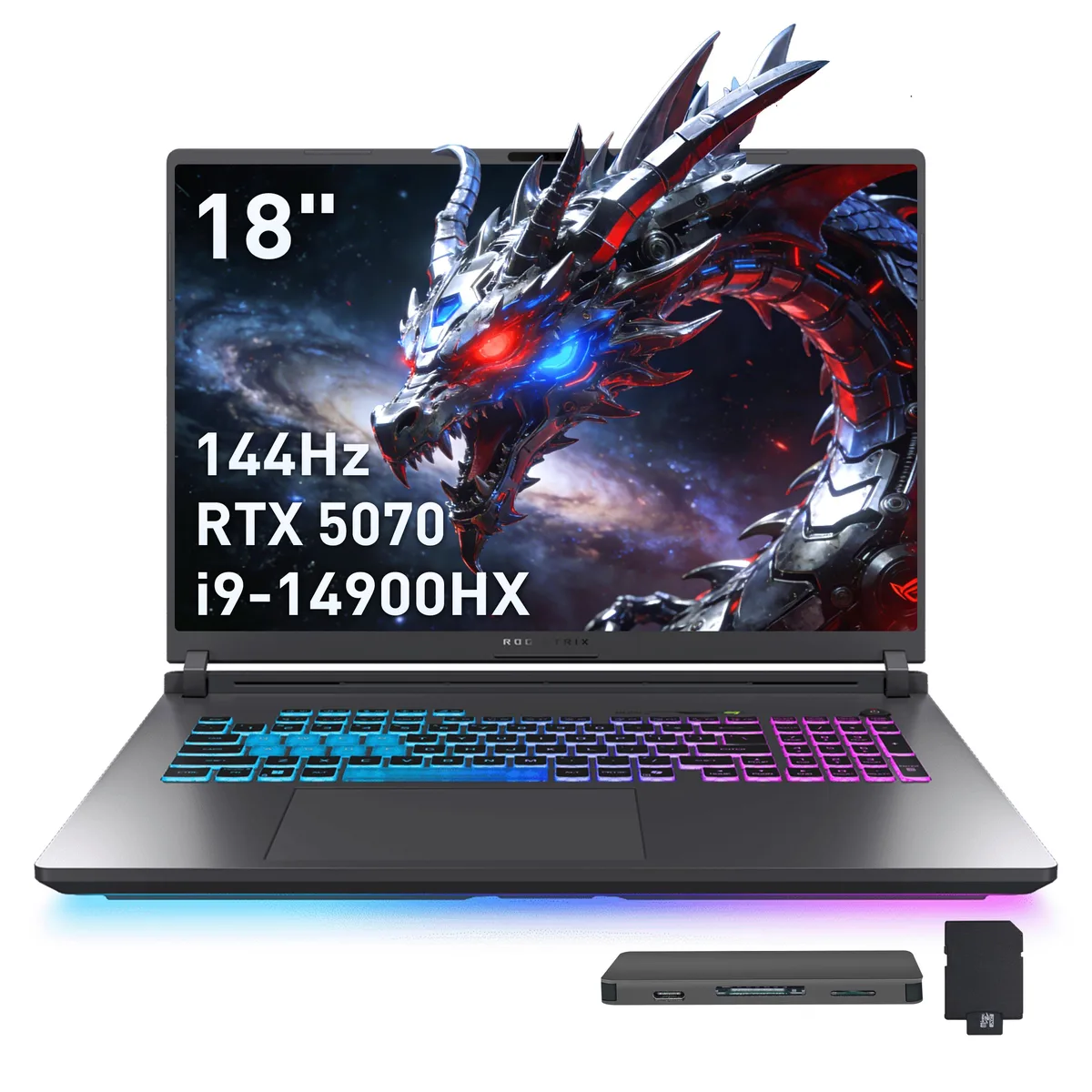
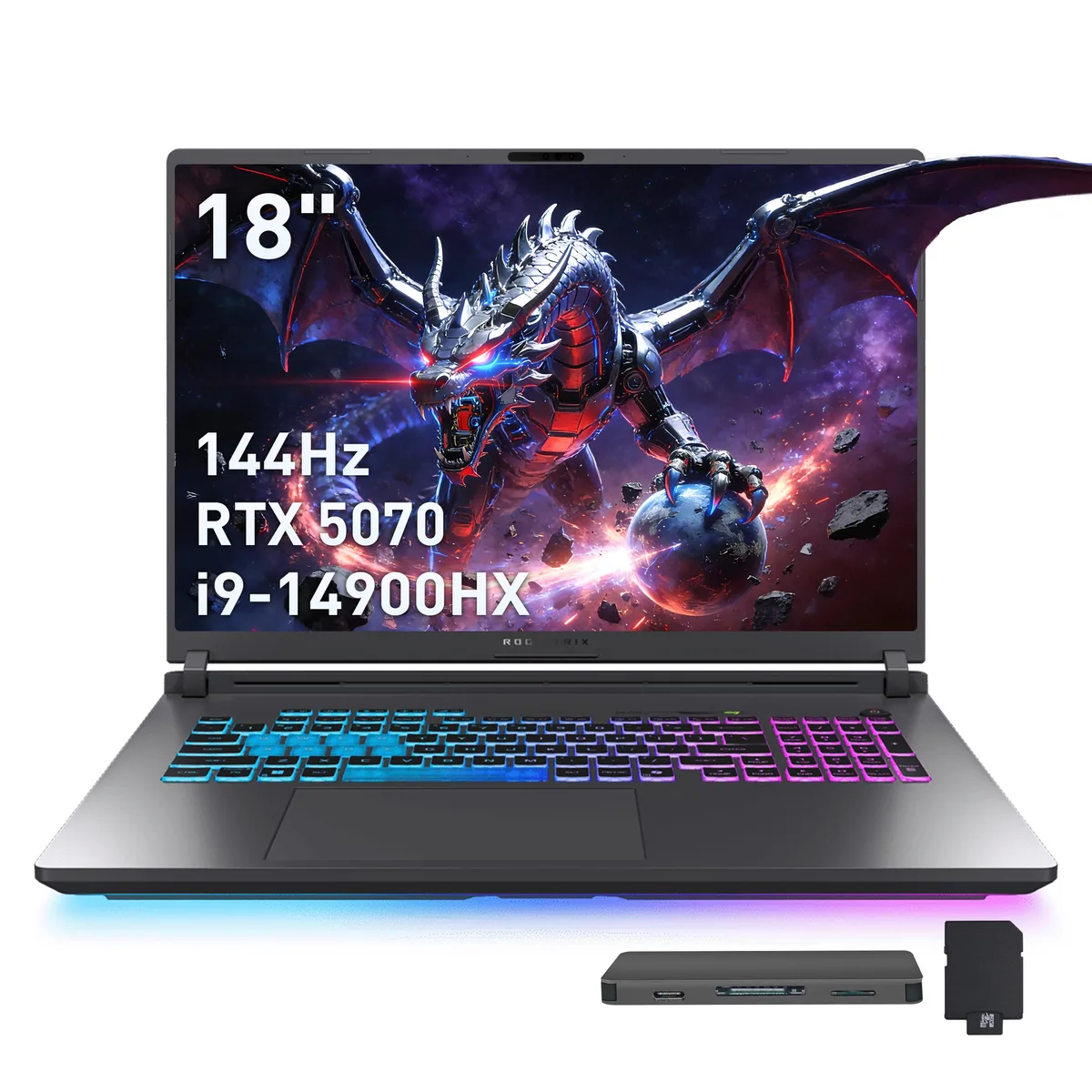
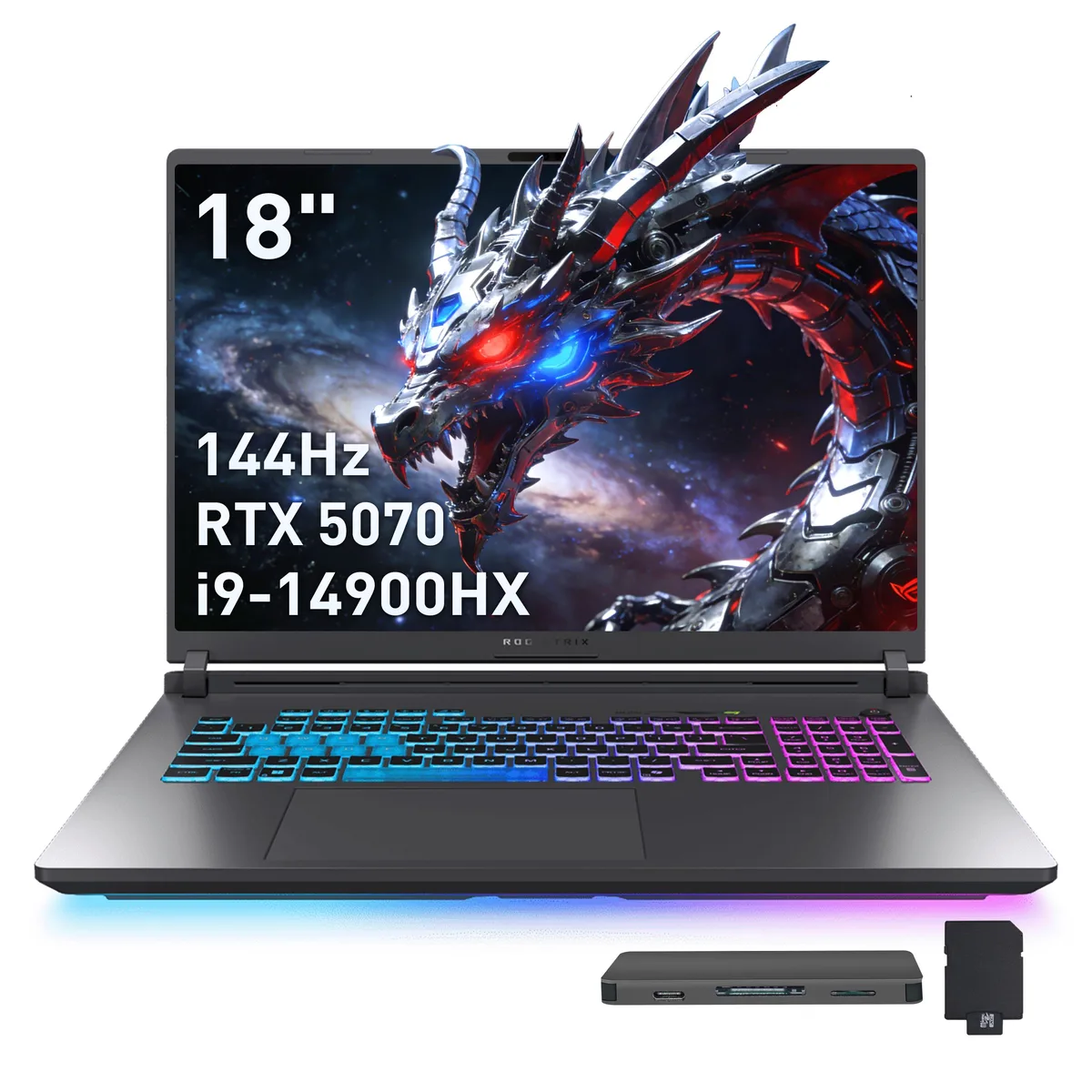
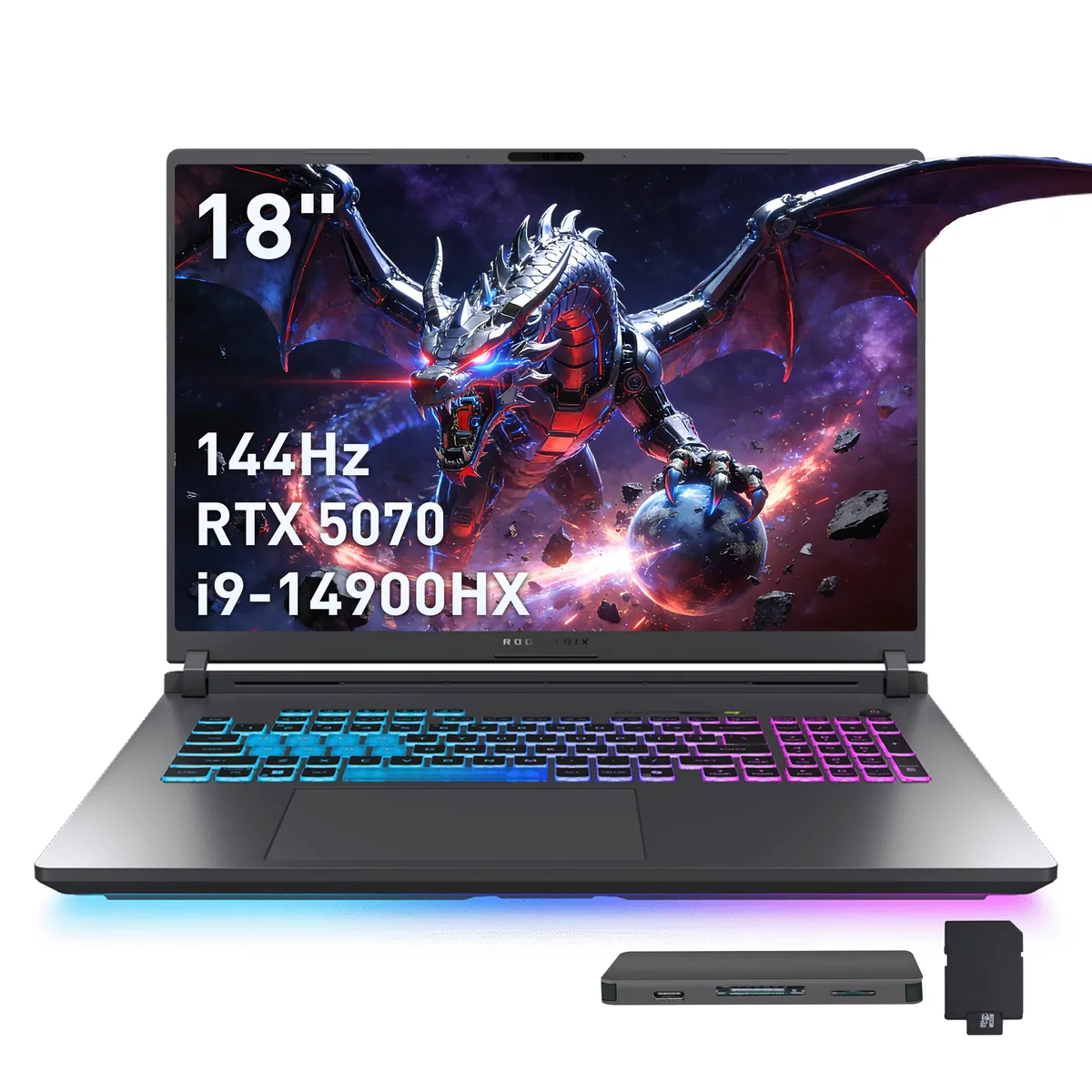
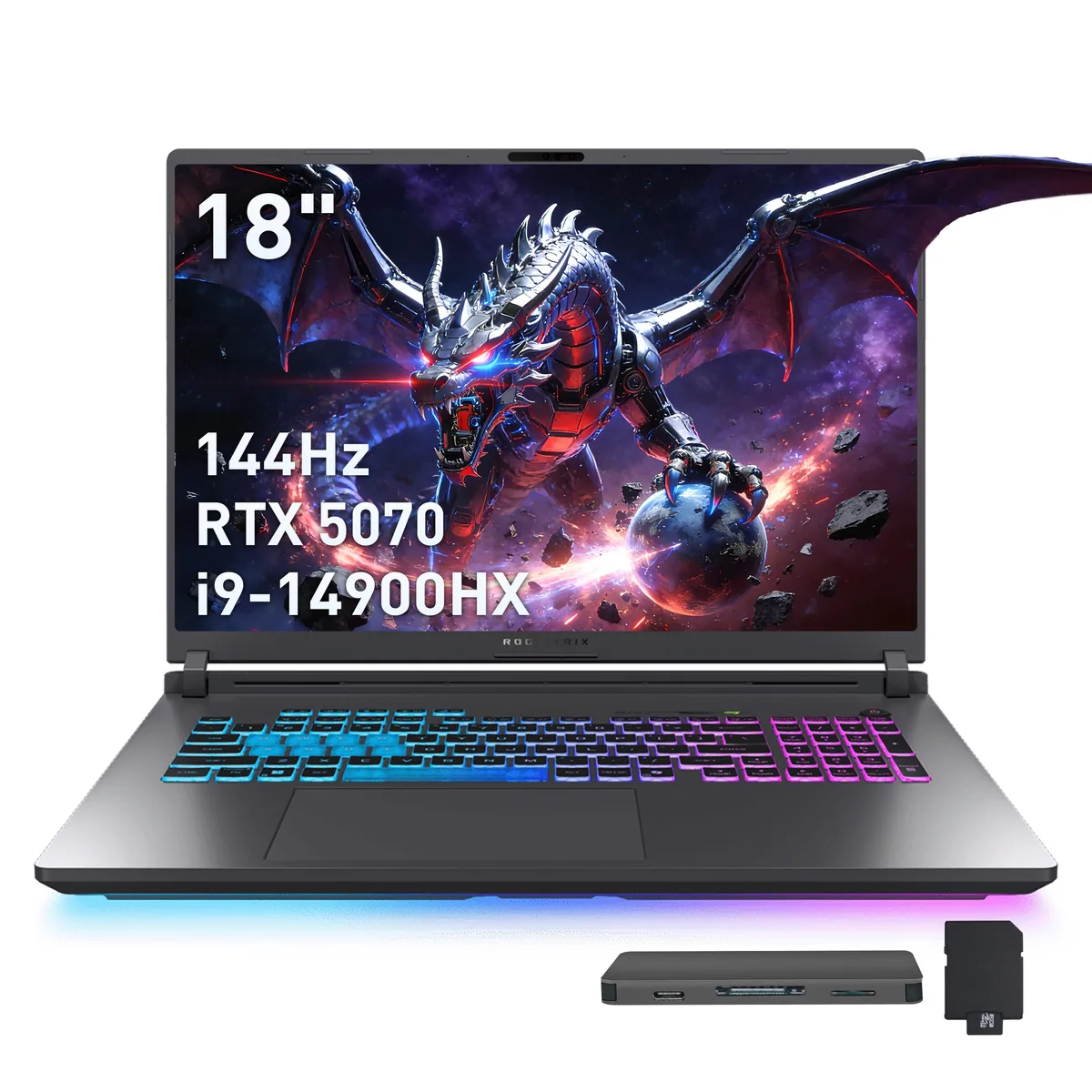
ASUS ROG Strix G18 18" WUXGA 144Hz i9-14900HX RTX 5070 16GB 1TB+1TB Dock Gray gaming laptop
- Gray
- Intel Core i9 14th…
$2,299
0.02970822BTC
In stockWe take cryptocurrency — so the coins you hold can buy real hardware.Pay in crypto, spend it on real hardware. Free insured shipping worldwide over $399. Plain, unbranded boxes, sent from Germany.Free insured shipping over $399. Your rate is locked for 30 minutes once checkout opens.Rate locked 30 minutes. Every item sealed, serial-checked and covered by a 24-month warranty.Sealed, 24-month warranty.


ASUS
An 18 inch WUXGA 144 Hz laptop with a 24 core Intel Core i9-14900HX, RTX 5070 graphics, 32 GB DDR5 memory, 1 TB internal SSD plus a 1 TB docking station, Wi-Fi 7 and Bluetooth 5.4
Capacity 32GB DDR5 / 1TB SSD
The ASUS ROG Strix G18 is an 18-inch gaming laptop built around an Intel Core i9-14900HX processor with 24 cores. It pairs that CPU with a GeForce RTX 5070 laptop GPU and 32GB of DDR5 memory. A 1TB SSD provides primary storage, while a bundled docking station adds another terabyte and extra connectivity. Windows 11 Home comes pre-installed.
This machine targets enthusiasts who want a large, high-refresh display and desktop-class multi-core performance in a portable chassis. The 144Hz panel and numeric keypad help competitive players and content creators alike. Buyers needing a touchscreen, a smaller footprint or a lighter device for daily commuting should consider other form factors.
The 18.0-inch WUXGA panel running at 144 Hz is the defining specification; it dictates the physical size, the visual workspace and the motion clarity you will experience in every session.
| Brand | ASUS |
|---|---|
| Series | ASUS ROG Strix G18 |
| Color | Gray |
| CPU Type | Intel Core i9 14th Gen |
| Processor Name | Intel Core i9-14900HX |
| Number of Cores | 24-core Processor |
| Screen Size | 18.0" |
| Touchscreen | Non-Touch Screen |
| Display Type | WUXGA |
| Resolution | 1920 x 1200 |
| Refresh Rate | 144 Hz |
| Operating System | Windows 11 Home |
| GPU/VPU | GeForce RTX 5070 Laptop GPU |
| Graphic Type | Dedicated Card |
| SSD | 1TB |
| Storage Spec | 1TB |
| Memory | 32GB DDR5 |
| WLAN | 802.11be Wireless LAN |
| WiFi Generation | Wi-Fi 7 |
| Bluetooth | Bluetooth 5.4 |
| USB | 3x USB-A, 2X USB-C |
| HDMI | 1 x HDMI |
| Ethernet | 1 x RJ-45 |
| Audio Ports | 1 x Headphone/Microphone Combo Jack |
| Backlit Keyboard | Backlit |
| Webcam | Yes |
| Style | Standard |
| Type | Gaming |
| Usage | Gaming |
| Package Content | Laptop, Power Adapter, Documentation, 1TB Docking Station Set |
Other versions of this model
Same family, different memory, cooler or clock — compare before you commit.
A 7-in-1 docking station with a 1TB drive, a 32GB microSD card and adapter, a USB-C data cable, a 3-in-1 charging cable and a suede cleaning cloth are bundled in the box.
Yes, the chassis provides three USB-A ports and one HDMI port alongside two USB-C ports, an RJ45 jack and an audio combo jack.
Open Windows display settings and set the refresh rate to 144 Hz, then launch the NVIDIA control panel to verify the RTX 5070 is the selected GPU for 3D apps.
Also in this aisle
Same shelf, same checkout — eight coins and a 30-minute rate lock.
What you pay in, and what you read prices in.
Sent from your wallet at checkout
Display only — the catalogue is priced in USD
No currency matches that.
Pick the language the site speaks to you in.
New here?
Already have one?
There is no automatic reset: this shop sends no mail, so there is no one-time link to ask for. Leave the address on the account and it gets picked up by hand.
Request noted
Nothing is on its way to your inbox — this shop sends no mail at all. Someone picks these up by hand.
Remembered it?