ASUS
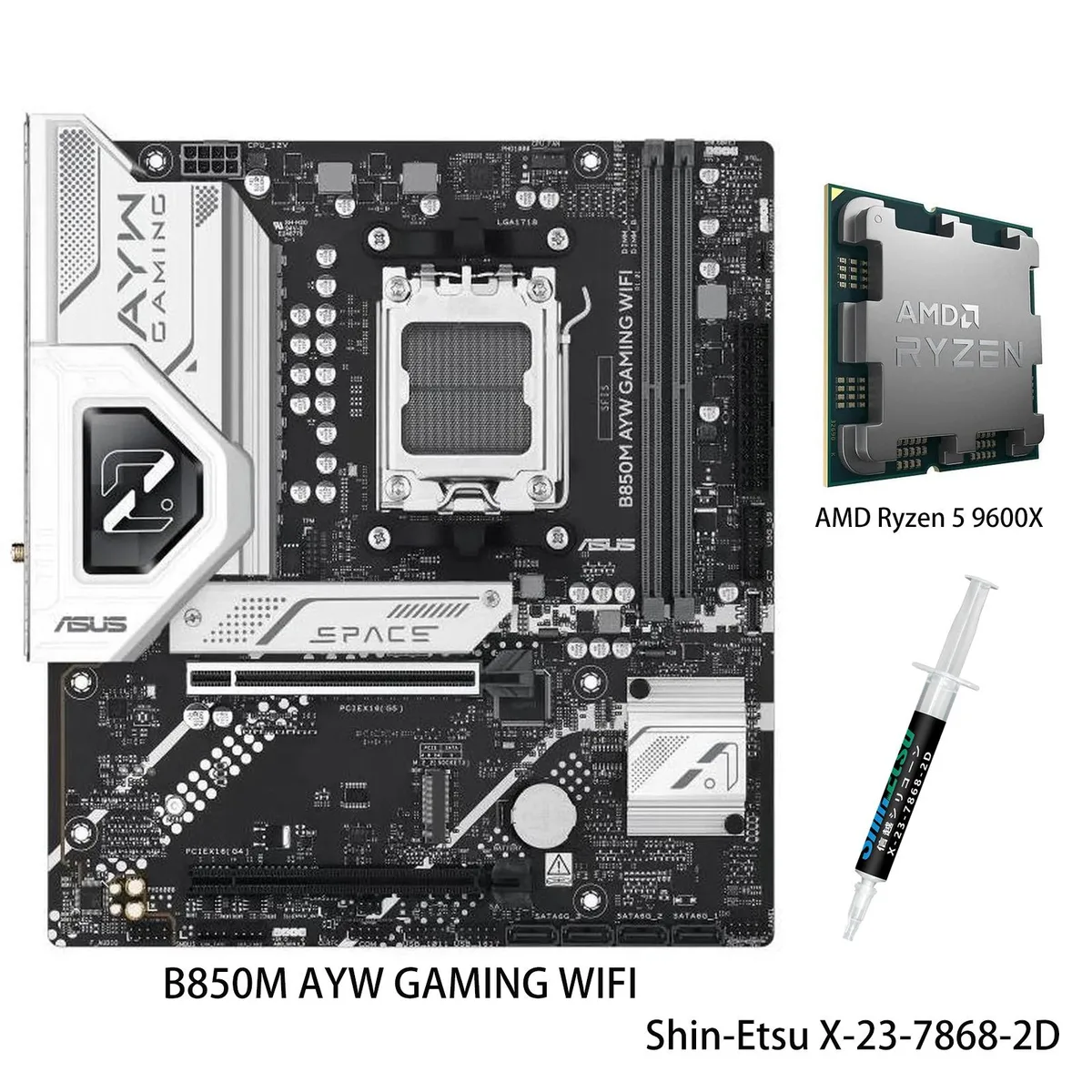
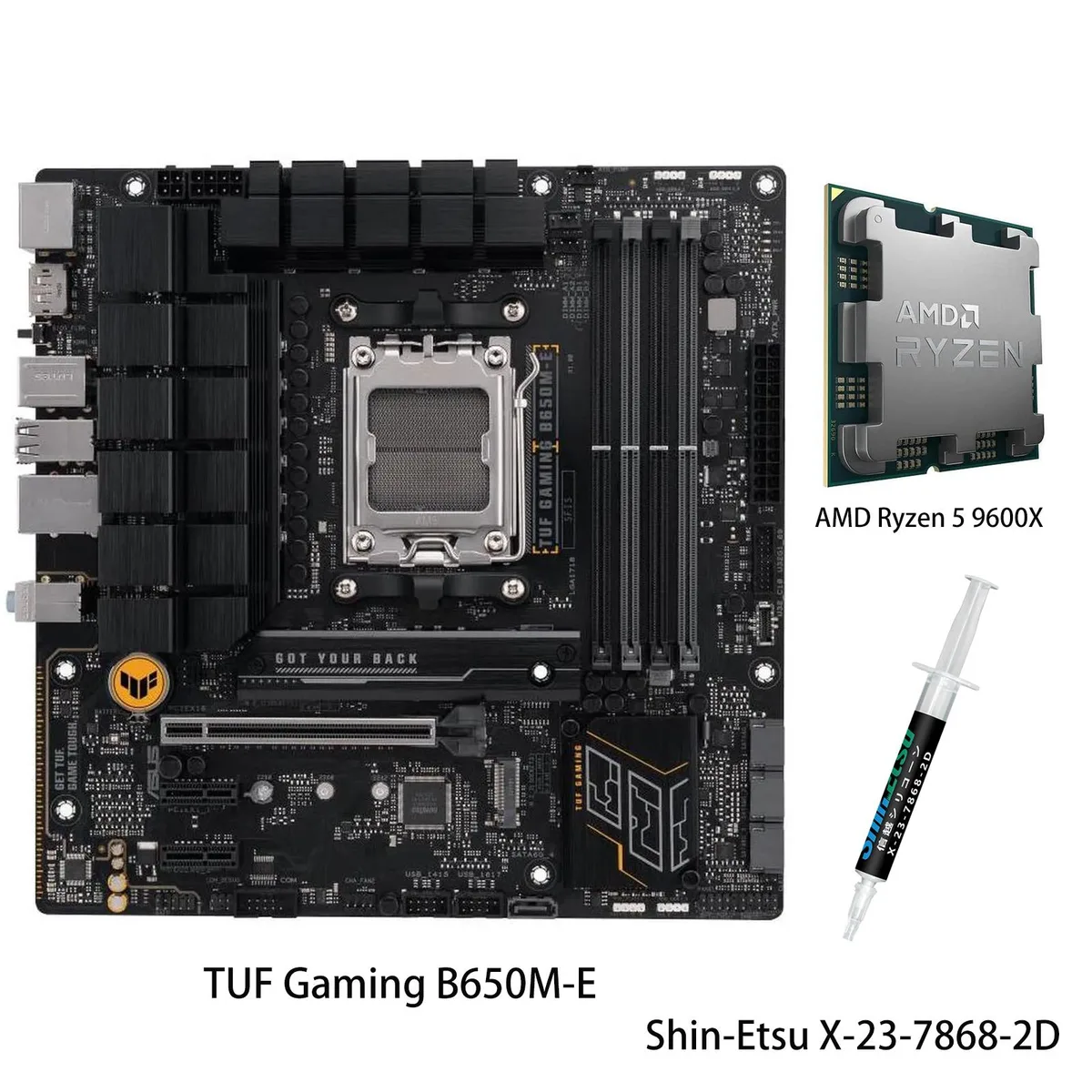
ASUS TUF Gaming B650M-E + Ryzen 5 9600X AMD motherboard & CPU combo
- AM5
$459.19
0.00593384BTC
En stockNous acceptons la cryptomonnaie — les cryptos que vous détenez peuvent ainsi acheter du matériel réel.Payez en crypto, dépensez-la en matériel réel. Livraison assurée offerte partout dans le monde au-delà de 399 $. Cartons neutres, sans marque, expédiés depuis l’Allemagne.Livraison assurée offerte au-delà de 399 $. Votre taux est bloqué pendant 30 minutes dès l’ouverture de la caisse.Taux bloqué 30 minutes. Chaque article est scellé, son numéro de série est vérifié, et il est couvert par une garantie de 24 mois.Scellé, garanti 24 mois.


ASUS
AM5 combo bundles a 120W 12-core CPU with 128MB L3 cache and Radeon graphics on an X870 board with 80A VRMs, three M.2 slots, Wi-Fi 6, 2.5Gb Ethernet and USB 40Gbps
Motherboard X870 AYW GAMING WIFI W
CPU + R9 9900X3D
This bundle pairs an ASUS X870 AYW GAMING WIFI W motherboard with an AMD Ryzen 9 9900X3D processor on the AM5 socket. It targets enthusiasts building a high-performance desktop for gaming and demanding workloads. The board supports DDR5 memory and provides three M.2 slots for fast storage expansion. Integrated Wi-Fi 6 and Realtek 2.5Gb Ethernet handle networking.
Moving to this combo replaces an older platform with a 120W Zen 5 CPU featuring 128MB L3 cache and 12MB L2 cache plus AMD Radeon graphics. The motherboard delivers a 12+2+1 phase VRM design rated at 80A per stage for stable power delivery. The jump is worthwhile when you need the higher core performance, DDR5 bandwidth and the latest connectivity such as USB 40Gbps and front-panel USB 20 Gbps Type-C.
The processor drops into the AM5 socket without a retention lever and the board uses standard ATX mounting points. ASUS AI Intelligent Cooling 2.0 and Fan Xpert 4 software automate fan curves for the multiple heatsinks and hybrid fan headers. The main risk is forgetting to update the BIOS for full CPU support or overlooking the 120W thermal design when choosing a cooler.
| Brand | ASUS |
|---|---|
| Model | X870 AYW GAMING WIFI W+R9 9900X3D |
| CPU Socket Type | AM5 |
Autres versions de ce modèle
Même famille, mémoire, ventirad ou fréquence différents — comparez avant de vous décider.
The board uses the AM5 socket in ATX layout, so any case that accepts ATX motherboards will mount it. Keep at least 120 mm clearance above the socket for the 120 W Ryzen 9 9900X3D and its cooler.
After installing the CPU, enter BIOS and enable EXPO for the DDR5 kit; the AI Intelligent Cooling 2.0 profile will not activate until the memory runs at its rated speed.
Re-paste the Ryzen 9 9900X3D every two to three years or whenever temperatures rise above 80 °C under load; the 128 MB L3 cache makes consistent contact critical.
Également dans ce rayon
Même rayon, même caisse — huit monnaies et un taux bloqué 30 minutes.
Ce que vous envoyez, et ce dans quoi vous lisez les prix.
Envoyé depuis votre portefeuille à la caisse
Affichage seul — le catalogue est libellé en dollars
Aucune monnaie ne correspond.
Choisissez la langue dans laquelle le site vous parle.
Première visite ?
Vous avez déjà un compte ?
Il n’y a pas de réinitialisation automatique : cette boutique n’envoie aucun e-mail, il n’existe donc aucun lien à usage unique à demander. Laissez l’adresse sur le compte, elle sera traitée à la main.
Demande enregistrée
Rien n’arrivera dans votre boîte de réception — cette boutique n’envoie aucun e-mail. Quelqu’un s’en occupe à la main.
Vous l’avez retrouvé ?