Cswur
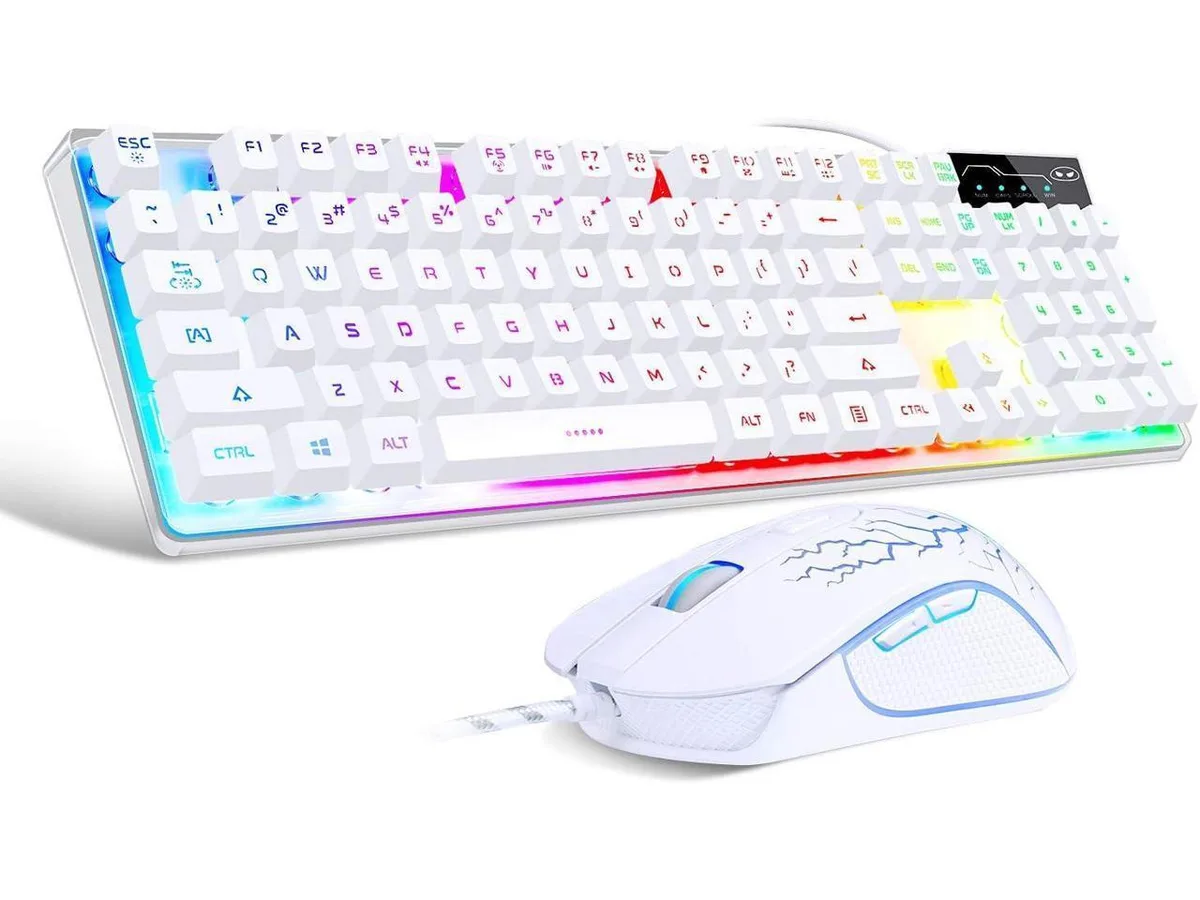
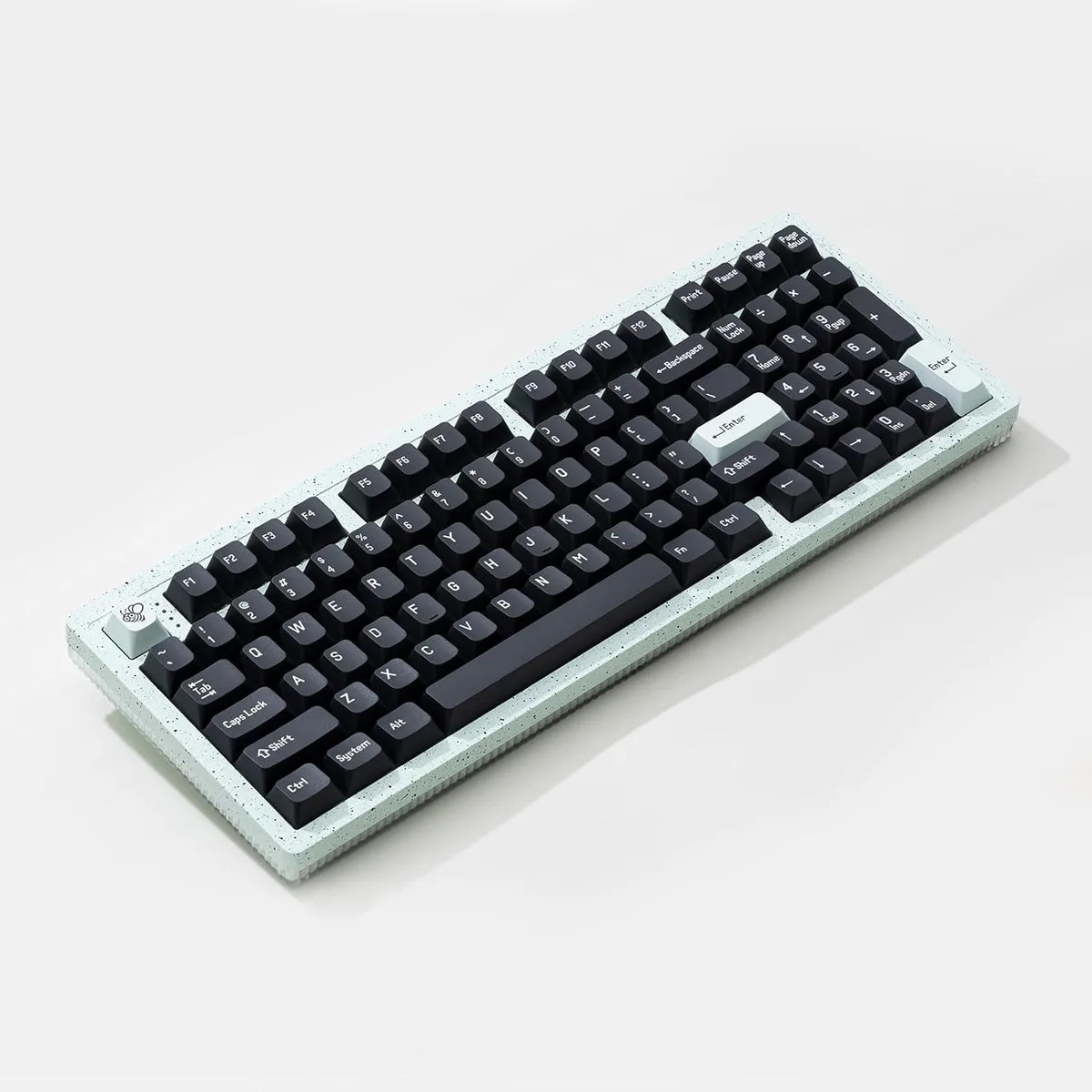
Cswur 104-Key Mechanical Gaming Keyboard Outemu Brown Switches Aluminum Frame Rainbow Backlight
- Full-size
86,99 $US
0.00111876BTC
En stockNous acceptons la cryptomonnaie — les cryptos que vous détenez peuvent ainsi acheter du matériel réel.Payez en crypto, dépensez-la en matériel réel. Livraison assurée offerte partout dans le monde au-delà de 399 $. Cartons neutres, sans marque, expédiés depuis l’Allemagne.Livraison assurée offerte au-delà de 399 $. Votre taux est bloqué pendant 30 minutes dès l’ouverture de la caisse.Taux bloqué 30 minutes. Chaque article est scellé, son numéro de série est vérifié, et il est couvert par une garantie de 24 mois.Scellé, garanti 24 mois.


A four-key wireless macro keypad with tactile switches, RGB lighting, hot-swappable keys and programmable rotary knobs for custom shortcuts
The BRIMFORD Macro Keypad is a compact input device built for gamers, streamers and creative professionals who need instant access to custom shortcuts. Four mechanical tactile switches and programmable rotary controls sit in a plastic chassis with per-key RGB illumination. It connects via a 2.4 GHz wireless receiver or the supplied USB-C cable.
Insert the 2.4G receiver or plug the USB-C cable into a Windows PC to begin configuration. The companion application lets you assign any of 104 standard key codes, multimedia commands or multi-step macros of up to 349 combined actions with .5-second delays. Hot-swappable sockets allow switch changes without soldering, though the software installer runs only on Windows.
Verify that your workstation runs Windows for the initial programming step; the keypad cannot be configured on macOS or Linux. Ensure a free USB-A port for the 2.4G dongle or a USB-C port for wired power and data. No additional drivers are required once profiles are stored on the device.
| Brand | BRIMFORD |
|---|---|
| Series | Macro Keypad |
| Name | Macro Keypad |
| Model | Macro Keypad |
| Material | Plastic |
| Keyboard Interface | AT |
| Palm Rest | Steampunk, 4Key KeyPad * 1 / USB C Cable * 1 / 2.4G Receiver *1/ Anti-slip Mat*1 / Instruction Manual * 1 |
| Function Keys | 1 |
| Mechanical Keyboard | Tactile |
| Key Switch | Tactile |
| Key Switch Type | Tactile |
| Keyboard Color | 4Key 2.4G |
| Backlit | RGB |
| Type | USB C Charger |
| Mouse Included | Steampunk |
| Mouse Interface | Bluetooth |
| Mouse DPI | ??????????????????https://sikaicase.com/blogs/support/setting-for-software. Setup needs to be done on a Windows system. |
| Hand Orientation | Ambidextrous |
| Tracking Method | Hotkeys and Media Keys |
| Buttons | 10 |
| Scrolling Capability | Programmable Keys |
| Mouse Color | 4Key 2.4G |
| Power Source | Battery Powered, USB-C |
| Operating Time | Battery Powered, true |
| Operating System Supported | PC |
| System Requirement | Bluetooth, 4Key KeyPad * 1 / USB C Cable * 1 / 2.4G Receiver *1/ Anti-slip Mat*1 / Instruction Manual * 1 |
| Features | rgb, Plastic, Ambidextrous, USB-C |
| Package Contents | 4Key KeyPad * 1 / USB C Cable * 1 / 2.4G Receiver *1/ Anti-slip Mat*1 / Instruction Manual * 1 |
Connect the USB C cable and 2.4G receiver, then press each of the four keys and turn the knob; the RGB backlight should illuminate and every keystroke registers in the configuration software on Windows.
The package includes the 4-key keypad, a USB C cable, a 2.4G receiver, an anti-slip mat and an instruction manual; no additional accessories are required for basic operation.
Choose the 4Key 2.4G option — it delivers 2.4 GHz wireless connectivity, RGB backlighting and tactile mechanical switches in a single unit.
Également dans ce rayon
Même rayon, même caisse — huit monnaies et un taux bloqué 30 minutes.
Ce que vous envoyez, et ce dans quoi vous lisez les prix.
Envoyé depuis votre portefeuille à la caisse
Affichage seul — le catalogue est libellé en dollars
Aucune monnaie ne correspond.
Choisissez la langue dans laquelle le site vous parle.
Première visite ?
Vous avez déjà un compte ?
Il n’y a pas de réinitialisation automatique : cette boutique n’envoie aucun e-mail, il n’existe donc aucun lien à usage unique à demander. Laissez l’adresse sur le compte, elle sera traitée à la main.
Demande enregistrée
Rien n’arrivera dans votre boîte de réception — cette boutique n’envoie aucun e-mail. Quelqu’un s’en occupe à la main.
Vous l’avez retrouvé ?