iKBC
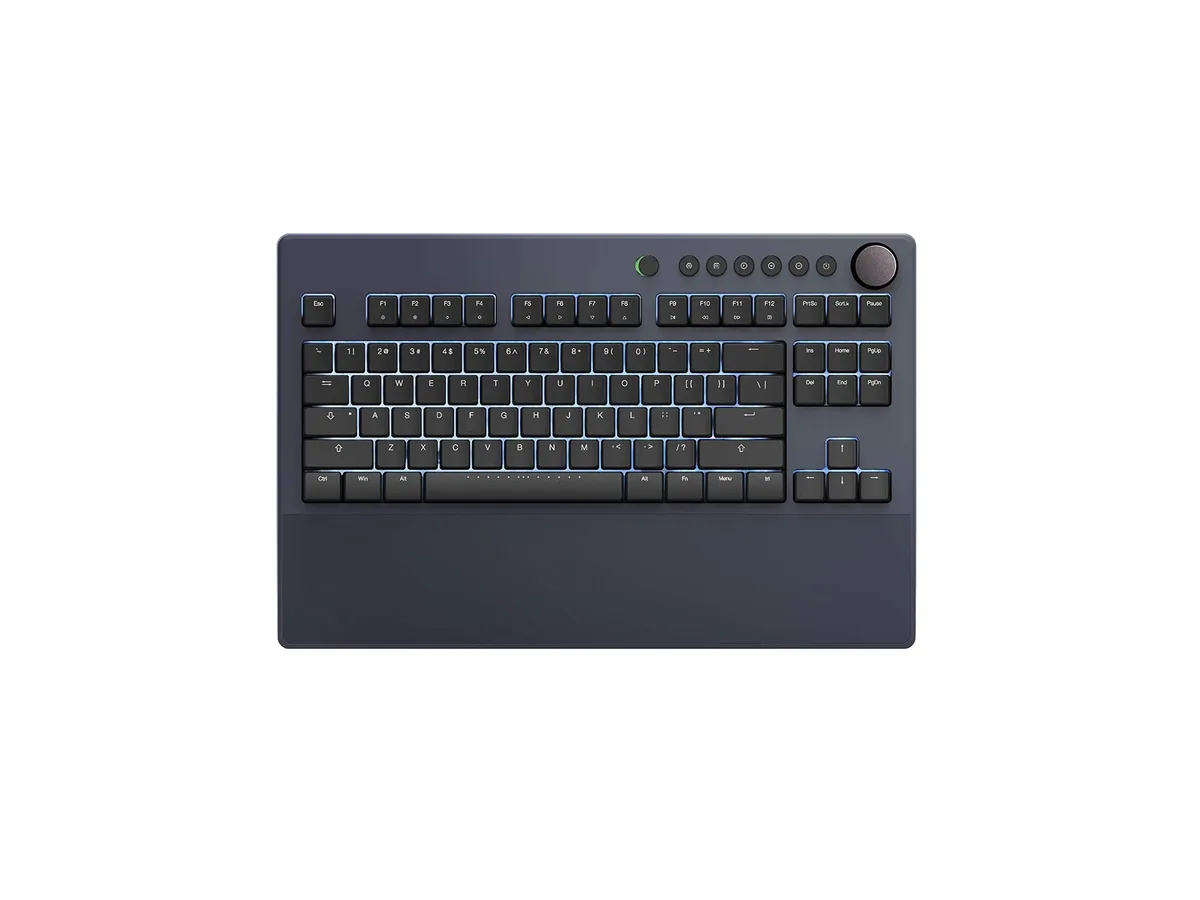
iKBC Table E401 Tenkeyless Gaming Keyboard Cherry MX Red Dark Gray 87 Keycaps
$127.99
0.00162601BTC
In stockWe take cryptocurrency — so the coins you hold can buy real hardware.Pay in crypto, spend it on real hardware. Free insured shipping worldwide over $399. Plain, unbranded boxes, sent from Germany.Free insured shipping over $399. Your rate is locked for 30 minutes once checkout opens.Rate locked 30 minutes. Every item sealed, serial-checked and covered by a 24-month warranty.Sealed, 24-month warranty.


A four-key wireless macro keypad with tactile switches, RGB lighting, hot-swappable keys and programmable rotary knobs for custom shortcuts
The BRIMFORD Macro Keypad is a compact input device built for gamers, streamers and creative professionals who need instant access to custom shortcuts. Four mechanical tactile switches and programmable rotary controls sit in a plastic chassis with per-key RGB illumination. It connects via a 2.4 GHz wireless receiver or the supplied USB-C cable.
Insert the 2.4G receiver or plug the USB-C cable into a Windows PC to begin configuration. The companion application lets you assign any of 104 standard key codes, multimedia commands or multi-step macros of up to 349 combined actions with .5-second delays. Hot-swappable sockets allow switch changes without soldering, though the software installer runs only on Windows.
Verify that your workstation runs Windows for the initial programming step; the keypad cannot be configured on macOS or Linux. Ensure a free USB-A port for the 2.4G dongle or a USB-C port for wired power and data. No additional drivers are required once profiles are stored on the device.
| Brand | BRIMFORD |
|---|---|
| Series | Macro Keypad |
| Name | Macro Keypad |
| Model | Macro Keypad |
| Material | Plastic |
| Keyboard Interface | AT |
| Palm Rest | Steampunk, 4Key KeyPad * 1 / USB C Cable * 1 / 2.4G Receiver *1/ Anti-slip Mat*1 / Instruction Manual * 1 |
| Function Keys | 1 |
| Mechanical Keyboard | Tactile |
| Key Switch | Tactile |
| Key Switch Type | Tactile |
| Keyboard Color | 4Key 2.4G |
| Backlit | RGB |
| Type | USB C Charger |
| Mouse Included | Steampunk |
| Mouse Interface | Bluetooth |
| Mouse DPI | ??????????????????https://sikaicase.com/blogs/support/setting-for-software. Setup needs to be done on a Windows system. |
| Hand Orientation | Ambidextrous |
| Tracking Method | Hotkeys and Media Keys |
| Buttons | 10 |
| Scrolling Capability | Programmable Keys |
| Mouse Color | 4Key 2.4G |
| Power Source | Battery Powered, USB-C |
| Operating Time | Battery Powered, true |
| Operating System Supported | PC |
| System Requirement | Bluetooth, 4Key KeyPad * 1 / USB C Cable * 1 / 2.4G Receiver *1/ Anti-slip Mat*1 / Instruction Manual * 1 |
| Features | rgb, Plastic, Ambidextrous, USB-C |
| Package Contents | 4Key KeyPad * 1 / USB C Cable * 1 / 2.4G Receiver *1/ Anti-slip Mat*1 / Instruction Manual * 1 |
Connect the USB C cable and 2.4G receiver, then press each of the four keys and turn the knob; the RGB backlight should illuminate and every keystroke registers in the configuration software on Windows.
The package includes the 4-key keypad, a USB C cable, a 2.4G receiver, an anti-slip mat and an instruction manual; no additional accessories are required for basic operation.
Choose the 4Key 2.4G option — it delivers 2.4 GHz wireless connectivity, RGB backlighting and tactile mechanical switches in a single unit.
Also in this aisle
Same shelf, same checkout — eight coins and a 30-minute rate lock.
What you pay in, and what you read prices in.
Sent from your wallet at checkout
Display only — the catalogue is priced in USD
No currency matches that.
Pick the language the site speaks to you in.
New here?
Already have one?
There is no automatic reset: this shop sends no mail, so there is no one-time link to ask for. Leave the address on the account and it gets picked up by hand.
Request noted
Nothing is on its way to your inbox — this shop sends no mail at all. Someone picks these up by hand.
Remembered it?