DELL
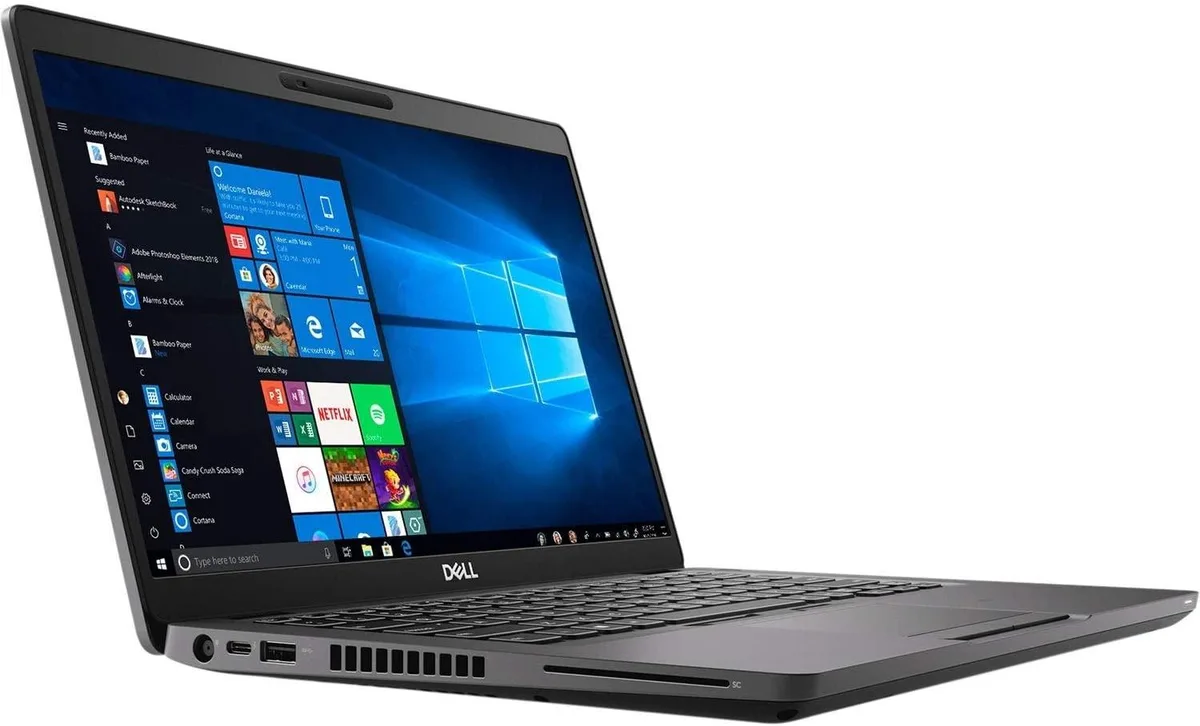
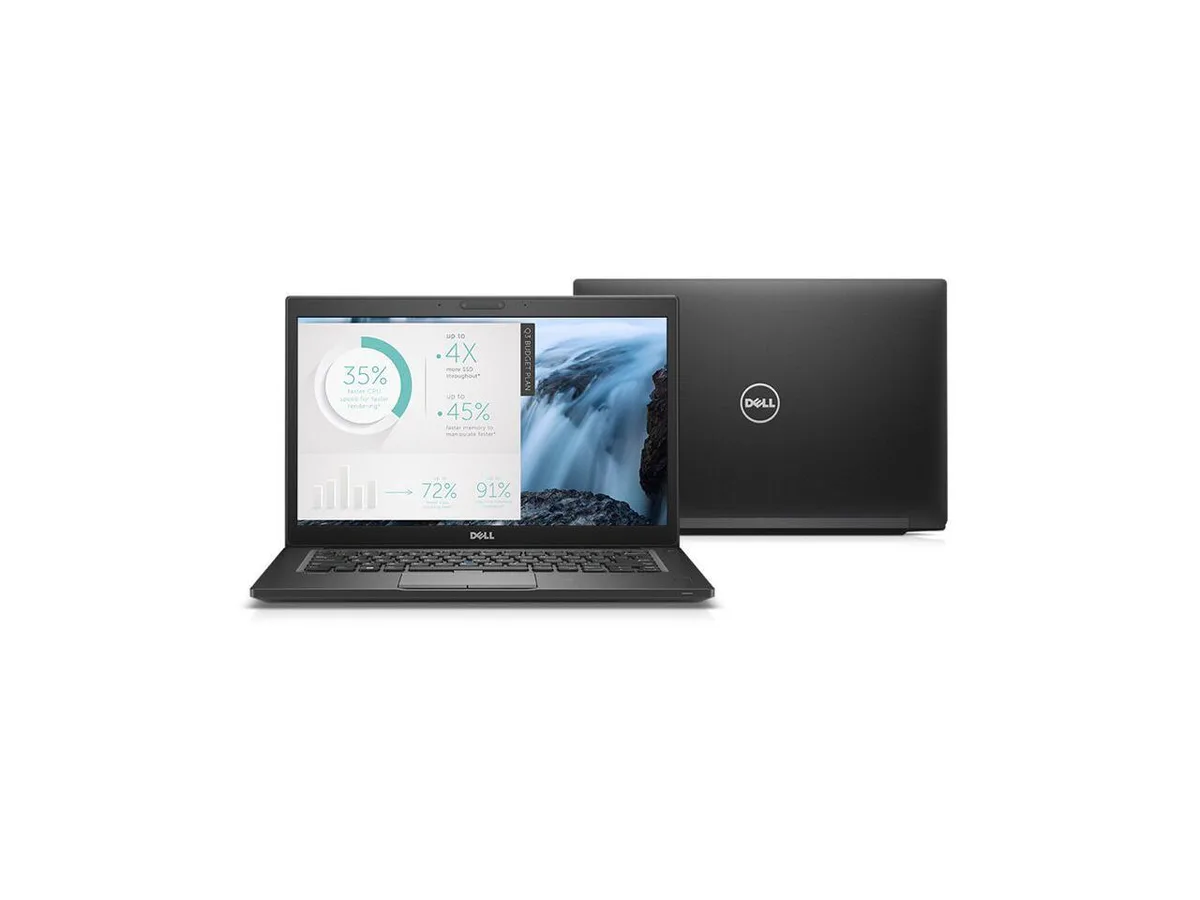
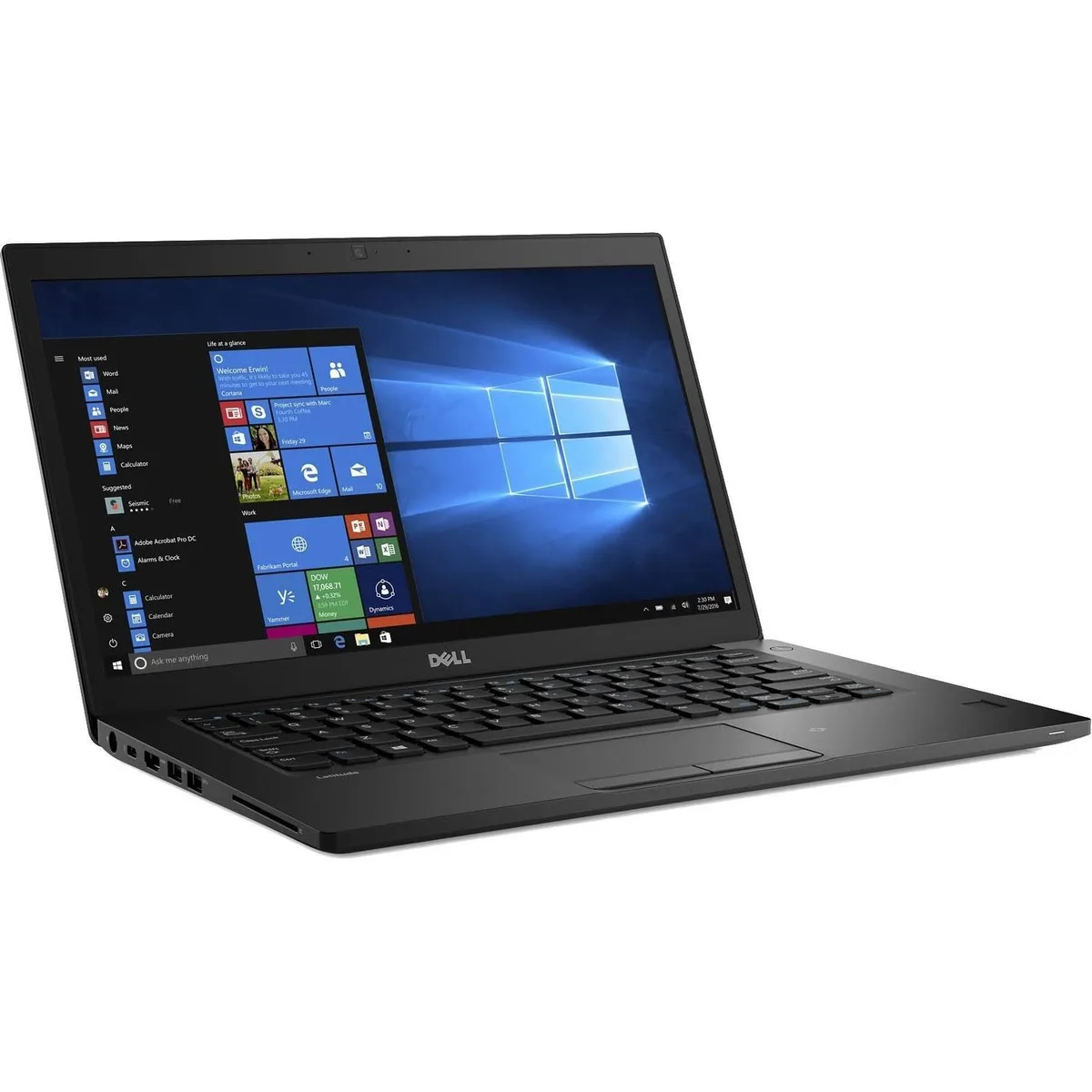
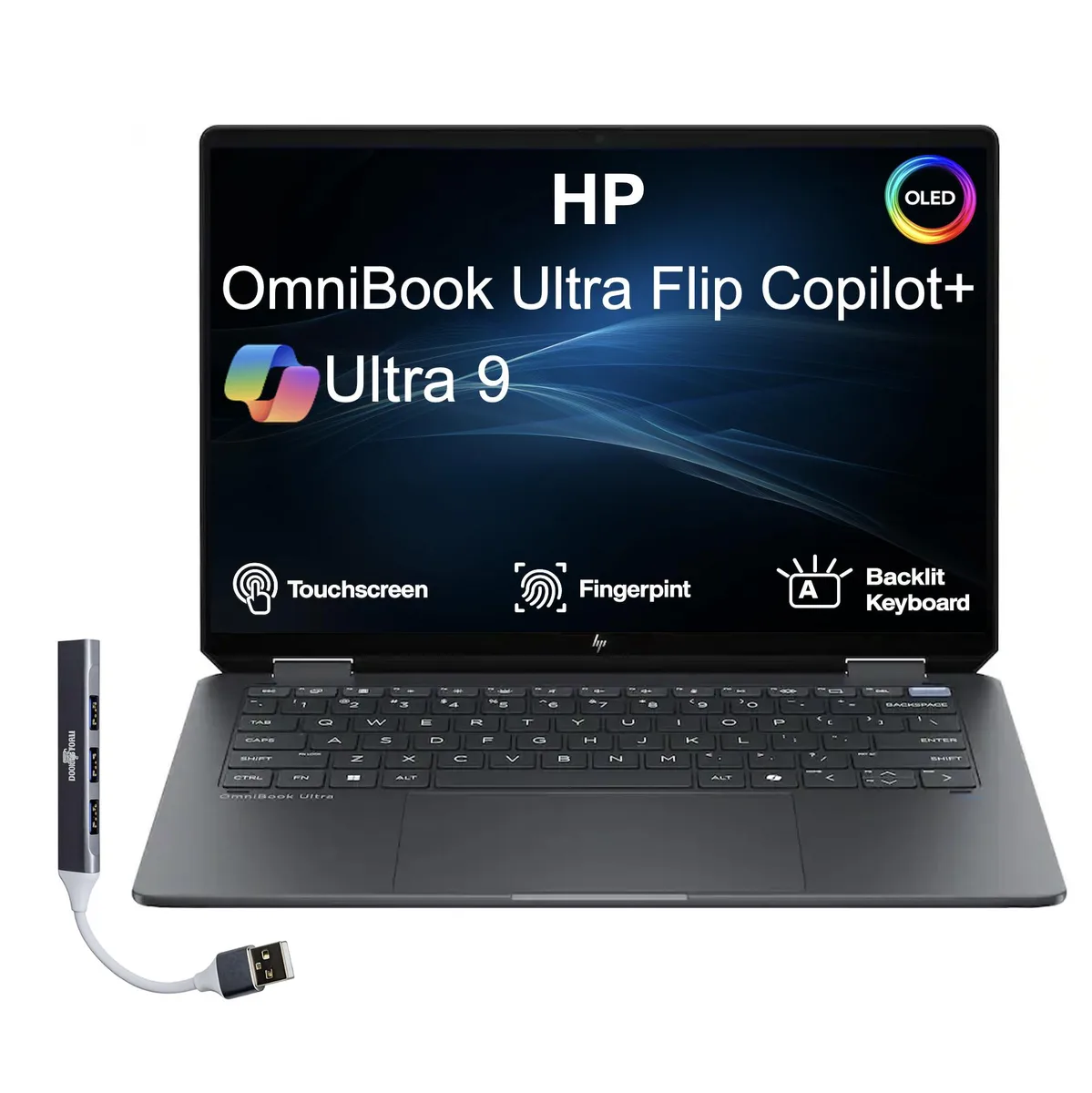
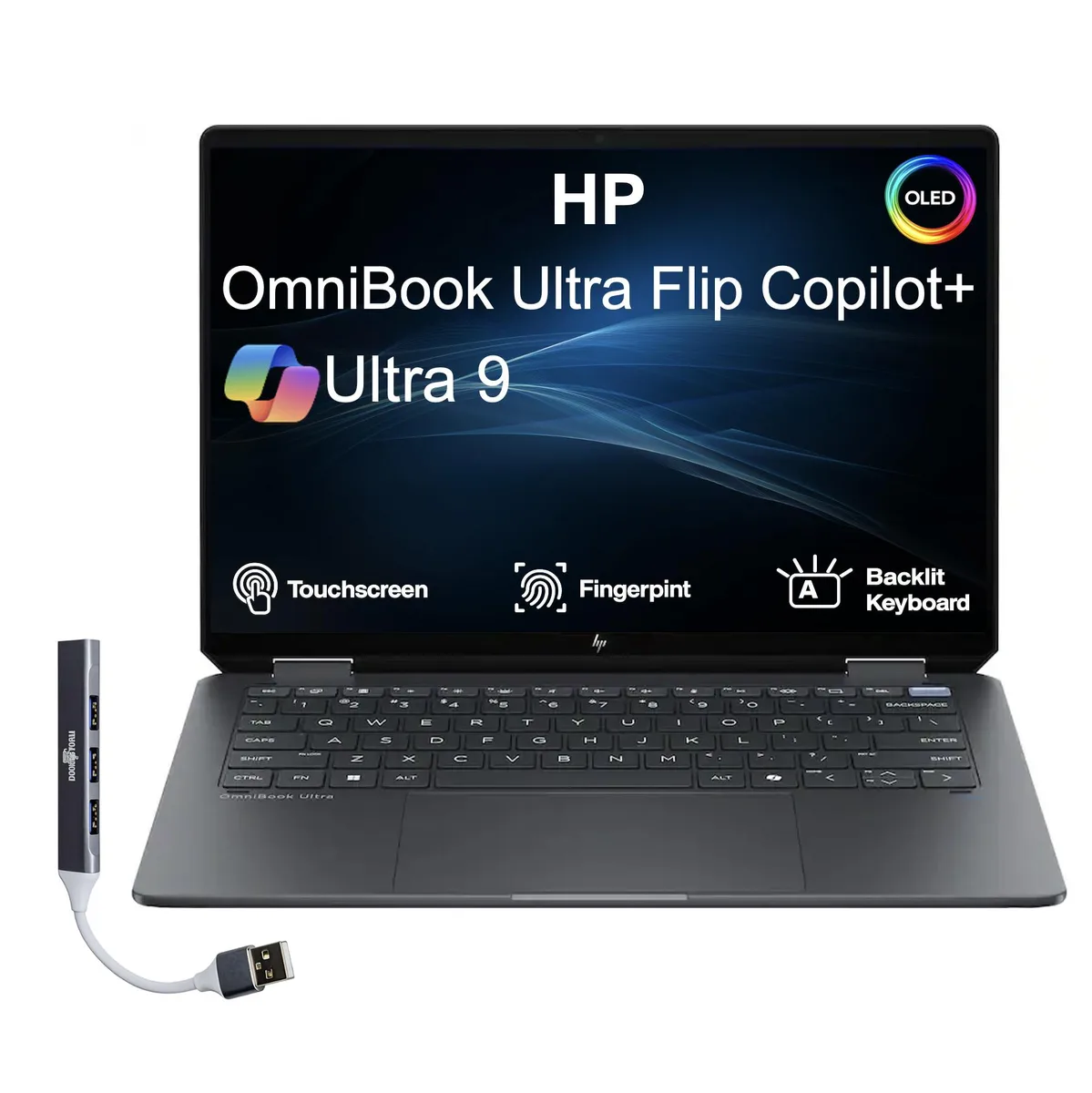
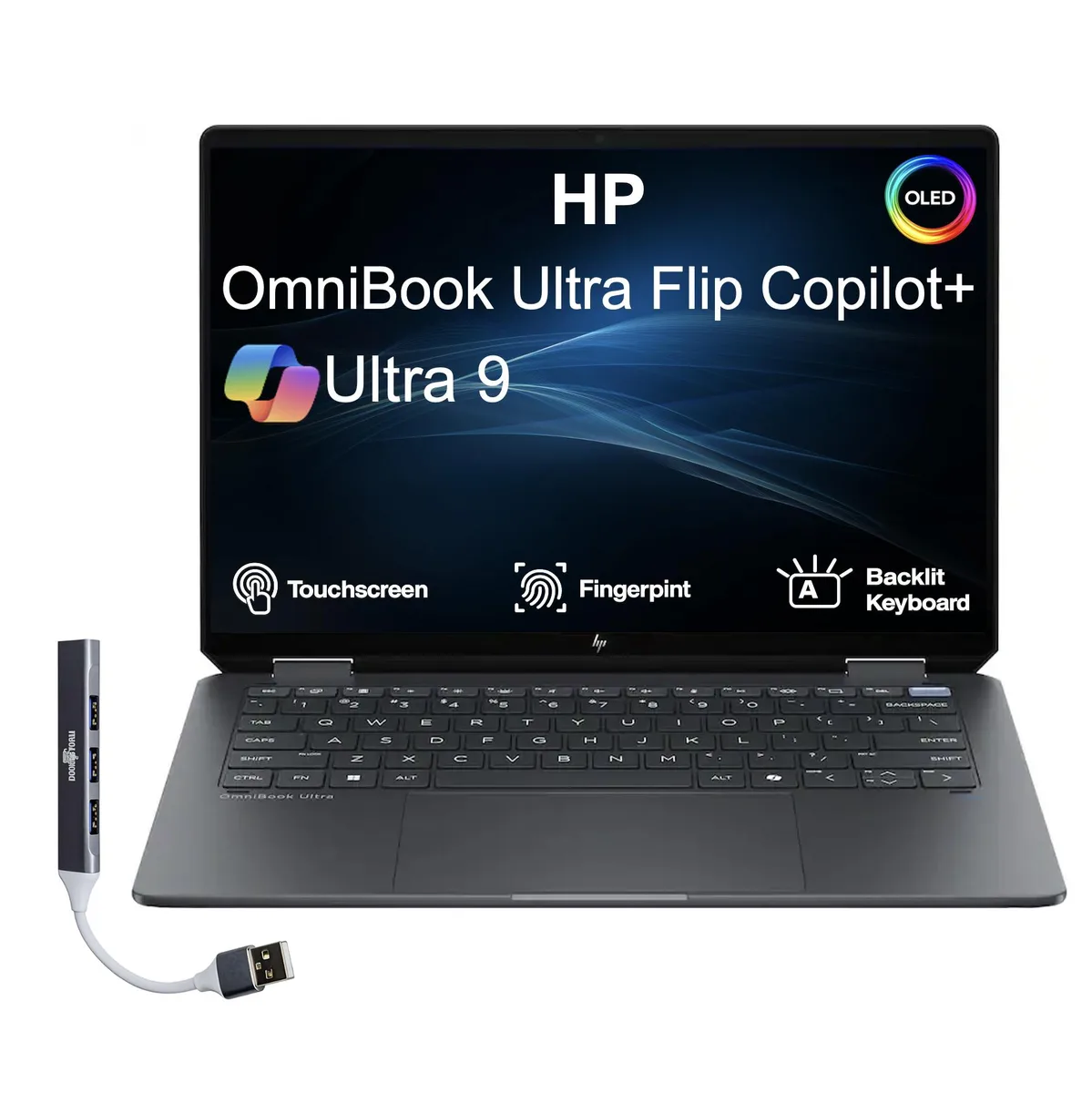
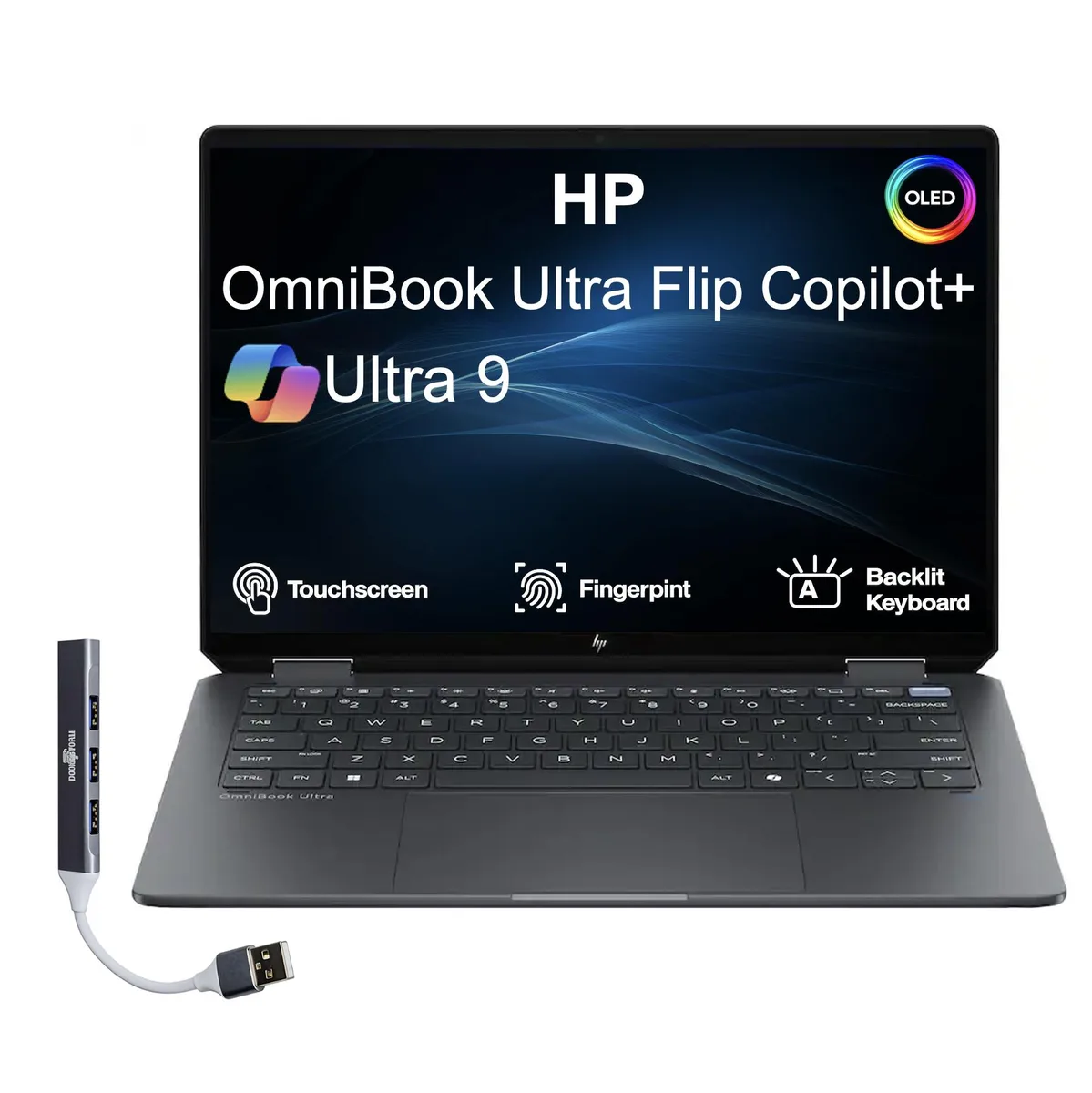
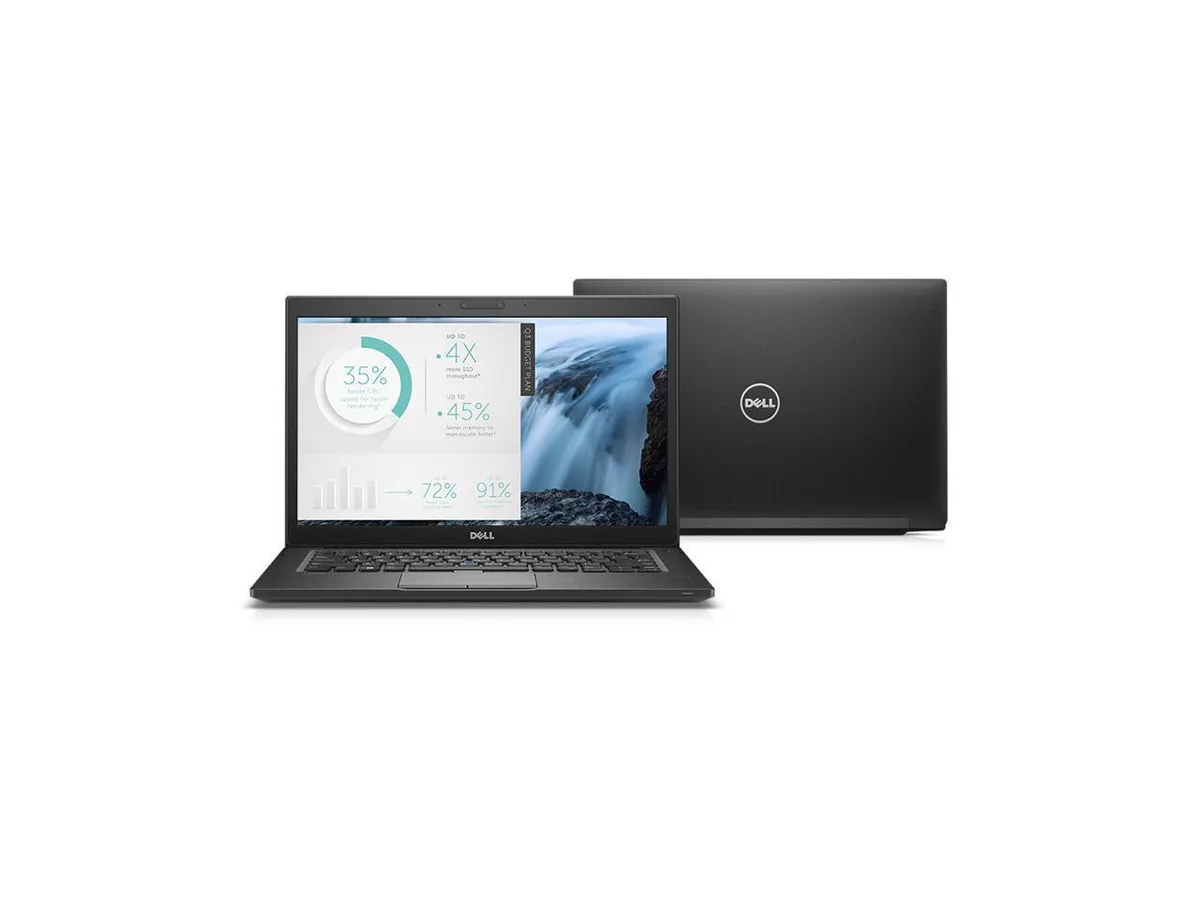
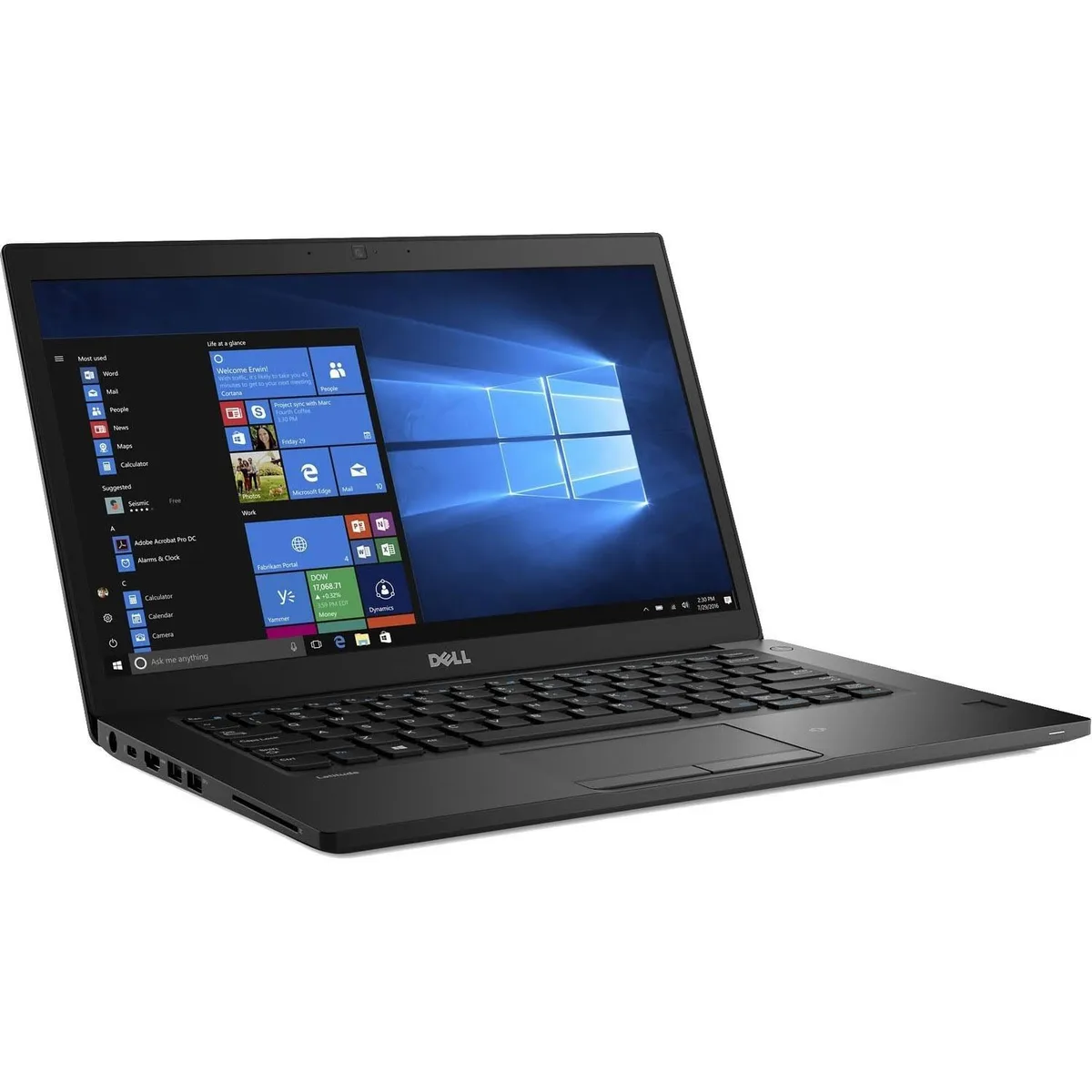
DELL Latitude 7480 14" FHD i5-7300U 8GB 512GB laptop
- Black
- Windows 10
166,99 $US
0.00210583BTC
En stockNous acceptons la cryptomonnaie — les cryptos que vous détenez peuvent ainsi acheter du matériel réel.Payez en crypto, dépensez-la en matériel réel. Livraison assurée offerte partout dans le monde au-delà de 399 $. Cartons neutres, sans marque, expédiés depuis l’Allemagne.Livraison assurée offerte au-delà de 399 $. Votre taux est bloqué pendant 30 minutes dès l’ouverture de la caisse.Taux bloqué 30 minutes. Chaque article est scellé, son numéro de série est vérifié, et il est couvert par une garantie de 24 mois.Scellé, garanti 24 mois.


DELL
A 14-inch FHD business laptop with a 2.8 GHz dual-core i7, 8 GB DDR4 and a 512 GB SSD, running Windows 10 Pro
Options 8GB/512GB
The Dell Latitude 7480 is a 14-inch Full HD laptop built for mobile professionals who need a compact Windows 10 Pro machine. It runs on a 7th Generation Intel Core i7-7600U dual-core processor with 4 MB cache, paired with 8 GB of DDR4 memory and a 512 GB SSD for the operating system and files. Integrated Intel HD Graphics 620 handles the display output on the anti-glare non-touch panel.
The ultrabook chassis weighs 3.01 lbs and uses a bottom-load keyboard layout that aids airflow across the low-voltage processor. The i7-7600U operates at a 2.8 GHz base frequency and can reach 3.90 GHz under load while staying within its ultra-low power envelope. Fan noise remains subdued during typical office workloads such as document editing, video calls and web browsing.
A unibody design with soft-touch paint gives the black chassis a rigid feel, and an optional woven carbon-fibre cover adds extra stiffness without bulk. Video output is provided through full-size HDMI and DisplayPort via USB-C, allowing dual-monitor setups at a desk. Wireless connectivity uses 802.11a/b/g/n/ac Wi-Fi alongside Bluetooth 4.2 for peripherals. Buyers who need more storage capacity or a dedicated graphics processor should consider other form factors.
| Brand | DELL |
|---|---|
| Series | 7000 |
| Model | Latitude |
| Part Number | 7480 |
| Color | Black |
| Operating System | Windows 10 |
| CPU Type | Intel Core i7 7th Gen |
| Processor Name | Intel Core i7-7600U |
| Number of Cores | Dual-core Processor |
| CPU L2 Cache | 4MB |
| Screen Size | 14.0" |
| Touchscreen | Non-Touch Screen |
| Display Type | FHD |
| Resolution | 1920 x 1080 |
| GPU/VPU | Intel HD Graphics 620 |
| Graphic Type | Integrated Card |
| SSD | 512GB |
| HDD | No |
| Storage Spec | 512 GB SSD |
| Memory | 8GB |
| Memory Speed | DDR4 |
| Memory Spec | 4 GB x 2 |
| Memory Slot (Total) | 2 |
| Memory Slot (Available) | 0 |
| Max Memory Supported | 32 GB |
| Optical Drive Type | No |
| LAN | 10/100/1000Mbps |
| WiFi Generation | Wi-Fi 4 and earlier generation |
| Bluetooth | Yes |
| USB | 2 x USB 3.0, 1 x USB 3.0 (PowerShare), 1 x USB- C/DisplayPort |
| Thunderbolt | 1 x Thunderbolt |
| Video Port | 1 x HDMI (supports Thunderbolt/DisplayPort Alt Mode) |
| HDMI | 1 x HDMI |
| Audio Ports | 1 x Microphone Jack, 1 x Headphone Jack |
| Audio | Integrated Sound card |
| Touchpad | Yes |
| Keyboard | Standard |
| Webcam | Yes |
| Style | Ultrabook |
| Type | Mainstream |
| Usage | Consumer |
| AC Adapter/Charger | 65-watt AC Adapter |
| Weight | 3 - 3.9 lbs. |
Autres versions de ce modèle
Même famille, mémoire, ventirad ou fréquence différents — comparez avant de vous décider.
Remove the base cover, locate the single memory slot, insert the DDR4 stick at an angle then press down until the clips click; the step often missed is pressing firmly enough to seat the module fully so the clips engage.
The SSD has no moving parts and requires no scheduled maintenance; replacement is only needed if capacity runs out or a drive health tool reports wear, at which point you can swap in another SATA or NVME M.2 drive.
The dual-core 2.8 GHz processor with 4 MB cache will hit thermal throttling before other components, lowering clocks from the 3.90 GHz turbo to manage heat inside the 14-inch chassis.
Également dans ce rayon
Même rayon, même caisse — huit monnaies et un taux bloqué 30 minutes.
Ce que vous envoyez, et ce dans quoi vous lisez les prix.
Envoyé depuis votre portefeuille à la caisse
Affichage seul — le catalogue est libellé en dollars
Aucune monnaie ne correspond.
Choisissez la langue dans laquelle le site vous parle.
Première visite ?
Vous avez déjà un compte ?
Il n’y a pas de réinitialisation automatique : cette boutique n’envoie aucun e-mail, il n’existe donc aucun lien à usage unique à demander. Laissez l’adresse sur le compte, elle sera traitée à la main.
Demande enregistrée
Rien n’arrivera dans votre boîte de réception — cette boutique n’envoie aucun e-mail. Quelqu’un s’en occupe à la main.
Vous l’avez retrouvé ?