


DELL
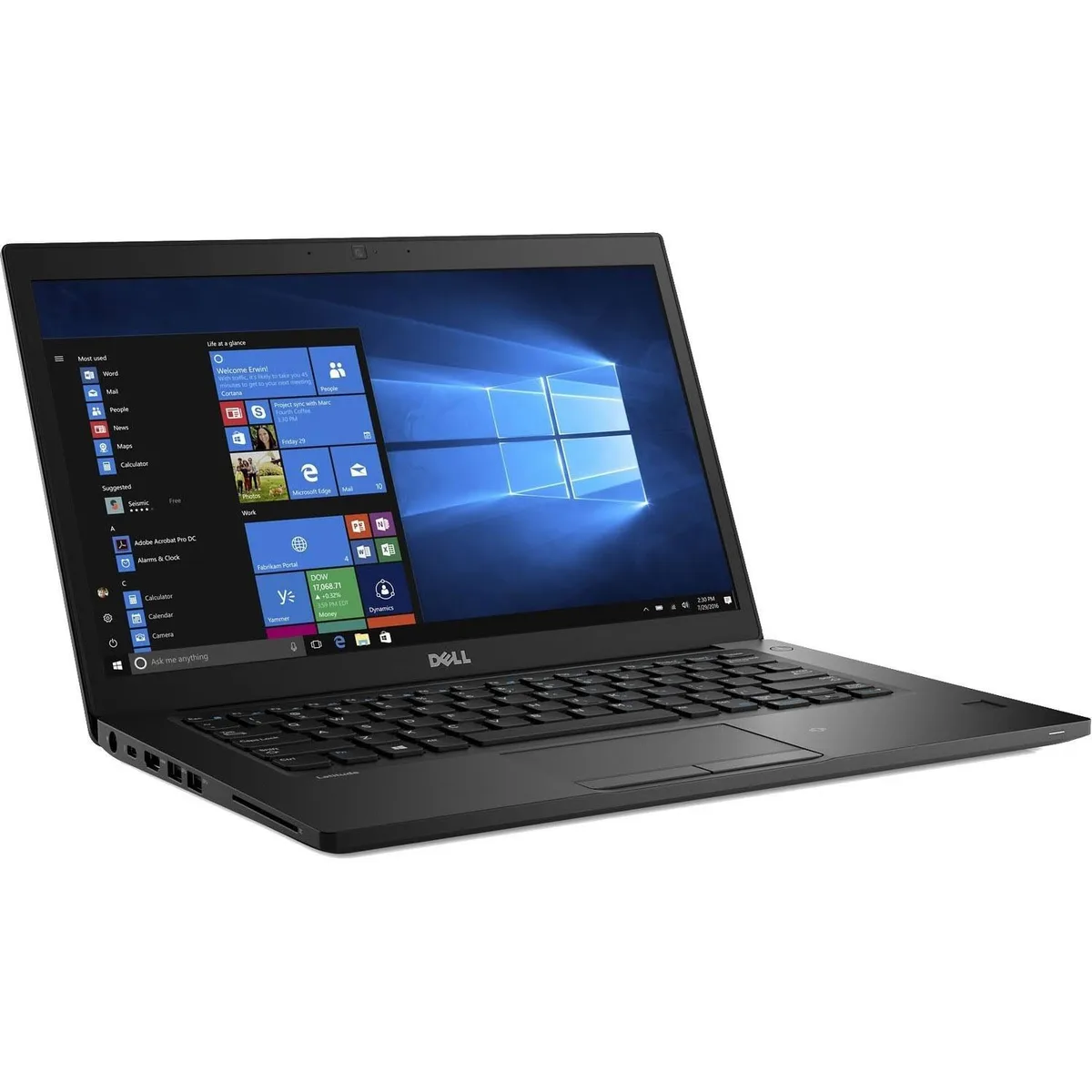
Dell Latitude 7480 14" FHD i7-7600U 8GB 512GB SSD laptop
A 14-inch FHD business laptop with a 2.8 GHz dual-core i7, 8 GB DDR4 and a 512 GB SSD, running Windows 10 Pro
- ColorBlack
- Operating SystemWindows 10
- CPU TypeIntel Core i7 7th Gen
- Processor NameIntel Core i7-7600U
- Number of CoresDual-core Processor
- CPU L2 Cache4MB
Options 8GB/512GB
- 8GB/512GB
- 32GB/512GB
- 16GB/512GB
- 7th Gen Intel Core i7-7600U up to 3.90GHz for fast processing
- 0" FHD 1920 x 1080 anti-glare display for clear visuals
- 512 GB SSD plus 8 GB DDR4 for quick storage access
- 11ac Wi-Fi and Bluetooth 4.2 for reliable connectivity
- Windows 10 Pro preinstalled for professional features
14-inch FHD business ultrabook
The Dell Latitude 7480 is a 14-inch Full HD laptop built for mobile professionals who need a compact Windows 10 Pro machine. It runs on a 7th Generation Intel Core i7-7600U dual-core processor with 4 MB cache, paired with 8 GB of DDR4 memory and a 512 GB SSD for the operating system and files. Integrated Intel HD Graphics 620 handles the display output on the anti-glare non-touch panel.
Thermals and power in daily use
The ultrabook chassis weighs 3.01 lbs and uses a bottom-load keyboard layout that aids airflow across the low-voltage processor. The i7-7600U operates at a 2.8 GHz base frequency and can reach 3.90 GHz under load while staying within its ultra-low power envelope. Fan noise remains subdued during typical office workloads such as document editing, video calls and web browsing.
Build, ports and daily connectivity
A unibody design with soft-touch paint gives the black chassis a rigid feel, and an optional woven carbon-fibre cover adds extra stiffness without bulk. Video output is provided through full-size HDMI and DisplayPort via USB-C, allowing dual-monitor setups at a desk. Wireless connectivity uses 802.11a/b/g/n/ac Wi-Fi alongside Bluetooth 4.2 for peripherals. Buyers who need more storage capacity or a dedicated graphics processor should consider other form factors.
Highlights
- 7th Gen Intel Core i7-7600U up to 3.90GHz for fast processing
- 0" FHD 1920 x 1080 anti-glare display for clear visuals
- 512 GB SSD plus 8 GB DDR4 for quick storage access
- 11ac Wi-Fi and Bluetooth 4.2 for reliable connectivity
- Windows 10 Pro preinstalled for professional features
Specifications
| Brand | DELL |
|---|---|
| Series | 7000 |
| Model | Latitude |
| Part Number | 7480 |
| Color | Black |
| Operating System | Windows 10 |
| CPU Type | Intel Core i7 7th Gen |
| Processor Name | Intel Core i7-7600U |
| Number of Cores | Dual-core Processor |
| CPU L2 Cache | 4MB |
| Screen Size | 14.0" |
| Touchscreen | Non-Touch Screen |
| Display Type | FHD |
| Resolution | 1920 x 1080 |
| GPU/VPU | Intel HD Graphics 620 |
| Graphic Type | Integrated Card |
| SSD | 512GB |
| HDD | No |
| Storage Spec | 512 GB SSD |
| Memory | 8GB |
| Memory Speed | DDR4 |
| Memory Spec | 4 GB x 2 |
| Memory Slot (Total) | 2 |
| Memory Slot (Available) | 0 |
| Max Memory Supported | 32 GB |
| Optical Drive Type | No |
| LAN | 10/100/1000Mbps |
| WiFi Generation | Wi-Fi 4 and earlier generation |
| Bluetooth | Yes |
| USB | 2 x USB 3.0, 1 x USB 3.0 (PowerShare), 1 x USB- C/DisplayPort |
| Thunderbolt | 1 x Thunderbolt |
| Video Port | 1 x HDMI (supports Thunderbolt/DisplayPort Alt Mode) |
| HDMI | 1 x HDMI |
| Audio Ports | 1 x Microphone Jack, 1 x Headphone Jack |
| Audio | Integrated Sound card |
| Touchpad | Yes |
| Keyboard | Standard |
| Webcam | Yes |
| Style | Ultrabook |
| Type | Mainstream |
| Usage | Consumer |
| AC Adapter/Charger | 65-watt AC Adapter |
| Weight | 3 - 3.9 lbs. |
Other versions of this model
5 more in the same range
Same family, different memory, cooler or clock — compare before you commit.

DELL
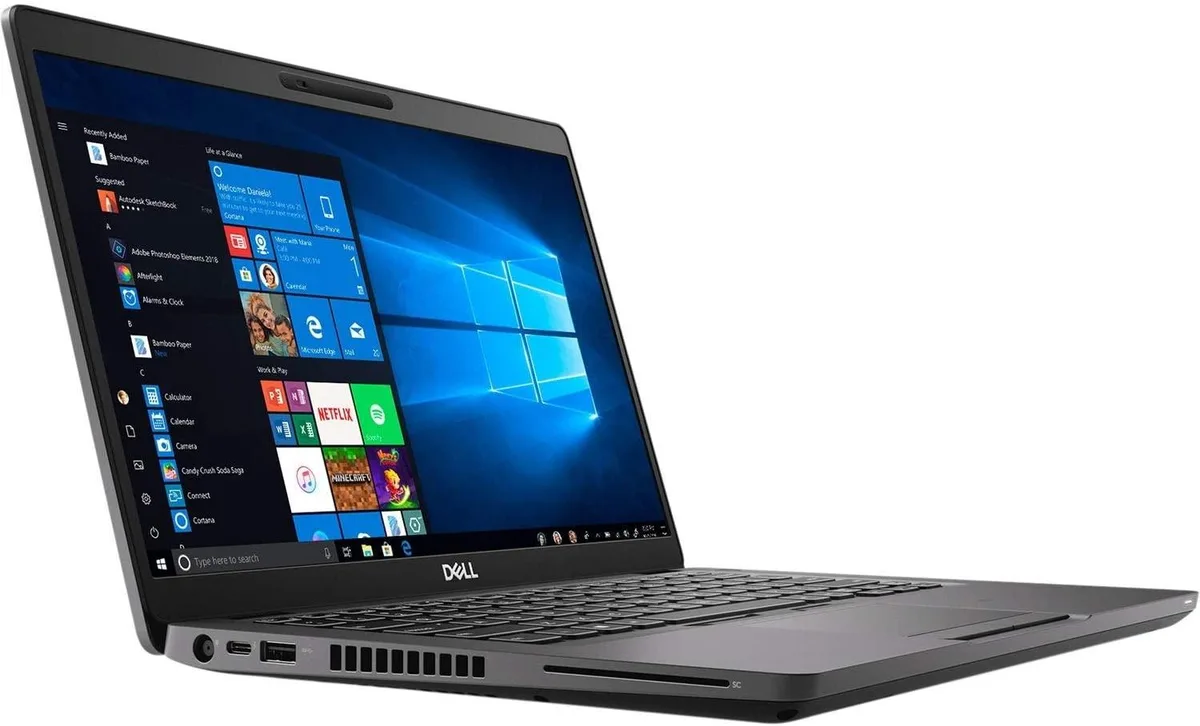
DELL Latitude 5400 14" i5-8365U 16GB 512GB NVMe laptop
- Gray
- Windows 10
$186.99
0.00236472BTC
In stock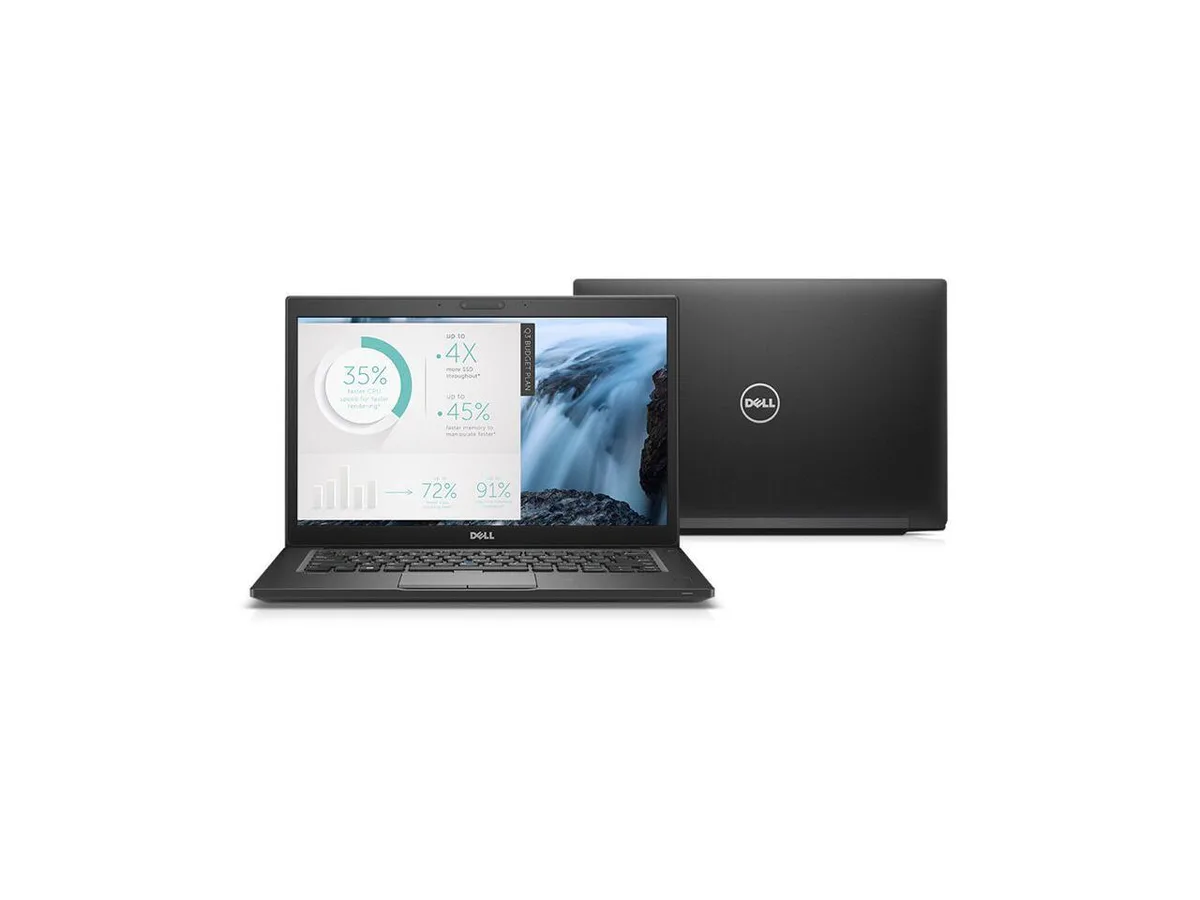
DELL
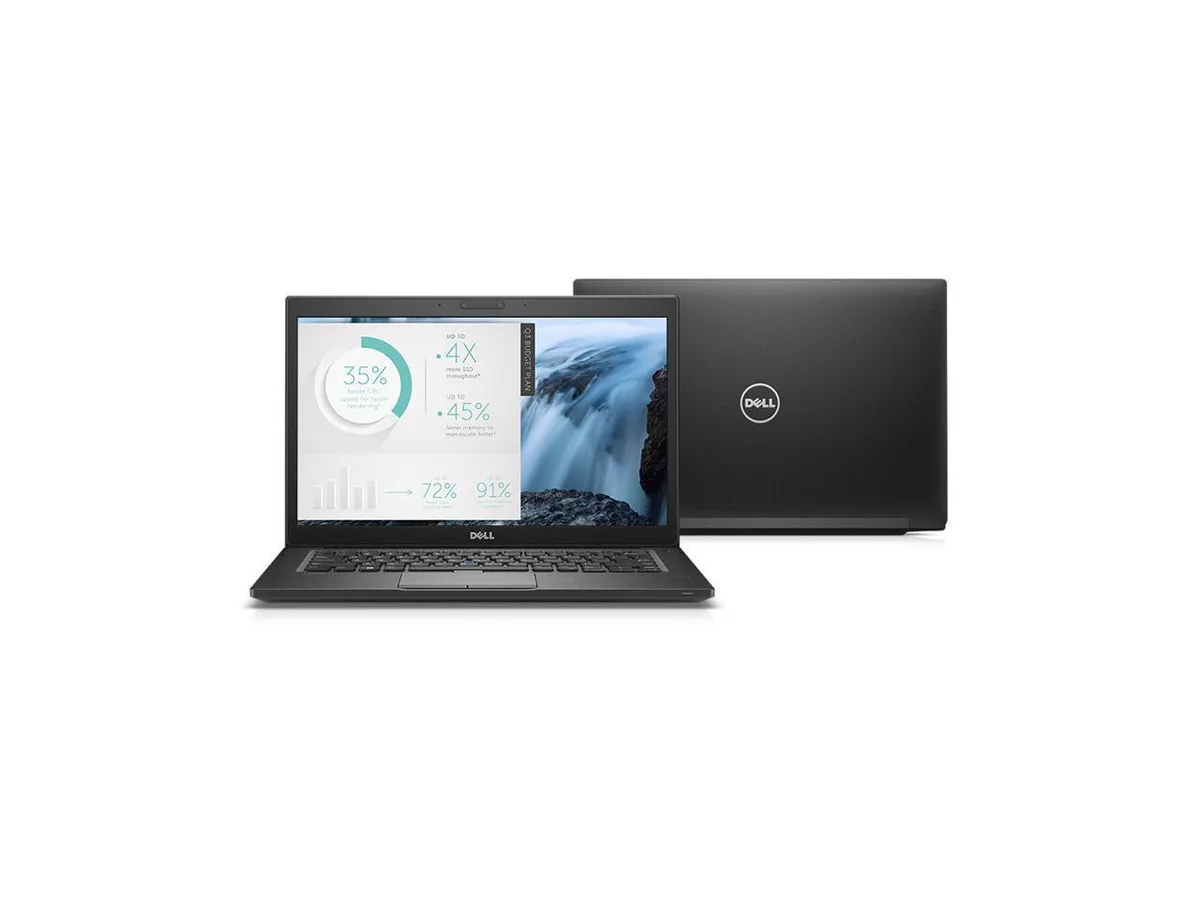
Dell Latitude 7480 laptop i5-7300U 16 GB 512 GB SSD 14" FHD
- Black
- Windows 10
$270.99
0.003427BTC
In stock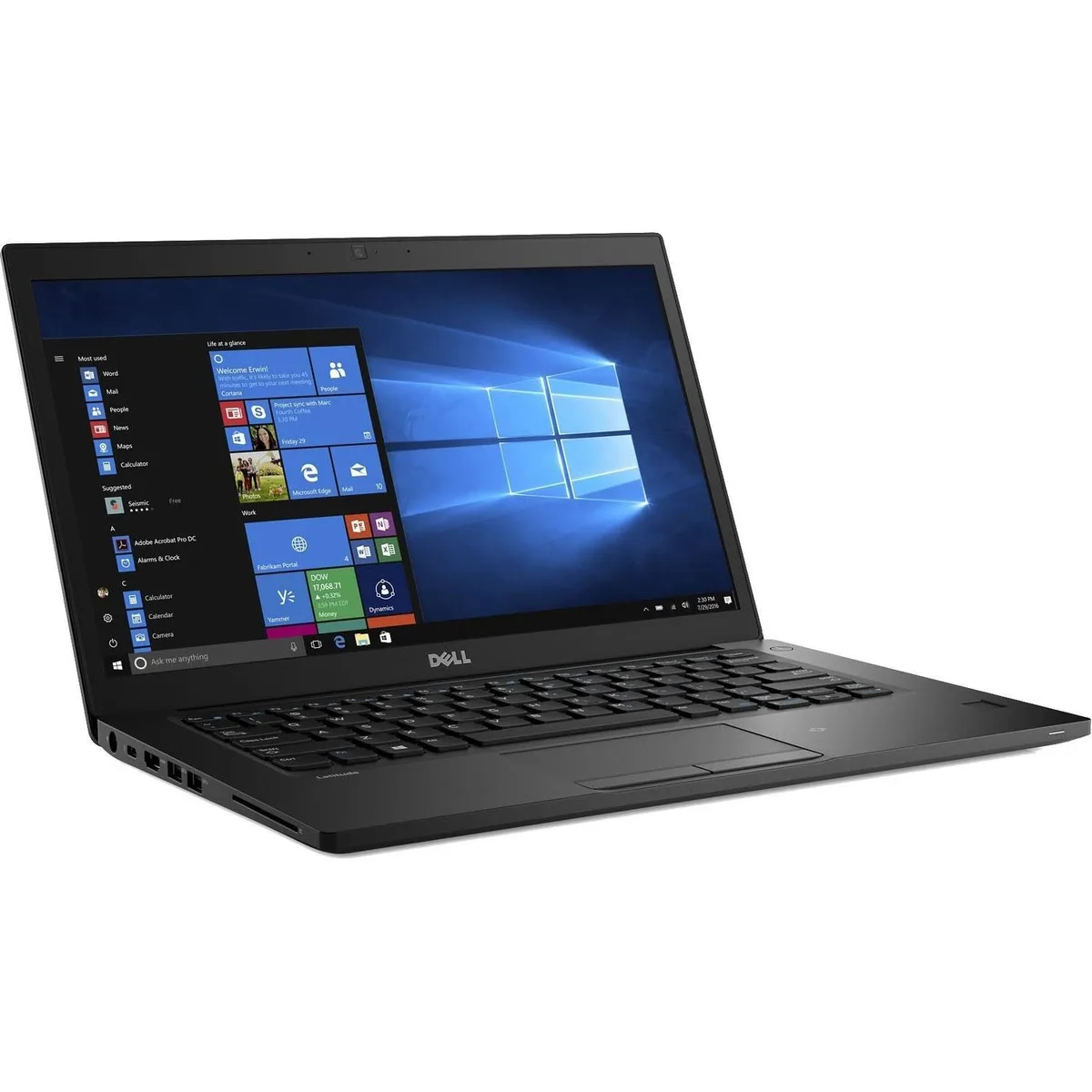
DELL
Dell Latitude 7480 14" i7-7600U 16GB 512GB SSD laptop
- Black
- Windows 10
$311.99
0.00394549BTC
In stock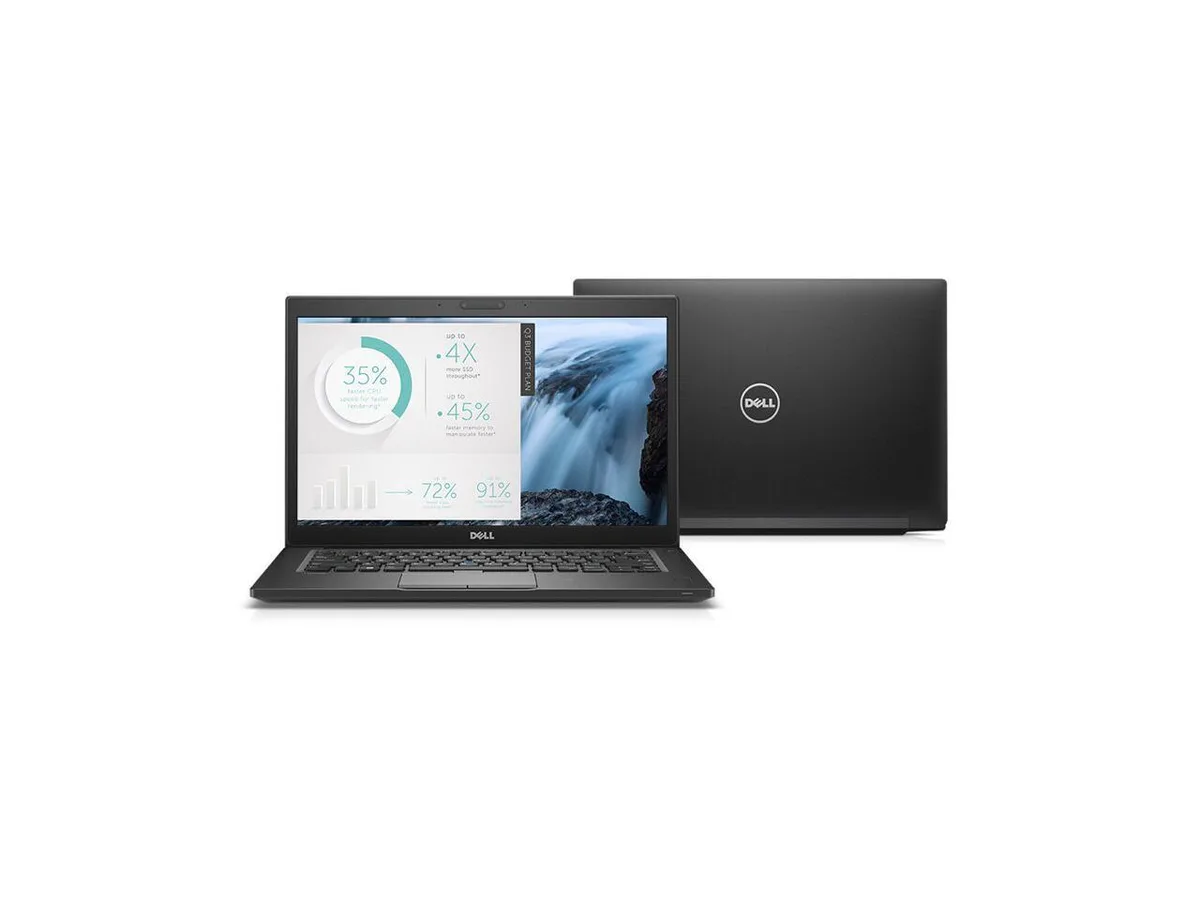
DELL
DELL Latitude 7480 14" FHD i5-7300U 32 GB 512 GB SSD laptop
- Black
- Windows 10
$359.99
0.00455251BTC
In stockQuestions about this item
How do I install the DDR4 SODIMM module in this Latitude 7480, and which step do people often get wrong?
Remove the base cover, locate the single memory slot, insert the DDR4 stick at an angle then press down until the clips click; the step often missed is pressing firmly enough to seat the module fully so the clips engage.
What maintenance or replacement will the 512 GB SSD need later?
The SSD has no moving parts and requires no scheduled maintenance; replacement is only needed if capacity runs out or a drive health tool reports wear, at which point you can swap in another SATA or NVME M.2 drive.
What limit appears first on the Core i7-7600U during sustained heavy workloads?
The dual-core 2.8 GHz processor with 4 MB cache will hit thermal throttling before other components, lowering clocks from the 3.90 GHz turbo to manage heat inside the 14-inch chassis.
Also in this aisle
People compared these
Same shelf, same checkout — eight coins and a 30-minute rate lock.
HP
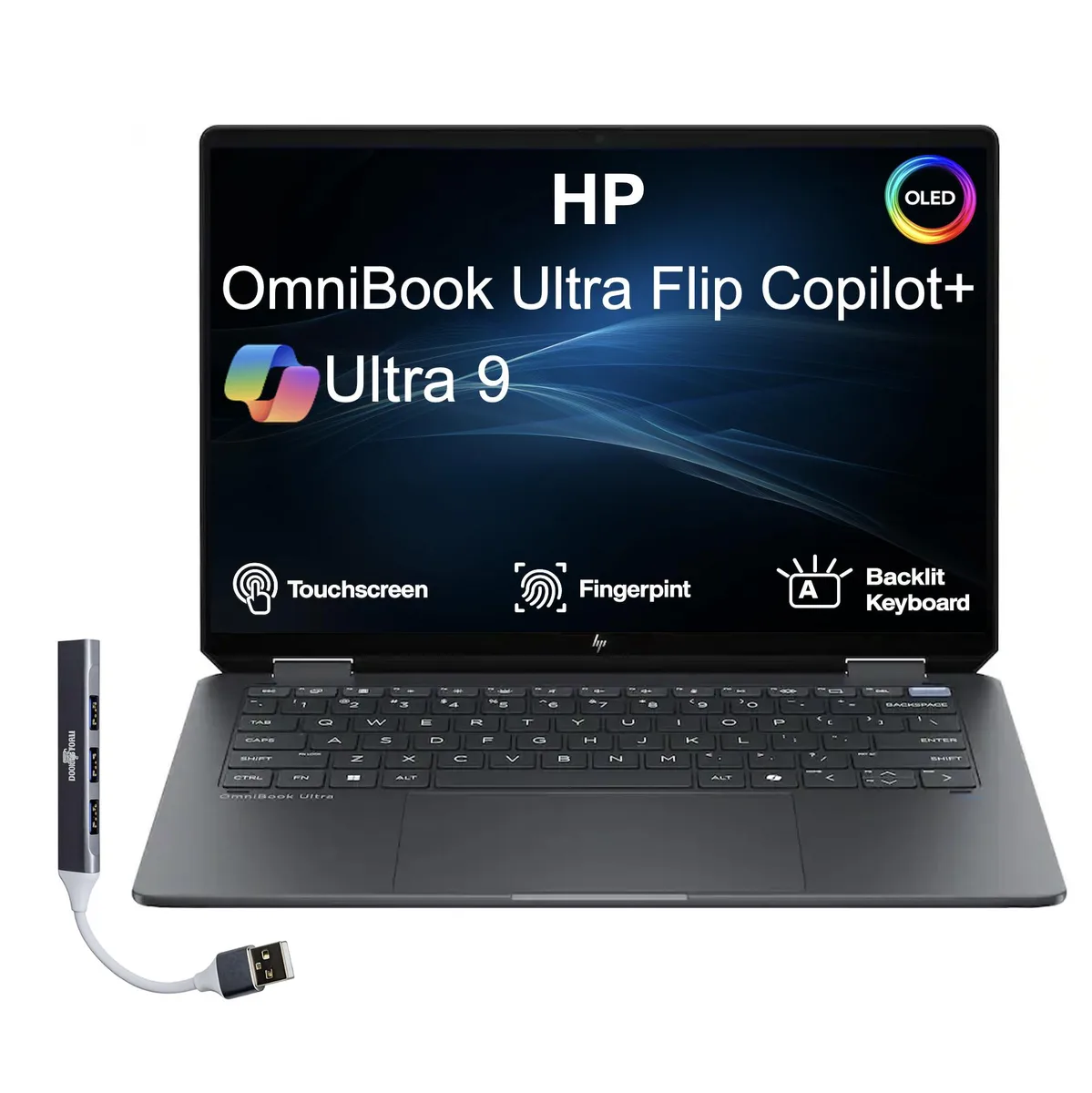
HP OmniBook Ultra Flip 14.0" OLED 2.8K 32GB 4TB Ultra 9-288V laptop
- Gray
- Windows 11 Home
$2,075.99
0.02625343BTC
In stock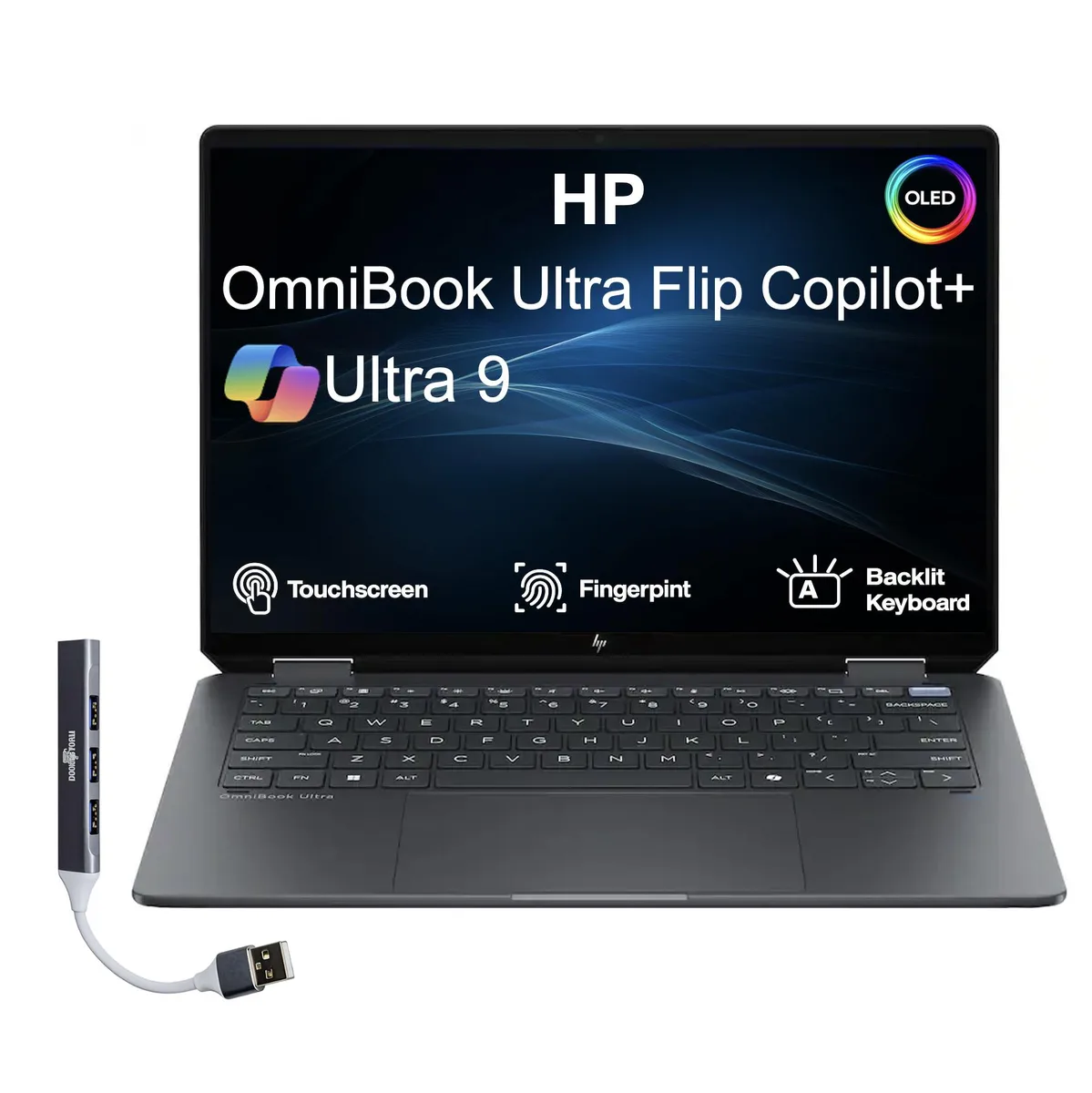
HP
HP OmniBook Ultra Flip 14" OLED 2.8K Touch Ultra 9-288V 32GB 2TB LPDDR5X
- Gray
- Windows 11 Pro
$1,610.99
0.02037294BTC
In stock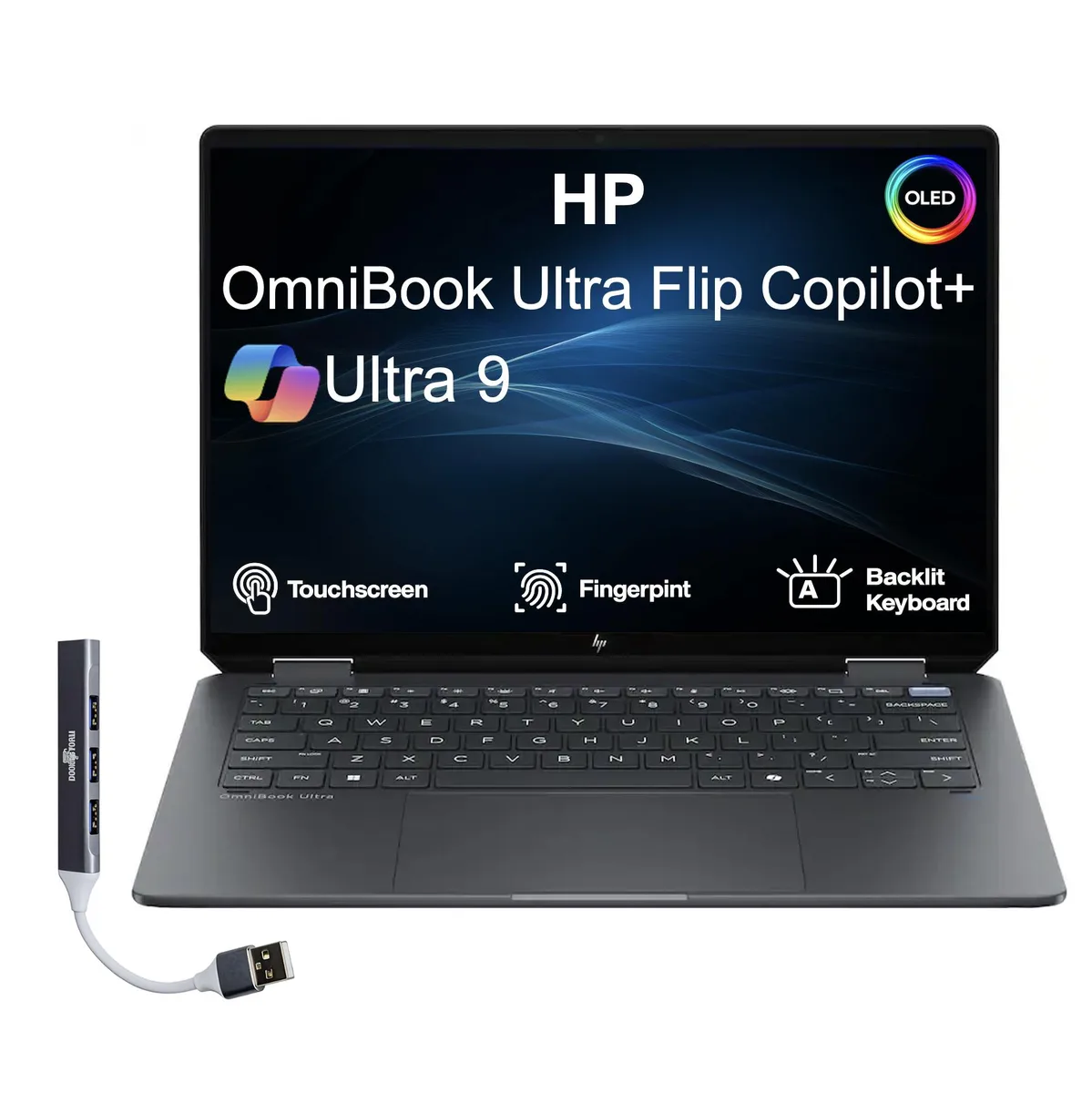
HP
HP OmniBook Ultra Flip 2-in-1 14.0" OLED 2.8K 32GB LPDDR5X 4TB PCIe SSD Intel Ultra 9-288V
- Gray
- Windows 11 Pro
$2,051.99
0.02594992BTC
In stock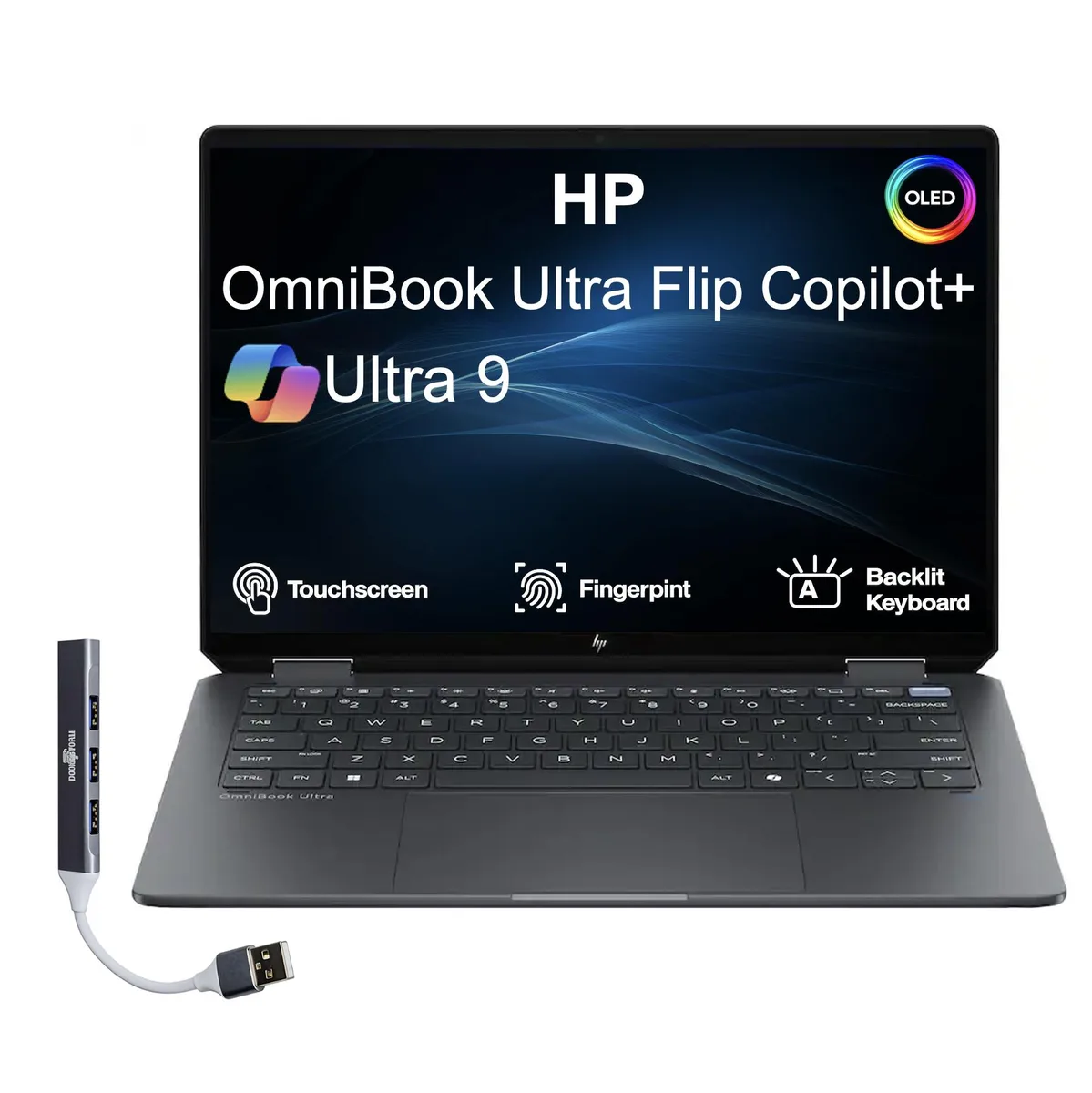
HP
HP OmniBook Ultra Flip 14.0" OLED 2.8K Touchscreen Intel Ultra 9-288V 32GB LPDDR5X 2TB SSD
- Gray
- Windows 11 Home
$1,517.99
0.01919684BTC
In stock