
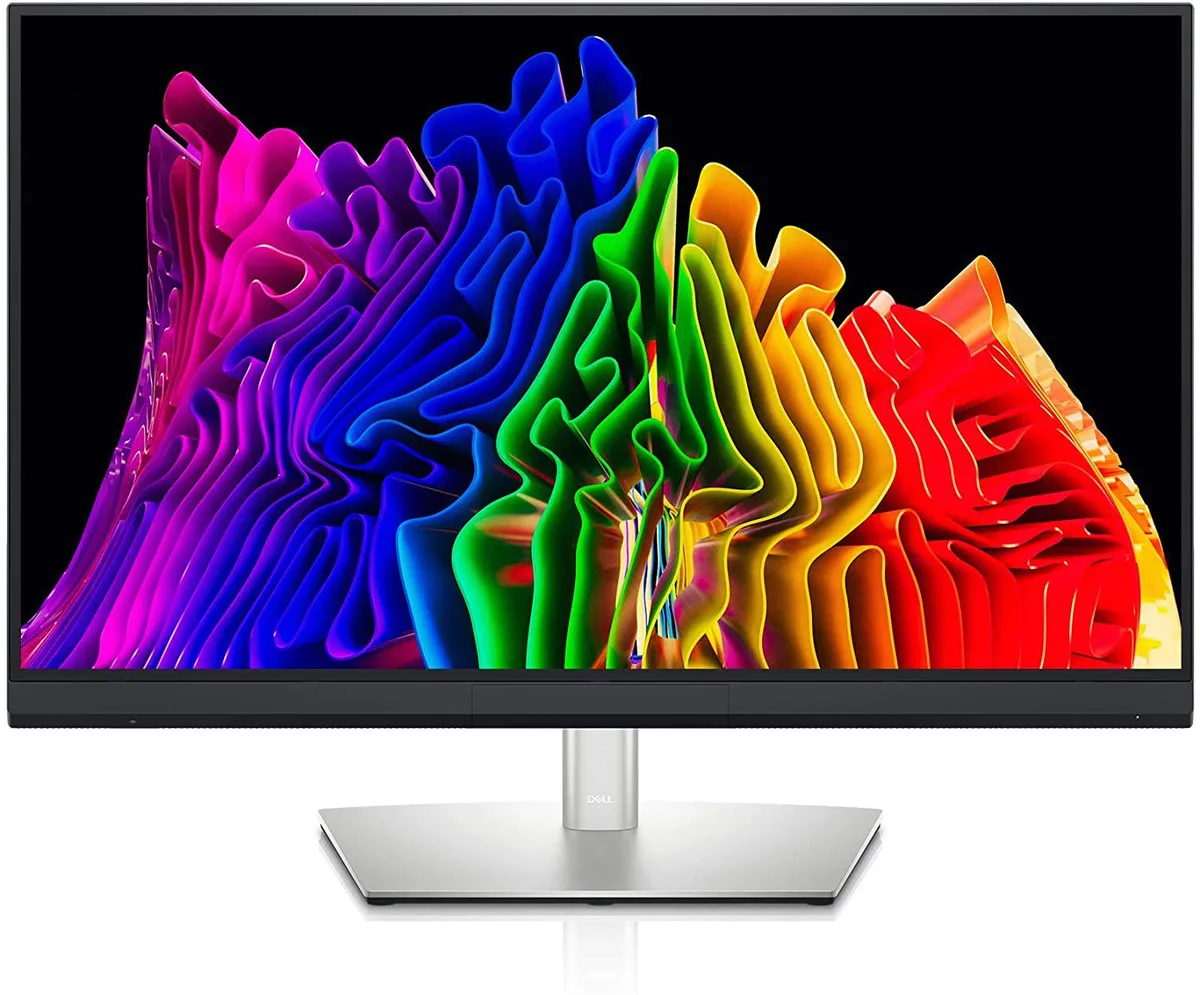


DELL
DELL UP3221Q 31.5" 4K IPS monitor
31.5-inch 4K IPS display with 1000 cd/m² HDR brightness, Thunderbolt 3 upstream and downstream ports, and a fully adjustable stand
- Screen Size31.5"
- WidescreenYes
- Resolution3840 x 2160 (4K)
- Refresh Rate60Hz
- Monitor Pixel Density0.1816 mm x 0.1816 mm
- Display Colors1.07 Billion
- Sharp 4K detail from 3840 x 2160 resolution
- Vivid HDR highlights at 1000 cd/m² peak brightness
- Accurate colour work with 1.07 billion colours
- Flexible ergonomics via height, pivot, swivel and tilt
- Single-cable Thunderbolt connectivity with upstream and downstream ports
Professional 4K monitor
The Dell UP3221Q is a 31.5 inch IPS display with a 3840 x 2160 resolution and 1.07 billion colour support. It targets creative professionals who need accurate colour reproduction and high pixel density for detailed imaging work. The 16:9 aspect ratio and 60 Hz refresh rate suit standard desktop and content-creation workflows.
Connectivity and ergonomics
Two HDMI 2.0 ports, one DisplayPort 1.4 connection and dual Thunderbolt 3 ports with DP 1.4 alternate mode provide flexible video and data routing. Two SuperSpeed USB 10 Gbps downstream ports simplify peripheral attachment. The stand delivers height, pivot, swivel and tilt adjustments so the screen can be positioned for long editing sessions.
HDR brightness upgrade
Typical SDR brightness reaches 350 cd/m2 while HDR peaks at 1000 cd/m2 with a 1,000,000:1 contrast ratio when HDR is active. This jump from standard 350 cd/m2 panels is worthwhile for colour-critical HDR grading and bright-room viewing. Buyers who need higher refresh rates for competitive gaming or larger screen diagonals for multi-monitor walls should look elsewhere.
Points forts
- Sharp 4K detail from 3840 x 2160 resolution
- Vivid HDR highlights at 1000 cd/m² peak brightness
- Accurate colour work with 1.07 billion colours
- Flexible ergonomics via height, pivot, swivel and tilt
- Single-cable Thunderbolt connectivity with upstream and downstream ports
Caractéristiques
| Brand | Dell |
|---|---|
| Model | UP3221Q |
| Screen Size | 31.5" |
| Widescreen | Yes |
| Resolution | 3840 x 2160 (4K) |
| Refresh Rate | 60Hz |
| Monitor Pixel Density | 0.1816 mm x 0.1816 mm |
| Display Colors | 1.07 Billion |
| Brightness | 350 cd/m2 (SDR, typical), 1000 cd/m2 (HDR, typical) |
| Contrast Ratio | 1,300:1 |
| Aspect Ratio | 16:9 |
| Response Time | 6 ms (gray to gray - FAST mode) 8 ms (gray to gray - NORMAL mode) 14 ms (gray to gray- Off Mode) |
| Panel | IPS |
| Display Type | UHD |
| HDMI | 2 x HDMI 2.0 |
| Thunderbolt 3 | 1 x Thunderbolt 3 Upstreamport (DP 1.4) 1 x Thunderbolt 3 Downstream port (DP1.4) |
| DisplayPort | 1 x DisplayPort 1.4 |
| USB 3.0 | 2 |
| Stand Adjustments | Height, Pivot, Swivel, Tilt |
| Poids d’expédition | 24.31 kg |
| Dimensions du colis | 968 × 562 × 206 mm |
Questions sur cet article
What bandwidth does the Thunderbolt 3 upstream port carry for video and data?
The upstream Thunderbolt 3 port uses DisplayPort 1.4 signalling for 4K at 60 Hz video and SuperSpeed USB 3.2 Gen 2 data.
What desk clearance and mounting pattern does the 31.5 inch monitor need?
The stand provides height, tilt, swivel and pivot adjustment; a 100 mm VESA mount is also supported for arm or wall installation.
Which cable must be used first to enable the Thunderbolt 3 hub and HDR?
Connect the upstream Thunderbolt 3 cable to a host port that supports DisplayPort Alt Mode and Power Delivery, then select HDR in the OS display settings.
Également dans ce rayon
Les clients ont aussi comparé
Même rayon, même caisse — huit monnaies et un taux bloqué 30 minutes.


Acer America
Acer America UM.HX1AA.103 Nitro XF273 X1 27" 1920x1080 200Hz monitor
- Black
- 27"
$199.99
0.00258432BTC
En stock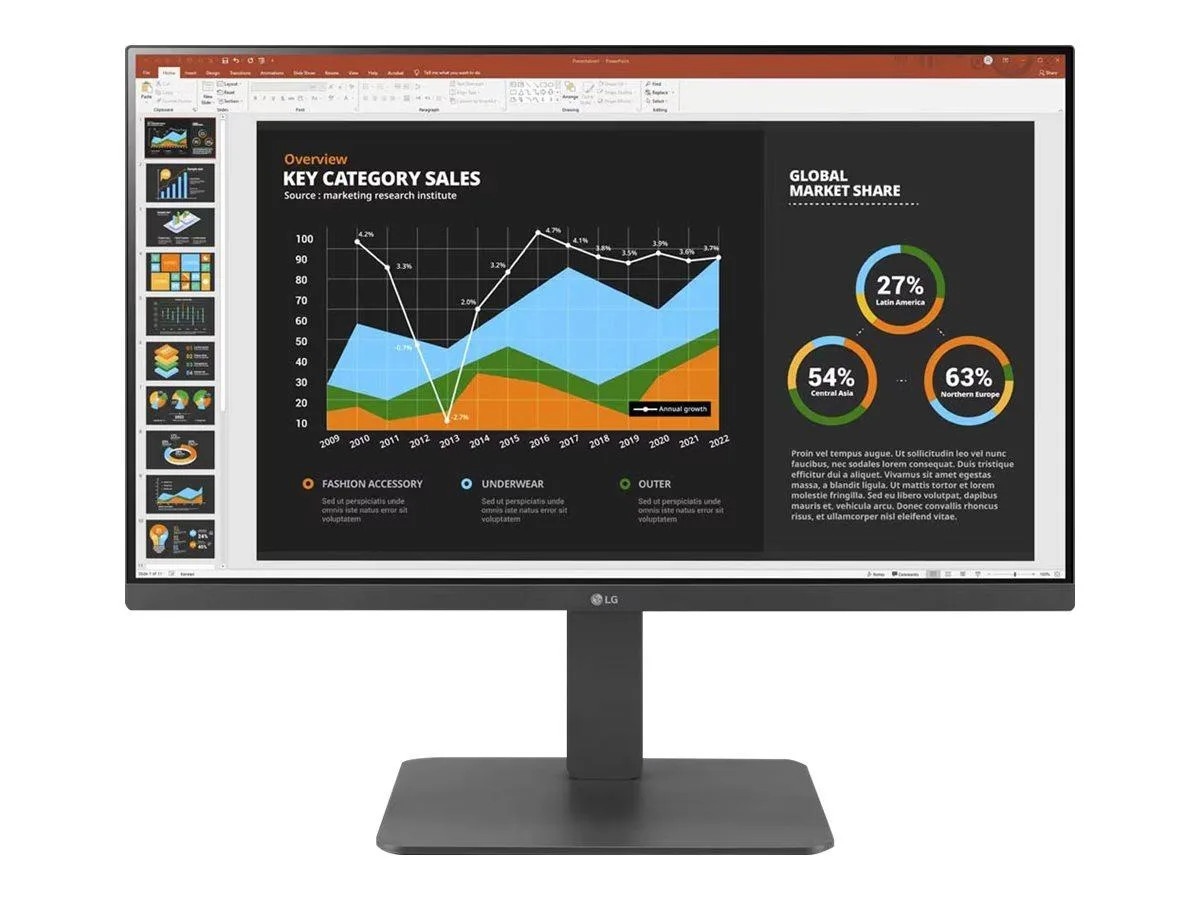
LG Electronics
LG Electronics 24BR650B-C 23.8" 1920x1080 IPS monitor
- Black
- 23.8" (Viewable)
$279.99
0.0036181BTC
En stock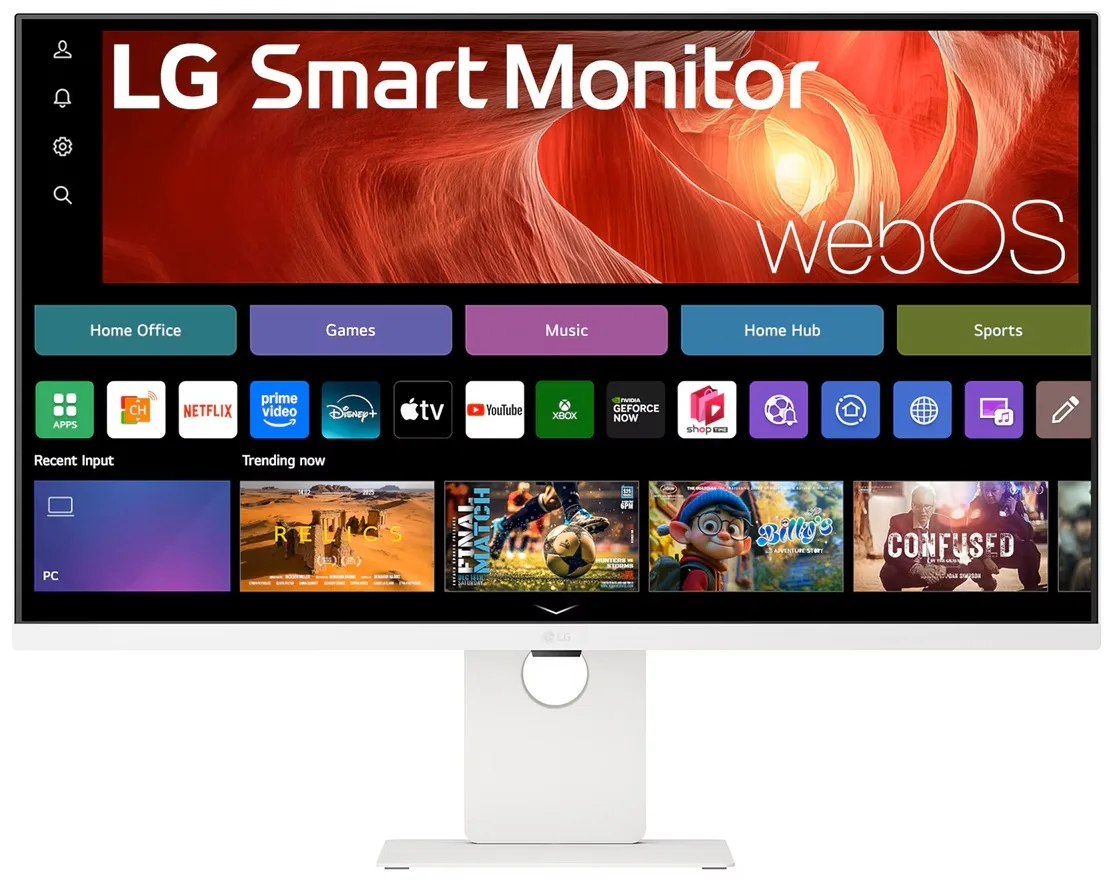
LG Electronics
LG Electronics 37U730SA-W 37" 4K UHD IPS Smart Monitor webOS White
- White
- webOS
$584.99
0.00755938BTC
En stock