


HP
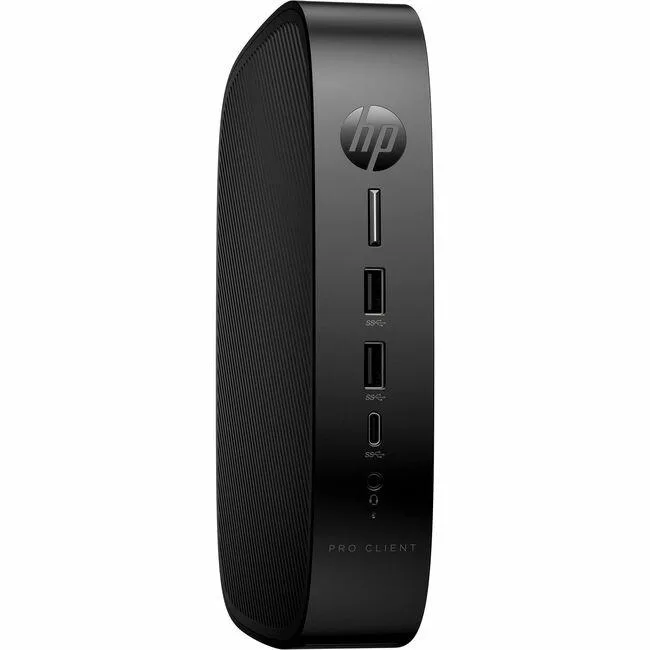
HP Pro t550 AI edge system 9A8S8UT#ABA Celeron J6412 4GB 32GB
A compact thin client with a quad-core Intel Celeron J6412, 4 GB DDR4 memory, 32 GB flash storage, Gigabit Ethernet, Wi-Fi 802.11ax and Bluetooth 5.3 for virtual desktop deployments
- Intel Celeron J6412 quad-core 2 GHz handles daily workloads
- 4 GB DDR4-3200 memory supports responsive multitasking
- 32 GB flash storage provides fast boot and app access
- Gigabit Ethernet plus IEEE 802.11ax ensure reliable wired and wireless connectivity
- Bluetooth 5.3 connects peripherals without cables
HP Pro t550 Thin Client
The HP Pro t550 is a compact thin client built for virtual desktop infrastructure. It runs on an Intel Celeron J6412 quad-core processor at 2 GHz with 4 GB of DDR4-3200 memory and 32 GB of flash storage. Intel UHD Graphics and Gigabit Ethernet provide baseline connectivity for remote sessions.
Suited for VDI endpoints not local workloads
This unit suits organisations deploying HP ThinPro clients for centralised management and basic office tasks. Buyers who need local application performance, discrete graphics, or expandable memory and storage should look at a different class of device.
32 GB flash storage capacity
The onboard 32 GB flash drive determines how much local data and OS image the device can hold. If your deployment requires a larger local footprint, this capacity will be the limiting factor.
Points forts
- Intel Celeron J6412 quad-core 2 GHz handles daily workloads
- 4 GB DDR4-3200 memory supports responsive multitasking
- 32 GB flash storage provides fast boot and app access
- Gigabit Ethernet plus IEEE 802.11ax ensure reliable wired and wireless connectivity
- Bluetooth 5.3 connects peripherals without cables
Caractéristiques
| Brand | HP |
|---|---|
| Poids d’expédition | 2.47 kg |
| Dimensions du colis | 508 × 254 × 127 mm |
Questions sur cet article
What mounting hardware is included for the Pro t550 9A8S8UT#ABA?
The unit ships with a VESA bracket and screws so it can be attached to the back of a compatible monitor or to a wall mount.
What is the first step when setting up the Pro t550 thin client?
Connect the power adapter, attach a DisplayPort cable, plug in the RJ-45 network lead, then press the front power button to launch the HP ThinPro setup wizard.
How do I upgrade the memory on the Pro t550 later?
Open the tool-less chassis, remove the existing DDR4-3200 SO-DIMM, insert a compatible DDR4 module up to the board limit, then close the cover and power on.
Également dans ce rayon
Les clients ont aussi comparé
Même rayon, même caisse — huit monnaies et un taux bloqué 30 minutes.


HP
HP Elite t655 Thin Client R2314 2.10GHz 16GB 32GB AI edge system
- AMD Ryzen
- 8GB
249,99 $US
0.00322984BTC
En stock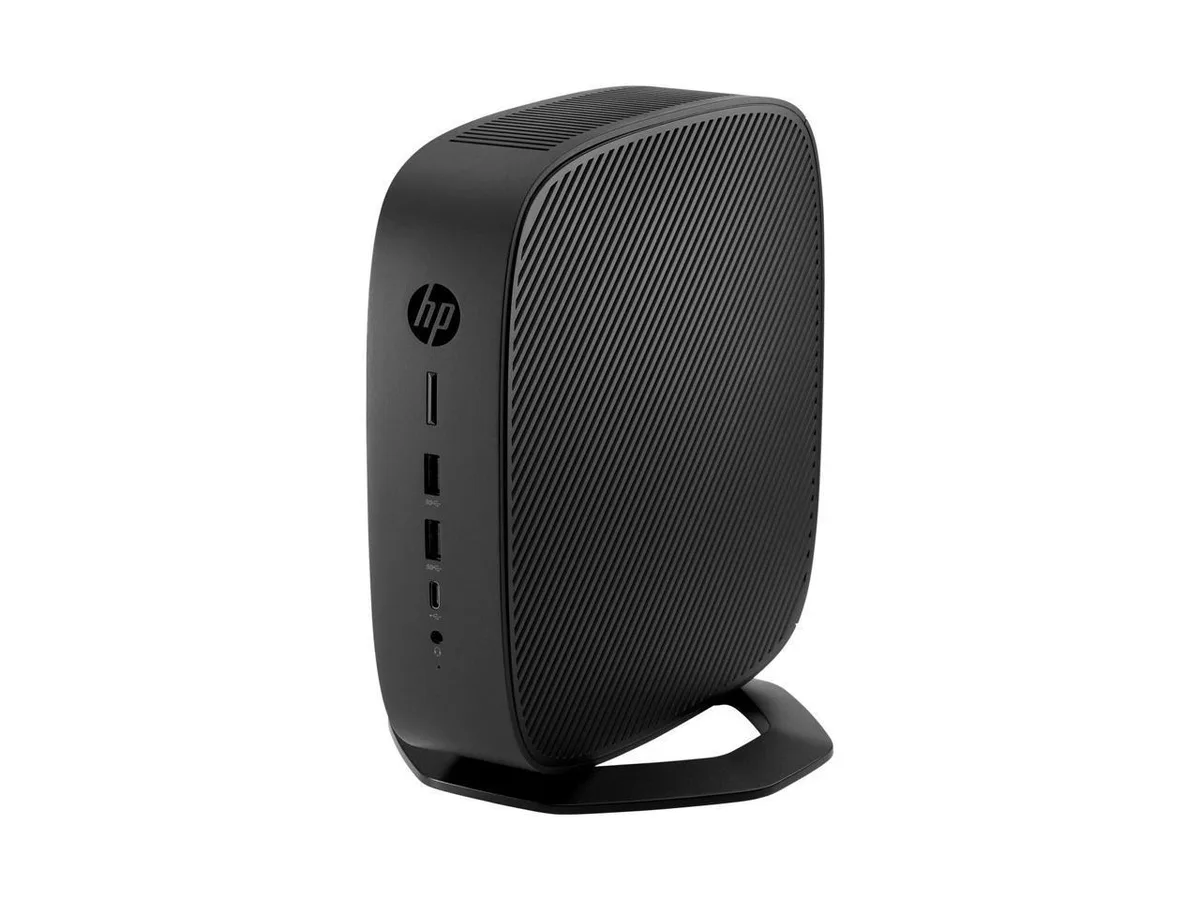
HP
HP t740 Thin Client AMD Ryzen V1756B 3.25GHz 8GB 32GB AI edge system
- AMD Ryzen
- 8GB
219,99 $US
0.00284225BTC
En stock
Wyse Technology
Wyse Technology 902166-01L AI edge system VIA C7 1.0GHz 1GB DDR2
- Thin Client
- VIA C7 1.0GHz
459,99 $US
0.00594302BTC
En stock