


LG Electronics
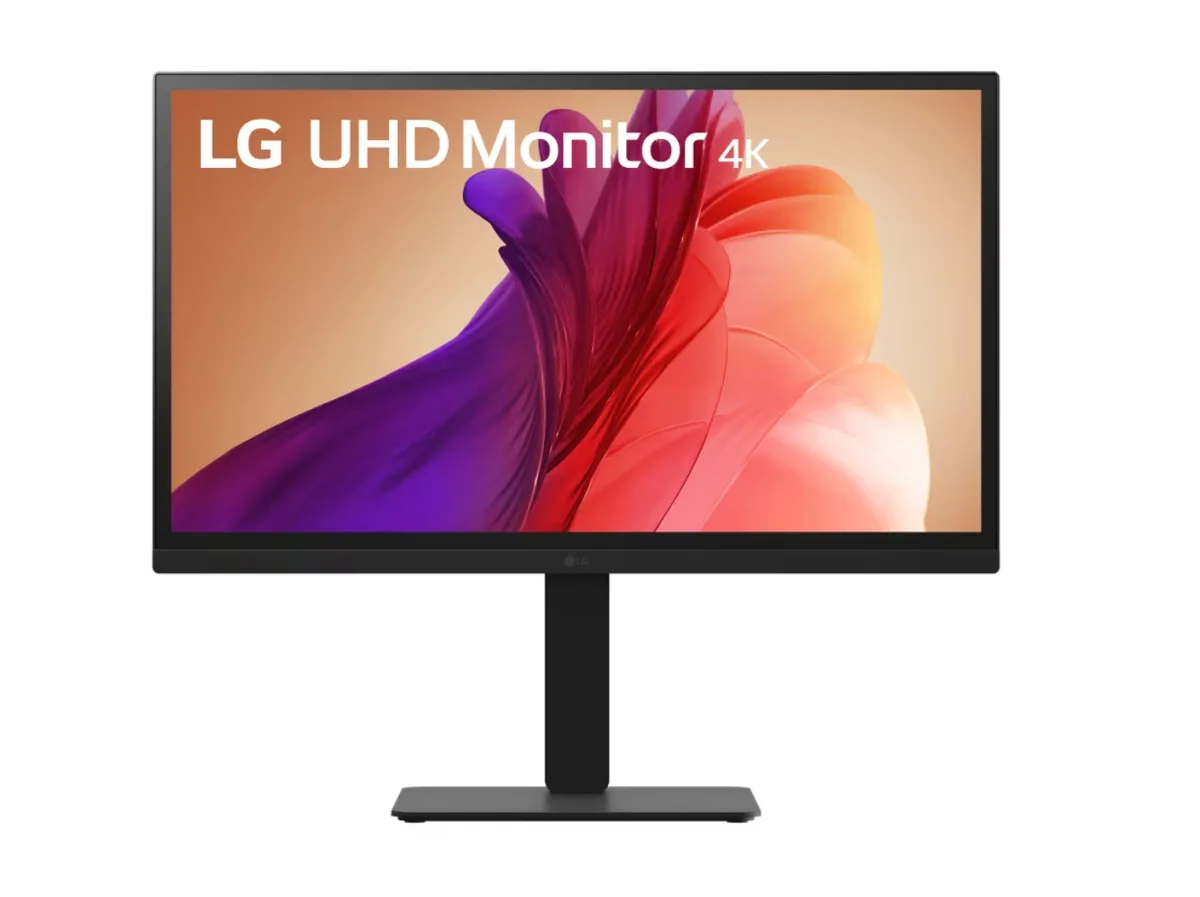
LG Electronics 27BA45U-B 27" 4K IPS monitor
A 27-inch 4K IPS display covering 90% DCI-P3 with tilt, height, swivel and pivot adjustments plus DisplayPort and dual HDMI
- Cabinet ColorBlack
- Screen Size27"
- WidescreenYes
- Resolution3840 x 2160 (4K)
- Viewing Angle178° (H) / 178° (V)
- Brightness300 cd/m2
- Sharp 4K detail from 3840 x 2160 resolution
- Wide colour coverage with 90% DCI-P3 gamut
- HDR10 support adds highlight depth
- Ergonomic stand tilts, swivels, pivots and raises 5.9 in
- 1 DisplayPort and 2 HDMI ports connect multiple devices
27" 4K IPS Monitor for Creative Work
The LG Electronics 27BA45U-B is a 27-inch flat-panel monitor with a 3840 x 2160 resolution and an IPS panel. It covers 90% of the DCI-P3 colour space and supports HDR10 for accurate colour representation. The 300 cd/m² brightness and 1,000:1 contrast ratio suit professional editing and general productivity.
Best for Colour-Critical Tasks.
This monitor suits designers, photographers and video editors who need wide viewing angles of 178° horizontally and vertically and factory-calibrated colour coverage. The 5 ms grey-to-grey response time and 60 Hz refresh rate make it less suitable for competitive gamers who need higher refresh rates or faster pixel transitions. Buyers who require deeper blacks or higher peak brightness for HDR mastering should consider other options.
4K Resolution with Ergonomic Flexibility
The 4K pixel density provides sharp text and detail for multitasking across multiple windows or inspecting high-resolution assets. Height adjustment of 5.9 inches, tilt from -5° to +21°, swivel of ±45° and bi-directional pivot allow comfortable positioning for long sessions. Connectivity includes one DisplayPort and two HDMI ports, plus a 3.5 mm headphone jack for audio passthrough.
Points forts
- Sharp 4K detail from 3840 x 2160 resolution
- Wide colour coverage with 90% DCI-P3 gamut
- HDR10 support adds highlight depth
- Ergonomic stand tilts, swivels, pivots and raises 5.9 in
- 1 DisplayPort and 2 HDMI ports connect multiple devices
Caractéristiques
| Brand | LG |
|---|---|
| Model | 27BA45U-B |
| Cabinet Color | Black |
| Screen Size | 27" |
| Widescreen | Yes |
| Resolution | 3840 x 2160 (4K) |
| Viewing Angle | 178° (H) / 178° (V) |
| Brightness | 300 cd/m2 |
| Contrast Ratio | 1,000:1 |
| Response Time | 5 ms (GTG) |
| Panel | IPS |
| Color Gamut | 90% DCI-P3 (CIE1976) |
| HDR Standard | HDR10 |
| Curved Surface Screen | Flat Panel |
| Video Ports | 1 x DisplayPort / 2 x HDMI |
| Headphone | 3.5mm (3-pole, Sound Only) |
| Power Supply | 100 - 240 VAC, 50/60Hz |
| Power Consumption | Sleep Mode: Less than 0.5W / DC Off: Less than 0.3W |
| Stand Adjustments | Tilt (-5° to +21°), Height (5.9 in), Swivel (-45° to +45°), Pivot (Bi-Direction) |
| VESA Compatibility - Mountable | 100 x 100mm |
| Features | Flicker safe Reader Mode Color Weakness Mode (red-green) Super Resolution+ Black Stabilizer Dynamic Action Sync Smart Energy Saving |
| Dimensions | 21.2" x 24.2" x 10" with Stand |
| Weight | 15 lbs. with Stand |
Questions sur cet article
Do I need a graphics card with DisplayPort 1.4 or HDMI 2.0 to run the 3840 x 2160 resolution at 60 Hz?
Yes, the monitor has 1 x DisplayPort and 2 x HDMI ports; a source that can output 4K at 60 Hz over either interface is required to use the native 3840 x 2160 resolution.
Will my older PC with only HDMI 1.4 still display an image on the 27BA45U-B?
It will show a picture, but HDMI 1.4 is limited to 4K at 30 Hz, so you would not get the full 60 Hz refresh rate that the panel supports.
How can I verify HDR10 is active after I connect the monitor?
Open the on-screen menu and confirm HDR10 appears as the HDR Standard, then play HDR content — the 90% DCI-P3 color gamut and 300 cd/m² brightness should render the expanded luminance range.
Également dans ce rayon
Les clients ont aussi comparé
Même rayon, même caisse — huit monnaies et un taux bloqué 30 minutes.


Acer America
Acer America UM.HX1AA.103 Nitro XF273 X1 27" 1920x1080 200Hz monitor
- Black
- 27"
199,99 $US
0.00257673BTC
En stock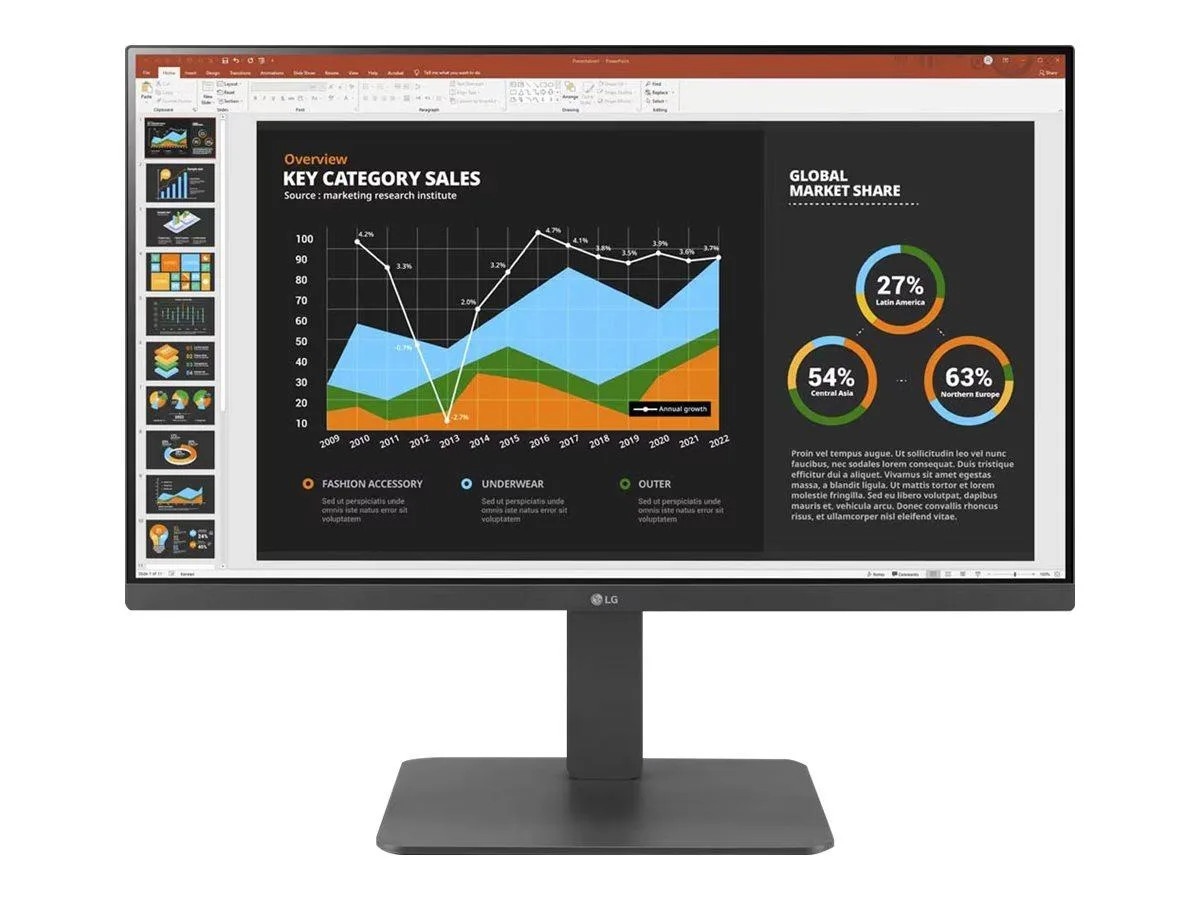
LG Electronics
LG Electronics 24BR650B-C 23.8" 1920x1080 IPS monitor
- Black
- 23.8" (Viewable)
279,99 $US
0.00360747BTC
En stock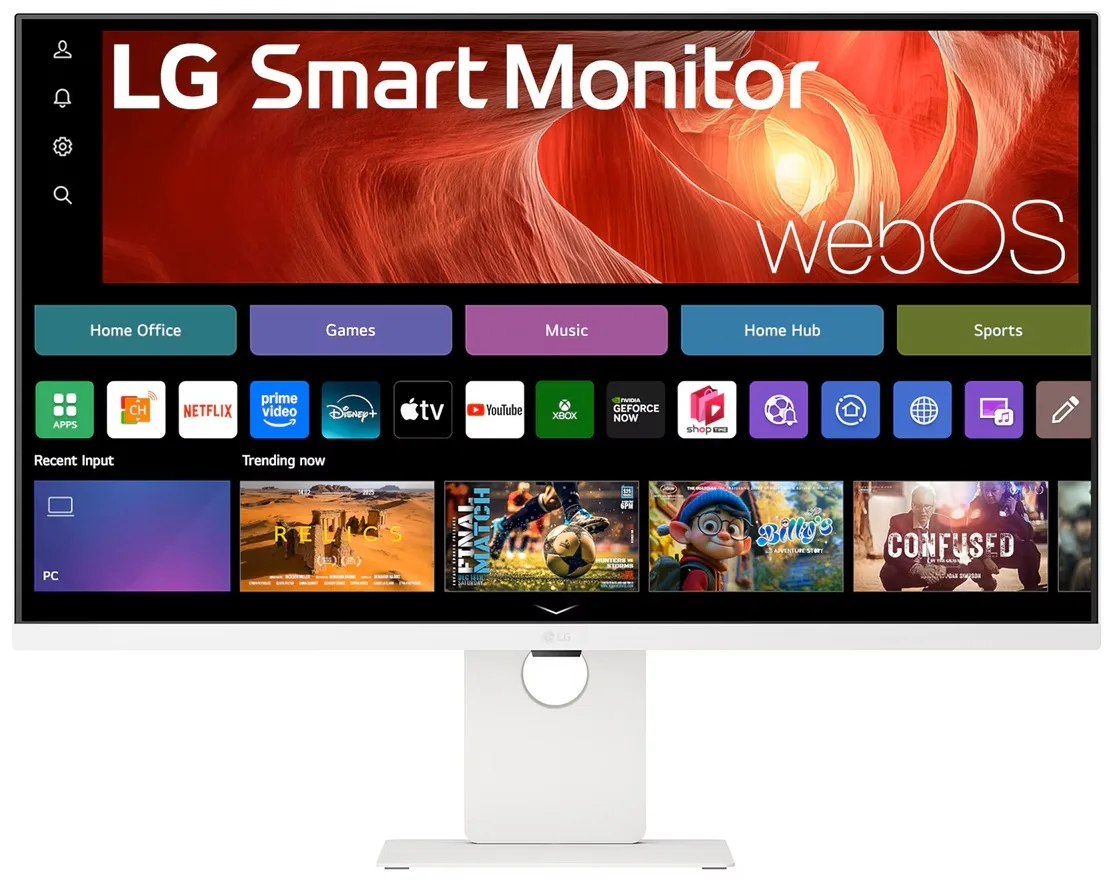
LG Electronics
LG Electronics 37U730SA-W 37" 4K UHD IPS Smart Monitor webOS White
- White
- webOS
584,99 $US
0.00753717BTC
En stock