minisforum
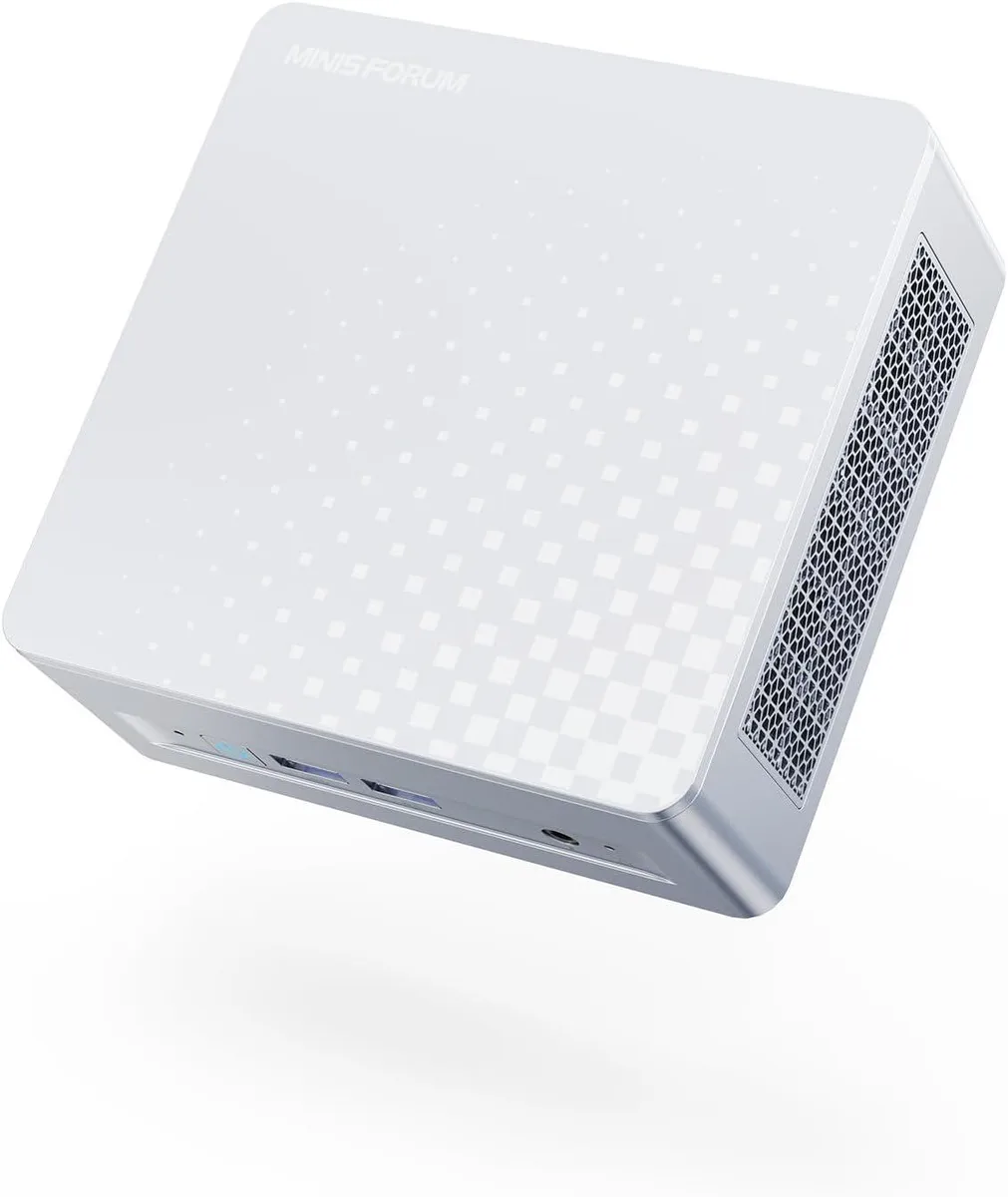
minisforum DeskMini Core Ultra 5 125U barebone mini PC
- Silver
- Intel Core Ultra 5…
208,99 $US
0.00266311BTC
En stockNous acceptons la cryptomonnaie — les cryptos que vous détenez peuvent ainsi acheter du matériel réel.Payez en crypto, dépensez-la en matériel réel. Livraison assurée offerte partout dans le monde au-delà de 399 $. Cartons neutres, sans marque, expédiés depuis l’Allemagne.Livraison assurée offerte au-delà de 399 $. Votre taux est bloqué pendant 30 minutes dès l’ouverture de la caisse.Taux bloqué 30 minutes. Chaque article est scellé, son numéro de série est vérifié, et il est couvert par une garantie de 24 mois.Scellé, garanti 24 mois.


minisforum
Barebone mini PC with 16-core Core Ultra 9 285H, dual DDR5-5600 slots up to 64 GB, Arc 140T graphics, quad UHD outputs via HDMI 2.1, DP 1.4 and dual USB4, plus 2.5 GbE.
Option M1 Pro-285H · 0+0
Les versions barrées existent, mais ne sont pas disponibles ici.
The minisforum DeskMini is a barebone mini PC built around the Intel Core Ultra 9 285H processor with 16 cores and 16 threads. It ships without memory, storage or an operating system, so builders choose their own DDR5 SODIMMs and PCIe SSDs. The compact silver chassis targets users who want a small-footprint desktop for multitasking, rendering or light gaming.
The single specification that decides compatibility is the OCuLink port running at PCIe 4.0 x4 speeds. It allows an external GPU enclosure to connect directly to the CPU lanes, bypassing Thunderbolt or USB4 bandwidth limits. Buyers who do not plan to add a discrete graphics card will not use this port and should verify they have a suitable enclosure and cable before purchasing.
The processor operates at a 45 W base power while the integrated Intel Arc 140T GPU reaches 2.35 GHz graphics frequency. Active cooling handles the thermal load in normal workloads such as video editing, 3D rendering or multi-monitor productivity. Fan noise rises under sustained all-core or graphics-heavy tasks but remains typical for a mini PC of this performance class.
| Brand | MINISFORUM |
|---|---|
| Model | DeskMini |
| Color | Silver |
| CPU Type | Intel Core Ultra 9 Processor 285H |
| CPU Socket | FCBGA2049 |
| CPU Cores | 16-Core (6P+8E+2LP) |
| Memory installed | No Memory |
| Memory slot | 2 |
| Memory Type Supported | DDR5 5600 |
| Max Memory Supported | 64GB |
| Dual Channel Memory Supported | Yes |
| Other | 2x PCIe4.0x4 |
| Integrated Graphics | Intel Arc 140T GPU |
| Max LAN Speed | 2.5Gbps |
| Wireless LAN | 802.11ax |
| WiFi Generation | Wi-Fi 7 |
| Bluetooth | Bluetooth 5.4 |
| Front USB | 2 |
| HDMI | 1 |
| DisplayPort | 1 |
| Rear USB | 1 |
| RJ45 | 1 |
| Power Supply | 19V/6.32A 120W |
Autres versions de ce modèle
Même famille, mémoire, ventirad ou fréquence différents — comparez avant de vous décider.
The 16-core processor runs at up to 5.4 GHz with integrated Arc 140T graphics at 2.35 GHz, giving strong multitasking and 3D performance in a barebone mini PC.
The OCuLink port runs at PCIe 4.0 x4, so an external GPU is capped at that bandwidth rather than Thunderbolt or USB4 speeds.
You need to install DDR5 5600 SODIMMs in the two memory slots and add PCIe 4.0 x4 SSDs in the two M.2 slots; the unit ships with no memory or storage.
Également dans ce rayon
Même rayon, même caisse — huit monnaies et un taux bloqué 30 minutes.
Ce que vous envoyez, et ce dans quoi vous lisez les prix.
Envoyé depuis votre portefeuille à la caisse
Affichage seul — le catalogue est libellé en dollars
Aucune monnaie ne correspond.
Choisissez la langue dans laquelle le site vous parle.
Première visite ?
Vous avez déjà un compte ?
Il n’y a pas de réinitialisation automatique : cette boutique n’envoie aucun e-mail, il n’existe donc aucun lien à usage unique à demander. Laissez l’adresse sur le compte, elle sera traitée à la main.
Demande enregistrée
Rien n’arrivera dans votre boîte de réception — cette boutique n’envoie aucun e-mail. Quelqu’un s’en occupe à la main.
Vous l’avez retrouvé ?