


MSI
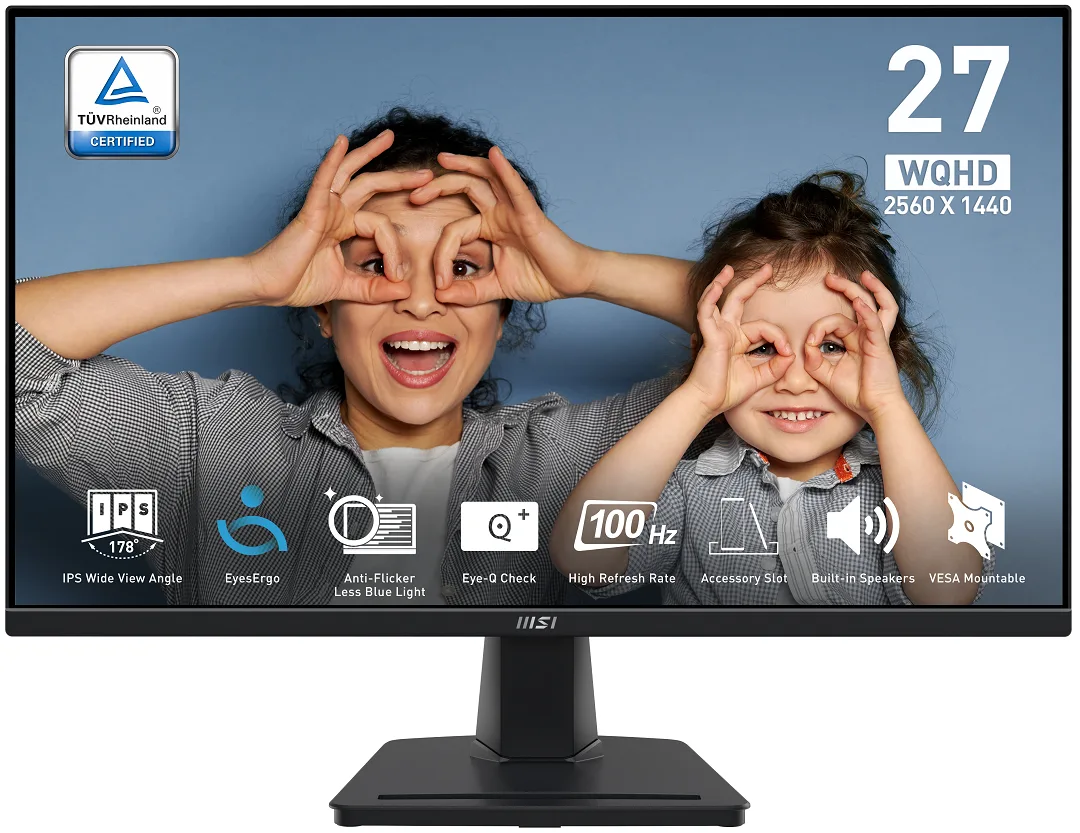
MSI PRO MP275Q 27" 2560x1440 100Hz IPS monitor
A 27-inch IPS panel delivers 2560 x 1440 resolution at 100 Hz with 100% sRGB coverage and 300 cd/m² brightness for sharp, colour-accurate work and play
- Cabinet ColorMatte Black
- Screen Size27"
- Glare ScreenAnti-glare
- WidescreenYes
- Resolution2560 x 1440 (2K)
- Refresh Rate100Hz
- Sharp 27-inch WQHD detail from 2560 x 1440 resolution
- Smooth 100Hz refresh for fluid daily workflows
- Accurate 100% sRGB colour with 1.07 billion shades
- Comfortable long sessions via TÜV Rheinland Eye Comfort certification
- Flexible mounting with 100mm VESA and tilt-adjustable stand
27-inch WQHD IPS panel
The MSI PRO MP275Q is a 27-inch IPS monitor with a 2560 x 1440 resolution and a 100Hz refresh rate. It covers 100% sRGB with 1.07 billion colours and 300 cd/m² brightness. The flat panel includes Adaptive Sync, a 1ms MPRT response time and built-in 2W speakers for everyday productivity and casual gaming.
Professionals needing eye comfort
TÜV Rheinland Eye Comfort certification, Less Blue Light and Anti-Flicker suit users who spend long hours at the desk. The tilt-only stand and 100mm VESA mount work for fixed desk layouts. Buyers who require height, swivel or pivot adjustment, or who need higher refresh rates for competitive play, should look at other models.
WQHD resolution at 100Hz with 10-bit colour depth
The 2560 x 1440 panel gives ample workspace for documents, code and creative timelines while the 100Hz rate smooths scrolling and video playback. 10-bit colour (8-bit + FRC) and 1300:1 contrast handle photo editing and media consumption comfortably. The 300 cd/m² peak brightness and lack of certified HDR metadata mean bright HDR highlights and deep blacks in dark rooms are where the monitor runs out of headroom.
Points forts
- Sharp 27-inch WQHD detail from 2560 x 1440 resolution
- Smooth 100Hz refresh for fluid daily workflows
- Accurate 100% sRGB colour with 1.07 billion shades
- Comfortable long sessions via TÜV Rheinland Eye Comfort certification
- Flexible mounting with 100mm VESA and tilt-adjustable stand
Caractéristiques
| Brand | MSI |
|---|---|
| Model | MP275Q |
| Cabinet Color | Matte Black |
| Screen Size | 27" |
| Glare Screen | Anti-glare |
| Widescreen | Yes |
| Resolution | 2560 x 1440 (2K) |
| Refresh Rate | 100Hz |
| Viewing Angle | 178° (H) / 178° (V) |
| Monitor Pixel Density | 0.3114mm |
| Display Colors | 1.07B / 10 bits (8 bits + FRC) |
| Brightness | 300 cd/m2 |
| Contrast Ratio | 1,300:1 |
| Aspect Ratio | 16:9 |
| Response Time | 1ms (MPRT) / 4ms (GTG) |
| Panel | IPS |
| Color Gamut | 100% sRGB |
| HDR Standard | HDR Ready |
| Adaptive Sync Technology | Adaptive Sync |
| Curved Surface Screen | Flat Panel |
| Video Ports | 1 x DisplayPort 1.2a / 2 x HDMI 2.0b |
| HDMI | 2 x HDMI 2.0b |
| DisplayPort | 1 x DisplayPort 1.2 |
| Headphone | 1 |
| Power Supply | 100 - 240 VAC, 50/60Hz |
| Power Consumption | Power On: 26W Power Saving/Off: <0.5W |
| Stand Adjustments | Tilt |
| Built-in Speakers | 2 x 2W |
| Built-in Webcam | No |
| VESA Compatibility - Mountable | 100 x 100mm |
| Dimensions | 14.22" x 24.17" x 2.20" w/o stand 17.98" x 24.17" x 8.16" w/ stand |
| Weight | 9.04 lbs. w/ stand |
| Package Contents | 1x HDMI Cable (1.5m), 1x Power Cord, 1x Quick Guide |
| Poids d’expédition | 5.54 kg |
| Dimensions du colis | 688 × 448 × 128 mm |
Questions sur cet article
What video outputs does my computer need to drive the 2560 x 1440 panel at 100 Hz?
The monitor accepts HDMI 2.0b and DisplayPort 1.2a; either port can deliver the full 2560 x 1440 resolution at 100 Hz.
Will my older graphics card that only has HDMI 1.4 still show an image on this screen?
Yes, an HDMI 1.4 source will display a picture, but it is limited to 2560 x 1440 at 60 Hz instead of the panel's 100 Hz maximum.
How can I verify the monitor is actually running at 100 Hz after I connect it?
Open the on-screen display menu and check the information page, or use the MSI Display Kit app; both will report the current refresh rate as 100 Hz when the link is correct.
Également dans ce rayon
Les clients ont aussi comparé
Même rayon, même caisse — huit monnaies et un taux bloqué 30 minutes.


Acer America
Acer America UM.HX1AA.103 Nitro XF273 X1 27" 1920x1080 200Hz monitor
- Black
- 27"
$199.99
0.00258432BTC
En stock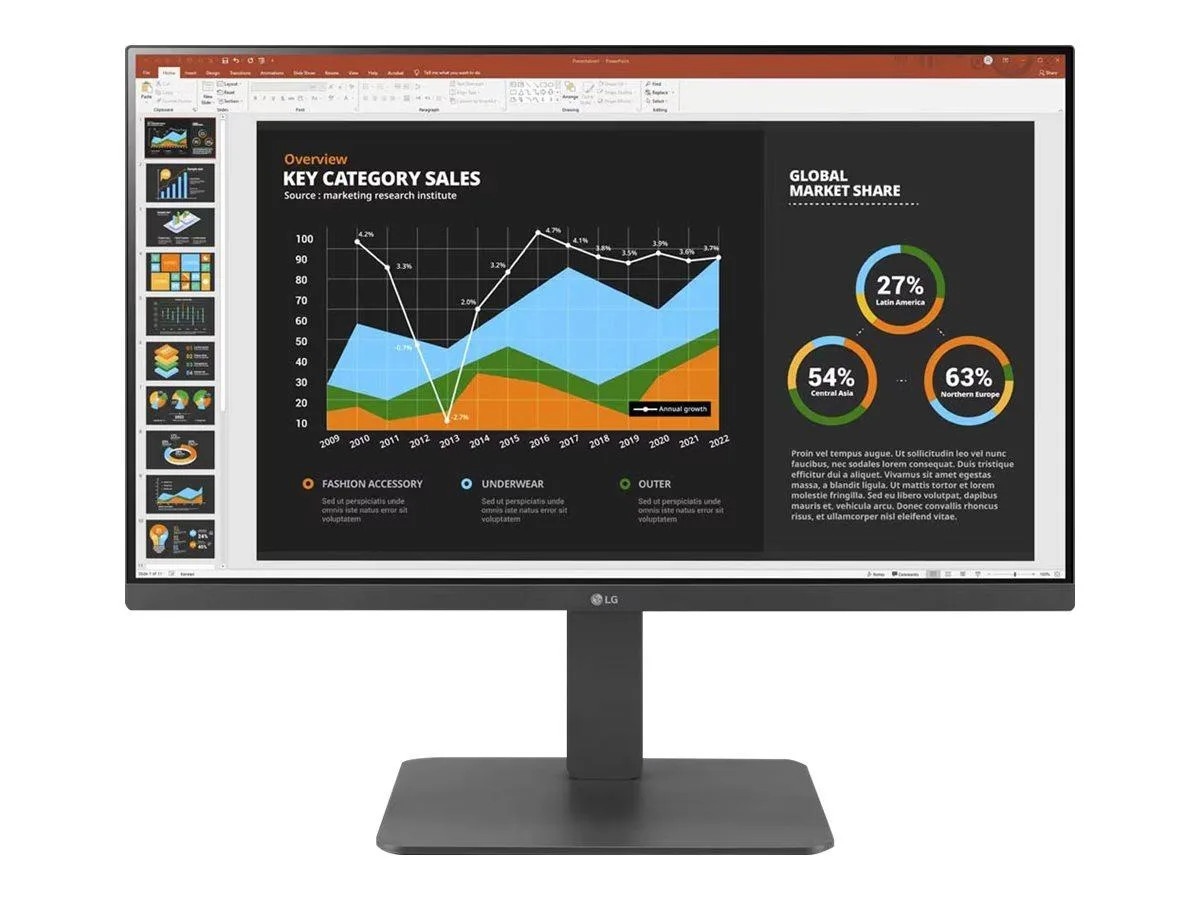
LG Electronics
LG Electronics 24BR650B-C 23.8" 1920x1080 IPS monitor
- Black
- 23.8" (Viewable)
$279.99
0.0036181BTC
En stock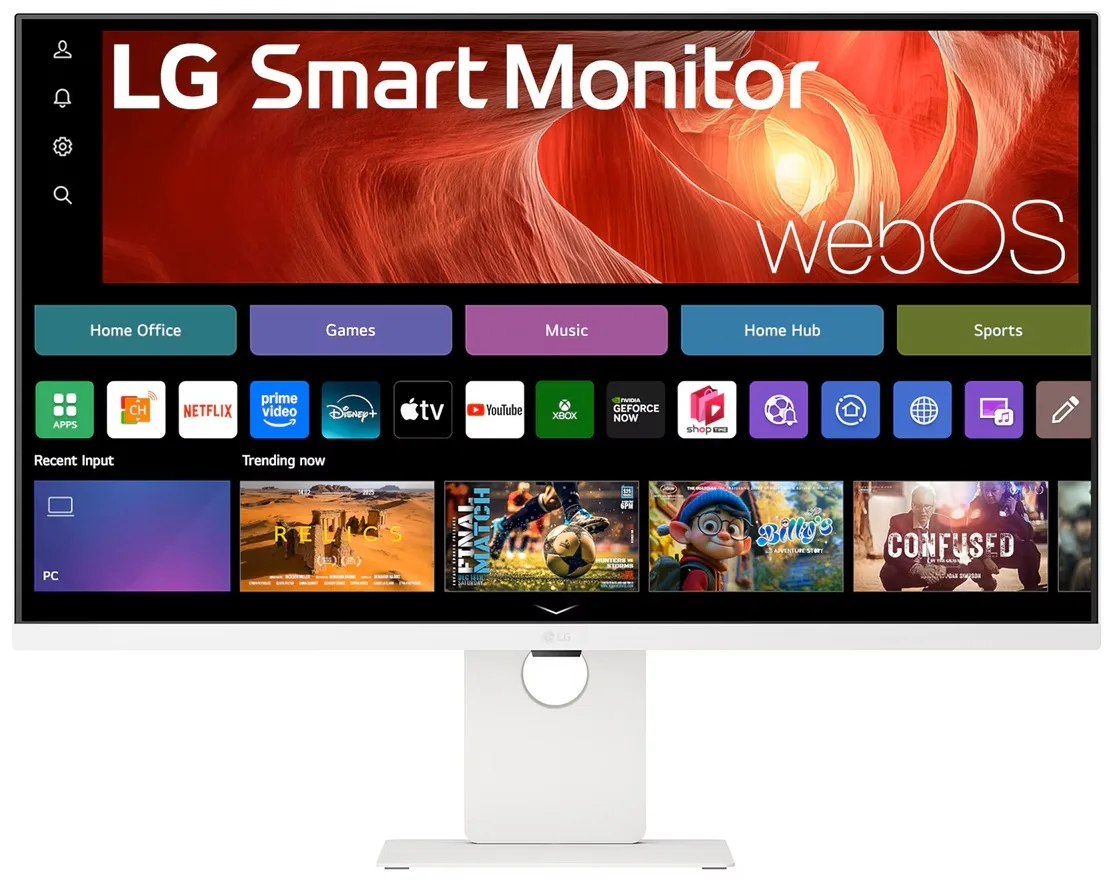
LG Electronics
LG Electronics 37U730SA-W 37" 4K UHD IPS Smart Monitor webOS White
- White
- webOS
$584.99
0.00755938BTC
En stock