


Planar
Planar PZN3410Q 34" WQHD 21:9 100 Hz curved monitor
A 34-inch ultrawide curved VA monitor with 3440 x 1440 resolution, 100 Hz refresh rate, 4000:1 contrast and a USB-C dock delivering 65 W power plus gigabit Ethernet
- Cabinet ColorN/A
- Screen Size34"
- Glare ScreenAnti-glare
- WidescreenYes
- Resolution3440 x 1440 (2K)
- Refresh Rate100Hz
- Ultrawide 21:9 34" curve expands workspace
- 3440 x 1440 WQHD VA panel delivers sharp detail
- 100 Hz refresh and 5 ms response smooth motion
- USB-C docking with 65 W power and gigabit Ethernet simplifies cabling
- Ergonomic stand with height, tilt and swivel adjusts to any desk
34" WQHD curved docking monitor
The Planar PZN3410Q is a 34 inch ultrawide display with a 21:9 aspect ratio and a 1500R curve. It delivers a 3440 x 1440 resolution at a 100 Hz refresh rate using a VA panel rated at 4000:1 contrast. The anti-glare surface and 5 ms response time support extended work sessions. A built-in KVM switch and TrueMedia speakers complete the package.
Suited for single-cable laptop workflows
Professionals who need a tidy desk will appreciate the USB-C connection that carries video, data, gigabit Ethernet and up to 65 watts of power. The three USB 3.0 downstream ports keep peripherals close while the KVM toggles between two sources. Users without USB-C video output or those needing higher refresh rates for competitive gaming should consider other models.
65 watt USB-C power delivery decides compatibility
The single specification that determines fit is the 65 watt charging capacity over the USB-C port with DisplayPort Alternate Mode. Laptops requiring more power will not charge while connected, forcing a separate adapter. Verify your device’s power draw before purchase to ensure the dock replaces your charger.
Points forts
- Ultrawide 21:9 34" curve expands workspace
- 3440 x 1440 WQHD VA panel delivers sharp detail
- 100 Hz refresh and 5 ms response smooth motion
- USB-C docking with 65 W power and gigabit Ethernet simplifies cabling
- Ergonomic stand with height, tilt and swivel adjusts to any desk
Caractéristiques
| Brand | PLANAR |
|---|---|
| Model | PZN3410Q |
| Cabinet Color | N/A |
| Screen Size | 34" |
| Glare Screen | Anti-glare |
| Widescreen | Yes |
| Resolution | 3440 x 1440 (2K) |
| Refresh Rate | 100Hz |
| Monitor Pixel Density | 0.23175 mm |
| Contrast Ratio | 4000:1 |
| Aspect Ratio | 21:9 |
| Response Time | 5 ms (GTG) |
| Panel | VA |
| Display Type | WQHD |
| Curved Surface Screen | Curved |
| Curvature Radius | 1500R |
| Video Ports | 1 x DisplayPort / 1 x HDMI / 1 x USB-C (DP Alternative) |
| USB Ports | 3 x USB 3.0 Type-A Downstream |
| Connectors | HDMI, DisplayPort, USB, Audio |
| HDMI | 1 |
| DisplayPort | 1 |
| USB 3.0 | 1 x USB-C 3 x USB 3.2 Gen 1 Type-A |
| Headphone | 3.5mm headphone out |
| Power Consumption | 58W typical (<0.5W standby) |
| Stand Adjustments | Height, Swivel, Tilt |
| Dimensions | 24.10" x 31.70" x 14.70" w/ stand 14.40" x 31.70" x 4.10" w/o stand |
| Weight | 18.10 lbs. w/ stand 14.60 lbs. w/o stand |
| Package Contents | PZN3410Q 34" LCD Monitor Power Cord HDMI & DP Cable USB Type-C Cable User's Guide |
| Poids d’expédition | 25.86 kg |
| Dimensions du colis | 978 × 508 × 249 mm |
Questions sur cet article
What desk depth does the 34 inch 1500R curved panel need?
The 34 inch screen with 1500R curvature fits on a standard desk; allow enough depth so the curved edges stay within the surface and the stand base clears the rear edge.
Which cable activates the 65 watt USB-C docking and KVM functions?
Use the included USB-C cable connected to the USB-C DP Alternate Mode port; this single link carries video, data, gigabit Ethernet and up to 65 watts of power while enabling the built-in KVM switch.
How do I clean the anti-glare coating without damaging it?
Power off the monitor, then gently wipe the anti-glare surface with a dry microfibre cloth; if needed, lightly dampen the cloth with water only — never use alcohol or ammonia cleaners.
Également dans ce rayon
Les clients ont aussi comparé
Même rayon, même caisse — huit monnaies et un taux bloqué 30 minutes.


Acer America
Acer America UM.HX1AA.103 Nitro XF273 X1 27" 1920x1080 200Hz monitor
- Black
- 27"
$199.99
0.00258232BTC
En stock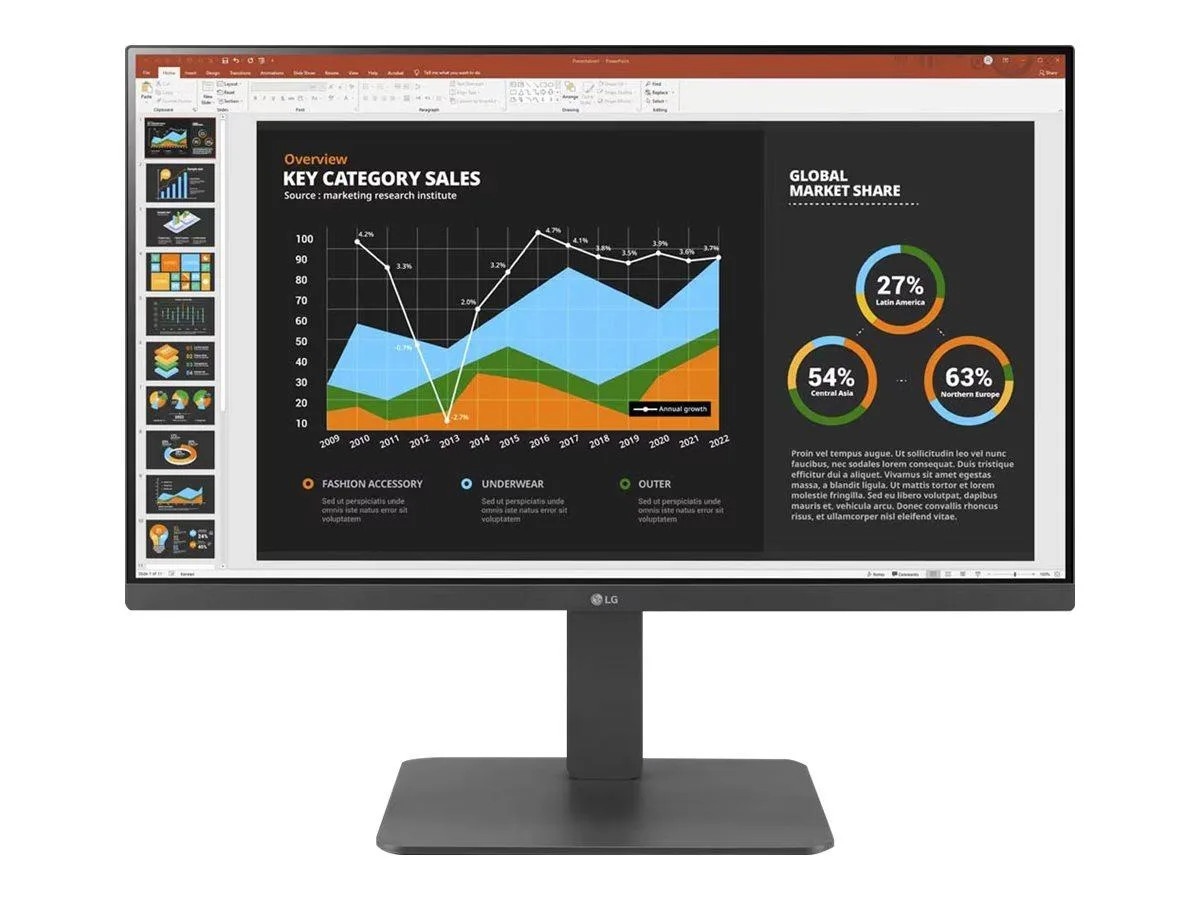
LG Electronics
LG Electronics 24BR650B-C 23.8" 1920x1080 IPS monitor
- Black
- 23.8" (Viewable)
$279.99
0.00361529BTC
En stock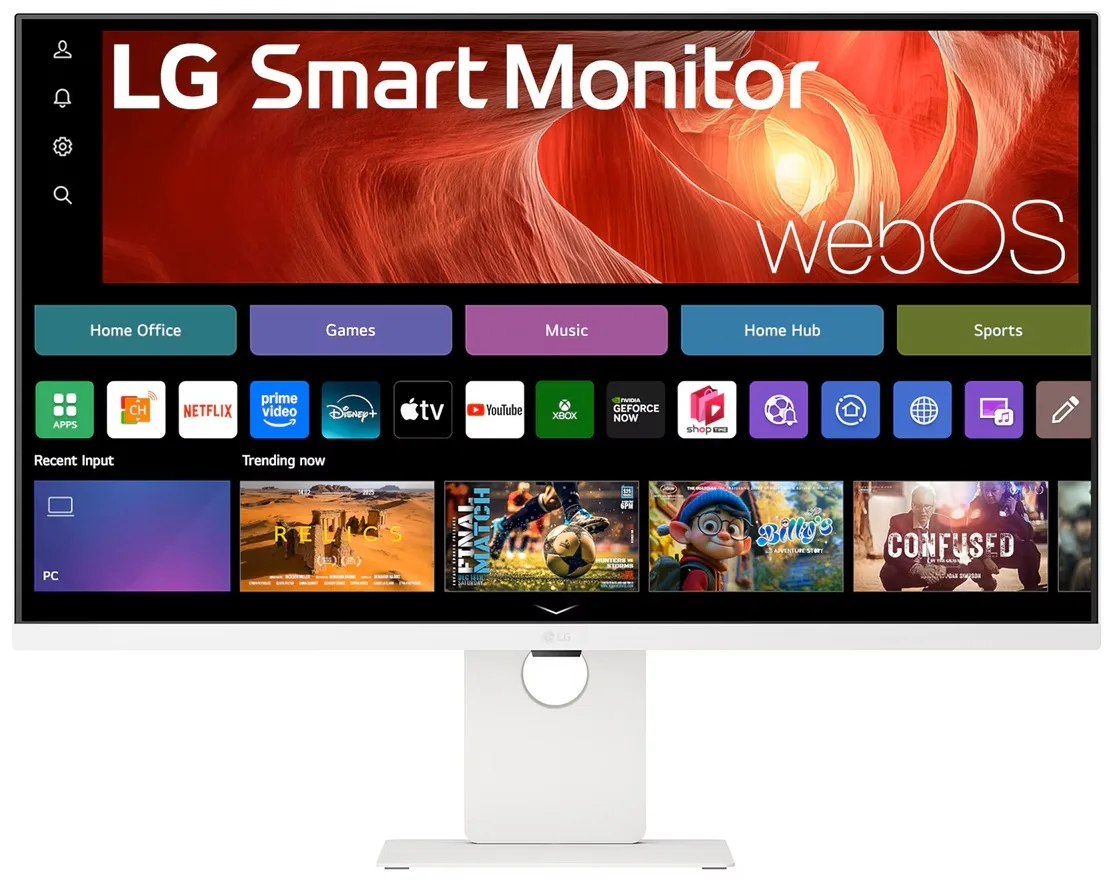
LG Electronics
LG Electronics 37U730SA-W 37" 4K UHD IPS Smart Monitor webOS White
- White
- webOS
$584.99
0.00755352BTC
En stock