V-color
V-color OC R-DIMM DDR5 64GB (16GBx4) 6600MHz CL34 ECC Registered 1.4V AMD EXPO
- 64GB (4 x 16GB)
- 288-Pin DDR5 RDIMM
2 135,99 $US
0.02717475BTC
En stockNous acceptons la cryptomonnaie — les cryptos que vous détenez peuvent ainsi acheter du matériel réel.Payez en crypto, dépensez-la en matériel réel. Livraison assurée offerte partout dans le monde au-delà de 399 $. Cartons neutres, sans marque, expédiés depuis l’Allemagne.Livraison assurée offerte au-delà de 399 $. Votre taux est bloqué pendant 30 minutes dès l’ouverture de la caisse.Taux bloqué 30 minutes. Chaque article est scellé, son numéro de série est vérifié, et il est couvert par une garantie de 24 mois.Scellé, garanti 24 mois.

V-color
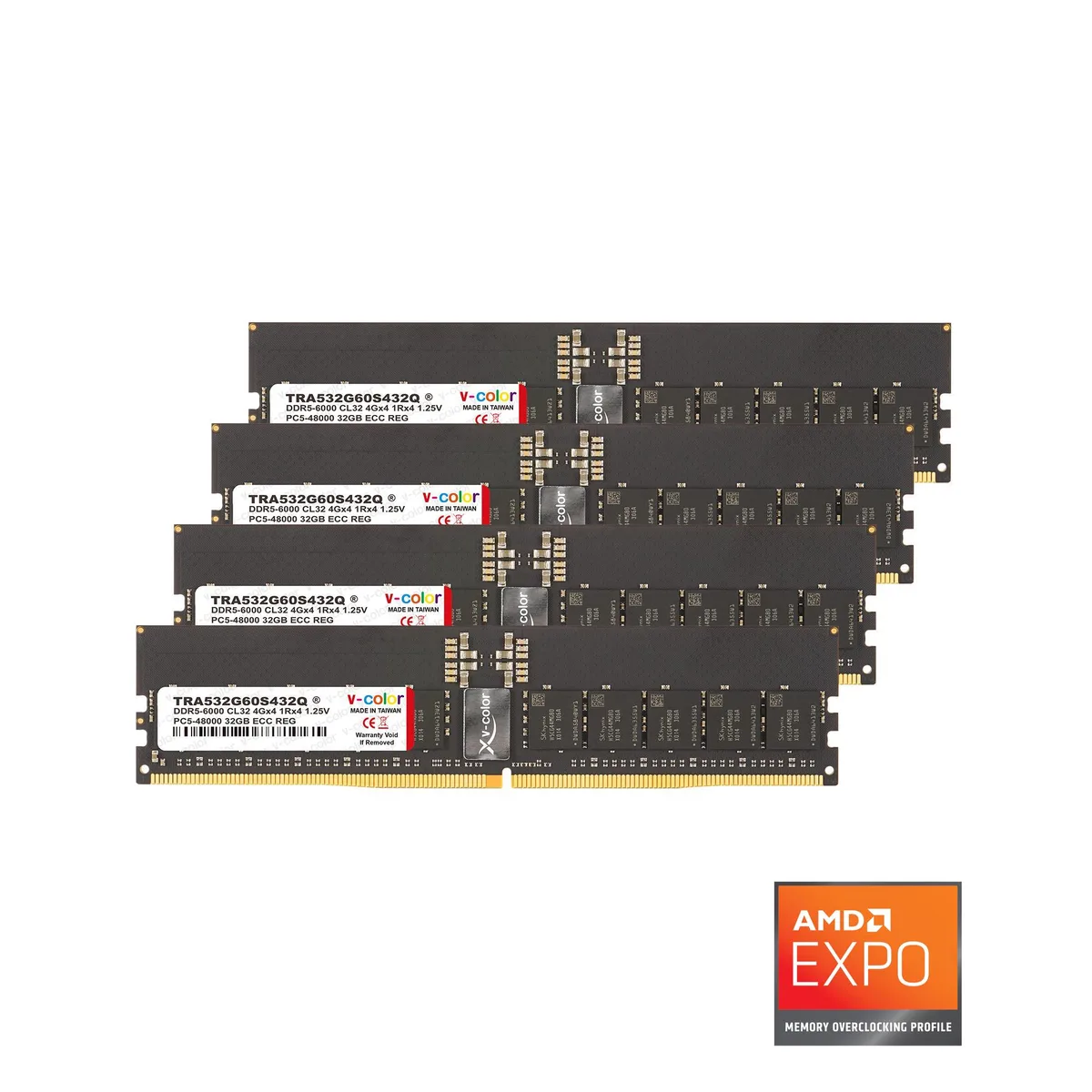
128 GB quad-channel DDR5 kit with registered ECC, AMD EXPO profile, and Hynix ICs for TRX50 workstations
Capacity 128GB (4 x 32GB)
Les versions barrées existent, mais ne sont pas disponibles ici.
Speed DDR5 5600 (PC5 44800)
Les versions barrées existent, mais ne sont pas disponibles ici.
This kit provides 128 GB of registered ECC DDR5 memory across four 32 GB modules. It is built for AMD TRX50 workstation platforms that require registered DIMMs with on-die error correction and AMD EXPO overclocking profiles.
Each module uses a 288-pin RDIMM form factor with a heat spreader and a 10-layer PCB. The registered buffer reduces electrical load on the memory controller, while an on-board temperature sensor monitors thermals to protect data integrity during sustained workloads.
DDR5 doubles the sub-channel count versus DDR4, delivering two 40-bit channels per DIMM for higher throughput at 5600 MT/s. The registered ECC design and 1.25 V operation are intended for TRX50 workstation motherboards only; the modules will not function in standard desktop or laptop systems.
| Brand | V-Color |
|---|---|
| Series | OC R-DIMM |
| Model | TRA532G56S436Q |
| Part Number | TRA532G56S436Q |
| Capacity | 128GB (4 x 32GB) |
| Speed | DDR5 5600 (PC5 44800) |
| ECC | Yes |
| Buffered/Registered | Registered |
| Chipset | Hynix IC |
| CAS Latency | CL36 |
| Timing | 36-38-38-80 |
| Voltage | 1.25V |
| Heat Spreader | Yes |
| Type | 288-Pin DDR5 RDIMM |
| Rank | 2Rx8 |
| BIOS/Performance Profile | AMD EXPO |
| Features | Supports ECC functionality to detect and correct data errors and features a built-in temperature-monitoring thermal sensor to prevent overheating, thereby enhancing memory reliability. Operating temperature range: 0 to 85 °C |
Autres versions de ce modèle
Même famille, mémoire, ventirad ou fréquence différents — comparez avant de vous décider.
The AMD EXPO profile on this TRA532G56S436Q kit sets DDR5 5600 speed with CL36-38-38-80 timings at 1.25V.
Each 32GB module uses a standard 288-pin DDR5 RDIMM form factor with a heat spreader; four DIMM slots and enough height clearance for the spreader are required.
Install all four modules in the correct TRX50 channel slots, enter the BIOS, enable the AMD EXPO profile, save and reboot; the step often missed is enabling EXPO after seating the modules.
Également dans ce rayon
Même rayon, même caisse — huit monnaies et un taux bloqué 30 minutes.
Ce que vous envoyez, et ce dans quoi vous lisez les prix.
Envoyé depuis votre portefeuille à la caisse
Affichage seul — le catalogue est libellé en dollars
Aucune monnaie ne correspond.
Choisissez la langue dans laquelle le site vous parle.
Première visite ?
Vous avez déjà un compte ?
Il n’y a pas de réinitialisation automatique : cette boutique n’envoie aucun e-mail, il n’existe donc aucun lien à usage unique à demander. Laissez l’adresse sur le compte, elle sera traitée à la main.
Demande enregistrée
Rien n’arrivera dans votre boîte de réception — cette boutique n’envoie aucun e-mail. Quelqu’un s’en occupe à la main.
Vous l’avez retrouvé ?