


ViewSonic
ViewSonic VG2748N 27" 100 Hz IPS monitor
A 27 inch Full HD IPS display running at 100 Hz with anti-glare coating, 16.7 million colours, 5 ms response and built-in USB-C docking plus wireless casting
- Refresh Rate100 Hz
- Display Colors16.7 Million
- Screen Size27"
- Response Time5ms
- Brightness250 cd/m2
- Contrast Ratio1000:1 Static Contrast Ratio
- Smooth motion from a 100 Hz refresh rate
- Wide viewing angles with 178° horizontal and vertical coverage
- Flexible connectivity via HDMI 1.4, DisplayPort, USB-C and four USB-A ports
- Reduced eye strain on an anti-glare IPS panel
- Ready for multi-monitor setups with 100 x 100 mm VESA mount
27-inch 100 Hz IPS business monitor
The ViewSonic VG2748N is a 27-inch Full HD display built around an IPS panel running at 100 Hz. It targets office workers and home users who need consistent colour across 178-degree viewing angles and a flicker-free 250 cd/m2 backlight for long sessions. Connectivity includes HDMI 1.4, DisplayPort, VGA, four USB Type-A ports, one USB Type-B upstream port and a USB-C link via the bundled ViewShare dongle.
Upgrade from 60 Hz 1080p panels
Moving from a standard 60 Hz screen to this 100 Hz model cuts frame time by roughly forty percent, smoothing scrolling documents and video playback. The jump is most noticeable when multitasking across the four USB-A ports or when using the ViewShare dongle for wireless casting. Users staying at 1080p resolution but wanting smoother motion will see the benefit; those needing higher pixel density should look elsewhere.
HDMI 1.4 and DisplayPort bandwidth limits
The HDMI 1.4 port caps 1080p output at 100 Hz, matching the panel's maximum refresh rate. DisplayPort can also drive the same 1920 x 1080 at 100 Hz without compression. Neither interface supports higher resolutions or refresh rates on this monitor, so the 100 Hz ceiling is fixed by the panel and the HDMI 1.4 specification.
Points forts
- Smooth motion from a 100 Hz refresh rate
- Wide viewing angles with 178° horizontal and vertical coverage
- Flexible connectivity via HDMI 1.4, DisplayPort, USB-C and four USB-A ports
- Reduced eye strain on an anti-glare IPS panel
- Ready for multi-monitor setups with 100 x 100 mm VESA mount
Caractéristiques
| Refresh Rate | 100 Hz |
|---|---|
| Display Colors | 16.7 Million |
| Screen Size | 27" |
| Response Time | 5ms |
| Brightness | 250 cd/m2 |
| Contrast Ratio | 1000:1 Static Contrast Ratio |
| Glare Screen | Anti-glare |
| Aspect Ratio | 16:9 Aspect Ratio |
| Maximum Resolution | 1920x1080 |
| Viewing Angle | 178° (H) / 178° (V) |
| Panel | IPS Panel |
| Display Type | Full HD |
| Curved Surface Screen | Flat Panel |
| Brand | ViewSonic |
| Model | VG2748N |
| Cabinet Color | Black |
| DVI | No |
| HDMI | Yes |
| Connectors | VGA x 1, HDMI 1.4 x 1, DisplayPort in x 1, USB Type A x 4, USB Type B x 1, USB Type C x 1x USB-C on ViewShare Dongle |
| Thunderbolt 2 | No |
| DisplayPort | 1 |
| Built-in Speakers | Yes |
| Built-in Webcam | No |
| VESA Compatibility - Mountable | 100 x 100mm |
| Power Supply | 100 - 240 VAC, 50/60Hz |
| Package Contents | LCD Display, Power Cable, HDMI Cable, USB A/B Cable, ViewShare Dongle, Quick Start Guide |
| Poids d’expédition | 9.62 kg |
| Dimensions du colis | 696 × 439 × 226 mm |
Questions sur cet article
What VESA mounting pattern does the VG2748N use?
The monitor supports a 100 x 100 mm VESA mount for wall or arm installation.
Which cable should I connect first when setting up the ViewShare dongle?
Insert the USB-C ViewShare dongle into the monitor's USB-C port, then connect your source device via HDMI 1.4 or DisplayPort for video.
How do I clean the anti-glare coating without damaging it?
Power off the display, then gently wipe the screen with a dry microfibre cloth; for stubborn marks, lightly dampen the cloth with water only.
Également dans ce rayon
Les clients ont aussi comparé
Même rayon, même caisse — huit monnaies et un taux bloqué 30 minutes.


Acer America
Acer America UM.HX1AA.103 Nitro XF273 X1 27" 1920x1080 200Hz monitor
- Black
- 27"
199,99 $US
0.00257377BTC
En stock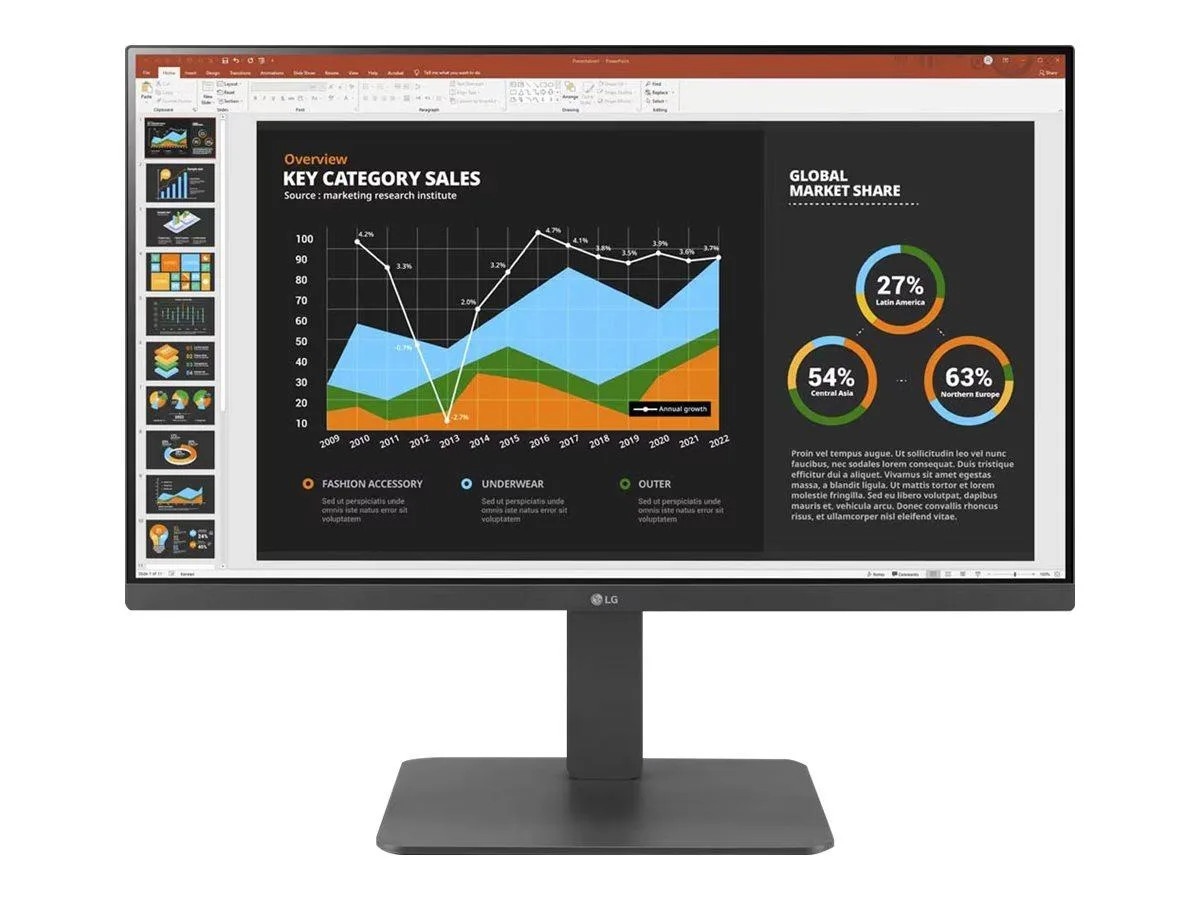
LG Electronics
LG Electronics 24BR650B-C 23.8" 1920x1080 IPS monitor
- Black
- 23.8" (Viewable)
279,99 $US
0.00360334BTC
En stock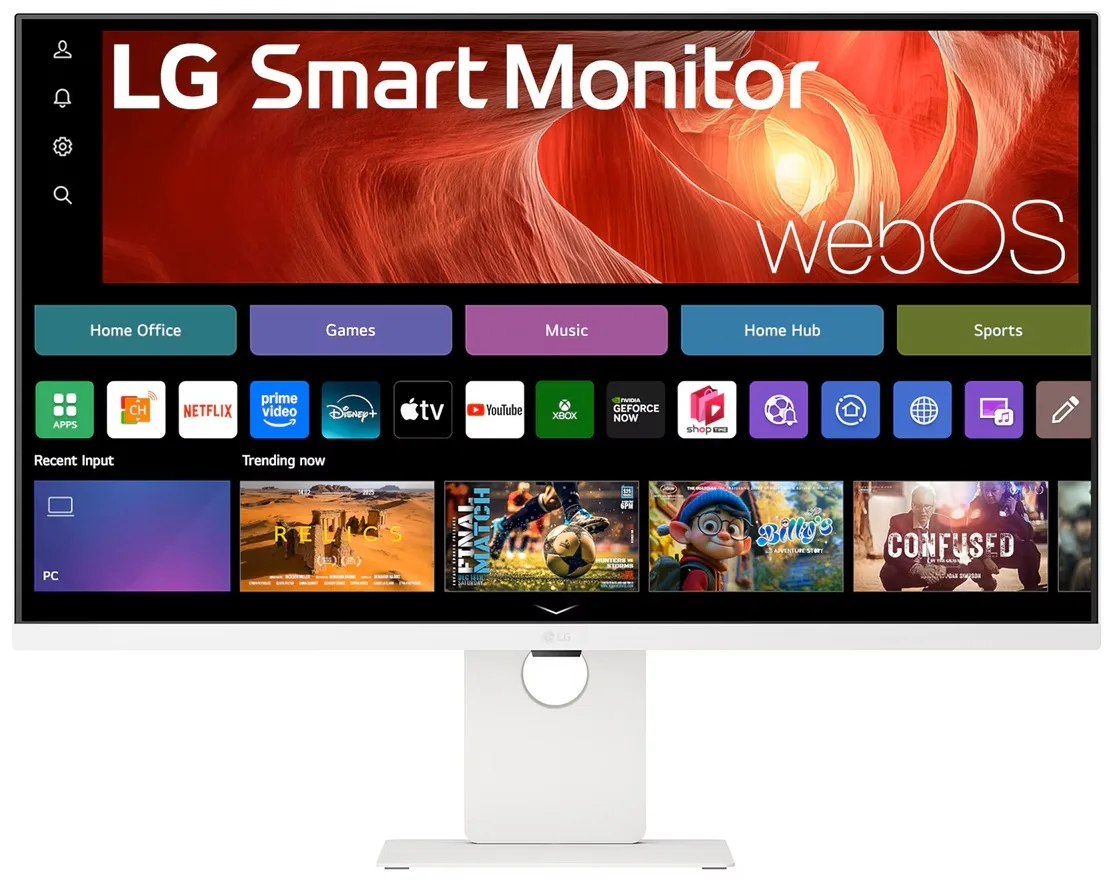
LG Electronics
LG Electronics 37U730SA-W 37" 4K UHD IPS Smart Monitor webOS White
- White
- webOS
584,99 $US
0.00752854BTC
En stock