

NEMIX RAM
NEMIX RAM DDR5-5600 2TB (16x128GB) ECC RDIMM CL46 1.1V Supermicro H14SST-G memory upgrade
- 2TB (16 x 128GB)
- 288-Pin DDR5 RDIMM
62.908,99 USD
0.78773106BTC
DisponibileAccettiamo criptovalute — così le crypto che Lei possiede possono comprare hardware reale.Paghi in crypto, la spenda in hardware reale. Spedizione assicurata gratuita in tutto il mondo oltre i 399 $. Cartoni neutri, senza marchio, spediti dalla Germania.Spedizione assicurata gratuita oltre i 399 $. Il Suo tasso resta bloccato per 30 minuti dall’apertura del checkout.Tasso bloccato 30 minuti. Ogni articolo è sigillato, il numero di serie è verificato, ed è coperto da una garanzia di 24 mesi.Sigillato, garantito 24 mesi.
KHACHIMO
ATX switching power supply delivers 300 W with 60 A output for reliable system operation
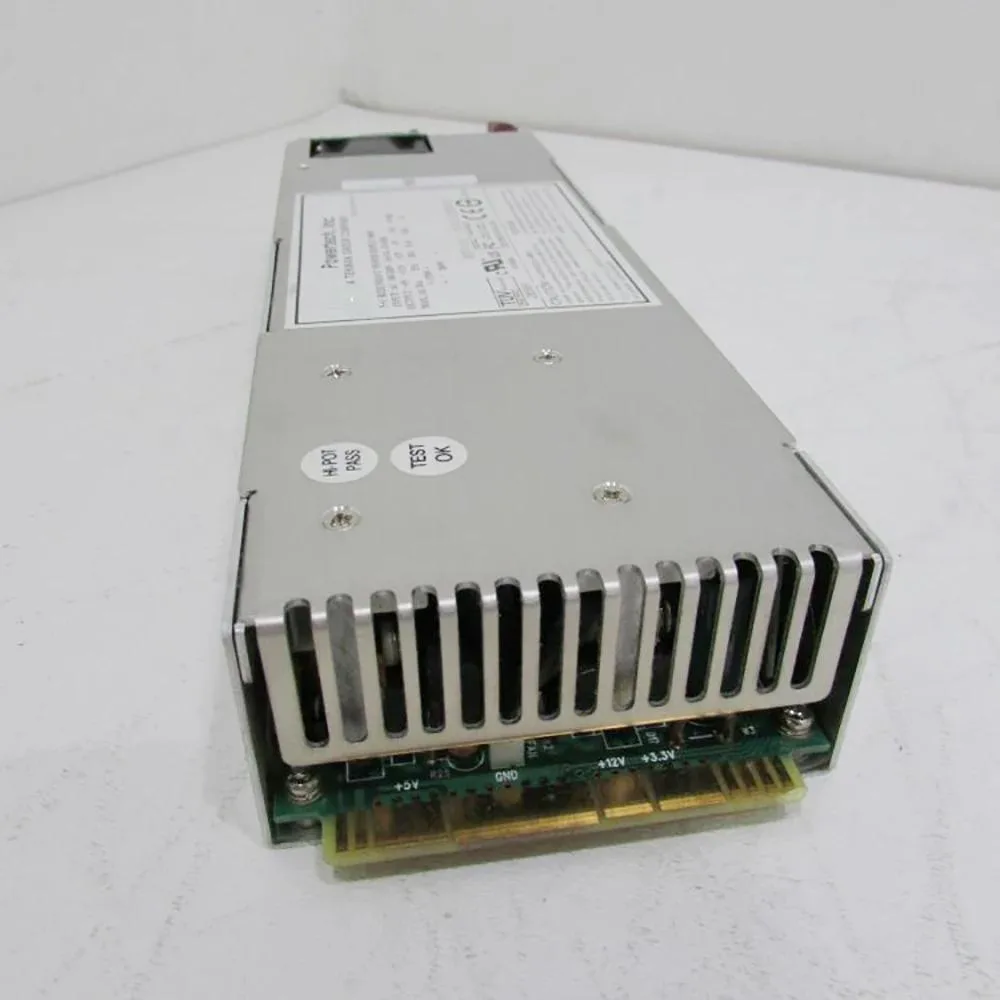
The KHACHIMO PPS300R-60M delivers 300 watts of continuous power in a standard ATX form factor. It is intended for office desktops, low-end workstations and entry-level systems that do not require dedicated graphics cards. The unit has been tested working and is supplied new.
This supply serves as a direct swap for an original 300W ATX unit that has become noisy, unstable or has failed entirely. The upgrade is worthwhile when the existing PSU can no longer hold voltage under load or when a rebuild demands a fresh, tested component. Systems needing more than 300W or additional PCIe connectors are not supported.
| Type | ATX |
|---|
It follows the standard ATX form factor so it fits any case with an ATX power-supply bay and the usual four rear mounting holes.
Seat the 24-pin motherboard connector and the 4-pin or 8-pin CPU power cable before routing any peripheral leads; skipping the CPU plug is the most common error.
Anche in questo reparto
Stesso reparto, stessa cassa — otto monete e un cambio bloccato per 30 minuti.
Cosa invia per pagare, e in quale valuta legge i prezzi.
Inviato dal Suo portafoglio alla cassa
Solo a titolo indicativo — il catalogo è espresso in dollari
Nessuna valuta corrisponde.
Scelga la lingua in cui il sito Le parla.
Prima visita?
Ne ha già uno?
Non esiste un ripristino automatico: questo negozio non invia e-mail, quindi non esiste alcun link monouso da richiedere. Lasci l’indirizzo sull’account: verrà gestito manualmente.
Richiesta registrata
Non arriverà nulla nella Sua casella di posta — questo negozio non invia e-mail. Qualcuno se ne occupa manualmente.
L’ha ritrovata?


