

NEMIX RAM
NEMIX RAM DDR5-5600 2TB (16x128GB) ECC RDIMM CL46 1.1V Supermicro H14SST-G memory upgrade
- 2TB (16 x 128GB)
- 288-Pin DDR5 RDIMM
62 908,99 US$
0.78291754BTC
Em stockAceitamos criptomoeda — para que as moedas que detém possam comprar material informático real.Pague em cripto, gaste-a em material informático real. Envio seguro gratuito para todo o mundo acima de 399 $. Caixas neutras, sem marca, expedidas a partir da Alemanha.Envio seguro gratuito acima de 399 $. A sua taxa fica bloqueada durante 30 minutos assim que abre a finalização da compra.Taxa bloqueada 30 minutos. Cada artigo é selado, o seu número de série é verificado, e está coberto por uma garantia de 24 meses.Selado, garantido 24 meses.
KHACHIMO
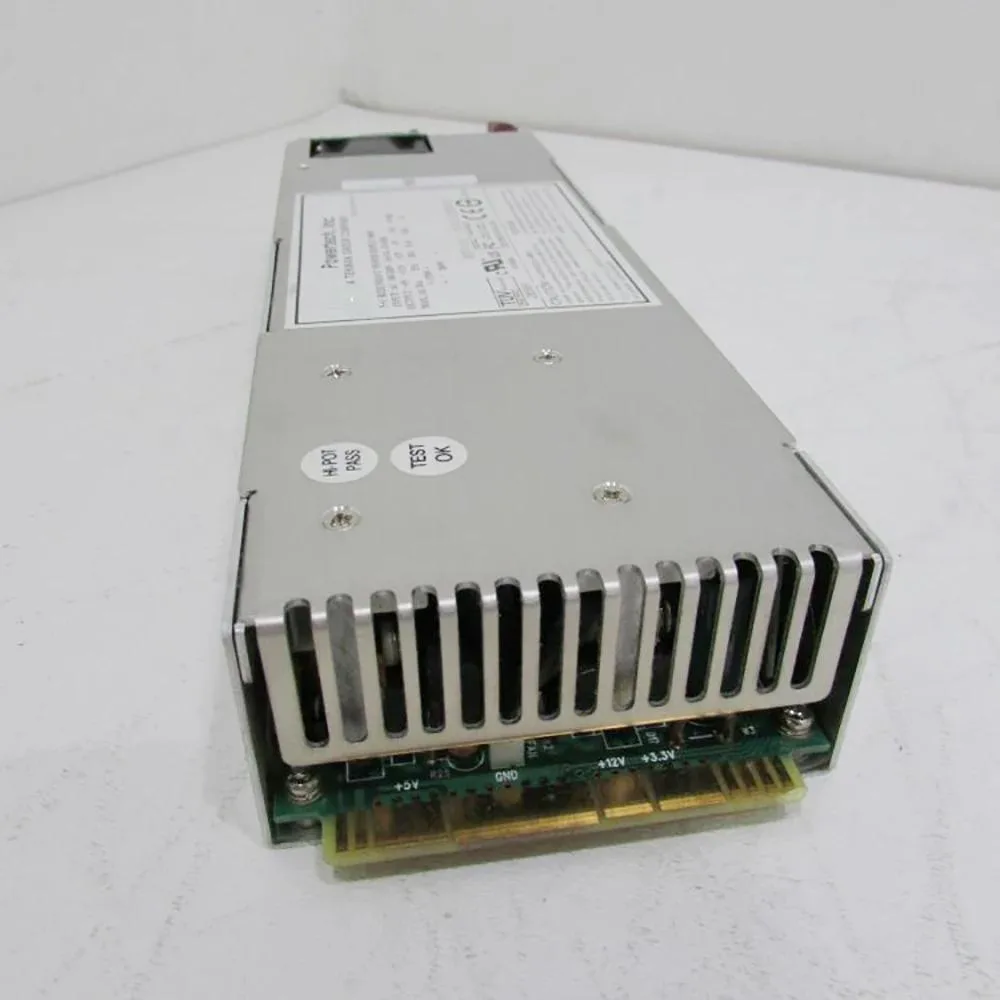
ATX switching power supply delivers 300 W with 60 A output for reliable system operation
The KHACHIMO PPS300R-60M delivers 300 watts of continuous power in a standard ATX form factor. It is intended for office desktops, low-end workstations and entry-level systems that do not require dedicated graphics cards. The unit has been tested working and is supplied new.
This supply serves as a direct swap for an original 300W ATX unit that has become noisy, unstable or has failed entirely. The upgrade is worthwhile when the existing PSU can no longer hold voltage under load or when a rebuild demands a fresh, tested component. Systems needing more than 300W or additional PCIe connectors are not supported.
| Type | ATX |
|---|
It follows the standard ATX form factor so it fits any case with an ATX power-supply bay and the usual four rear mounting holes.
Seat the 24-pin motherboard connector and the 4-pin or 8-pin CPU power cable before routing any peripheral leads; skipping the CPU plug is the most common error.
Também nesta secção
Mesma prateleira, mesma finalização da compra — oito moedas e uma taxa bloqueada durante 30 minutos.
O que paga, e a moeda em que vê os preços.
Enviado da sua carteira ao finalizar a compra
Apenas informativo — o catálogo está em dólares
Nenhuma moeda corresponde.
Escolha o idioma em que o site lhe fala.
Ainda não tem conta?
Já tem conta?
Não existe reposição automática: esta loja não envia qualquer e-mail, pelo que não há nenhum link de utilização única para pedir. Deixe o endereço na conta e ele será tratado manualmente.
Pedido registado
Não vai chegar nada à sua caixa de entrada — esta loja não envia qualquer e-mail. Alguém trata disto manualmente.
Recordou-se dela?


