

NEMIX RAM
NEMIX RAM DDR5-5600 2TB (16x128GB) ECC RDIMM CL46 1.1V Supermicro H14SST-G memory upgrade
- 2TB (16 x 128GB)
- 288-Pin DDR5 RDIMM
62.908,99 US$
0.79194559BTC
En stockAceptamos criptomonedas — así, las criptos que usted tiene pueden comprar hardware real.Pague en cripto y gástela en hardware real. Envío asegurado gratis a nivel mundial a partir de $399. Cajas neutras, sin marca, enviadas desde Alemania.Envío asegurado gratis a partir de $399. Su cotización queda bloqueada 30 minutos en cuanto se abre el pago.Cotización bloqueada 30 minutos. Todos los artículos vienen sellados, con el número de serie verificado y cubiertos por una garantía de 24 meses.Sellado, con 24 meses de garantía.
KHACHIMO
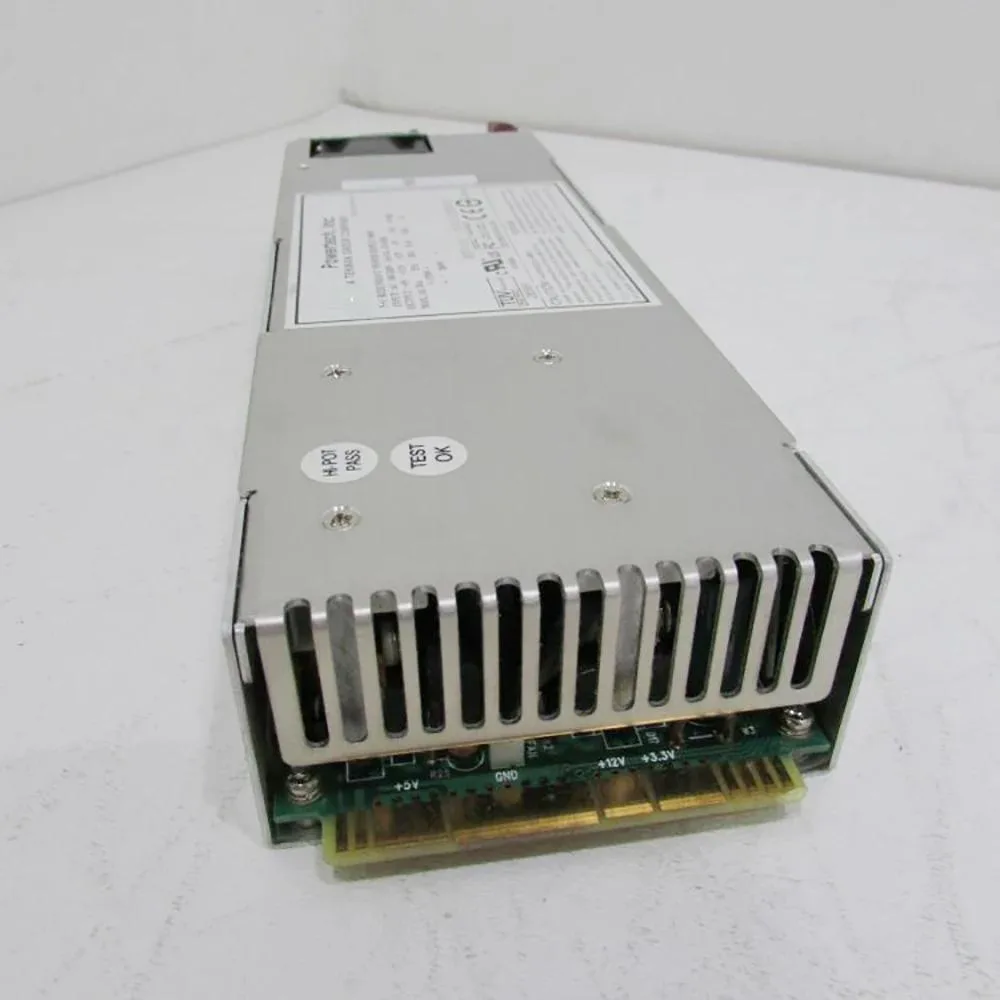
ATX switching power supply delivers 300 W with 60 A output for reliable system operation
The KHACHIMO PPS300R-60M delivers 300 watts of continuous power in a standard ATX form factor. It is intended for office desktops, low-end workstations and entry-level systems that do not require dedicated graphics cards. The unit has been tested working and is supplied new.
This supply serves as a direct swap for an original 300W ATX unit that has become noisy, unstable or has failed entirely. The upgrade is worthwhile when the existing PSU can no longer hold voltage under load or when a rebuild demands a fresh, tested component. Systems needing more than 300W or additional PCIe connectors are not supported.
| Type | ATX |
|---|
It follows the standard ATX form factor so it fits any case with an ATX power-supply bay and the usual four rear mounting holes.
Seat the 24-pin motherboard connector and the 4-pin or 8-pin CPU power cable before routing any peripheral leads; skipping the CPU plug is the most common error.
También en este pasillo
Mismo estante, mismo pago — ocho criptomonedas y un tipo de cambio bloqueado 30 minutos.
Lo que usted paga, y la moneda en la que lee los precios.
Se envía desde su billetera al finalizar la compra
Solo informativo — el catálogo está en dólares
Ninguna moneda coincide.
Elija el idioma en el que el sitio le habla.
¿Es nuevo aquí?
¿Ya tiene una?
No existe ningún restablecimiento automático: esta tienda no envía correos electrónicos, así que no hay ningún enlace de un solo uso que solicitar. Deje la dirección asociada a la cuenta y se atenderá de forma manual.
Solicitud registrada
No hay nada de camino a su bandeja de entrada: esta tienda no envía correos en absoluto. Alguien se encarga de esto manualmente.
¿La recordó?


