DELL
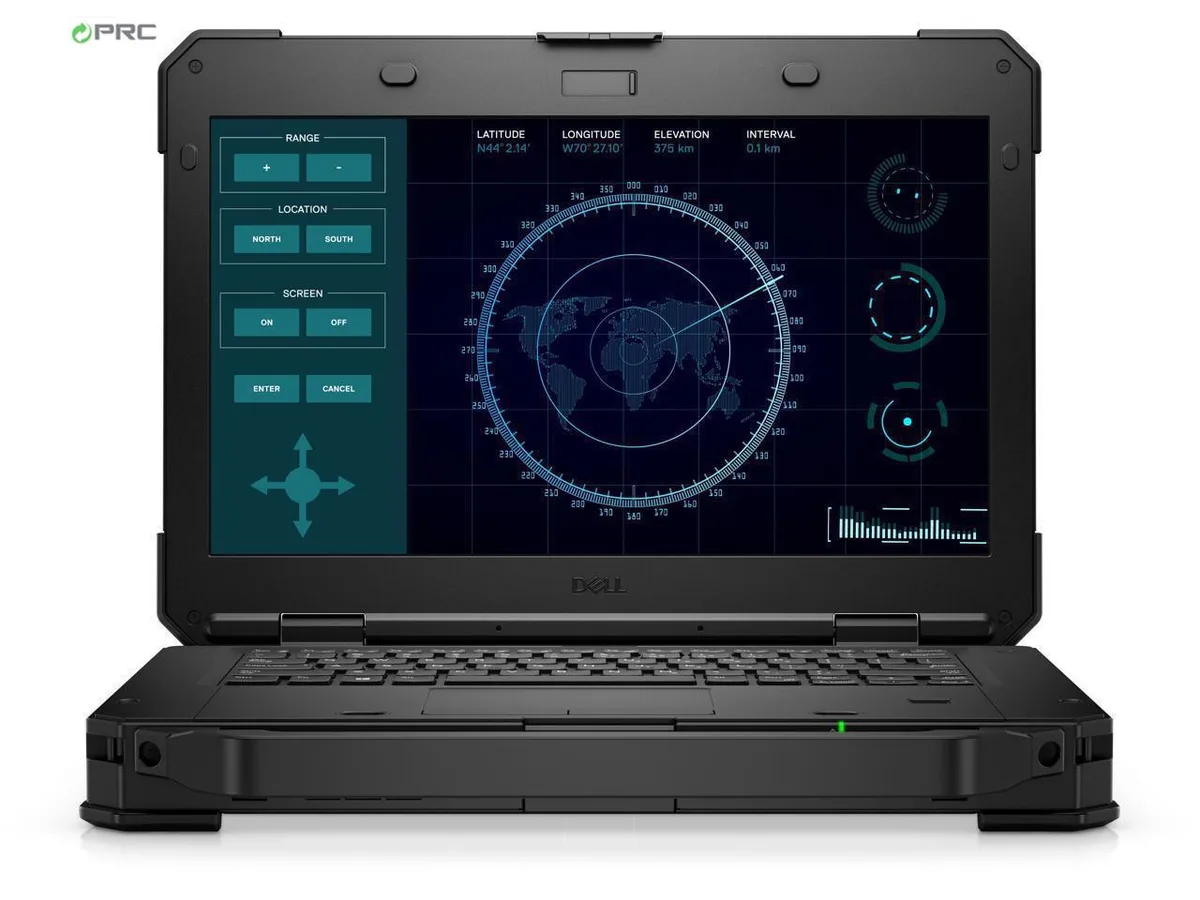
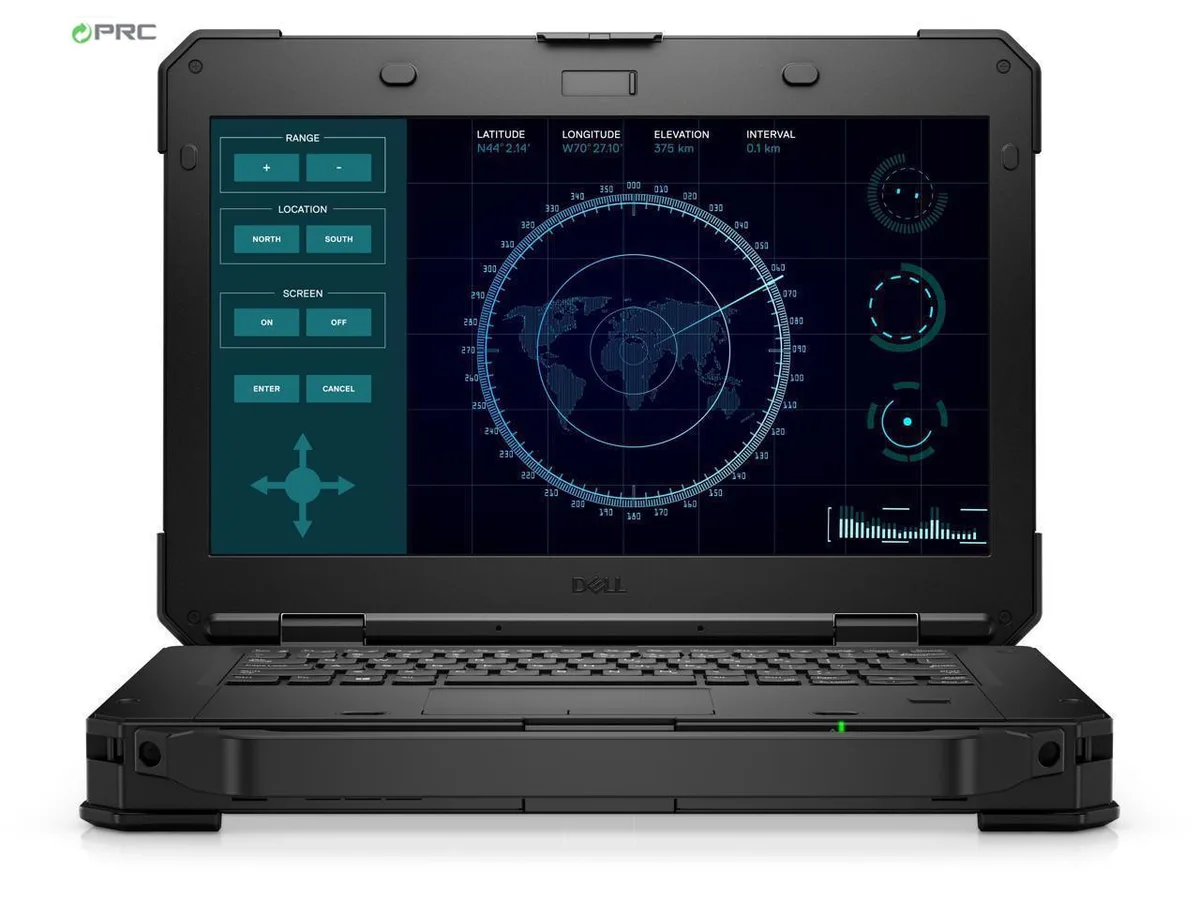
DELL Latitude 5424 Rugged laptop i5-8350U 32 GB 256 GB + 2 TB SSD 14.0" FHD touchscreen
- Black
- Windows 11 Pro
$954.99
0.01239844BTC
在庫あり


DELL
A 14.0-inch FHD touchscreen rugged laptop with an Intel Core i7-8650U quad-core processor, 8GB DDR4 memory, dual 256GB and 2TB SSDs, and Windows 11 Pro
Options 8GB/256GB+2TB W11P Touch
The Dell Latitude 5424 is a new 14.0-inch rugged laptop built to military-grade durability standards. It combines a Quad-core Intel Core i7-8650U processor with 8 GB DDR4 memory and a dual-drive configuration of 256 GB plus 2 TB SSD storage. The 1920 x 1080 touchscreen supports 10-point input and remains viewable in direct sunlight, making it suitable for professionals who operate outdoors or in harsh environments.
This model replaces conventional office notebooks that lack reinforced chassis construction, sunlight-readable displays, or glove-compatible touch input. The jump is worth it when your workflow demands survival against dust, vibration, temperature extremes, and wet conditions that would disable a regular ultrabook. Integrated Intel UHD Graphics 620 handles everyday visualisation tasks without discrete GPU power draw.
Verify that your existing USB 3.0, USB Type-C, HDMI, DisplayPort, serial and RJ-45 cables match the ports provided, as legacy docking stations may require adapters. Confirm that Windows 11 Pro 64-bit is compatible with your specialised field software and fleet management tools. The hot-swap bridge battery and spare chargers are optional accessories not included in the base configuration.
| Brand | DELL |
|---|---|
| Series | Rugged 14 |
| Model | Latitude |
| Part Number | 5424 |
| Color | Black |
| Operating System | Windows 11 Pro |
| CPU Type | Intel Core i7 8th Gen |
| Processor Name | Intel Core i7-8650U |
| Number of Cores | Quad-core Processor |
| CPU L2 Cache | 8MB |
| Screen Size | 14.0" |
| Touchscreen | Touch Screen |
| Display Type | FHD |
| Resolution | 1920 x 1080 |
| GPU/VPU | Intel UHD Graphics 620 |
| Graphic Type | Integrated Card |
| SSD | 256GB |
| HDD | 2TB |
| Storage Spec | 256 GB M.2 + 1TB M.2 DUAL SSD |
| Memory | 8GB |
| Memory Speed | DDR4 |
| Memory Spec | 4 GB x 2 |
| Memory Slot (Total) | 2 |
| Memory Slot (Available) | 0 |
| Max Memory Supported | 32 GB |
| Optical Drive Type | DVD-ROM |
| LAN | 10/100/1000Mbps |
| WiFi Generation | Wi-Fi 4 and earlier generation |
| Bluetooth | Yes |
| USB | 3 x USB 3.0 Type A, and 1 x USB Type C |
| Thunderbolt | 1 x Thunderbolt 3 |
| Video Port | 1 x DisplayPort, 1 x HDMI |
| HDMI | 1 x HDMI |
| Ethernet | 1 x RJ-45 (1Gbps) |
| Other port | 1 x Serial Port |
| Audio Ports | 1 x Microphone Jack, 1 x Headphone Jack |
| Audio | Integrated Sound card |
| Touchpad | Yes |
| Keyboard | Standard |
| Webcam | Yes |
| Card Reader | Micro SD |
| Style | Standard |
| Type | Work / Business |
| Usage | Business |
| AC Adapter/Charger | 65-watt AC Adapter |
| Dimensions (W x D x H) | 13.7 x 9.6 x 1.7 |
| Weight | 6 - 6.9 lbs. |
このモデルの他のバージョン
同じファミリーで、メモリ・クーラー・クロックが異なります — 購入前に比較してください。
The Latitude 5424 uses Dell's proprietary rugged dock connector on the bottom; no standard VESA pattern is present on the magnesium-alloy frame.
Enable UEFI boot mode and disable Legacy Option ROMs; the M.2 slot only exposes the drive to the firmware when UEFI is active.
Replace the internal battery when Windows reports less than 80 % of original design capacity or when the hot-swap bridge battery no longer sustains the system during a swap.
同じ売り場の商品
同じ売り場、同じレジ — 8種類のコインと30分間のレートロック。
お支払いに使うコインと、価格表示に使う通貨です。
チェックアウト時にウォレットから送信されます。
表示のみ—カタログの価格は米ドル建てです。
該当する通貨がありません。
サイトの表示言語を選択してください。
一致する言語がありません。
初めてのご利用ですか?
すでにお持ちですか?
自動的な再設定はありません。当店はメールを送信しないため、ワンタイムリンクをお送りすることもできません。アカウントにメールアドレスを残しておいていただければ、担当者が手作業で確認いたします。
リクエストを受け付けました
受信箱に何かが届くことはありません — 当店はメールを一切送信していません。担当者が手作業で確認いたします。
思い出しましたか?