
Adamant Custom
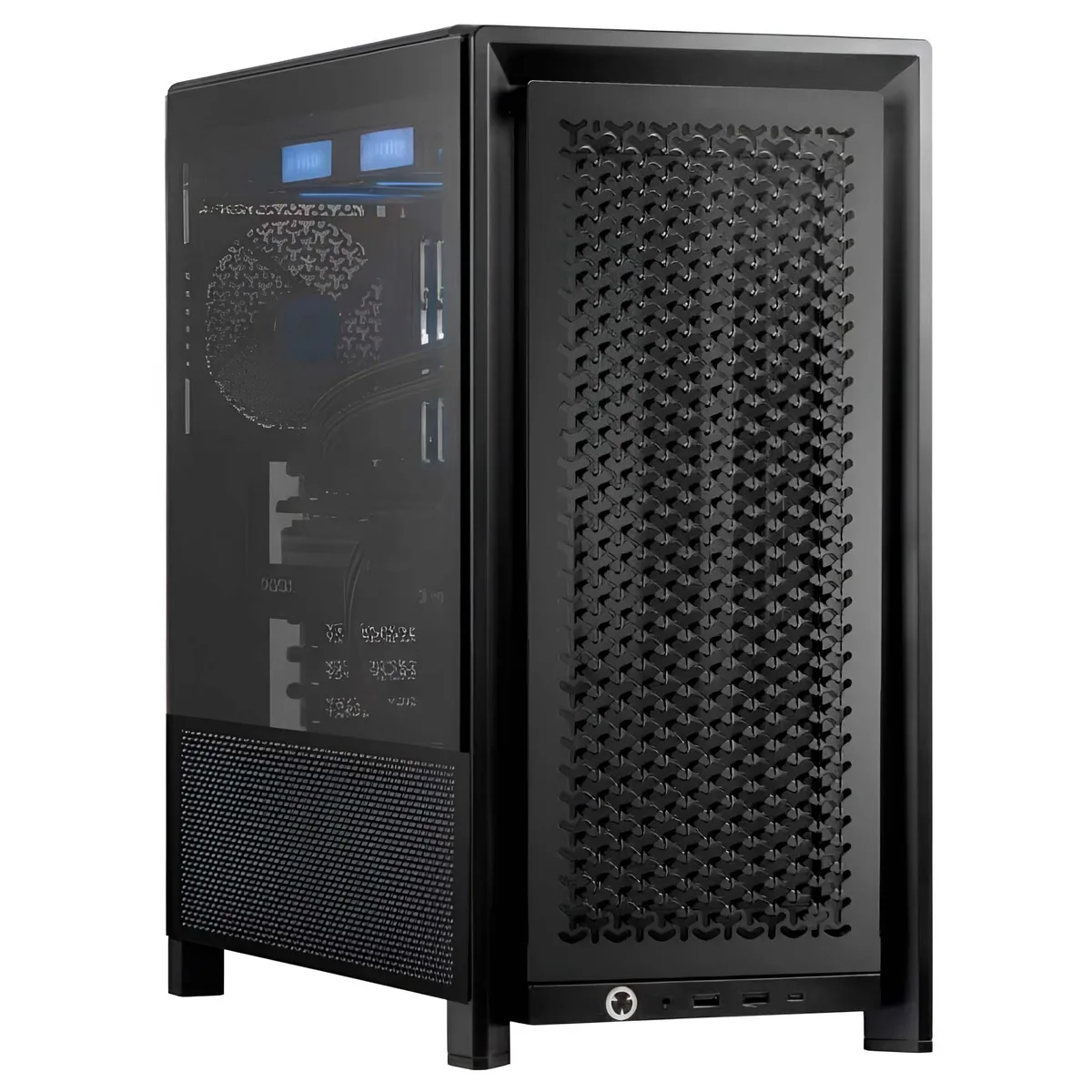
Adamant Custom Business Desktop Ryzen 7 9800X3D 128GB 8TB NVMe 10TB HDD RTX PRO 5000 Blackwell
- 2026
- Business Desktops &…
$11,040.99
0.14214159BTC
在庫あり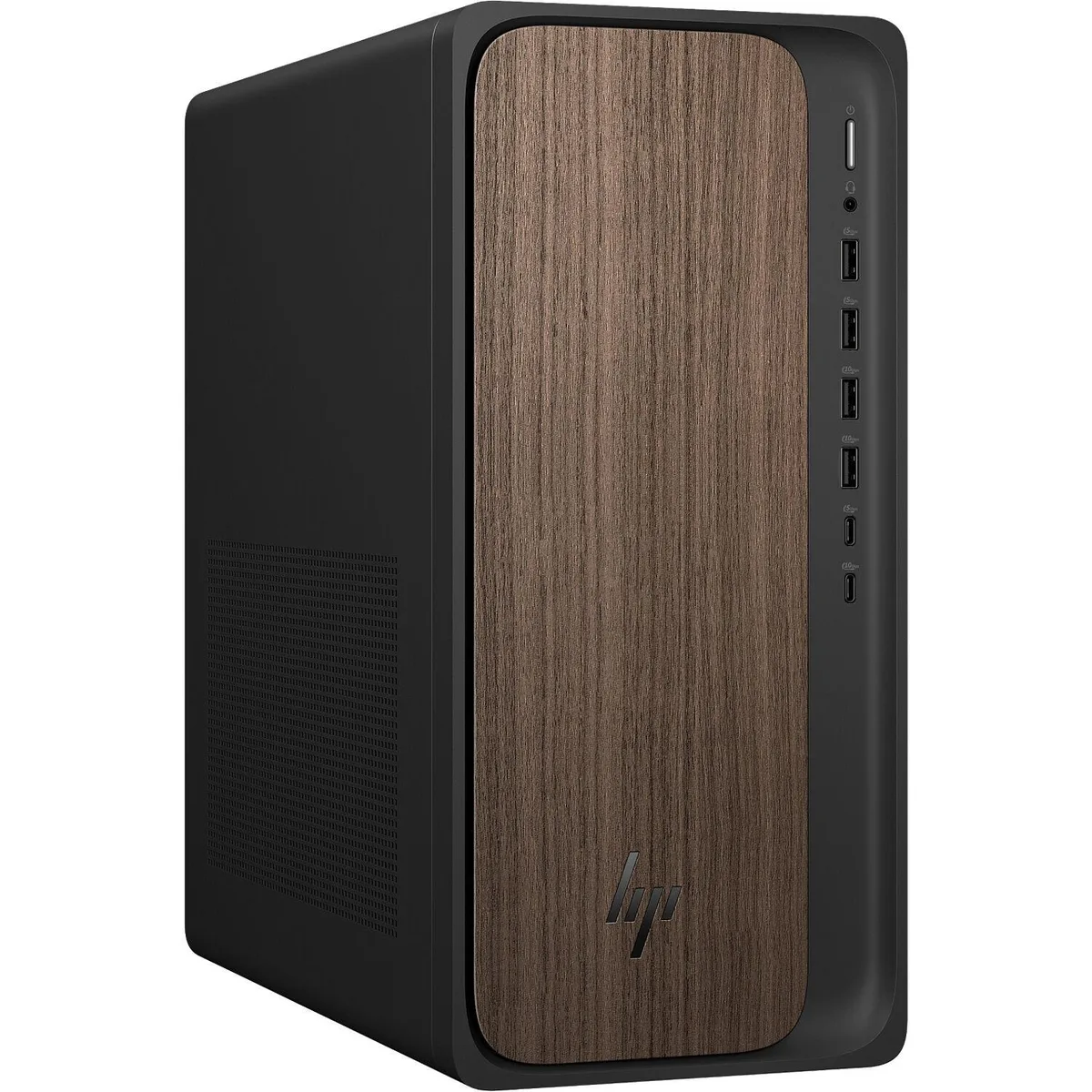


HP
Gaming tower with Intel Core Ultra 9 285 24-core processor, 32GB DDR5, 2TB NVMe storage and NVIDIA GeForce RTX 5070 12GB GDDR7 graphics
The HP OmniDesk M03 is a tower gaming desktop built around an Intel Core Ultra 9 285 processor with 24 cores and a 5.6 GHz turbo frequency. It pairs that CPU with 32GB of DDR5 5600 MHz memory and a 2TB PCIe NVMe M.2 solid state drive. An NVIDIA GeForce RTX 5070 graphics card with 12GB GDDR7 memory handles visual workloads. The system ships with Windows 11 Pro 64-bit and includes a wireless keyboard and mouse.
The Dark Wood chassis measures 13.3 by 12.4 by 6.1 inches and weighs 11.77 pounds. Front and rear I/O provide one USB-C 10Gbps port, one USB-C 5Gbps port, two USB-A 10Gbps ports, two USB-A 5Gbps ports and four USB 2.0 ports. Video output uses three DisplayPort 1.4a connectors and one HDMI 2.1 connector. Audio is served by a headphone/microphone combo jack, a line input and a line output. A Gigabit Ethernet RJ-45 port, Wi-Fi 6 with MU-MIMO and Bluetooth 5.4 handle networking. A Kensington lock slot is present for physical security.
The bundled wireless full-size keyboard and mouse remove the need for separate input purchases and support quick setup. Windows 11 Pro includes the AI Copilot feature that works with the processor's dedicated NPU rated at 13 TOPS for on-device AI acceleration. The two-year warranty and free tech support from Techno Intelligence cover hardware service after purchase. Buyers who need a monitor must purchase one separately as none is included.
| Brand | HP |
|---|---|
| Series | OmniDesk |
| Model | HP OmniDesk M03 |
| Release Year | 2025 |
| Type | Everyday Use, Education, Business |
| Form Factor | Tower |
| Color | Dark Wood |
| Processor | Intel Core Ultra 9 285 |
| Processor Main Features | 64 bit 24-Core Processor |
| Cache Per Processor | 36MB L3 Cache |
| Memory | 32GB |
| Storage | 2TB NVMe SSD |
| Monitor | Monitor not included |
| Keyboard | Keyboard |
| Mouse | Mouse |
| Operating System | Windows 11 Pro |
| Windows 11 | Ready |
| CPU Type | Intel Core Ultra 9 |
| CPU Name | Intel Core Ultra 9 285 |
| CPU Socket Type | LGA 1851 |
| GPU/VGA Type | NVIDIA GeForce RTX 5070 |
| Graphics Card | NVIDIA GeForce RTX 5070 12GB |
| Graphics Interface | Integrated |
| Memory Capacity | 32GB |
| Memory Speed | DDR5 5600 |
| Maximum Memory Supported | 128GB |
| SSD | 2TB |
| Touchscreen | No |
| WLAN | 802.11ax Wireless |
| Bluetooth | Bluetooth |
| Front USB | 6 |
| Video Ports | 1x HDMI, 3x DisplayPort |
| Rear USB | 4 |
| RJ45 | 1 |
| Mouse Type | Wireless Mouse |
| Keyboard Type | Wireless Keyboard |
| Package Type | Retail |
The card exposes three DisplayPort 1.4a connectors, limiting each output to the bandwidth ceiling of that standard.
The chassis measures 13.3 by 12.4 by 6.1 inches and includes a Kensington lock slot for cable anchoring.
Insert the single USB receiver into any front or rear Type-A port, then power on both peripherals; the step often skipped is switching on the mouse's bottom power slide.
同じ売り場の商品
同じ売り場、同じレジ — 8種類のコインと30分間のレートロック。
お支払いに使うコインと、価格表示に使う通貨です。
チェックアウト時にウォレットから送信されます。
表示のみ—カタログの価格は米ドル建てです。
該当する通貨がありません。
サイトの表示言語を選択してください。
初めてのご利用ですか?
すでにお持ちですか?
自動的な再設定はありません。当店はメールを送信しないため、ワンタイムリンクをお送りすることもできません。アカウントにメールアドレスを残しておいていただければ、担当者が手作業で確認いたします。
リクエストを受け付けました
受信箱に何かが届くことはありません — 当店はメールを一切送信していません。担当者が手作業で確認いたします。
思い出しましたか?


