

EN-Labs
EN-Labs 11-001-366 PCIe x4 USB 3.2 10Gbps 5-port card
- no
- 12CM Case fan,screw…
$31.99
0.00041041BTC
在庫あり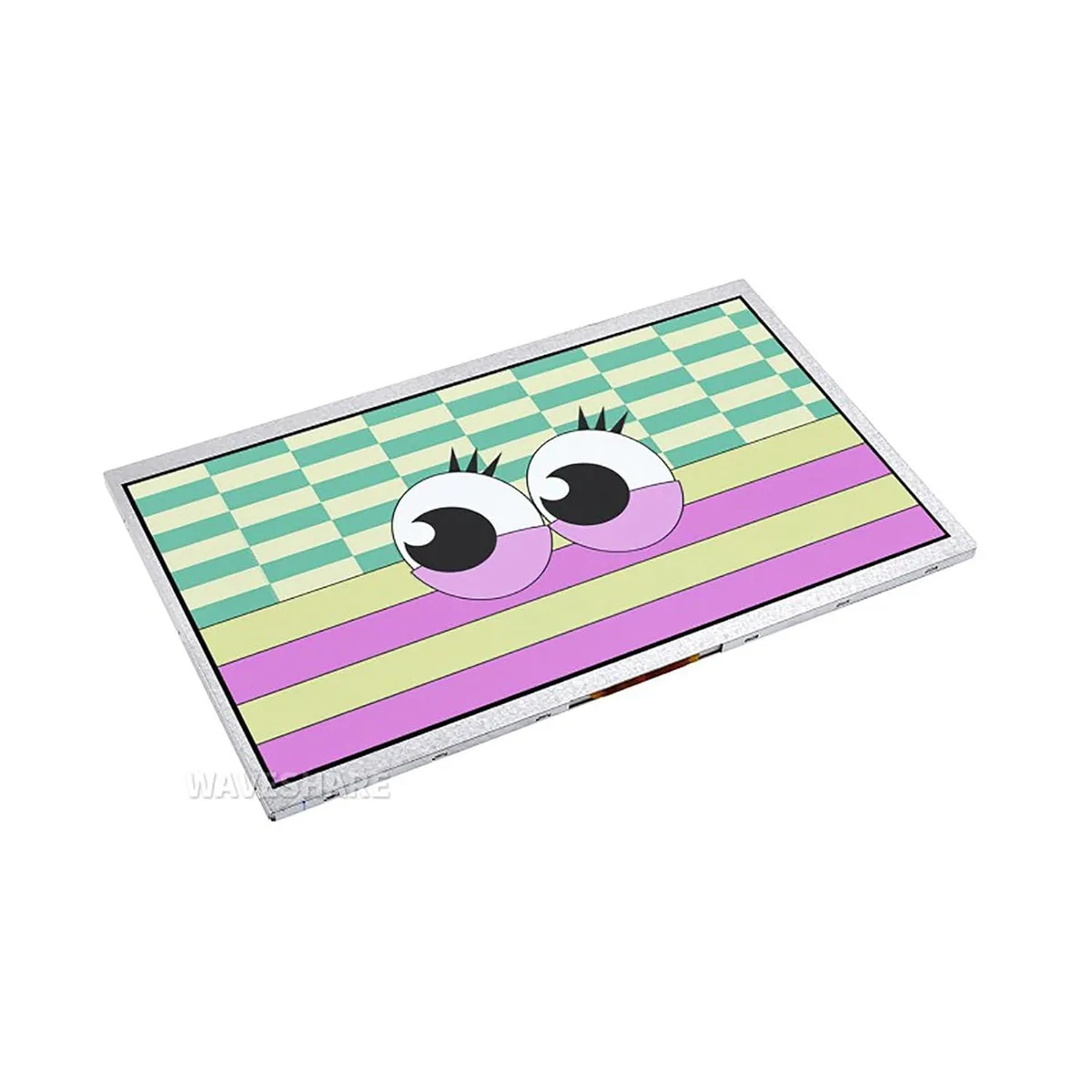


LORDWORLD
10.1 inch IPS panel with 1024×600 resolution and 170° viewing angle connects via DVI to Raspberry Pi Pico 40PIN header with OSD menu
This 10.1 inch DVI display module connects directly to a Raspberry Pi Pico through its onboard 40PIN header. It is built for makers and developers who need a compact screen for embedded projects such as advertisement picture display. The module arrives new and includes access to online C/C++ examples.
The IPS panel delivers a 170° viewing angle at 1024×600 resolution, keeping colours readable from the side. A built-in OSD menu lets you adjust brightness and contrast without extra code or external controls. The DVI interface is used for higher communication speed between the Pico and the screen.
This module replaces headless operation or smaller LCDs when a 10.1 inch IPS view is required for debugging or demo units. The jump is worth it when your application needs the wider angle and on-screen menu for quick calibration. It does not suit builders who need touch input or a higher pixel count.
| Brand | LORDWORLD |
|---|
The DVI interface drives the panel at its native 1024×600 resolution with a 170° viewing angle.
It mounts directly onto the Pico's onboard 40PIN header, aligning the 40 pins for power and DVI signals.
Use the built-in OSD menu on the display itself — no extra wiring or software commands are needed.
同じ売り場の商品
同じ売り場、同じレジ — 8種類のコインと30分間のレートロック。
お支払いに使うコインと、価格表示に使う通貨です。
チェックアウト時にウォレットから送信されます。
表示のみ—カタログの価格は米ドル建てです。
該当する通貨がありません。
サイトの表示言語を選択してください。
No language matches that.
初めてのご利用ですか?
すでにお持ちですか?
自動的な再設定はありません。当店はメールを送信しないため、ワンタイムリンクをお送りすることもできません。アカウントにメールアドレスを残しておいていただければ、担当者が手作業で確認いたします。
リクエストを受け付けました
受信箱に何かが届くことはありません — 当店はメールを一切送信していません。担当者が手作業で確認いたします。
思い出しましたか?



