

SanDisk
SanDisk Cruzer Blade 8 GB USB 2.0 USB flash drive Black SDCZ50-008G-B35
US$391.99
0.00501555BTC
現貨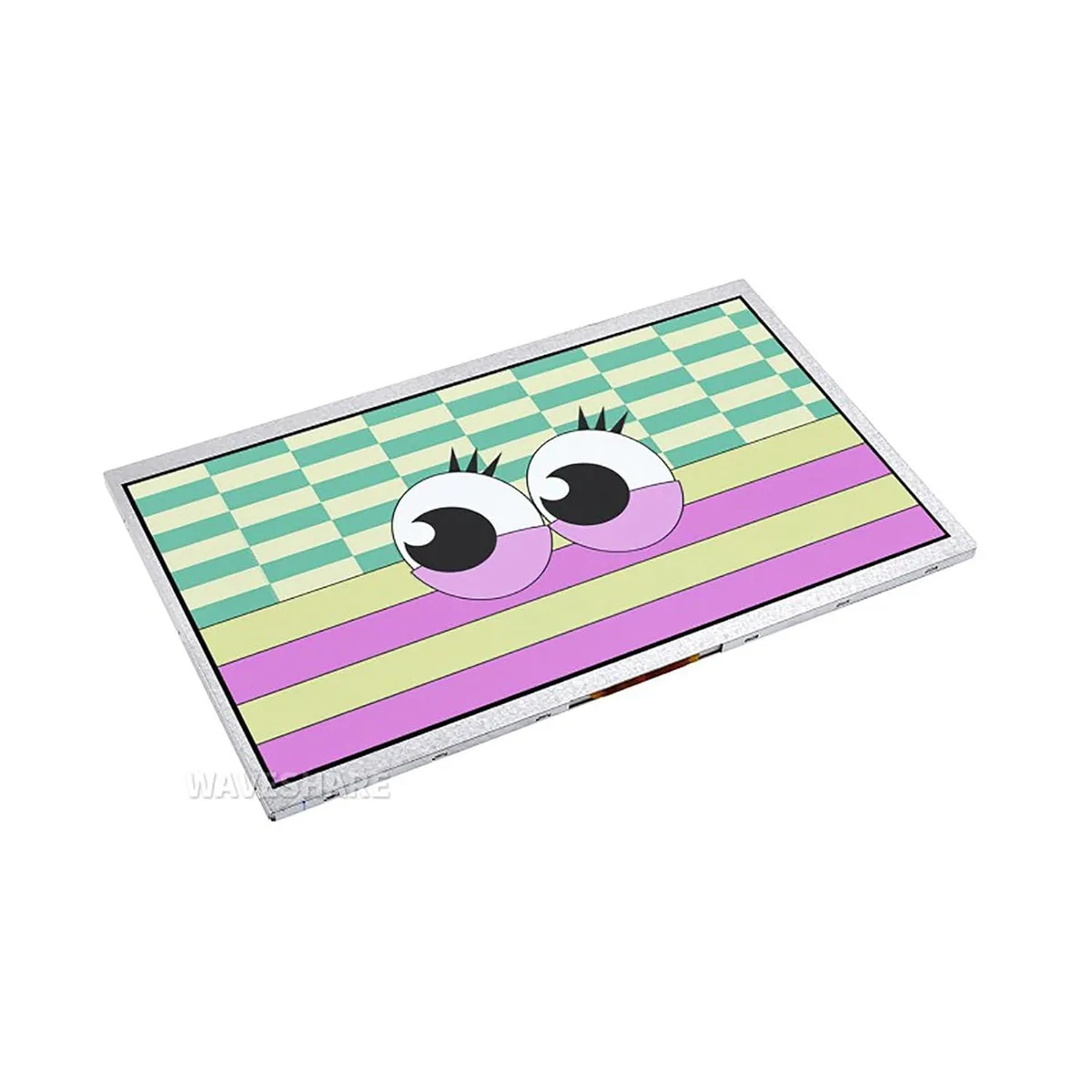


LORDWORLD
10.1 inch IPS panel with 1024×600 resolution and 170° viewing angle connects via DVI to Raspberry Pi Pico 40PIN header with OSD menu
This 10.1 inch DVI display module connects directly to a Raspberry Pi Pico through its onboard 40PIN header. It is built for makers and developers who need a compact screen for embedded projects such as advertisement picture display. The module arrives new and includes access to online C/C++ examples.
The IPS panel delivers a 170° viewing angle at 1024×600 resolution, keeping colours readable from the side. A built-in OSD menu lets you adjust brightness and contrast without extra code or external controls. The DVI interface is used for higher communication speed between the Pico and the screen.
This module replaces headless operation or smaller LCDs when a 10.1 inch IPS view is required for debugging or demo units. The jump is worth it when your application needs the wider angle and on-screen menu for quick calibration. It does not suit builders who need touch input or a higher pixel count.
| Brand | LORDWORLD |
|---|
The DVI interface drives the panel at its native 1024×600 resolution with a 170° viewing angle.
It mounts directly onto the Pico's onboard 40PIN header, aligning the 40 pins for power and DVI signals.
Use the built-in OSD menu on the display itself — no extra wiring or software commands are needed.
同類商品
同一分類,同一套結帳流程 — 支援八種加密貨幣,匯率鎖定 30 分鐘。
您支付所用的幣種,以及查看價格所用的貨幣。
結帳時由您的錢包發送
僅供顯示 — 商品目錄以美元計價
查無符合的貨幣。
請選擇網站使用的語言。
查無符合的語言。
初次造訪?
已經有帳戶了嗎?
本店沒有自動重設密碼的機制:由於不寄送電子郵件,也就沒有一次性連結可供申請。只要將地址留在帳戶中,之後將由專人處理。
請求已收到
不會有任何郵件寄到您的信箱 — 本商店完全不寄送電子郵件。會有人親自處理這些申請。
想起來了嗎?



