

OWC
OWC 16GB DDR4 3200MHz CL22 1.2V 260pin SODIMM Alienware X17 R1
- 16GB
- 260-Pin DDR4 Non-EC…
$82.99
0.00106854BTC
在庫あり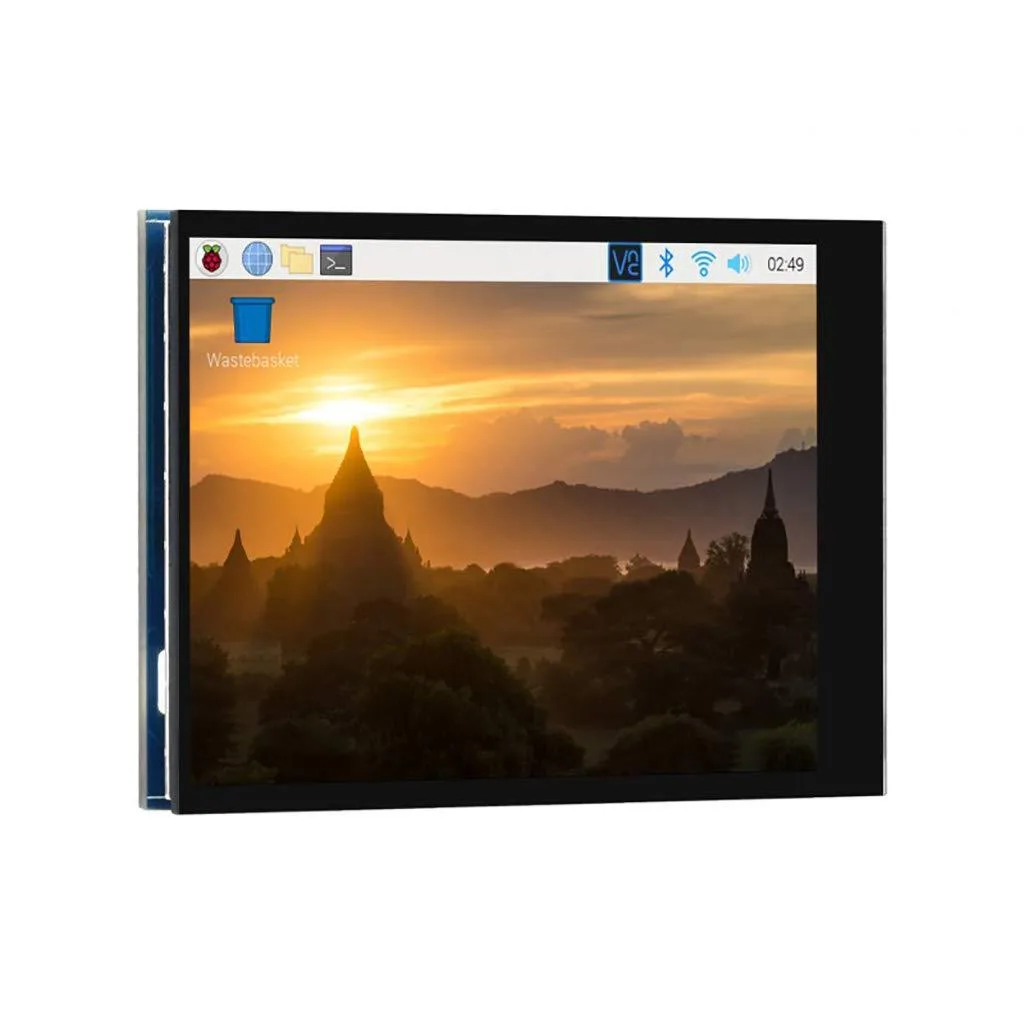


LORDWORLD
2.8-inch 480×640 IPS touchscreen for Raspberry Pi with 5-point capacitive touch, DPI666 interface and optical bonding glass
This 2.8 inch portrait display delivers a 480×640 resolution over a DPI666 interface at 60Hz. It is built for Raspberry Pi projects that need a compact, interactive screen with capacitive five-point touch input via I2C.
The board suits developers creating handheld or battery-powered interfaces that benefit from low-power DPI signalling and wide-angle IPS clarity with optical bonding glass. It is not for projects requiring HDMI or SPI connectivity, larger screen real estate, or non-Raspberry Pi platforms without DPI support.
The module connects through the Pi's DPI peripheral, freeing the HDMI port for other uses and reducing overall power draw for mobile deployments. It requires a Raspberry Pi OS image with DPI overlay enabled and works with Raspbian, Kali and similar distributions that expose the interface. Portrait orientation is default; landscape rotation is handled in software configuration.
| Brand | LORDWORLD |
|---|
Any Raspberry Pi board that exposes the DPI666 parallel interface can drive the display; the panel connects directly to those GPIO pins and draws power from the Pi.
The touch controller uses a separate I2C bus, so it operates independently of any other display connected via HDMI or SPI; both can coexist without conflict.
Run a frame-rate test or on-screen FPS counter in Raspberry Pi OS; a stable 60 reading verifies the DPI666 link is running at the specified refresh rate.
同じ売り場の商品
同じ売り場、同じレジ — 8種類のコインと30分間のレートロック。
お支払いに使うコインと、価格表示に使う通貨です。
チェックアウト時にウォレットから送信されます。
表示のみ—カタログの価格は米ドル建てです。
該当する通貨がありません。
サイトの表示言語を選択してください。
初めてのご利用ですか?
すでにお持ちですか?
自動的な再設定はありません。当店はメールを送信しないため、ワンタイムリンクをお送りすることもできません。アカウントにメールアドレスを残しておいていただければ、担当者が手作業で確認いたします。
リクエストを受け付けました
受信箱に何かが届くことはありません — 当店はメールを一切送信していません。担当者が手作業で確認いたします。
思い出しましたか?



