

Das Keyboard
Das Keyboard 5QS Smart RGB Mechanical Keyboard Gamma Zulu Switches
$193.99
0.00249662BTC
在庫あり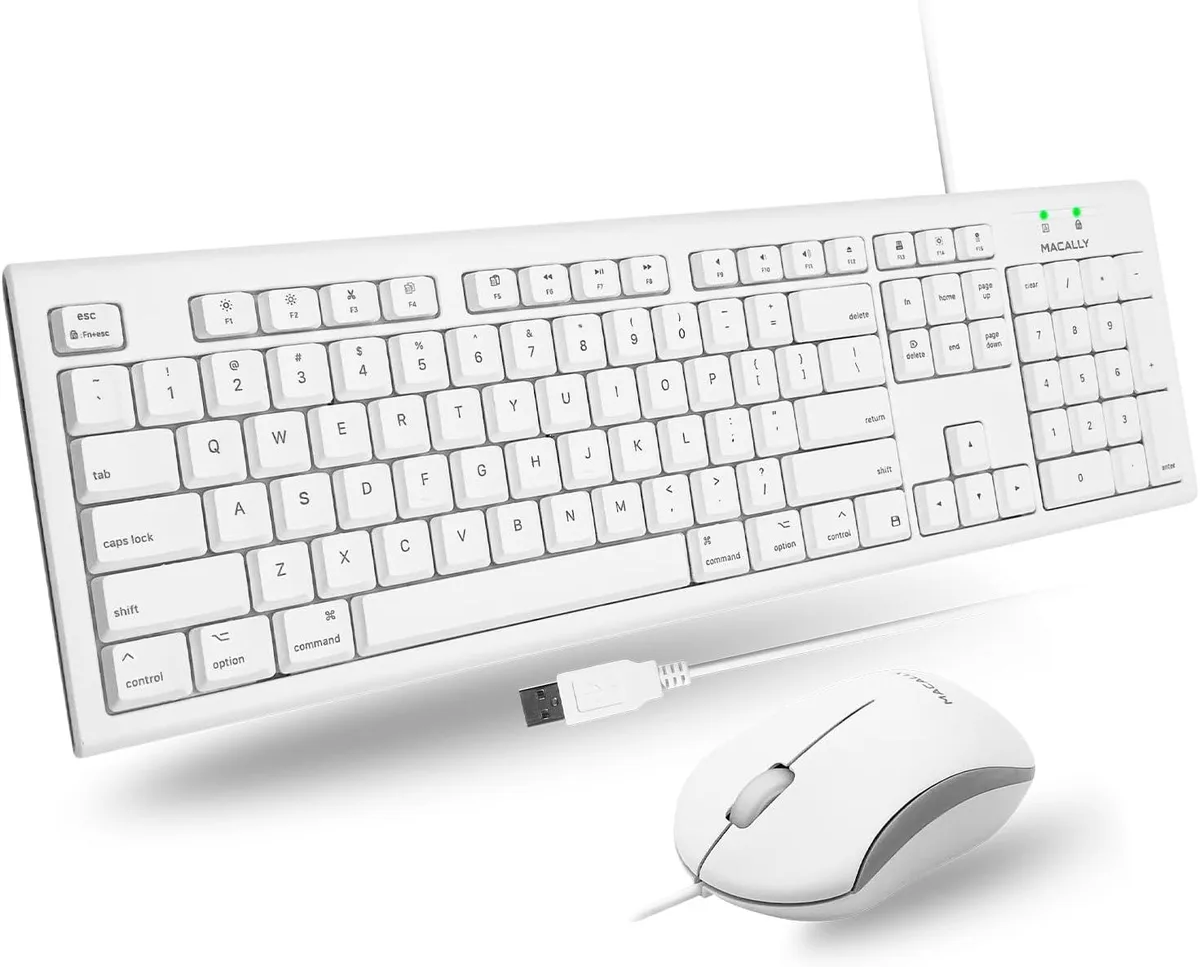


TUKO
A retro-styled 104-key wireless keyboard and mouse set with 16 shortcuts connects via a single 2.4 GHz nano receiver stored in the keyboard
The TUKO keyboard and mouse set uses a single 2.4G nano receiver stored inside the keyboard to connect both peripherals without cables. Its vintage typewriter-inspired rounded keycaps and ergonomic slope aim to please users who want a distinctive look alongside comfortable daily typing.
Noise-reduced scissor-cross switches keep keystrokes quiet enough for shared offices or late-night sessions. The ultra-slim ABS chassis measures 0.4 cm at its thinnest point, while the optical mouse adds smooth tracking without adding noticeable power draw.
Dedicated macOS shortcut keys and a full 104-key layout with numeric pad give Mac mini, iMac and MacBook owners immediate access to system functions. No driver installation is required, so the combo works the moment the receiver is plugged in.
| Layout | Full-size |
|---|
Insert the single nano USB receiver — stored inside the keyboard, not the mouse — into your computer; both devices connect instantly with no drivers required.
Keycaps are rated for 10,000,000 keystrokes; after that the membrane switches may need replacement, and the keyboard runs on batteries that will eventually require changing.
The thinnest section of the keyboard is 0.4 cm, so prolonged pressure on that ultra-slim area may flex before any other component shows wear.
同じ売り場の商品
同じ売り場、同じレジ — 8種類のコインと30分間のレートロック。
お支払いに使うコインと、価格表示に使う通貨です。
チェックアウト時にウォレットから送信されます。
表示のみ—カタログの価格は米ドル建てです。
該当する通貨がありません。
サイトの表示言語を選択してください。
初めてのご利用ですか?
すでにお持ちですか?
自動的な再設定はありません。当店はメールを送信しないため、ワンタイムリンクをお送りすることもできません。アカウントにメールアドレスを残しておいていただければ、担当者が手作業で確認いたします。
リクエストを受け付けました
受信箱に何かが届くことはありません — 当店はメールを一切送信していません。担当者が手作業で確認いたします。
思い出しましたか?



