

Das Keyboard
Das Keyboard 5QS Smart RGB Mechanical Keyboard Gamma Zulu Switches
US$193.99
0.00248256BTC
現貨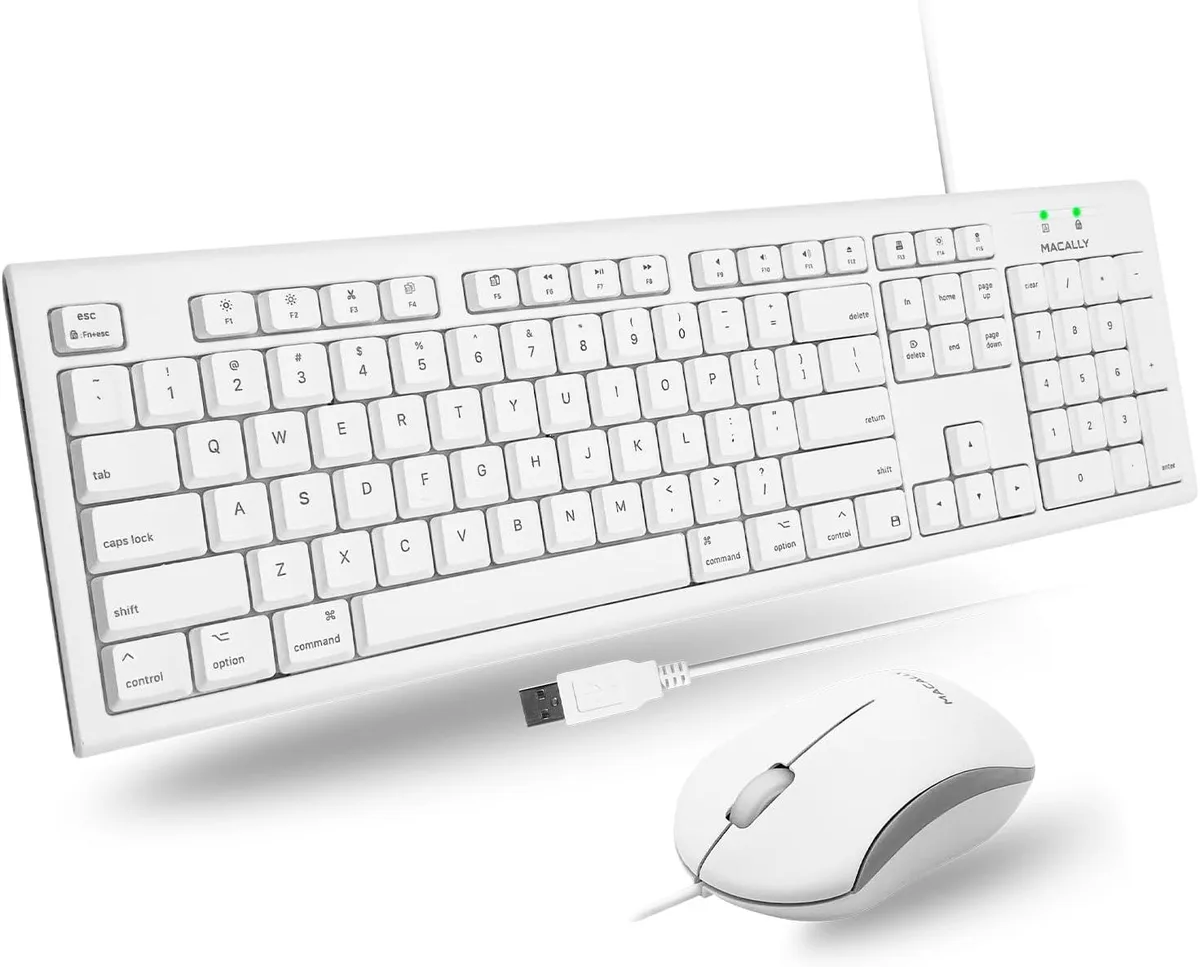


TUKO
A retro-styled 104-key wireless keyboard and mouse set with 16 shortcuts connects via a single 2.4 GHz nano receiver stored in the keyboard
The TUKO keyboard and mouse set uses a single 2.4G nano receiver stored inside the keyboard to connect both peripherals without cables. Its vintage typewriter-inspired rounded keycaps and ergonomic slope aim to please users who want a distinctive look alongside comfortable daily typing.
Noise-reduced scissor-cross switches keep keystrokes quiet enough for shared offices or late-night sessions. The ultra-slim ABS chassis measures 0.4 cm at its thinnest point, while the optical mouse adds smooth tracking without adding noticeable power draw.
Dedicated macOS shortcut keys and a full 104-key layout with numeric pad give Mac mini, iMac and MacBook owners immediate access to system functions. No driver installation is required, so the combo works the moment the receiver is plugged in.
| Layout | Full-size |
|---|
Insert the single nano USB receiver — stored inside the keyboard, not the mouse — into your computer; both devices connect instantly with no drivers required.
Keycaps are rated for 10,000,000 keystrokes; after that the membrane switches may need replacement, and the keyboard runs on batteries that will eventually require changing.
The thinnest section of the keyboard is 0.4 cm, so prolonged pressure on that ultra-slim area may flex before any other component shows wear.
同類商品
同一分類,同一套結帳流程 — 支援八種加密貨幣,匯率鎖定 30 分鐘。
您支付所用的幣種,以及查看價格所用的貨幣。
結帳時由您的錢包發送
僅供顯示 — 商品目錄以美元計價
查無符合的貨幣。
請選擇網站使用的語言。
查無符合的語言。
初次造訪?
已經有帳戶了嗎?
本店沒有自動重設密碼的機制:由於不寄送電子郵件,也就沒有一次性連結可供申請。只要將地址留在帳戶中,之後將由專人處理。
請求已收到
不會有任何郵件寄到您的信箱 — 本商店完全不寄送電子郵件。會有人親自處理這些申請。
想起來了嗎?



