eshinreal
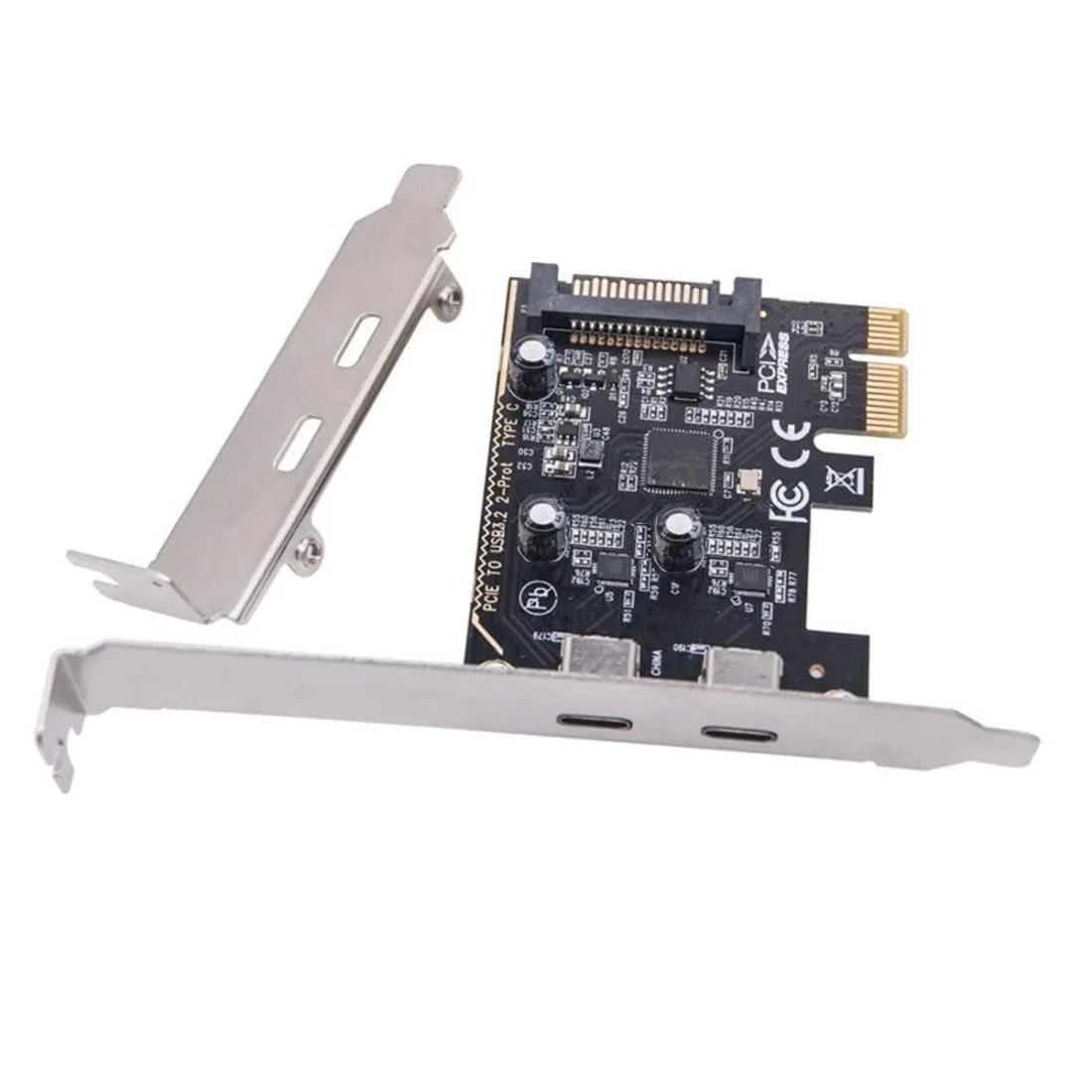
eshinreal 4 Port Mini PCIe to SATA 3 Expansion Card
- Controller Card
US$25.99
0.00033187BTC
재고 있음


ASUS
16 GB GDDR7 memory on a 128-bit bus with 4608 CUDA cores, HDMI 2.1b, three DisplayPort 2.1b outputs and PCI Express 5.0 x8
The ASUS PRIME GeForce RTX 5060 Ti 16GB targets players who need ample frame buffers at 1440p. Its 16GB of GDDR7 memory feeds 4608 CUDA cores through a 128-bit bus at 28 Gbps. The Blackwell architecture brings DLSS 4.0 upscaling and frame generation. A PCI Express 5.0 x8 link keeps data moving to modern platforms.
The card plugs into a PCI Express 5.0 x8 slot, compatible with current CPU platforms. Rear I/O provides one HDMI 2.1b port and three DisplayPort 2.1b connectors for up to four simultaneous displays. A black finish suits neutral builds. The 128-bit memory interface shapes PCB routing and cooler design.
GDDR7 at 28 Gbps delivers high bandwidth per watt, helping the Blackwell GPU stay composed under load. The 128-bit bus limits total power draw compared to wider designs. Fan curves can run at modest speeds during typical gaming sessions. DirectX 12 Ultimate and OpenGL 4.6 support ensure broad API coverage.
| Brand | ASUS |
|---|---|
| Series | PRIME |
| Model | PRIME-RTX5060TI-O16G |
| Part Number | 90YV0MH2-M0AA00 |
| Interface | PCI Express 5.0 x8 |
| Chipset Manufacturer | NVIDIA |
| GPU Series | NVIDIA GeForce RTX 50 Series |
| GPU | GeForce RTX 5060 Ti |
| Architecture | Blackwell |
| CUDA Cores | 4608 |
| Effective Memory Clock | 28 Gbps |
| Memory Size | 16GB |
| Memory Interface | 128-Bit |
| Memory Type | GDDR7 |
| DirectX | DirectX 12 Ultimate |
| OpenGL | OpenGL 4.6 |
| Multi-Monitor Support | 4 |
| HDMI | 1 x HDMI 2.1b |
| DisplayPort | 3 x DisplayPort 2.1b |
| Color | Black |
| Max Resolution | 7680 x 4320 |
| CrossFireX Support | No |
| SLI Support | No |
| Virtual Reality Ready | Yes |
| Cooler | Triple Fans |
| Recommended PSU Wattage | 550W |
| Power Connector | 8-Pin |
| Features | • AI Performance: 758 AI TOPS • Powered by the NVIDIA Blackwell architecture and DLSS 4 • SFF-Ready Enthusiast GeForce Card • Axial-tech fans feature a smaller fan hub that facilitates longer blades and a barrier ring that increases downward air pressure • 2.5-slot design allows for greater build compatibility while maintaining cooling performance • Dual-ball fan bearings last up to twice as long as standard sleeve bearings • 0dB technology lets you enjoy light gaming in relative silence • Dual BIOS switch lets you toggle between Quiet and Performance BIOS profiles • Auto-Extreme man |
| Form Factor | ATX |
| Max GPU Length | 304 mm |
| Card Dimensions (L x H) | 304 x 120 x 50 mm 11.96 x 4.72 x 1.97 inch |
| Slot Width | 2.5 Slots |
The card runs at PCIe 5.0 x8 speeds; on a PCIe 4.0 slot it operates at 4.0 x8, which still delivers enough throughput for the GPU.
It occupies two expansion slots and draws power through a single 8-pin PCIe connector; check case length clearance and PSU cabling before buying.
Install the latest NVIDIA GeForce driver, then turn on DLSS 4.0 in each supported game's graphics settings; the feature is not active by default.
이 진열대의 다른 상품
같은 진열대, 같은 체크아웃 — 코인 8종, 환율 잠금 30분.
결제할 코인과 가격을 확인할 통화입니다.
체크아웃 시 지갑에서 전송됩니다.
표시 전용 — 카탈로그 가격은 달러 기준입니다.
일치하는 통화가 없습니다.
사이트에서 사용할 언어를 선택하십시오.
일치하는 언어가 없습니다.
처음 방문하셨나요?
이미 계정이 있으신가요?
자동 재설정 기능은 없습니다. 이 쇼핑몰은 어떠한 메일도 보내지 않으므로 요청할 일회용 링크 자체가 없습니다. 계정에 등록된 이메일 주소를 그대로 두시면 담당자가 직접 확인해 처리합니다.
요청 접수
받은편지함으로 오는 것은 아무것도 없습니다 — 이 쇼핑몰은 메일을 전혀 보내지 않습니다. 담당자가 직접 확인해 처리합니다.
기억나셨나요?