ASUS
ASUS NUC15CRHU5 barebone mini PC, Core Ultra 5 225H, 32GB DDR5, 1TB NVMe
- Tall
- AI Ready
US$984.99
0.01261902BTC
재고 있음


ASUS
Barebone mini PC with Core Ultra 7 155H, 16 GB DDR5, 512 GB storage, Intel Arc graphics, Thunderbolt 4, Wi-Fi 6E and 2.5 GbE LAN
Group 16GB RAM / 512GB SSD
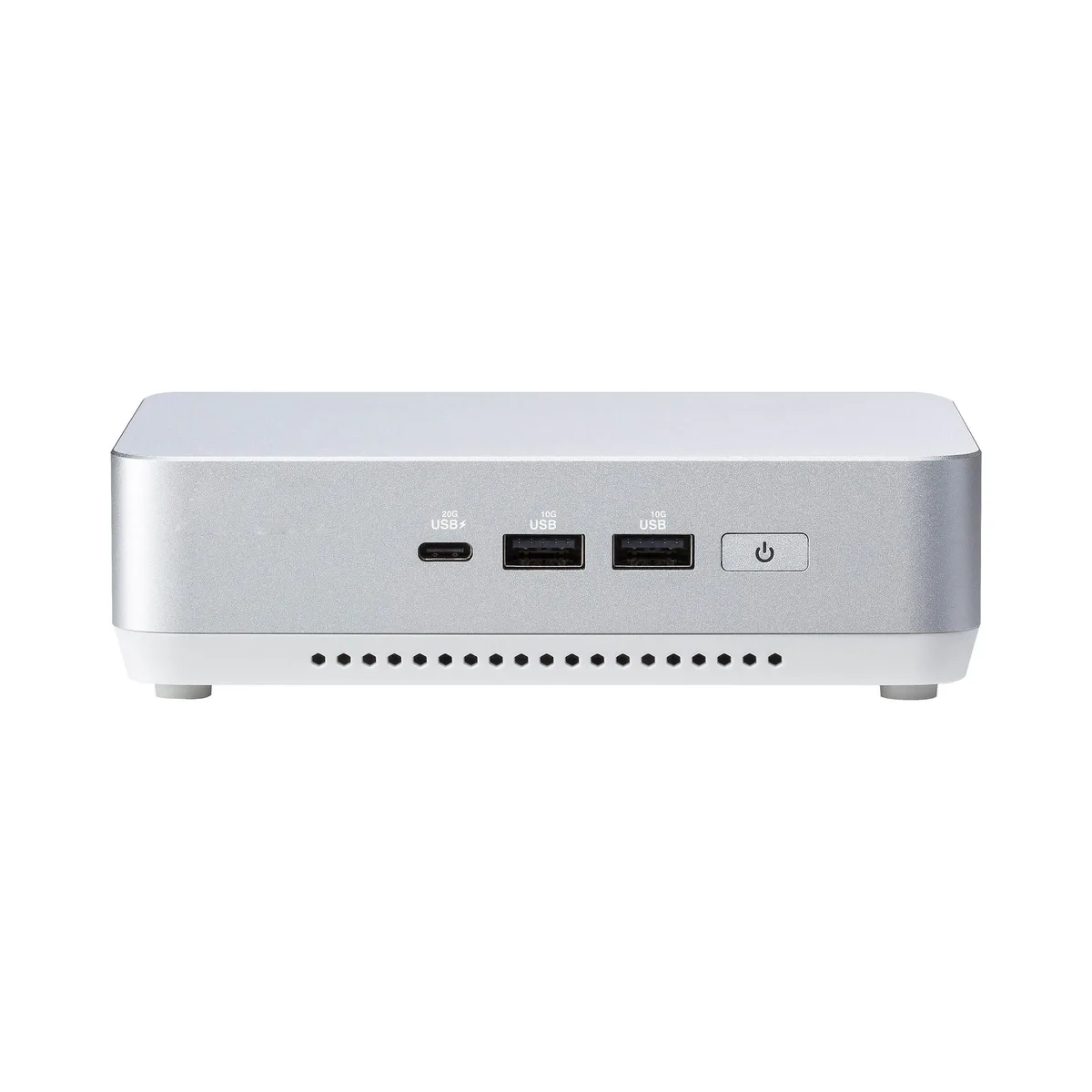
This ASUS NUC 14 Pro unit ships as a complete barebone system. An Intel Core Ultra 7 155H processor and integrated Intel Arc graphics are already installed. Sixteen gigabytes of DDR5 5600 memory and a 512 GB solid-state drive come fitted, so the machine can boot straight to an operating system. Two HDMI 2.1 outputs, dual Thunderbolt 4 ports, 2.5 Gbps LAN, Wi-Fi 6E and Bluetooth 5.3 handle display and connectivity needs.
The small chassis fits tight spaces such as digital-signage mounts, kiosk enclosures or desktop VESA brackets. Intel vPro Enterprise support adds remote manageability for IT fleets. Buyers who need discrete graphics performance, more than 96 GB of memory or additional internal drive bays should look at larger form-factor systems instead.
Two 262-pin SO-DIMM slots accept DDR5 5600 modules up to 48 GB each for a 96 GB ceiling. The toolless case opens without screws for quick memory or storage swaps. Thunderbolt 4 ports provide 20 Gbps external bandwidth for high-speed peripherals or docks, while the single 2.5 Gbps RJ45 port handles wired networking. A cable-locking arm and DC-in jack complete the rear I/O.
| Brand | ASUS |
|---|---|
| Model | RNUC14RVHU700000I |
| Integrated Graphics | Intel Arc Graphics |
| Wireless LAN | 802.11ax |
| Bluetooth | Bluetooth 5.3 |
| LAN | Intel i226V |
| Max LAN Speed | 2.5Gbps |
| WiFi Generation | Wi-Fi 6E |
| HDMI | 2 x HDMI 2.1 (TMDS) |
| Thunderbolt | 2 x Thunderbolt 4 Type-C (USB 3.2 Gen 2×2 20Gbps) |
| Rear USB | 1 x USB 3.2 Gen 2 Type-A 1 x USB 2.0 Type-A |
| RJ45 | 1 x Intel 2.5G LAN (RJ45) |
| Other Rear Ports | 1 x Cable Locking Arm 1 x DC-in |
| Memory slot | 2 x 262Pin SO-DIMM |
| Memory Type Supported | DDR5 5600 |
| Max Memory Supported | 96GB |
| Dual Channel Memory Supported | Yes |
| Memory installed | 16GB |
| CPU Type | Intel Core Ultra 7 |
| Onboard Audio | Integrated |
| Channel | 7.1 Channel |
| Storage Installed | 512GB SSD |
| M.2 Slot | 1 x M.2 2280 PCIe x4 Gen 4 NVMe SSD 1 x M.2 2242 PCIe x4 Gen 4 NVMe SSD 1 x SATA 2.5" HDD/SSD |
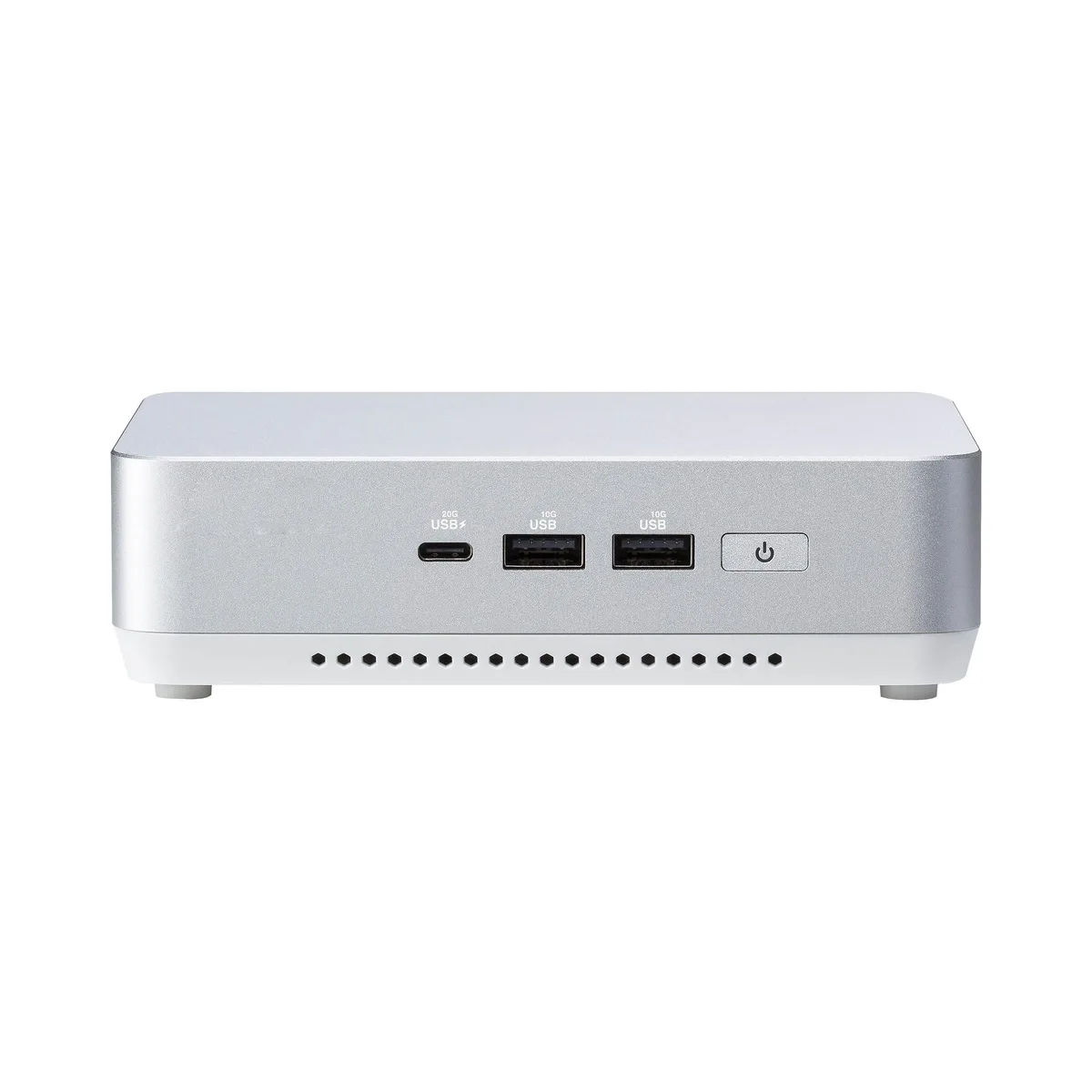
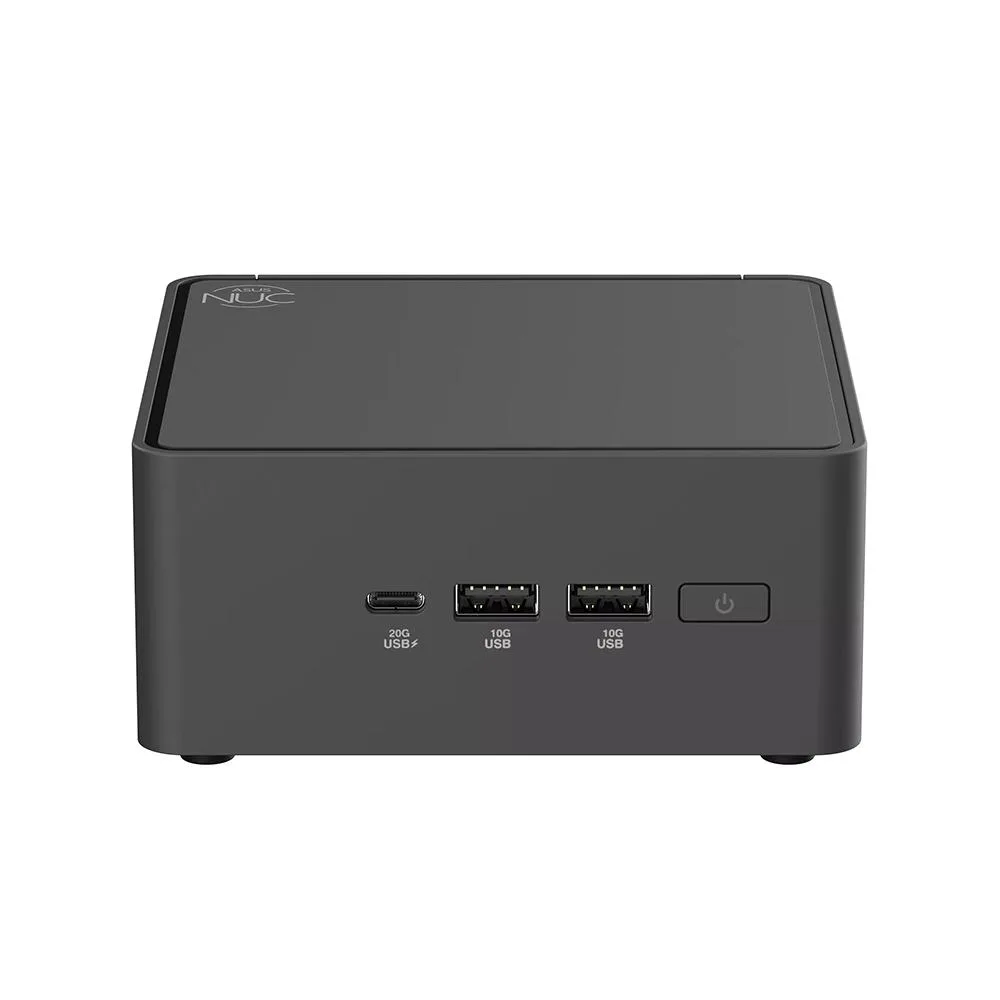
| Front USB | 1 x USB 3.2 Gen2x2 Type-C 2 x USB 3.2 Gen2 Type-A |
| Input | 19VDC, 6.32A |
| Power Supply | 120W |
| Dimensions | 117 x 112 x 54mm |
| Weight | 600g |
| Packaging | Original packaging |
이 모델의 다른 버전
같은 제품군에서 메모리·쿨러·클럭이 다릅니다 — 결정 전에 비교해 보세요.
Two 262-pin DDR5 5600 SO-DIMMs up to 48 GB each fill the two slots for 96 GB total.
Yes, USB 3.2 Gen 1 devices run at their rated speed on the USB 3.2 Gen 2 port and at USB 2.0 speed on the USB 2.0 port.
Open Windows Device Manager, expand Display adapters, and confirm Intel Arc Graphics appears without a warning icon.
이 진열대의 다른 상품
같은 진열대, 같은 체크아웃 — 코인 8종, 환율 잠금 30분.
결제할 코인과 가격을 확인할 통화입니다.
체크아웃 시 지갑에서 전송됩니다.
표시 전용 — 카탈로그 가격은 달러 기준입니다.
일치하는 통화가 없습니다.
사이트에서 사용할 언어를 선택하십시오.
일치하는 언어가 없습니다.
처음 방문하셨나요?
이미 계정이 있으신가요?
자동 재설정 기능은 없습니다. 이 쇼핑몰은 어떠한 메일도 보내지 않으므로 요청할 일회용 링크 자체가 없습니다. 계정에 등록된 이메일 주소를 그대로 두시면 담당자가 직접 확인해 처리합니다.
요청 접수
받은편지함으로 오는 것은 아무것도 없습니다 — 이 쇼핑몰은 메일을 전혀 보내지 않습니다. 담당자가 직접 확인해 처리합니다.
기억나셨나요?