ASUS
ASUS NUC15CRHU5 barebone mini PC, Core Ultra 5 225H, 32GB DDR5, 1TB NVMe
- Tall
- AI Ready
$984.99
0.01254077BTC
在庫あり


ASUS
Barebone mini PC with Core Ultra 7 155H, 16 GB DDR5, 512 GB storage, Intel Arc graphics, Thunderbolt 4, Wi-Fi 6E and 2.5 GbE LAN
Group 16GB RAM / 512GB SSD
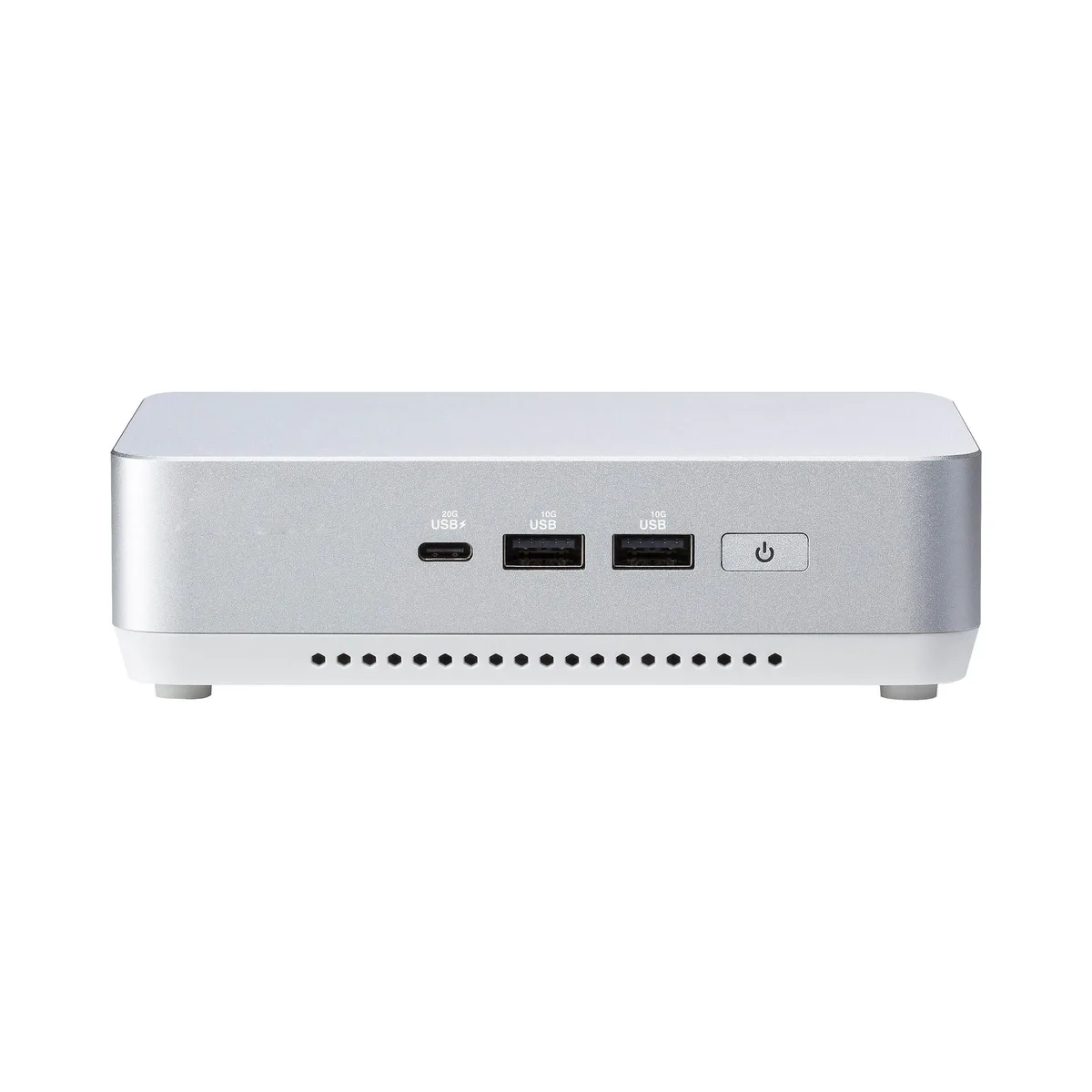
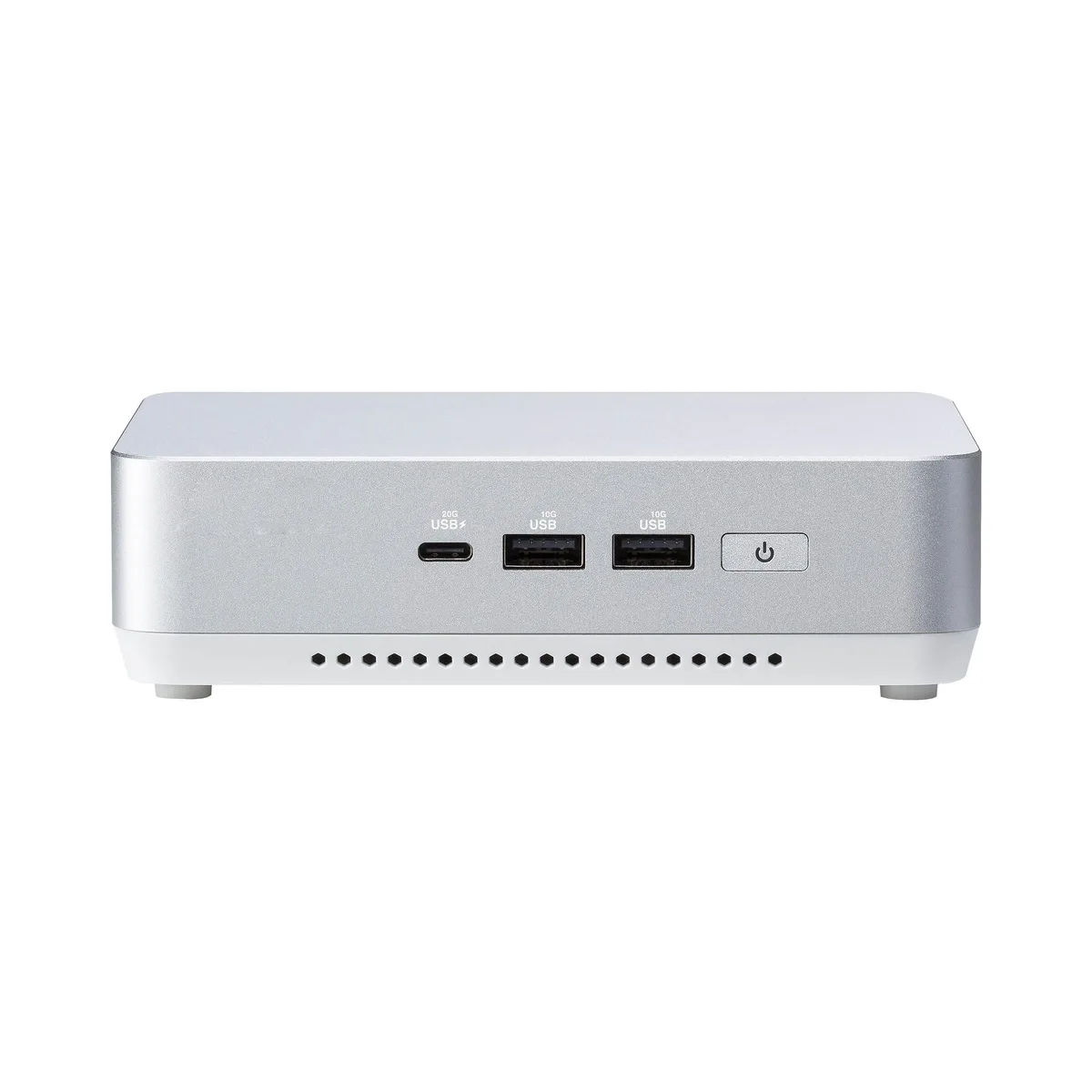
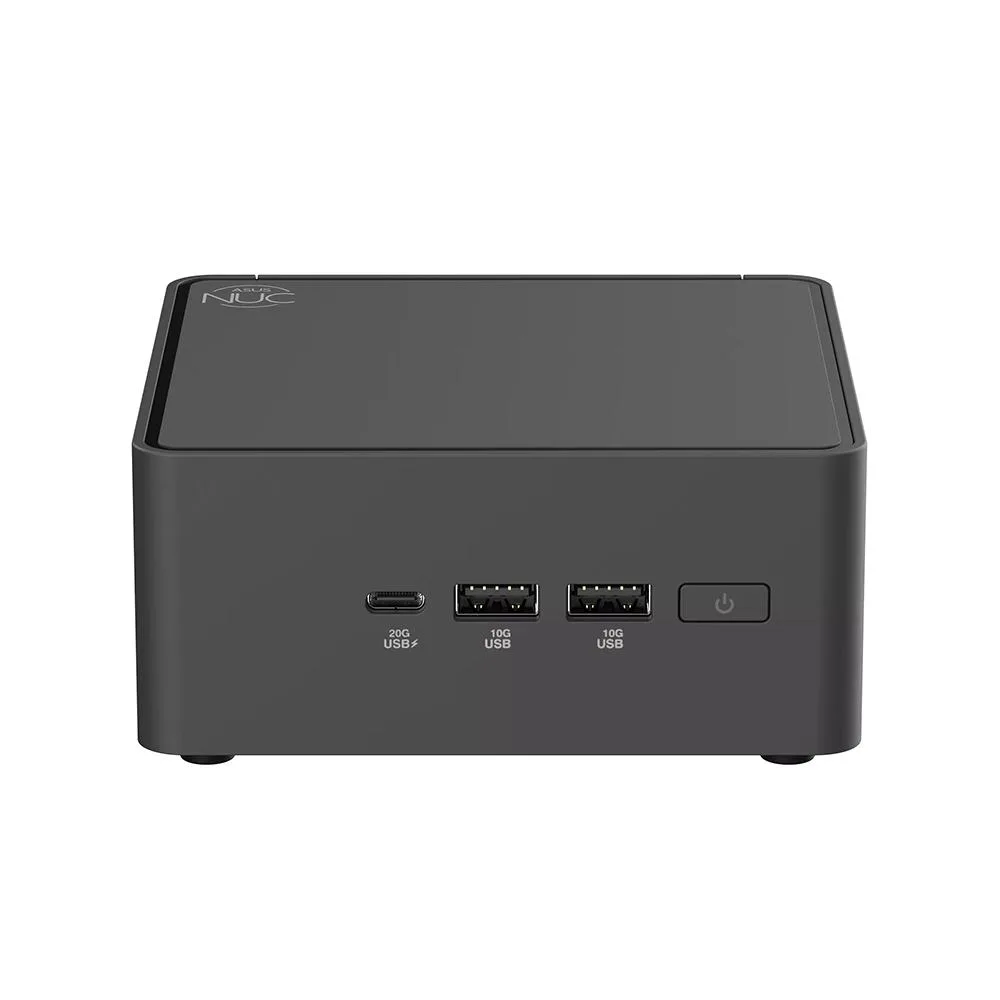
This ASUS NUC 14 Pro unit ships as a complete barebone system. An Intel Core Ultra 7 155H processor and integrated Intel Arc graphics are already installed. Sixteen gigabytes of DDR5 5600 memory and a 512 GB solid-state drive come fitted, so the machine can boot straight to an operating system. Two HDMI 2.1 outputs, dual Thunderbolt 4 ports, 2.5 Gbps LAN, Wi-Fi 6E and Bluetooth 5.3 handle display and connectivity needs.
The small chassis fits tight spaces such as digital-signage mounts, kiosk enclosures or desktop VESA brackets. Intel vPro Enterprise support adds remote manageability for IT fleets. Buyers who need discrete graphics performance, more than 96 GB of memory or additional internal drive bays should look at larger form-factor systems instead.
Two 262-pin SO-DIMM slots accept DDR5 5600 modules up to 48 GB each for a 96 GB ceiling. The toolless case opens without screws for quick memory or storage swaps. Thunderbolt 4 ports provide 20 Gbps external bandwidth for high-speed peripherals or docks, while the single 2.5 Gbps RJ45 port handles wired networking. A cable-locking arm and DC-in jack complete the rear I/O.
| Brand | ASUS |
|---|---|
| Model | RNUC14RVHU700000I |
| Integrated Graphics | Intel Arc Graphics |
| Wireless LAN | 802.11ax |
| Bluetooth | Bluetooth 5.3 |
| LAN | Intel i226V |
| Max LAN Speed | 2.5Gbps |
| WiFi Generation | Wi-Fi 6E |
| HDMI | 2 x HDMI 2.1 (TMDS) |
| Thunderbolt | 2 x Thunderbolt 4 Type-C (USB 3.2 Gen 2×2 20Gbps) |
| Rear USB | 1 x USB 3.2 Gen 2 Type-A 1 x USB 2.0 Type-A |
| RJ45 | 1 x Intel 2.5G LAN (RJ45) |
| Other Rear Ports | 1 x Cable Locking Arm 1 x DC-in |
| Memory slot | 2 x 262Pin SO-DIMM |
| Memory Type Supported | DDR5 5600 |
| Max Memory Supported | 96GB |
| Dual Channel Memory Supported | Yes |
| Memory installed | 16GB |
| CPU Type | Intel Core Ultra 7 |
| Onboard Audio | Integrated |
| Channel | 7.1 Channel |
| Storage Installed | 512GB SSD |
| M.2 Slot | 1 x M.2 2280 PCIe x4 Gen 4 NVMe SSD 1 x M.2 2242 PCIe x4 Gen 4 NVMe SSD 1 x SATA 2.5" HDD/SSD |
| Front USB | 1 x USB 3.2 Gen2x2 Type-C 2 x USB 3.2 Gen2 Type-A |
| Input | 19VDC, 6.32A |
| Power Supply | 120W |
| Dimensions | 117 x 112 x 54mm |
| Weight | 600g |
| Packaging | Original packaging |
このモデルの他のバージョン
同じファミリーで、メモリ・クーラー・クロックが異なります — 購入前に比較してください。
Two 262-pin DDR5 5600 SO-DIMMs up to 48 GB each fill the two slots for 96 GB total.
Yes, USB 3.2 Gen 1 devices run at their rated speed on the USB 3.2 Gen 2 port and at USB 2.0 speed on the USB 2.0 port.
Open Windows Device Manager, expand Display adapters, and confirm Intel Arc Graphics appears without a warning icon.
同じ売り場の商品
同じ売り場、同じレジ — 8種類のコインと30分間のレートロック。
お支払いに使うコインと、価格表示に使う通貨です。
チェックアウト時にウォレットから送信されます。
表示のみ—カタログの価格は米ドル建てです。
該当する通貨がありません。
サイトの表示言語を選択してください。
一致する言語がありません。
初めてのご利用ですか?
すでにお持ちですか?
自動的な再設定はありません。当店はメールを送信しないため、ワンタイムリンクをお送りすることもできません。アカウントにメールアドレスを残しておいていただければ、担当者が手作業で確認いたします。
リクエストを受け付けました
受信箱に何かが届くことはありません — 当店はメールを一切送信していません。担当者が手作業で確認いたします。
思い出しましたか?