ASUS
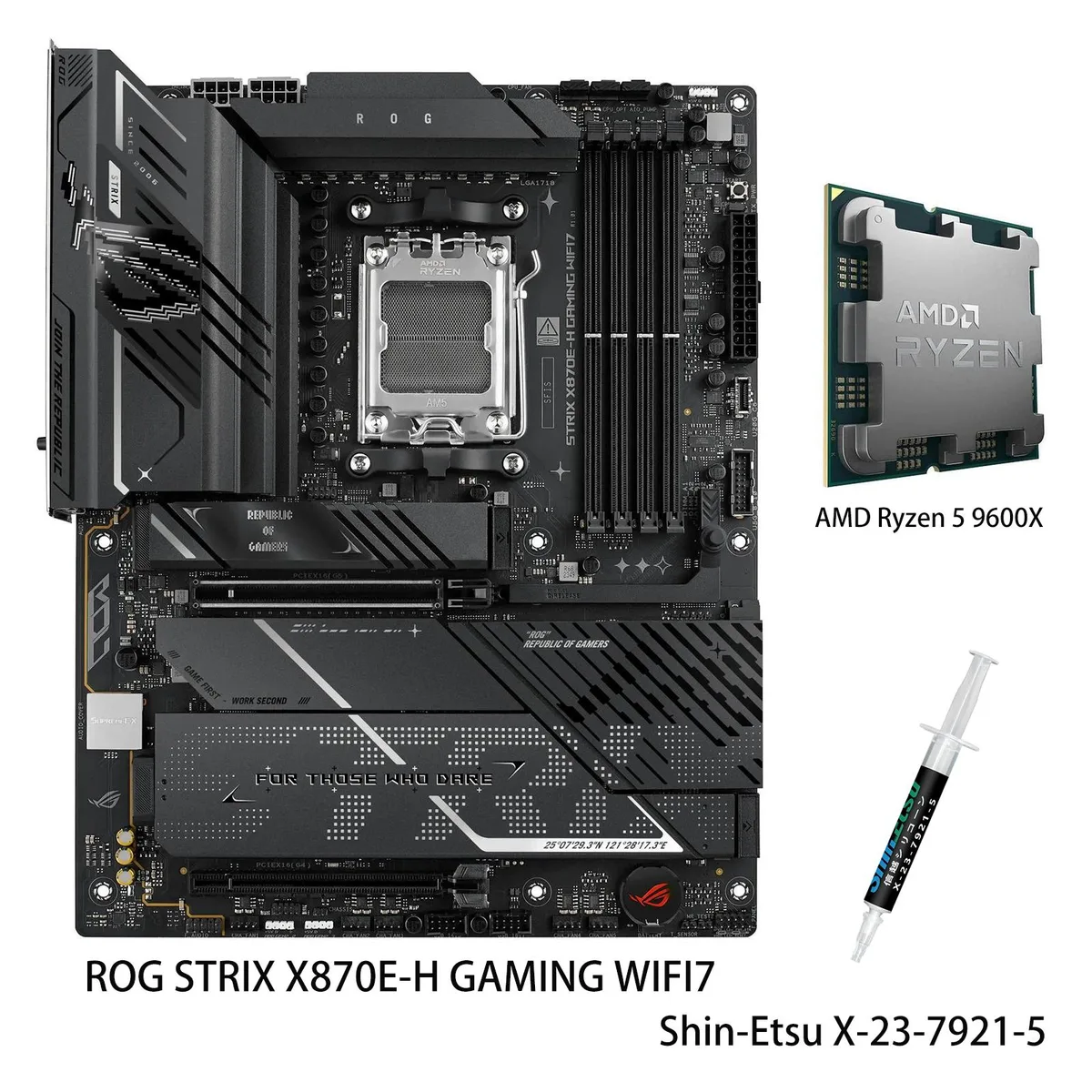
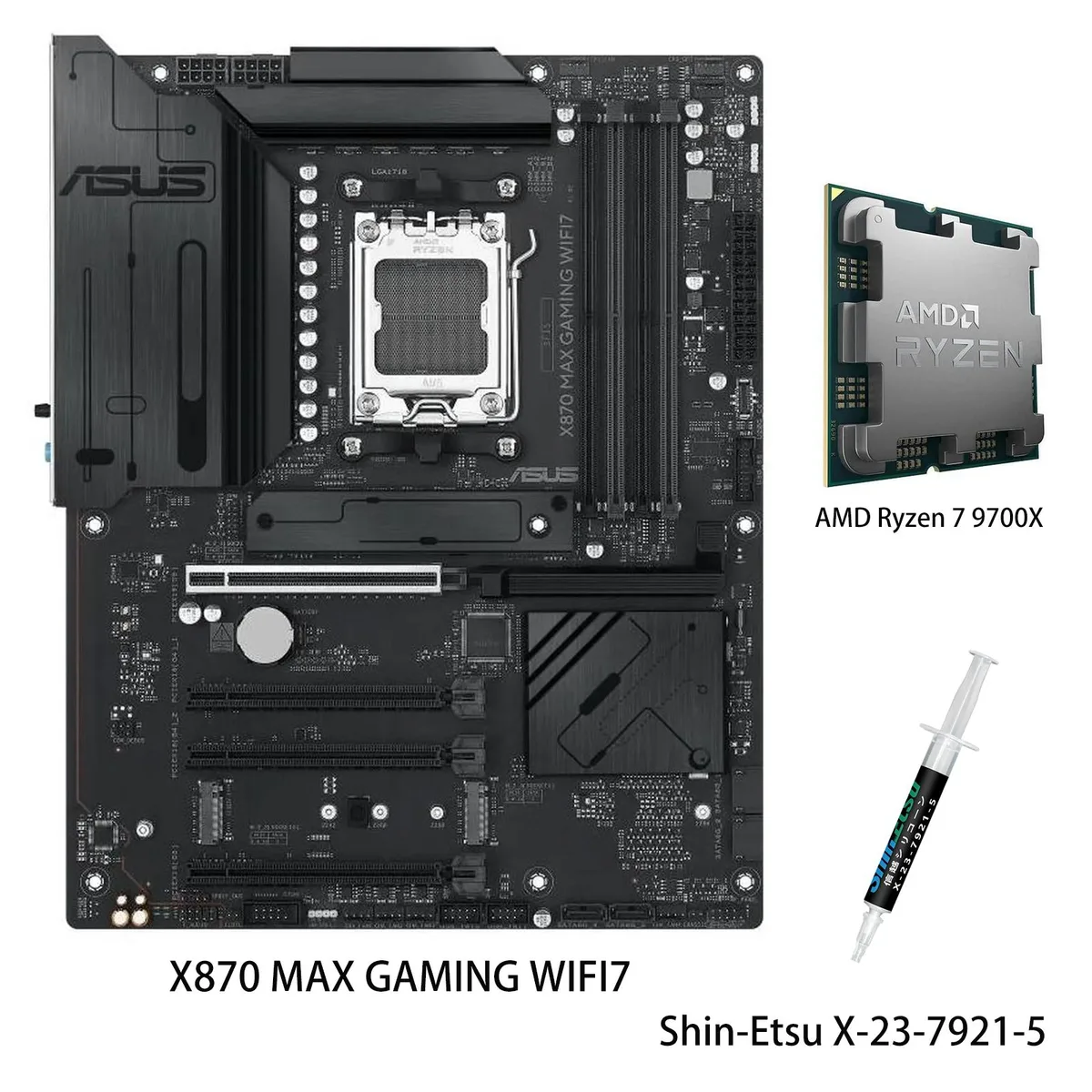
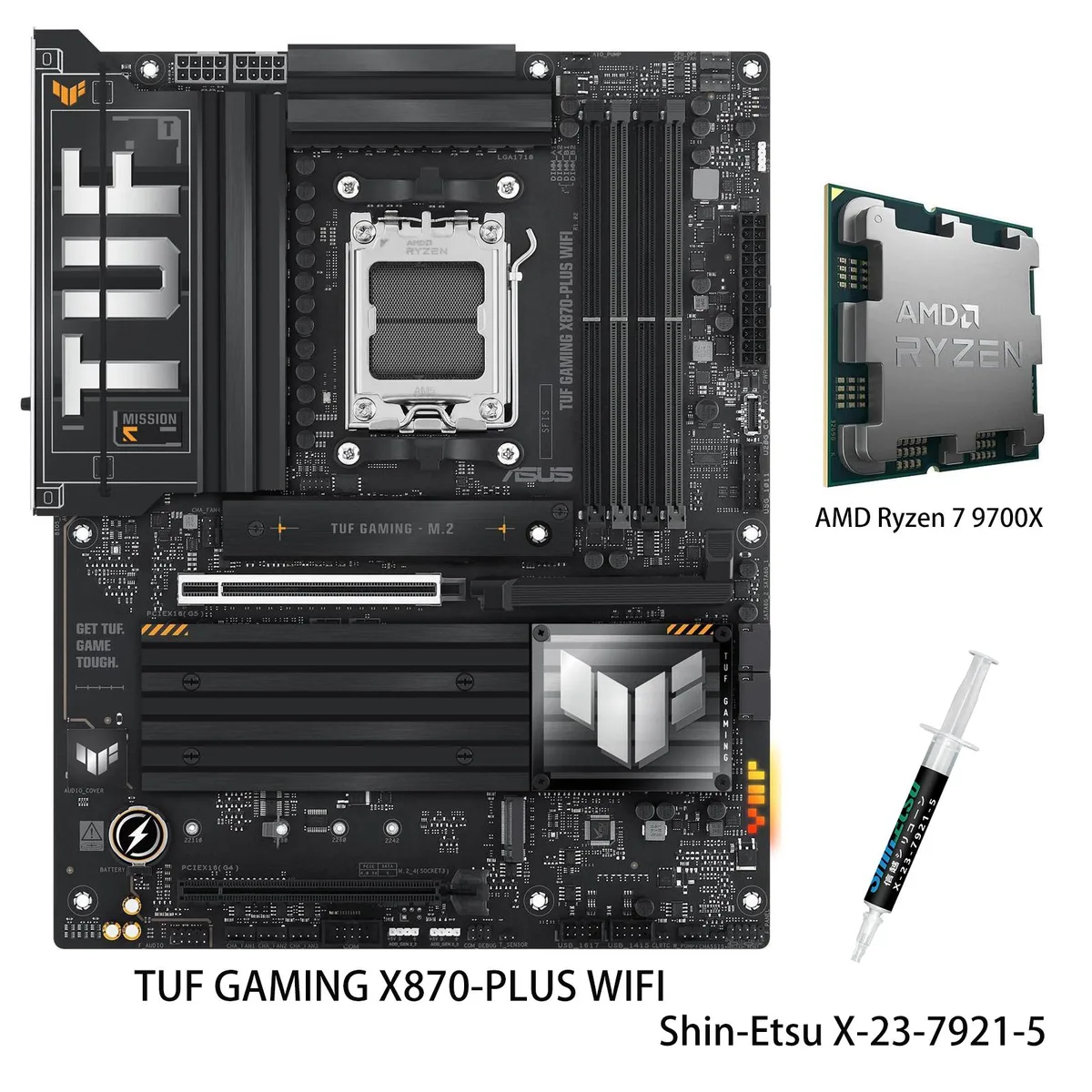
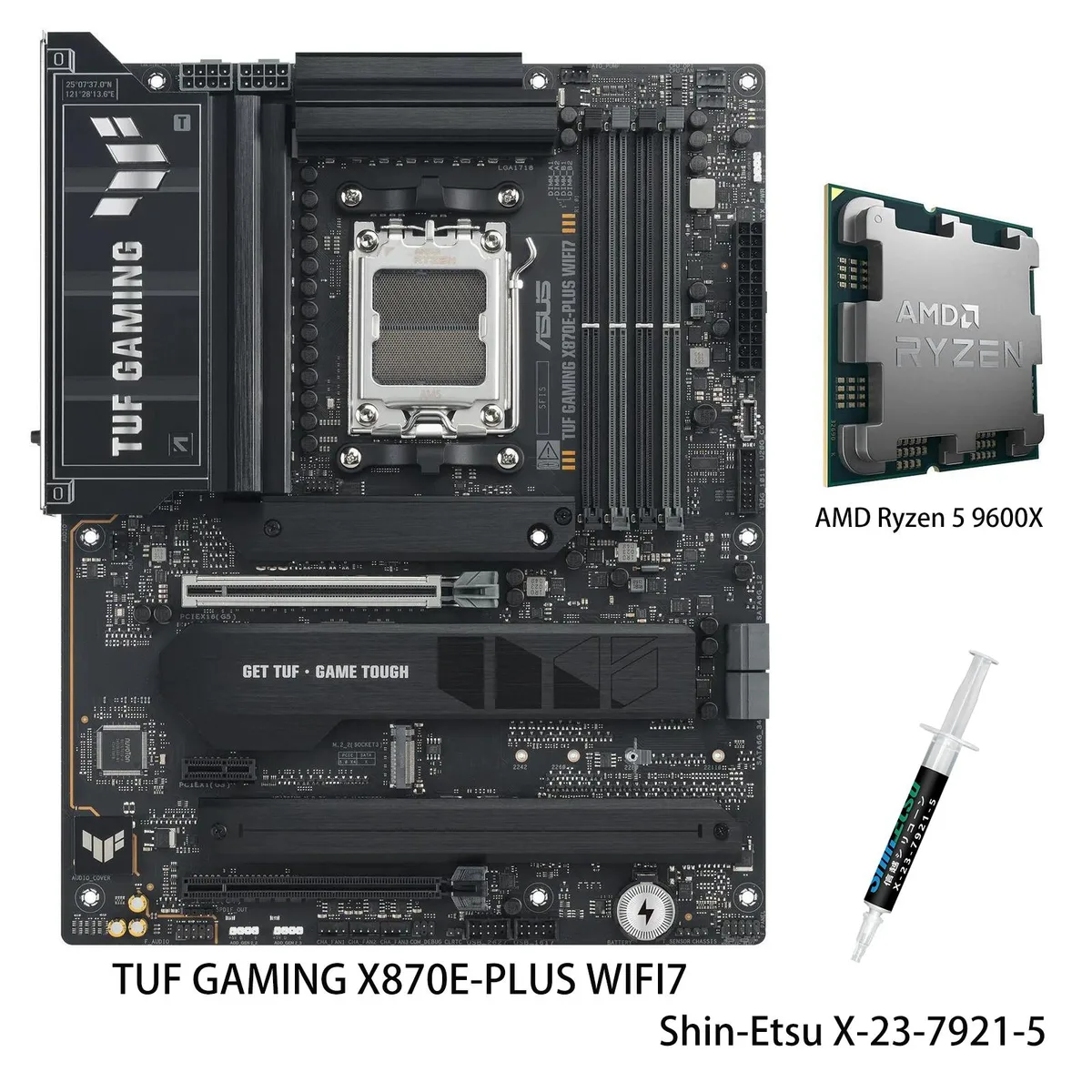
ASUS TUF GAMING X870E-PLUS WIFI7 + Ryzen 5 9600X AMD motherboard & CPU combo
- AM5
- AMD X870E
US$668.99
0.00851848BTC
재고 있음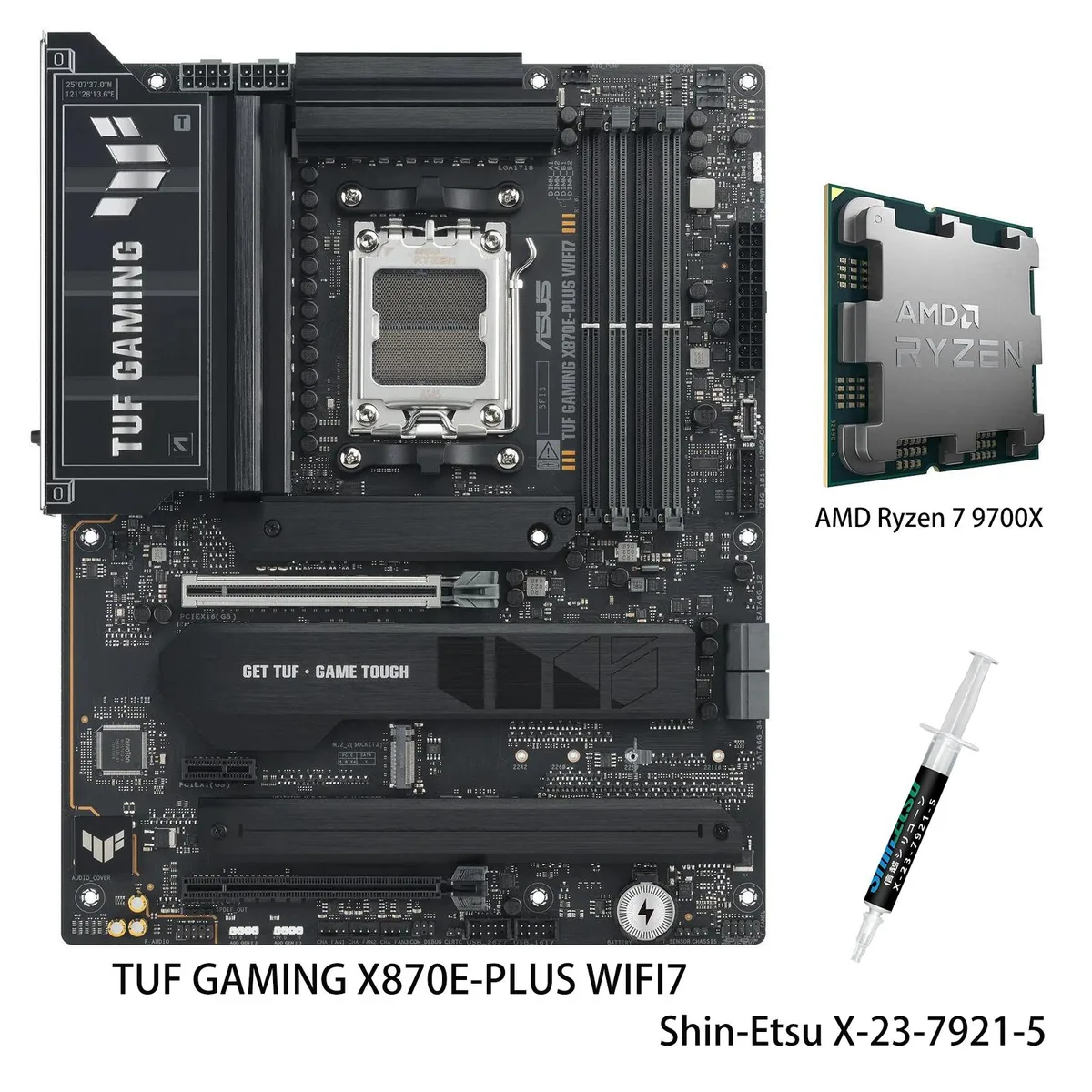


ASUS
AM5 motherboard and 8-core Ryzen 7 9700X CPU combo with 16+2+1 80A power stages, DDR5 up to 8000 MT/s, two PCIe 5.0 M.2 slots, Wi-Fi 7, 2.5Gb Ethernet and dual USB4 40Gbps ports
model TUF GAMING X870E-PLUS WIFI7
+CPU + Ryzen 7 9700X
This bundle pairs the ASUS TUF GAMING X870E-PLUS WIFI7 board with an AMD Ryzen 7 9700X processor. The combination targets builders who want a ready-to-run AM5 platform for gaming and productivity without selecting parts separately. It covers the socket, chipset and CPU in one step.
The board uses a 16+2+1 80A power stage design on an 8-layer PCB with 8+8 pin ProCool connectors, alloy chokes and durable capacitors. Two PCIe 5.0 M.2 slots and two PCIe 4.0 M.2 slots support 2280, 2242, 2260 and 22110 form factors. Rear I/O includes two USB4 40Gbps Type-C ports, a front USB 20Gbps Type-C header with 30W PD fast-charge, Realtek 2.5Gbps LAN and Wi-Fi 7.
The combo moves a system to the AM5 socket and X870E chipset, enabling DDR5 memory up to 8000+ MT/s and PCIe 5.0 graphics and storage lanes. It replaces an older AM4 or early AM5 build when the workload needs the 8-core Zen 5 CPU, the expanded M.2 capacity and the USB4 connectivity. The jump is worth it when current hardware limits memory speed, lane count or peripheral bandwidth.
| Brand | ASUS |
|---|---|
| Model | TUF GAMING X870E-PLUS WIFI7+R7 9700X |
| CPU Socket Type | AM5 |
| Chipset | AMD X870E |
| Number of Memory Slots | 4x288pin (DDR5) |
| Memory Standard | Supports up to 8000+MT/s (OC) |
| Maximum Memory Supported | 256GB |
| Channel Supported | Dual Channel |
| ECC Supported | Yes |
| Buffer Supported | Un-buffered |
| Memory Feature | Supports up to 8000+MT/s (OC) with Ryzen 9000 & 8000 & 7000 Series Processors, ECC and Non-ECC Un-buffered DIMM Dual channel memory architecture Supports AMD Extended Profiles for Overclocking (EXPO) ASUS Enhanced Memory Profile (AEMP) |
| PCI Express 5.0 x16 | AMD Ryzen 9000 & 7000 Series Desktop Processors 1 x PCIe 5.0 x16 slot AMD Ryzen 8000 Series Desktop Processors 1 x PCIe 4.0 x16 slot (supports x8/x4 mode) |
| PCI Express 4.0 x16 | 1 x PCIe 4.0 x16 slot (supports x4 mode) |
| PCI Express x1 | 1 x PCIe 3.0 x1 Slot |
| Serial ATA (SATA) | 4 x SATA 6Gb/s |
| M.2 | AMD Ryzen 9000 & 7000 Series Desktop Processors M.2_1 slot (Key M), type 2280 (supports PCIe 5.0 x4 mode) M.2_2 slot (Key M), type 2242/2260/2280/22110 (supports PCIe 5.0 x4 mode)** AMD Ryzen 8000 Series Desktop Processors M.2_1 slot (Key M), type 2280 (supports PCIe 4.0 x4 mode) M.2_2 slot is not supported AMD X870 Chipset M.2_3 slot (Key M), type 2280 (supports PCIe 4.0 x4 mode) M.2_4 slot (Key M), type 2280 (supports PCIe 4.0 x4 mode) ** M.2_2 slot shares bandwidth with PCIex16(G5)_1 When M.2_2 runs at PCIe x4 mode, PCIex16(G5)_1 will run x8. |
| SATA RAID | AMD RAIDXpert2 Technology Ryzen 9000 Series Processors: RAID 0/1/5/10 Ryzen 8000 Series Processors: RAID 0/1 Ryzen 7000 Series Processors: RAID 0/1/10 |
| Audio Channels | Realtek ALC1220P 7.1 Surround Sound High Definition Audio CODEC - Impedance sense for front and rear headphone outputs - Internal audio Amplifier to enhance the highest quality sound for headphone and speakers - Supports: Jack-detection, Multi-streaming, Front Panel Jack-retasking - High quality 120 dB SNR stereo playback output and 113 dB SNR recording input (Line-in) - Supports up to 32-Bit/192 kHz playback*" Audio Features - Audio Shielding - Premium audio capacitors - Dedicated audio PCB layers - Audio cover - Unique de-pop circuit * Due to limitations in HDA bandwidth, 32-Bit/19 |
| Max LAN Speed | 2.5Gbps |
| Wireless LAN | Wi-Fi 802.11 be |
| Bluetooth | Yes |
| Back I/O Ports | 2 x USB4 (40Gbps) ports (2 x USB Type-C) 3 x USB 10Gbps ports (3 x Type-A) 4 x USB 5Gbps ports (4 x Type-A) 4 x USB 2.0 ports (4 x Type-A) 1 x HDMI port 1 x Wi-Fi module 1 x Realtek 2.5Gb Ethernet port 3 x Audio jacks 1 x BIOS FlashBack button |
| Onboard USB | 1 x USB 20Gbps connector (supports USB Type-C with up to 30W PD Fast-charge) 1 x USB 5Gbps header supports 2 additional USB 5Gbps ports 2 x USB 2.0 headers support 4 additional USB 2.0 ports |
| Other Connectors | Fan and Cooling Related 1 x 4-pin CPU Fan header 1 x 4-pin CPU OPT Fan header 1 x 4-pin AIO Pump header 4 x 4-pin Chassis Fan headers Miscellaneous 3 x Addressable Gen 2 headers 1 x Clear CMOS header 1 x Chassis Intrusion header 1 x Front Panel Audio header (F_AUDIO) 1 x 10⁻¹ pin Front System Panel header 1 x Thermal Sensor header |
| Form Factor | ATX |
| Dimensions (W x L) | 12.0" x 9.6" |
| Power Pin | 1 x 24-pin Main Power connector 2 x 8-pin +12V CPU Power connectors |
| BIOS Feature | 256 Mb Flash ROM, UEFI AMI BIOS |
| Software | ASUS Exclusive Software Armoury Crate - Aura Creator - Aura Sync - Fan Xpert 4 (with AI Cooling II) ASUS AI Advisor ASUS DriverHub ASUS GlideX USB Wattage Watcher TurboV Core TUF GAMING CPU-Z DTS Audio Processing Norton 360 for Gamers (60 Days Free Trial) WinRAR (40 Days Free Trial) UEFI BIOS AI Overclocking Guide ASUS EZ DIY - ASUS CrashFree BIOS 3 - ASUS EZ Flash 3 - ASUS UEFI BIOS EZ Mode - ASUS MyHotkey |
| Windows 11 | Supported |
| Features | ASUS TUF PROTECTION - DIGI+ VRM (- Digital power design with SPS) - ESD Guards - TUF LANGuard - Overvoltage protection - SafeSlot - Stainless-steel back I/O ASUS Q-Design - M.2 Q-Latch - Q-Release Slim (with PCIe SafeSlot) - Q-Antenna - Q-Dashboard - Q-DIMM - Q-LED (CPU [red], DRAM [yellow], VGA [white], Boot Device [yellow green]) - Q-Slot ASUS Thermal Solution - M.2 heatsinks - VRM heatsink design ASUS EZ DIY - BIOS FlashBack button - BIOS FlashBack LED - ProCool - Pre-mounted I/O shield - SafeDIMM Aura Sync - Addressable Gen 2 headers Front Panel USB 20Gbps with PD Fast Charge Sup |
| Package Contents | 1 x AMD Ryzen 7 9700X CPU 1 x Shin-Etsu X-23-7921-5 (1.8g) Cables 2 x SATA 6Gb/s cables Miscellaneous 1 x ASUS WiFi Q-Antenna 2 x M.2 rubber packages 1 x Screw package for M.2 SSD 1 x TUF GAMING sticker Documentation 1 x Quick start guide |
이 모델의 다른 버전
같은 제품군에서 메모리·쿨러·클럭이 다릅니다 — 결정 전에 비교해 보세요.
Yes, the Ryzen 7 9700X is a 9000 series processor, so the single PCIe 5.0 x16 slot operates at 5.0 x16 speed.
M.2_1 is Key M type 2280; M.2_2 is Key M type 2242, 2260, 2280 and 22110, both running PCIe 5.0 x4.
Enable EXPO or AEMP in the BIOS after installing the memory; the board defaults to JEDEC speeds until a profile is selected.
이 진열대의 다른 상품
같은 진열대, 같은 체크아웃 — 코인 8종, 환율 잠금 30분.
결제할 코인과 가격을 확인할 통화입니다.
체크아웃 시 지갑에서 전송됩니다.
표시 전용 — 카탈로그 가격은 달러 기준입니다.
일치하는 통화가 없습니다.
사이트에서 사용할 언어를 선택하십시오.
일치하는 언어가 없습니다.
처음 방문하셨나요?
이미 계정이 있으신가요?
자동 재설정 기능은 없습니다. 이 쇼핑몰은 어떠한 메일도 보내지 않으므로 요청할 일회용 링크 자체가 없습니다. 계정에 등록된 이메일 주소를 그대로 두시면 담당자가 직접 확인해 처리합니다.
요청 접수
받은편지함으로 오는 것은 아무것도 없습니다 — 이 쇼핑몰은 메일을 전혀 보내지 않습니다. 담당자가 직접 확인해 처리합니다.
기억나셨나요?