
SAMSUNG
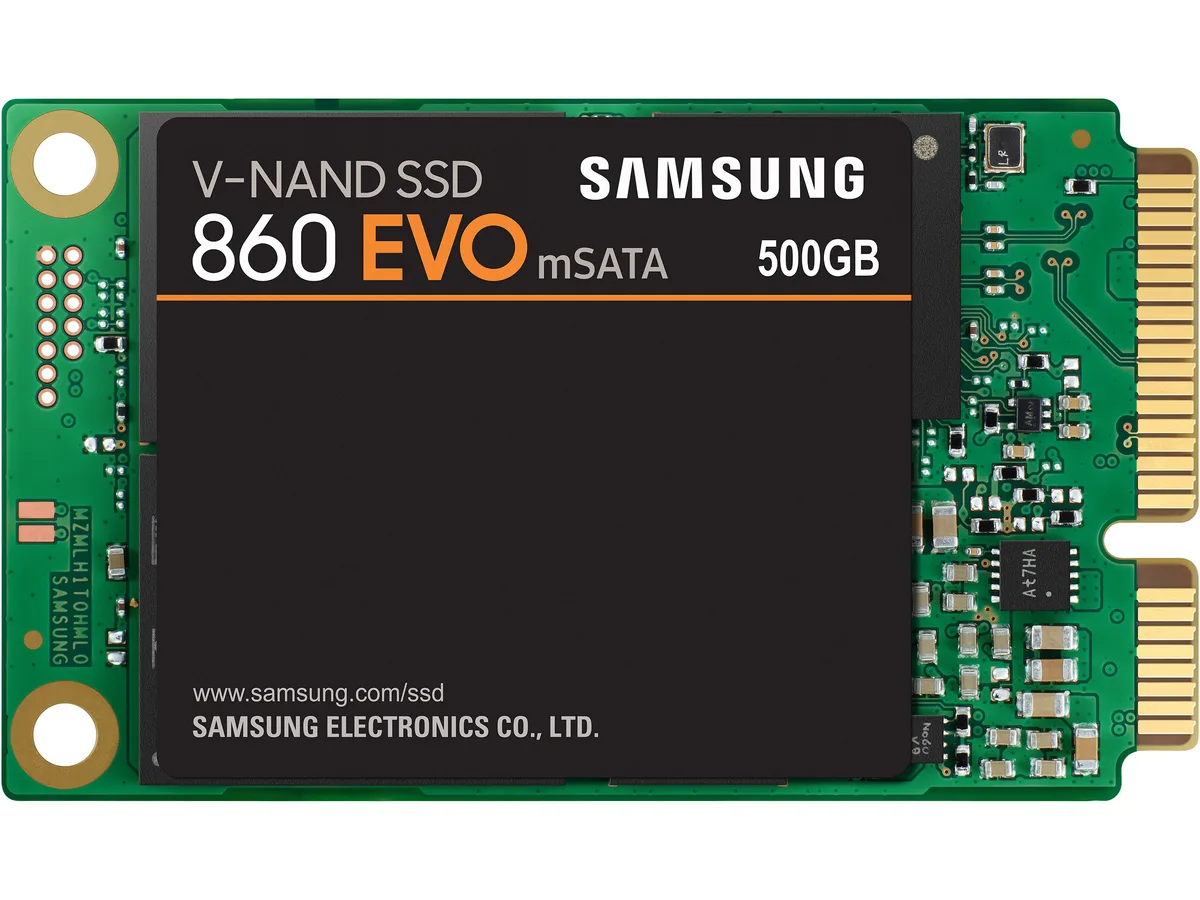
SAMSUNG 860 EVO mSATA 500GB SATA III internal SSD MZ-M6E500BW
- Internal Solid Stat…
- Consumer
US$247.99
0.00317395BTC
재고 있음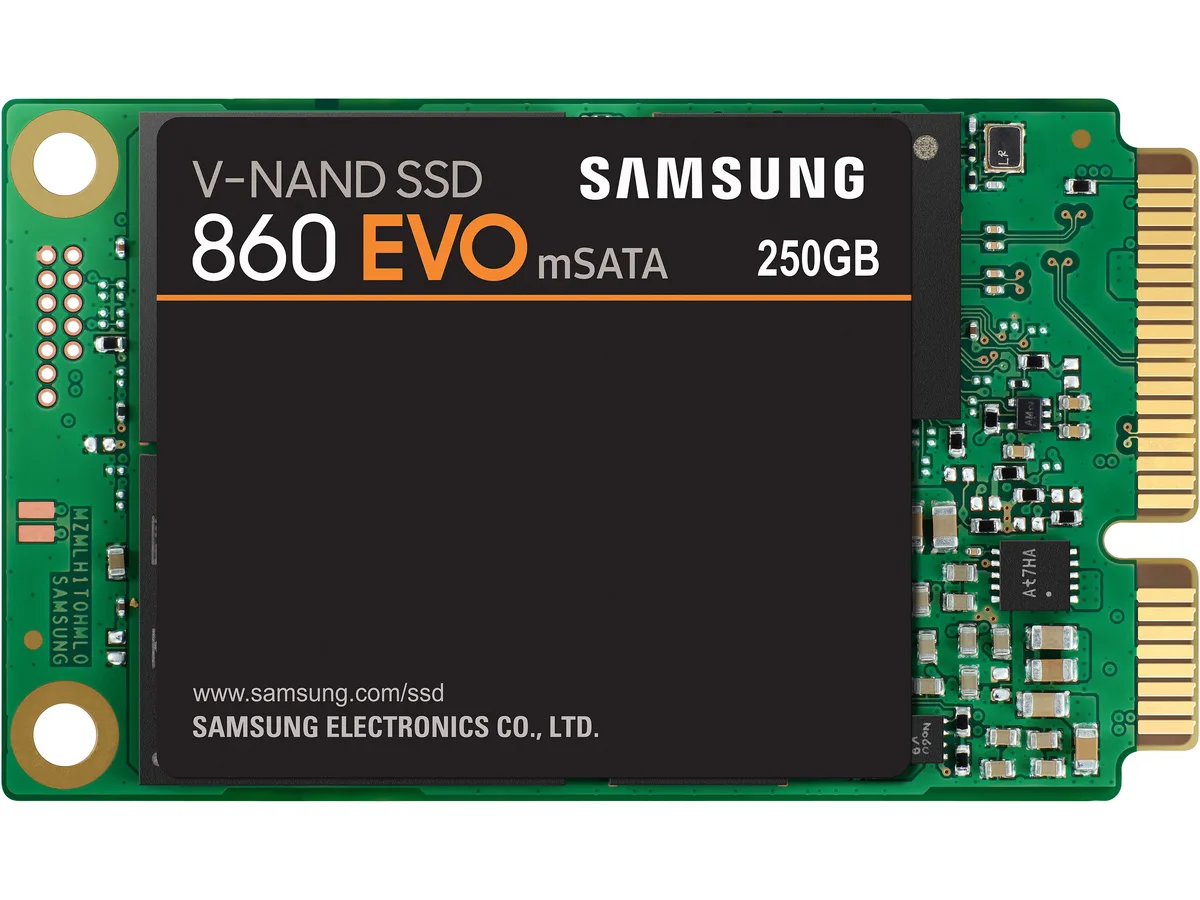


SAMSUNG
mSATA 250GB SATA III SSD with V-NAND 3-bit MLC, up to 550 MBps read and 520 MBps write, AES 256-bit encryption and 1,500,000-hour MTBF
The Samsung 860 EVO MZ-M6E250BW is a 250 GB internal solid-state drive built for consumer laptops and small-form-factor desktops that accept an mSATA module. It uses the SATA III interface and Samsung V-NAND 3-bit MLC memory to deliver solid-state responsiveness without a 2.5-inch bay.
The mSATA card plugs directly into a compatible slot on the motherboard, removing the need for drive cages or data cables. A Samsung MJX controller manages the flash, while Trim support, S.M.A.R.T. monitoring and an auto garbage-collection algorithm maintain consistent performance over the drive's life. AES 256-bit hardware encryption with TCG Opal and IEEE 1667 compliance protects data at rest.
Average active consumption is 2.2 W with a 4.5 W burst maximum, and the drive operates from 0 °C to 70 °C. With no moving parts it runs silently and withstands shocks of 1,500 G for 0.5 ms. The controller's device-sleep support further reduces energy use during idle periods, and a 1.5 million-hour MTBF rating reflects the design's durability.
| Brand | SAMSUNG |
|---|---|
| Series | 860 EVO Series |
| Model | MZ-M6E250BW |
| Part Number | MZ-M6E250 |
| Device Type | Internal Solid State Drive (SSD) |
| Used For | Consumer |
| Form Factor | mSATA |
| Capacity | 250GB |
| Memory Components | V-NAND 3-bit MLC |
| Interface | SATA III |
| Controller | Samsung MJX Controller |
| Max Sequential Read | Up to 550 MBps |
| Max Sequential Write | Up to 520 MBps |
| 4KB Random Read | Random (QD1): Up to 10,000 IOPS; Random (QD32): Up to 97,000 IOPS |
| 4KB Random Write | Random (QD1): Up to 42,000 IOPS; Random (QD32): Up to 88,000 IOPS |
| MTBF | 1,500,000 hours |
| Features | Trim Support: Yes AES Encryption: AES 256-bit Encryption (Class 0) TCG / Opal IEEE1667 (Encrypted drive) S.M.A.R.T. Support: Yes GC (Garbage Collection): Auto Garbage Collection Algorithm WWN Support: World Wide Name supported Device Sleep Mode Support: Yes Software: Magician Software for SSD management |
| Power Consumption (Active) | Average: 2.2W Maximum: 4.5W (Burst mode) |
| Operating Temperature | 0°C ~ +70°C |
| Max Shock Resistance | 1,500G & 0.5 ms (Half sine) |
| Height | 4.83mm |
| Width | 29.97mm |
| Depth | 50.80mm |
| Weight | 81.65g |
| Package Content | SSD only ( new - 0 days, 0 hours) in plastivc case, no retail box or other papers |
이 모델의 다른 버전
같은 제품군에서 메모리·쿨러·클럭이 다릅니다 — 결정 전에 비교해 보세요.
The SATA III link caps real-world throughput at 550 MBps read and 520 MBps write, so the Samsung MJX controller cannot exceed those figures even though the V-NAND 3-bit MLC flash is faster.
It needs a standard mSATA connector (full-size, not half-size) and a 70 °C operating-temperature envelope, so the motherboard or adapter must expose a full mSATA socket with adequate airflow.
After physical insertion, enable AHCI in the BIOS, partition the 250 GB volume in the OS, then run Samsung Magician to activate TRIM, AES 256-bit encryption and the TurboWrite cache — the Magician step is the one most often missed.
이 진열대의 다른 상품
같은 진열대, 같은 체크아웃 — 코인 8종, 환율 잠금 30분.
결제할 코인과 가격을 확인할 통화입니다.
체크아웃 시 지갑에서 전송됩니다.
표시 전용 — 카탈로그 가격은 달러 기준입니다.
일치하는 통화가 없습니다.
사이트에서 사용할 언어를 선택하십시오.
일치하는 언어가 없습니다.
처음 방문하셨나요?
이미 계정이 있으신가요?
자동 재설정 기능은 없습니다. 이 쇼핑몰은 어떠한 메일도 보내지 않으므로 요청할 일회용 링크 자체가 없습니다. 계정에 등록된 이메일 주소를 그대로 두시면 담당자가 직접 확인해 처리합니다.
요청 접수
받은편지함으로 오는 것은 아무것도 없습니다 — 이 쇼핑몰은 메일을 전혀 보내지 않습니다. 담당자가 직접 확인해 처리합니다.
기억나셨나요?




