Synology Inc.
Synology Inc. DS225+ 2-bay NAS 2GB DDR4
- Desktop NAS
- 2 x SATA (2 x Bay)
US$ 293,99
0.00365878BTC
Op voorraadWij accepteren cryptovaluta — zo kunnen de munten die u bezit echte hardware kopen.Betaal in crypto, besteed het aan echte hardware. Gratis verzekerde verzending wereldwijd vanaf $399. Neutrale dozen zonder merk, verzonden vanuit Duitsland.Gratis verzekerde verzending vanaf $399. Uw koers wordt 30 minuten vastgezet zodra het afrekenen begint.Koers 30 minuten vastgezet. Elk artikel is verzegeld, het serienummer wordt gecontroleerd, en het valt onder 24 maanden garantie.Verzegeld, 24 maanden garantie.


Synology Inc.
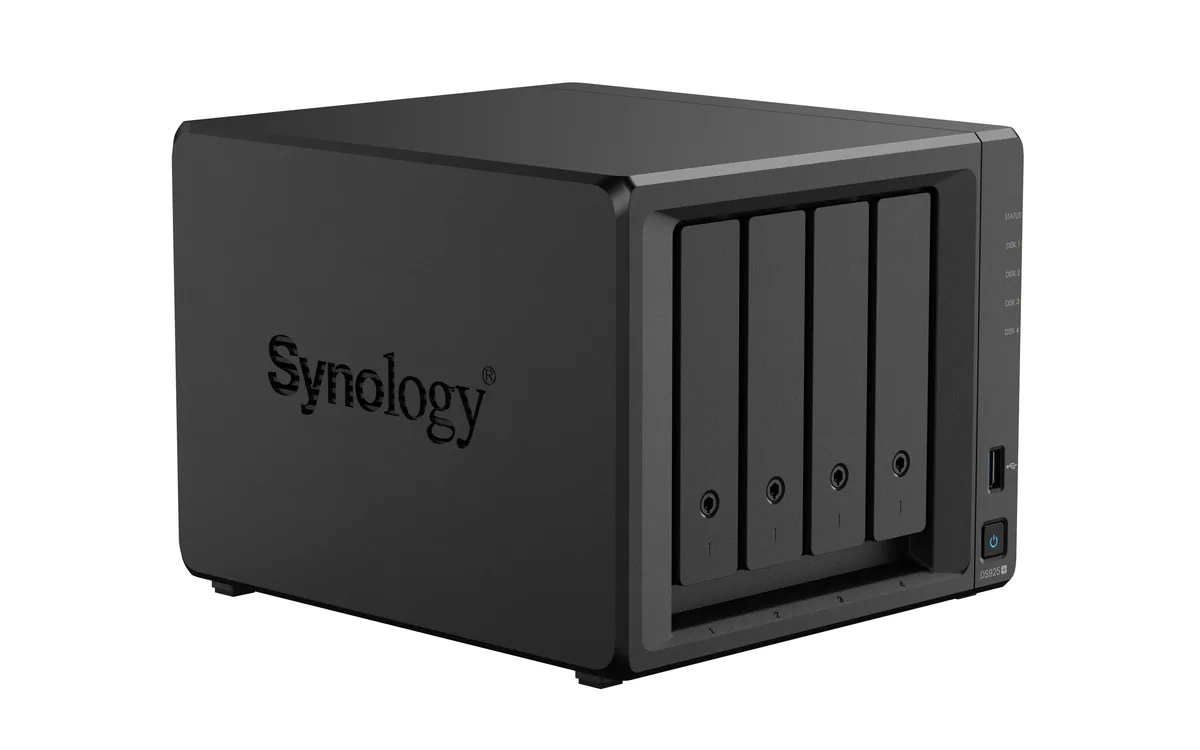
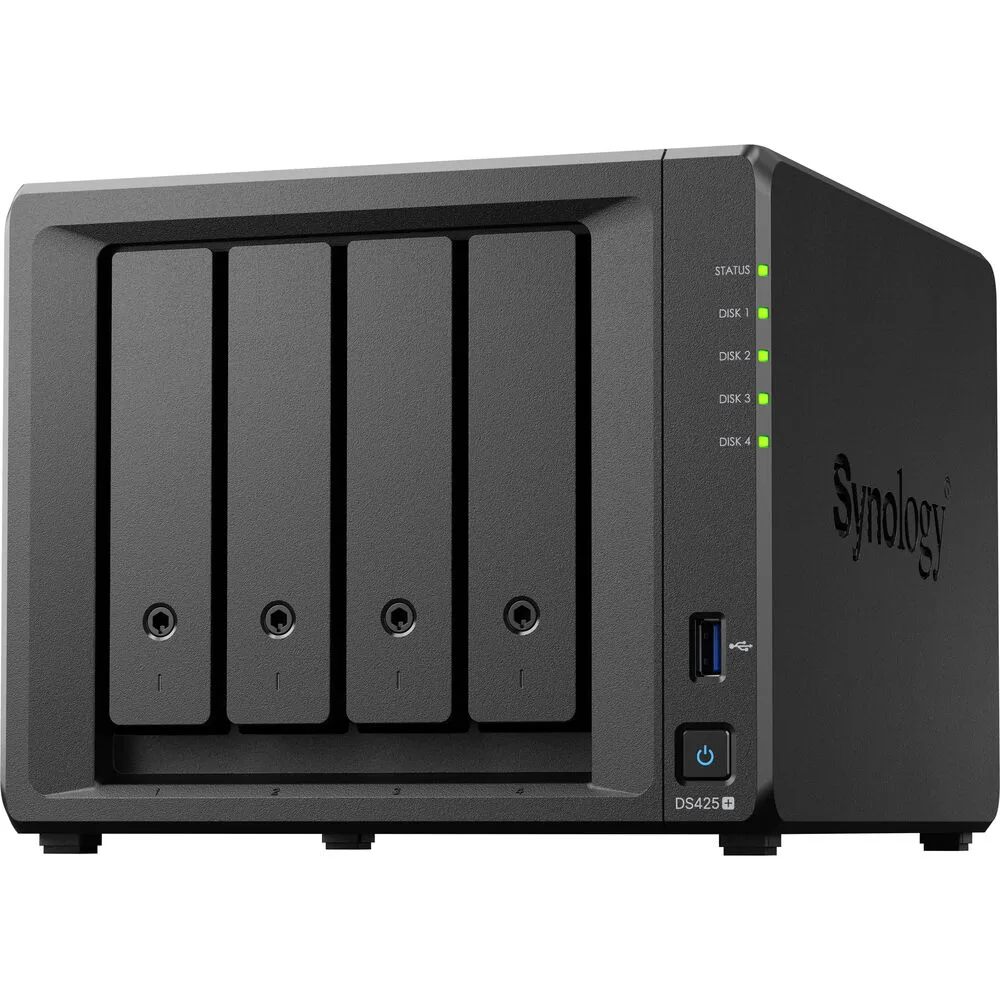
A four-bay desktop NAS with an Intel Celeron J4125 processor, 2 GB DDR4 memory expandable to 6 GB, one 2.5GbE and one 1GbE port, two USB 3.2 Gen 1 ports, and M.2 NVMe slots for SSD cache
The Synology DS425+ is a diskless four-bay desktop NAS powered by an Intel Celeron J4125 processor and 2 GB of DDR4 memory. It provides two USB 3.2 Gen 1 ports, one 2.5 GbE and one 1 GbE RJ-45 port, plus built-in M.2 NVMe slots for SSD cache. The unit supports SMB, NFS, iSCSI and other common file protocols for backup and media streaming.
This NAS fits users who want a compact, quiet appliance for personal cloud backup, media streaming and file sharing across Windows, macOS and Linux clients. The 2 GB of soldered memory plus one SODIMM slot allows expansion to 6 GB for heavier workloads. Buyers who require 10 GbE connectivity out of the box or more than four drive bays should consider other models.
The package includes the main unit, an accessory pack, an AC power adapter, an AC power cord and two RJ-45 LAN cables. These items let you connect both network ports and power the device without extra purchases. No drives are included, so you must supply your own SATA hard drives or SSDs to begin storing data.
| Brand | Synology |
|---|---|
| Series | DiskStation |
| Model | DS425+ |
| Type | Desktop NAS |
| Ports | 2 x USB 3.2 Gen 1 ports |
| HDD Interface | 4 x SATA (4 x Bay) |
| Form Factor | 4-bay;2GB DDR4 non-ECC |
| Processor | Intel Celeron J4125 |
| Installed Memory | 4-bay;2GB DDR4 |
| Max Memory Capacity | 6 GB (2 GB + 4 GB) |
| Memory Slot | 2 x DDR4 SODIMM |
| Included HDD Capacity | Diskless System |
| Supported Protocols | SMB1 (CIFS), SMB2, SMB3, NFSv3, NFSv4, NFSv4.1, NFS Kerberized sessions, iSCSI, HTTP, HTTPs, FTP, SNMP, LDAP, CalDAV |
| Power | 100V to 240V AC |
| Temperature | Operating Temperature : 0°C to 40°C (32°F to 104°F) Storage Temperature : -20°C to 60°C (-5°F to 140°F) |
| Humidity | 5% to 95% RH |
| Features | 5% to 95% RH |
| Usage | Backup & stream media through personal cloud |
| Dimensions | 11.26" x 9.45" x 10.08" |
| Weight | 7.72lbs |
| Package Contents | Main Unit X 1 Accessory Pack X 1 AC Power Adapter X 1 AC Power Cord X 1 RJ-45 LAN Cable X 2 |
| Verzendgewicht | 3.63 kg |
| Pakketafmetingen | 284 × 259 × 241 mm |
Andere versies van dit model
Dezelfde familie, met ander geheugen, andere koeler of kloksnelheid — vergelijk voordat u beslist.
The unit ships diskless, so you must supply up to four 3.5" or 2.5" SATA drives that will occupy the four drive bays.
The 2.5 GbE port will negotiate down to 1 GbE when connected to a 1 GbE switch, while the second RJ-45 port already runs at 1 GbE.
Open DSM Storage Manager, select the SSD Cache section, and verify the installed M.2 NVMe modules show a "Normal" status with read/write cache enabled.
Ook in deze afdeling
Dezelfde afdeling, dezelfde kassa — acht munten en een koers die 30 minuten vaststaat.
Waarmee u betaalt, en waarin u de prijzen leest.
Verzonden vanuit uw wallet bij het afrekenen
Alleen ter weergave — de catalogus is geprijsd in USD
Geen valuta gevonden.
Kies de taal waarin de site met u spreekt.
Nieuw hier?
Al een account?
Er is geen automatisch herstel: deze winkel verstuurt geen e-mail, dus er is geen eenmalige link om aan te vragen. Laat het adres op het account achter en het wordt handmatig opgepakt.
Verzoek genoteerd
Er is niets onderweg naar uw inbox — deze winkel verstuurt helemaal geen e-mail. Iemand pakt dit handmatig op.
Weet u het weer?