Synology Inc.
Synology Inc. DS225+ 2-bay NAS 2GB DDR4
- Desktop NAS
- 2 x SATA (2 x Bay)
$293.99
0.00374963BTC
In stockWe take cryptocurrency — so the coins you hold can buy real hardware.Pay in crypto, spend it on real hardware. Free insured shipping worldwide over $399. Plain, unbranded boxes, sent from Germany.Free insured shipping over $399. Your rate is locked for 30 minutes once checkout opens.Rate locked 30 minutes. Every item sealed, serial-checked and covered by a 24-month warranty.Sealed, 24-month warranty.


Synology Inc.
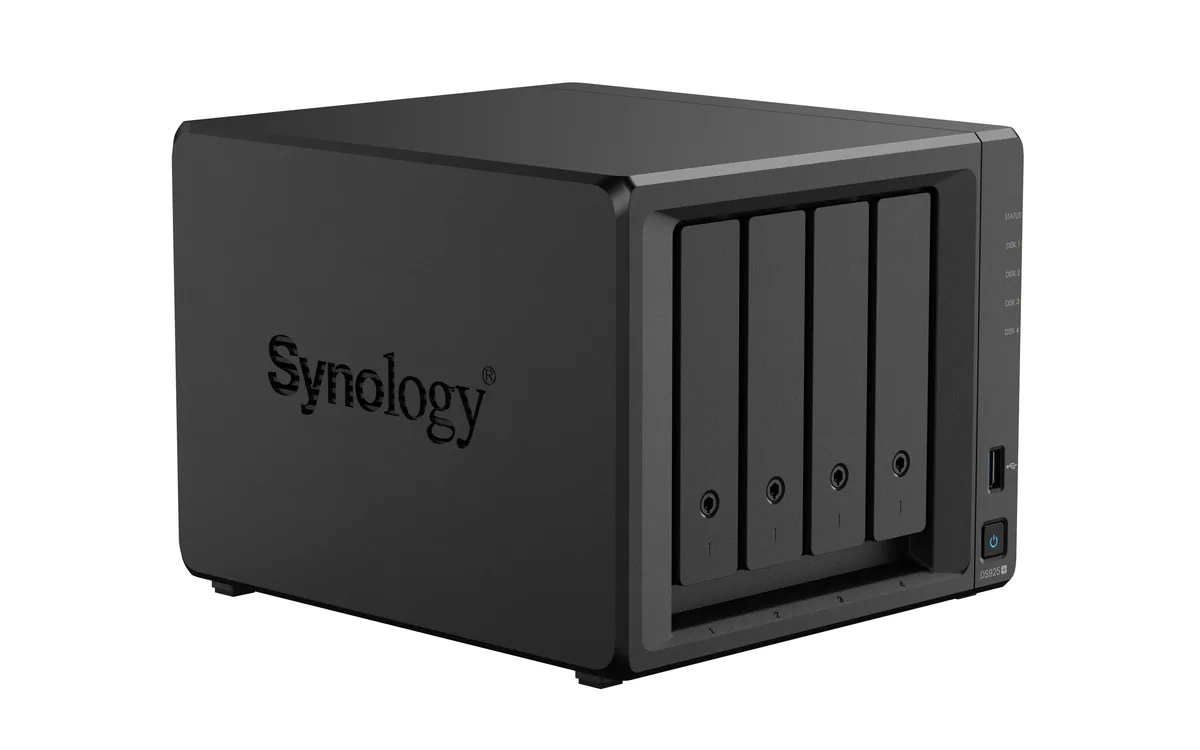
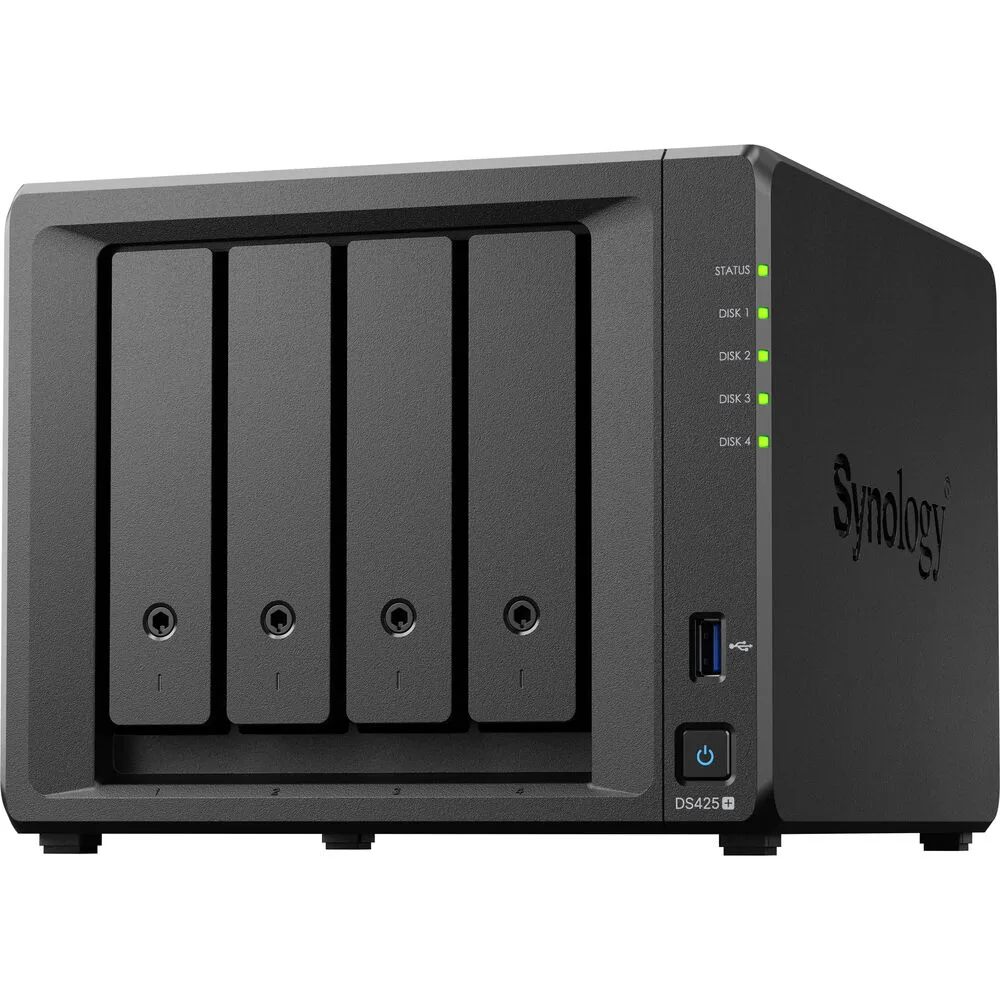
A four-bay desktop NAS with an Intel Celeron J4125 processor, 2 GB DDR4 memory expandable to 6 GB, one 2.5GbE and one 1GbE port, two USB 3.2 Gen 1 ports, and M.2 NVMe slots for SSD cache
The Synology DS425+ is a diskless four-bay desktop NAS powered by an Intel Celeron J4125 processor and 2 GB of DDR4 memory. It provides two USB 3.2 Gen 1 ports, one 2.5 GbE and one 1 GbE RJ-45 port, plus built-in M.2 NVMe slots for SSD cache. The unit supports SMB, NFS, iSCSI and other common file protocols for backup and media streaming.
This NAS fits users who want a compact, quiet appliance for personal cloud backup, media streaming and file sharing across Windows, macOS and Linux clients. The 2 GB of soldered memory plus one SODIMM slot allows expansion to 6 GB for heavier workloads. Buyers who require 10 GbE connectivity out of the box or more than four drive bays should consider other models.
The package includes the main unit, an accessory pack, an AC power adapter, an AC power cord and two RJ-45 LAN cables. These items let you connect both network ports and power the device without extra purchases. No drives are included, so you must supply your own SATA hard drives or SSDs to begin storing data.
| Brand | Synology |
|---|---|
| Series | DiskStation |
| Model | DS425+ |
| Type | Desktop NAS |
| Ports | 2 x USB 3.2 Gen 1 ports |
| HDD Interface | 4 x SATA (4 x Bay) |
| Form Factor | 4-bay;2GB DDR4 non-ECC |
| Processor | Intel Celeron J4125 |
| Installed Memory | 4-bay;2GB DDR4 |
| Max Memory Capacity | 6 GB (2 GB + 4 GB) |
| Memory Slot | 2 x DDR4 SODIMM |
| Included HDD Capacity | Diskless System |
| Supported Protocols | SMB1 (CIFS), SMB2, SMB3, NFSv3, NFSv4, NFSv4.1, NFS Kerberized sessions, iSCSI, HTTP, HTTPs, FTP, SNMP, LDAP, CalDAV |
| Power | 100V to 240V AC |
| Temperature | Operating Temperature : 0°C to 40°C (32°F to 104°F) Storage Temperature : -20°C to 60°C (-5°F to 140°F) |
| Humidity | 5% to 95% RH |
| Features | 5% to 95% RH |
| Usage | Backup & stream media through personal cloud |
| Dimensions | 11.26" x 9.45" x 10.08" |
| Weight | 7.72lbs |
| Package Contents | Main Unit X 1 Accessory Pack X 1 AC Power Adapter X 1 AC Power Cord X 1 RJ-45 LAN Cable X 2 |
| Shipping weight | 3.63 kg |
| Package size | 284 × 259 × 241 mm |
Other versions of this model
Same family, different memory, cooler or clock — compare before you commit.
The unit ships diskless, so you must supply up to four 3.5" or 2.5" SATA drives that will occupy the four drive bays.
The 2.5 GbE port will negotiate down to 1 GbE when connected to a 1 GbE switch, while the second RJ-45 port already runs at 1 GbE.
Open DSM Storage Manager, select the SSD Cache section, and verify the installed M.2 NVMe modules show a "Normal" status with read/write cache enabled.
Also in this aisle
Same shelf, same checkout — eight coins and a 30-minute rate lock.
What you pay in, and what you read prices in.
Sent from your wallet at checkout
Display only — the catalogue is priced in USD
No currency matches that.
Pick the language the site speaks to you in.
New here?
Already have one?
There is no automatic reset: this shop sends no mail, so there is no one-time link to ask for. Leave the address on the account and it gets picked up by hand.
Request noted
Nothing is on its way to your inbox — this shop sends no mail at all. Someone picks these up by hand.
Remembered it?